
Quiz Management System
The Quiz Management System is designed to digitize and enhance the process of assessment creation and delivery across academic, corporate, and training ecosystems.
Its main purpose is to:
- Design engaging quizzes with versatile question types
- Set precise control over timing and scoring
- Monitor participants and track quiz sessions in real-time
- Generate instant feedback and detailed performance reports
- Enable multi-user access with role-based workspace segregation
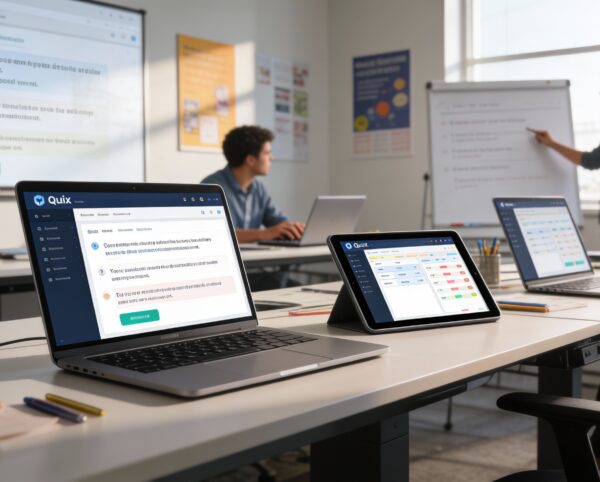
Transforming Assessments with Smarter, Faster, and More Insightful Quiz Management
Traditional assessments often struggle with time-consuming setup, inconsistent grading, poor visibility, and limited scalability across teams or departments. This system eliminates those challenges by centralizing quiz creation, question management, real-time monitoring, and instant analytics into one intelligent platform. With flexible question formats, automated scoring, customizable configurations, and segmented workspaces, it empowers educators, trainers, and organizations to deliver accurate, engaging, and data-driven evaluations. Whether managing classrooms, corporate training, or multi-client operations, every step becomes faster, clearer, and more efficient, unlocking modern assessment at any scale.
Quiz Management System

Quiz Builder Interface
Learn moreQuestion Repository
Learn moreQuiz Configuration
Learn moreParticipation Tracking
Learn moreReporting & Analytics
Learn moreMulti-Type Question Support
Learn moreWorkspace Management
Learn moreSmart Quiz Management Tools
Access a set of streamlined tools that simplify quiz creation, organization, tracking, and analysis, making assessments faster, clearer, and more efficient.
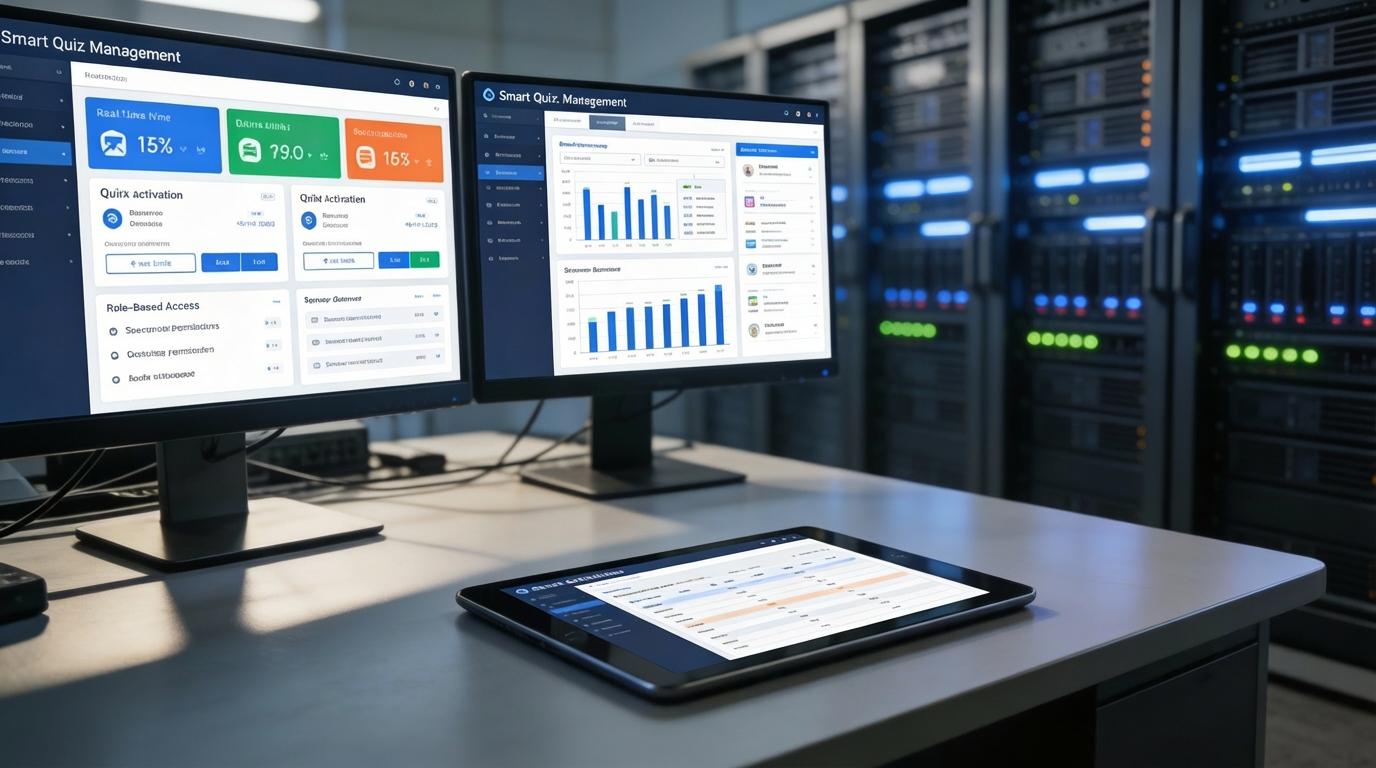
📋 1. Smart Quiz Management
Easily control every aspect of your assessments through a centralized dashboard designed for speed and clarity. Activate, schedule, and secure quizzes with precision while maintaining complete visibility over all running and upcoming evaluations.
Key Capabilities:
- ✅ Instantly activate or deactivate quizzes
- 🕒 Set time limits and quiz durations
- 🗄️ Centralize access and management for all quizzes
- 🔐 Assign role-based permissions for access control
🛠️ 2. Fully Customizable Quiz Creation
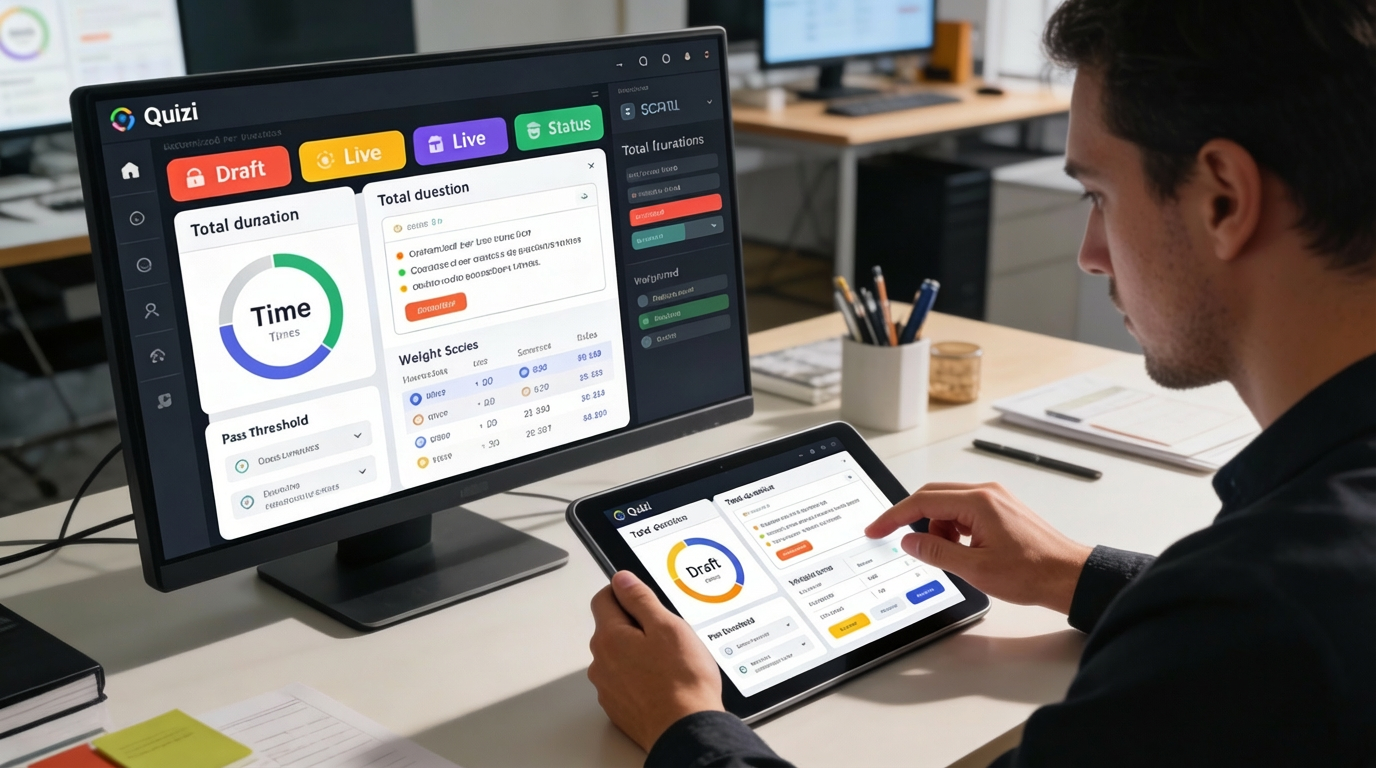
Build quizzes that fit any learning objective with flexible timers, scoring rules, and status indicators. Every element, from pass thresholds to color-coded progress markers can be tuned to match training needs or academic standards.
Key Capabilities:
- 🕓 Configure per-question timers and total duration
- 🏷️ Use color tags for status indication (e.g., Draft, Live)
- 🎯 Define pass marks and weighted scoring rules
🗃️ 3. Centralized Question Organization
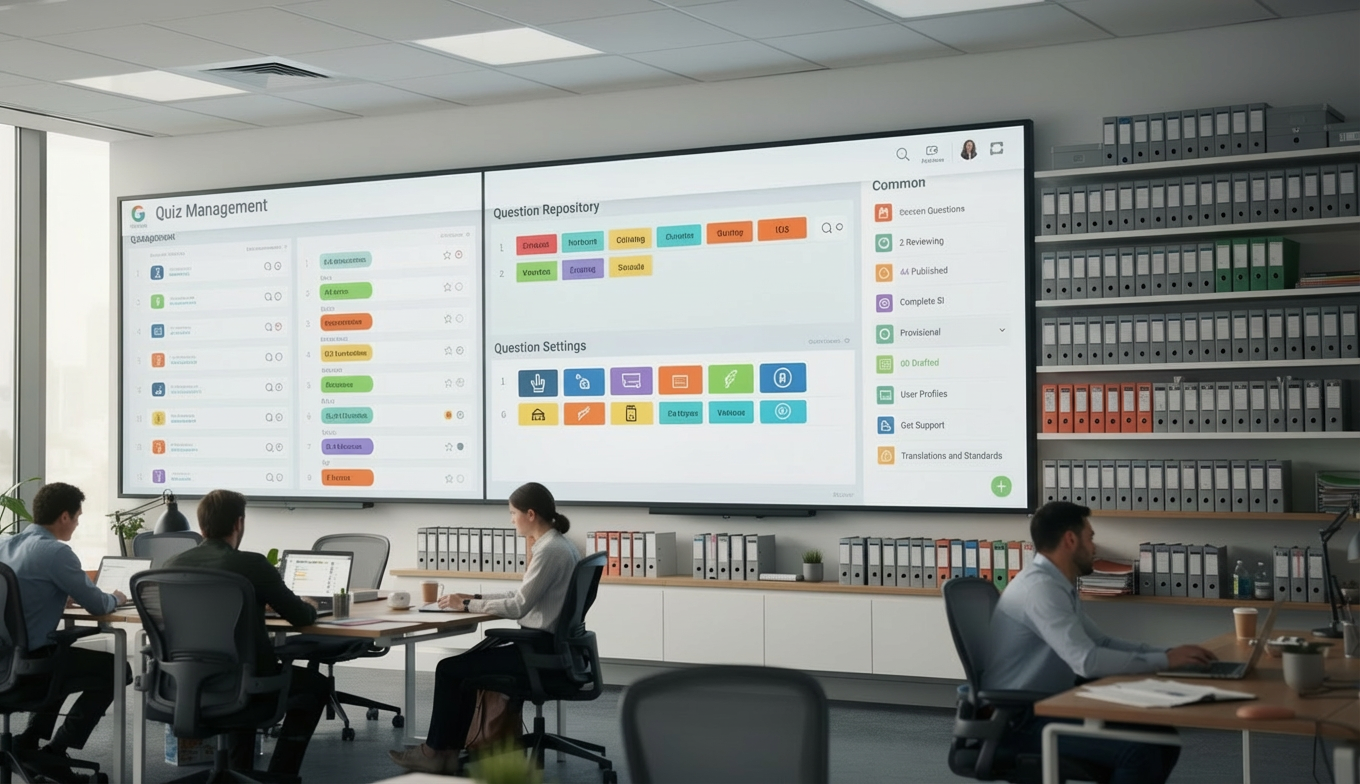
Keep all questions structured in a unified repository that makes content reuse effortless. Tags, categories, and difficulty indicators help educators and trainers quickly locate and repurpose content across multiple quizzes.
Key Capabilities:
- 📁 Store all questions in categorized repositories
- 🔁 Reuse and link questions across quizzes
- 🧩 Tag questions by difficulty, topic, or purpose
🧠 4. Flexible & Engaging Question Formats
Design dynamic assessments using multiple-choice items, true/false prompts, short responses, or file uploads. Support deeper learning with optional hints, explanations, and weighted scoring that adapts to student skill levels.
Key Capabilities:
- ✅ Mix multiple-choice, true/false, short answer, and file uploads
- 🧩 Add hints and explanations for learning feedback
- 📊 Assign individual score weights for adaptive testing
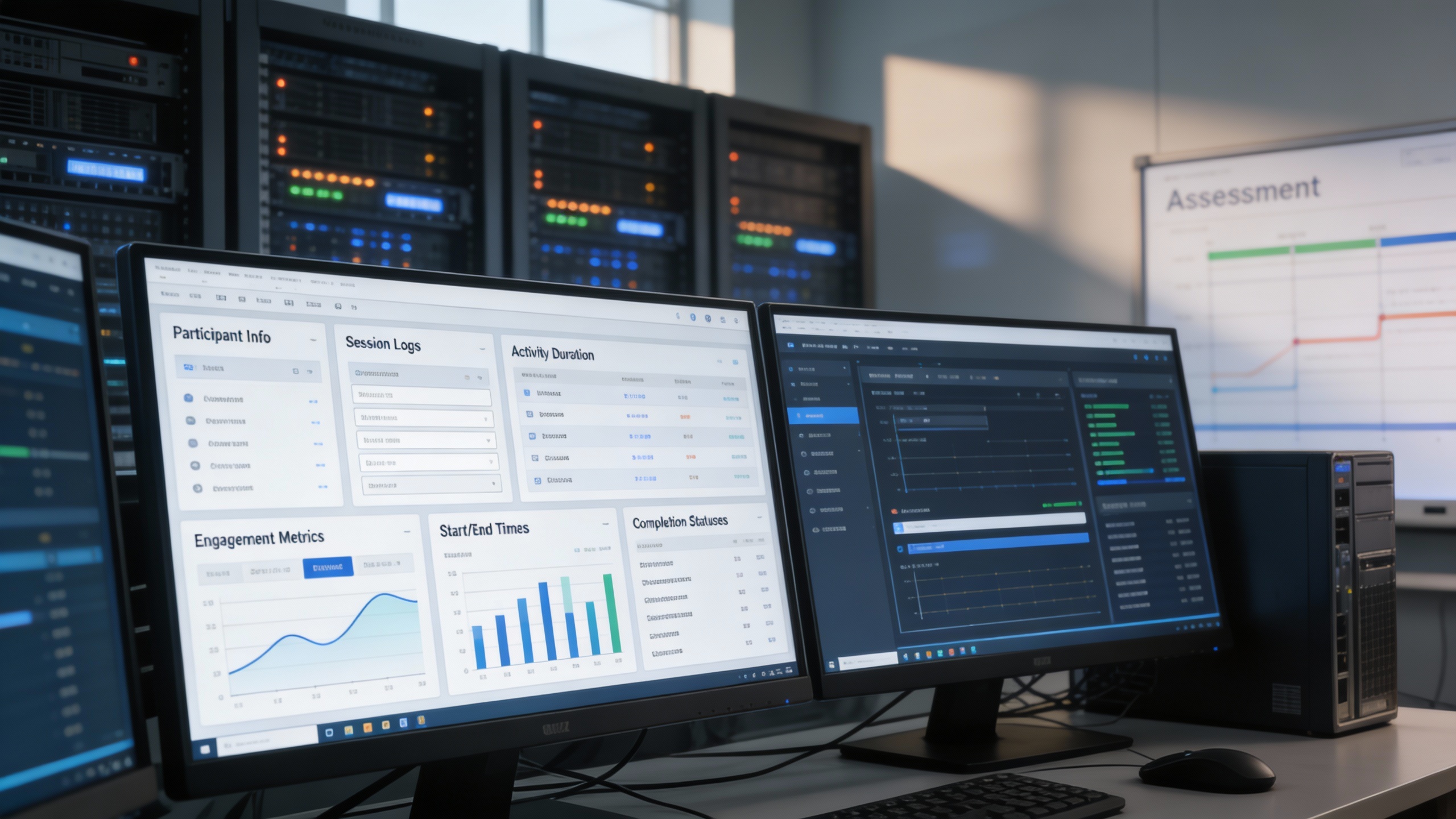
👁️ 5. Real-Time Participant Monitoring
Track each participant’s progress as it happens with detailed session logs and activity timestamps. View answer behavior, accuracy trends, and overall engagement to identify learning gaps instantly.
Key Capabilities:
- 🧑 View participant info, session logs, and activity duration
- 🔍 Track accuracy and engagement across questions
- 📅 Log start/end times and completion statuses
📨 6. Instant Feedback & Reports
Deliver immediate results with automated grading that removes manual work and speeds up evaluation cycles. Export detailed performance summaries and drill down into category-level insights for smarter teaching or training decisions.
Key Capabilities:
- ⚙️ Auto-grade quizzes upon submission
- 📈 Export group/individual performance reports
- 🔎 Analyze trends by category, time, and scoring metrics

🏢 7. Workspace Segmentation for Multi-User Access
Give every department, client, or instructor their own isolated workspace for secure, independent quiz management. Each environment includes separate permissions, content control, and analytics, ensuring scalability for organizations of any size.
Key Capabilities:
- 👨👩👧👦 Assign isolated environments for each user/team
- 🔐 Enable private quiz creation and access control
- 💼 Perfect for SaaS businesses, schools, and corporations

Who Can Benefit from the System?
🏫 Educational Institutions
A flexible assessment system built for schools, trainers, HR teams, and learning platforms, enabling faster quiz setup, automated grading, and real-time performance insights across any environment.
Overview:
Key Benefits:
🏢 Corporate Training Teams
Overview:
Key Benefits:
💻 E-Learning Platforms
Overview:
Key Benefits:
🧑💼 HR & Learning & Development Teams
Overview:
Key Benefits:
🌐 SaaS Providers & Organizations with Multi-Tenant Needs
Overview:
Key Benefits:
TRUSTED BY 100+ HAPPY CUSTOMERS






Item 1 of 6
Item 1 of 6
Item 1 of 6
Latest insights and updates on technology trends and innovations






Item 1 of 6
Ready To Transform Your Business? Book a Free Consultation
Leave your email below to start a new project journey with us. Let’s shape the future of your business together.