
Digital Certificate Management System
The Digital Certificate Management System is purpose-built to empower organizations with a reliable and efficient method of issuing professional certificates. By combining creative design capabilities with automated personalization and structured distribution workflows, the system provides the tools needed to maintain accuracy, unify branding, and ensure scalability for certificate programs of any size.
Its main purpose is to:
- Simplify certificate design with customizable templates and visual elements
- Automate certificate personalization using dynamic user data fields
- Maintain consistency and brand alignment across all certificate types
- Provide secure storage for templates, assets, and issued certificates
- Enable hassle-free PDF generation for official documentation and distribution

Transforming Certificate Issuance Into a Seamless Digital Experience
Organizations often struggle with inconsistent certificate designs, manual data entry, scattered visual assets, and time-consuming distribution processes. The Digital Certificate Management System solves these challenges by unifying design workflows, automating personalization through dynamic fields, centralizing asset libraries, and generating high-quality PDFs instantly. With structured assignment tools, preview capabilities, and comprehensive storage for templates and issued records, the system enables accurate, efficient, and scalable certificate management for institutions, corporations, training providers, and organizations of any size.
Digital Certificate Management System

Template Designer
Learn moreDynamic Elements
Learn moreMedia Library
Learn moreCertificate Assignment
Learn morePDF Generator
Learn moreRecord Management
Learn morePreview Tools
Learn moreUnified Certificate Automation Platform
Create, personalize, and distribute professional certificates with automated tools, visual asset libraries, and high-quality PDF generation.
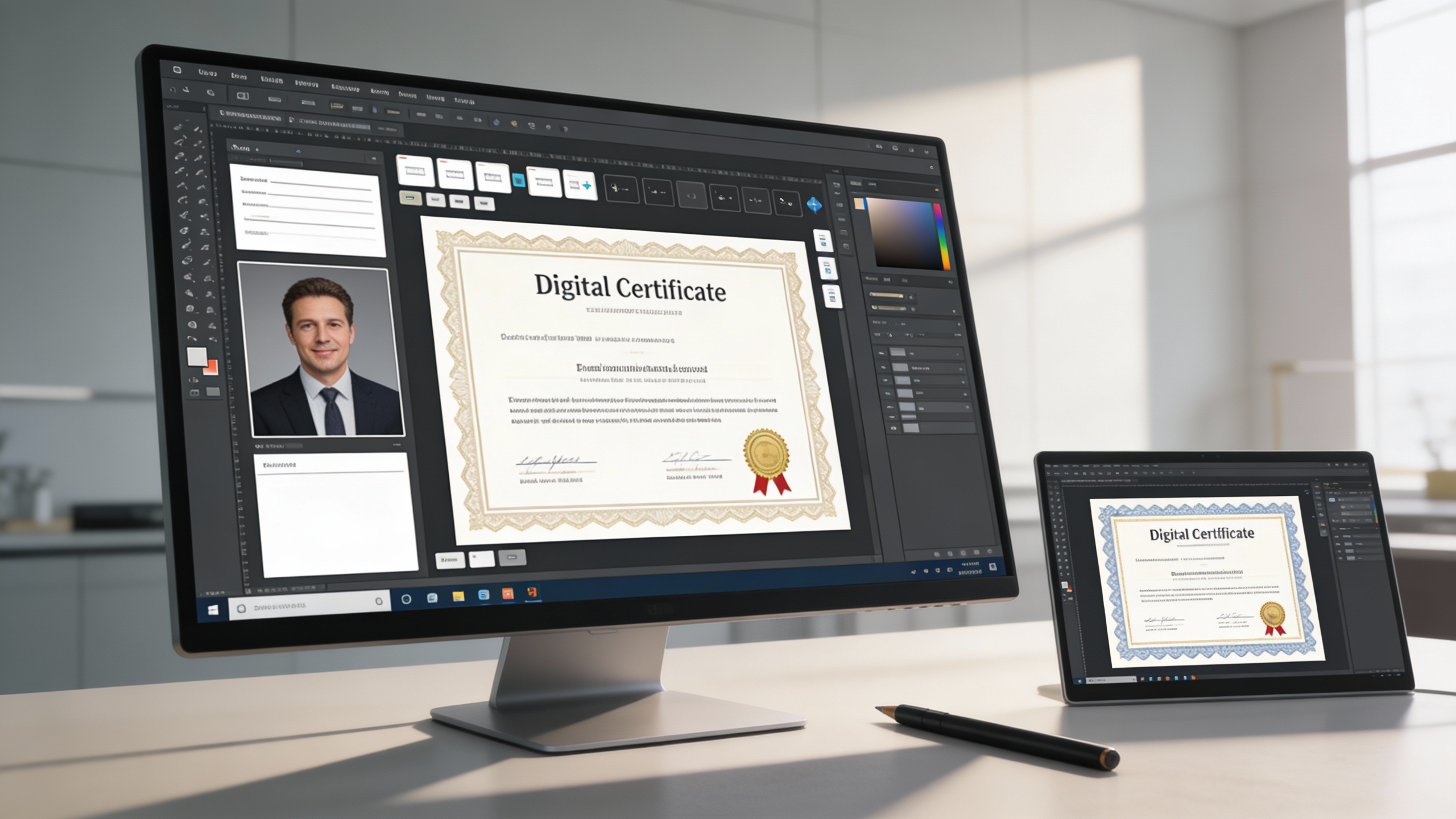
🎨 1. Advanced Template Designer Interface
Create stunning, personalized certificate layouts with a powerful drag-and-drop designer. Administrators can add text fields, images, borders, seals, backgrounds, and custom visual elements with full control over styling and placement. Templates can be created from scratch or updated from saved designs, ensuring easy reuse for different programs and events. The preview tool provides instant visual feedback, helping organizations perfect their certificate layouts before issuing them.
Key Capabilities:
- 🖋️ Custom layout creation with full creative control
- 🗂️ Reusable templates stored in a centralized library
- 👁️ Preview certificate designs before final use
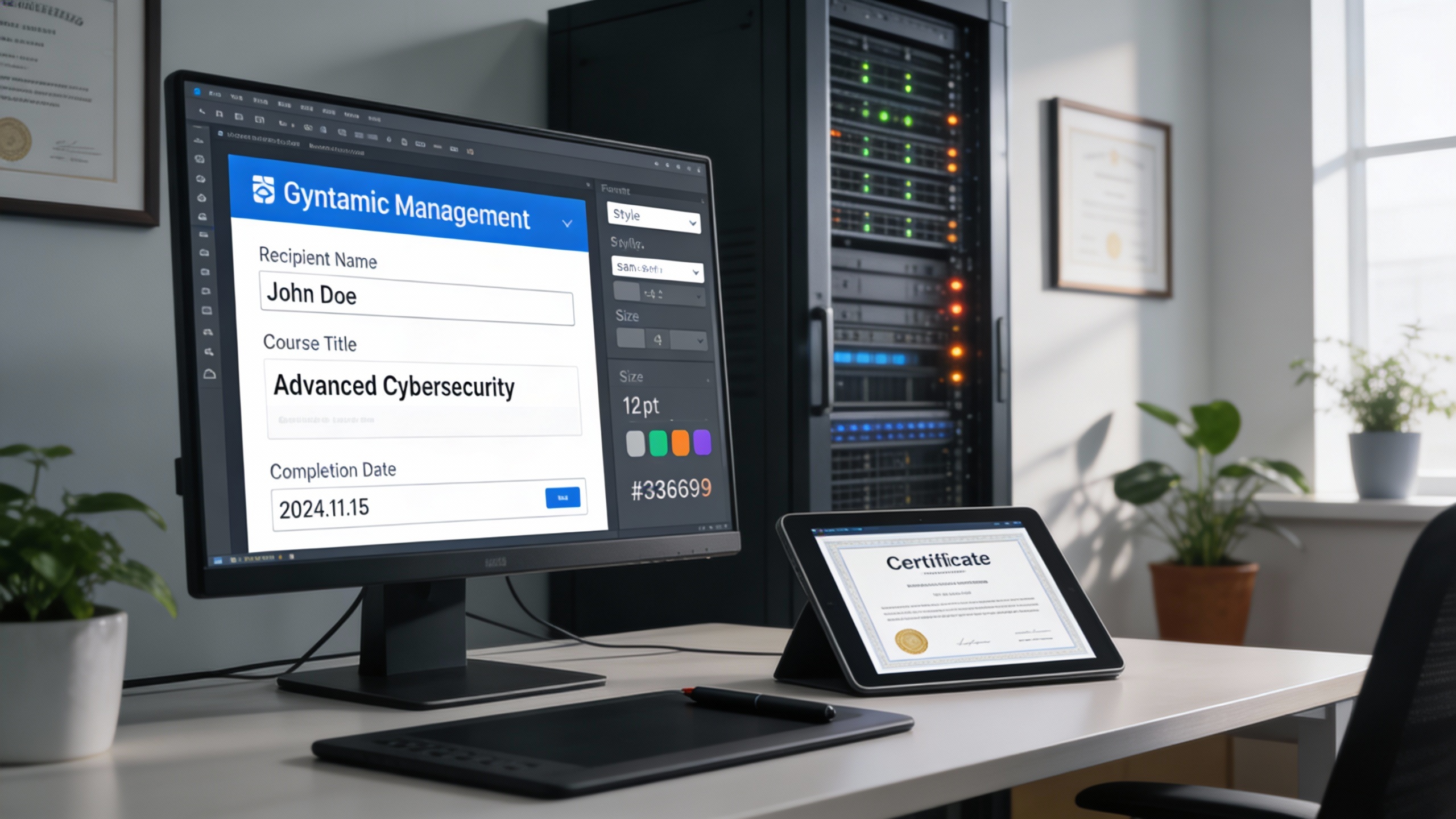
🔤 2. Sophisticated Dynamic Element Management System
Personalization becomes effortless with dynamic fields that automatically insert user-specific details. Administrators can define elements such as recipient name, course title, program name, grade, completion date, or instructor name. Each dynamic field can be styled and precisely positioned to match the certificate’s aesthetic, ensuring that all generated certificates maintain a polished and uniform appearance.
Key Capabilities:
- 🎯 Customizable dynamic fields for flexible personalization
- ✒️ Control font style, size, color, and positioning
- 📐 Intelligent element placement for consistently professional output
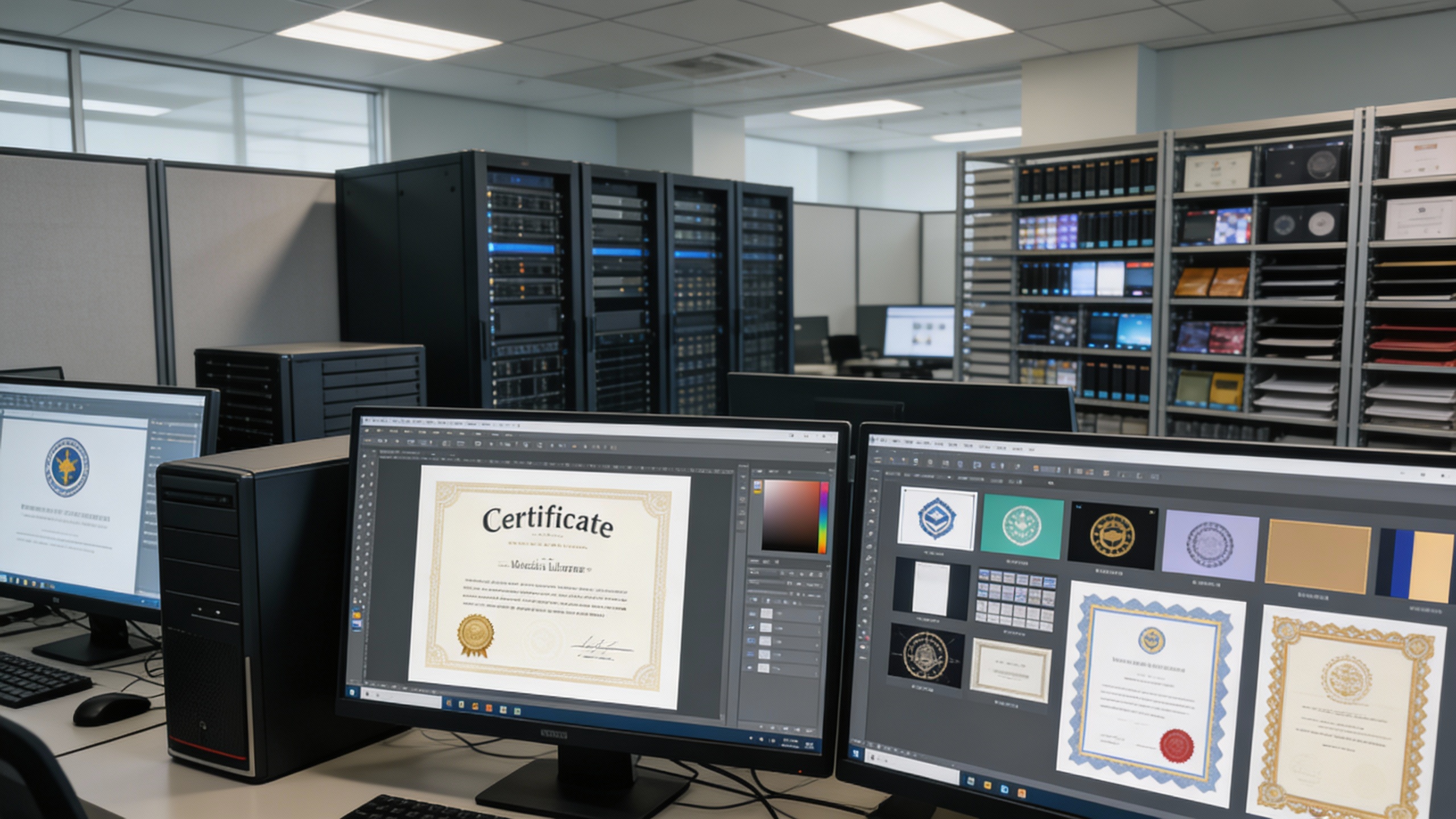
🖼️ 3. Comprehensive Media and Background Libraries
Store all visual assets in one organized repository. The media library supports high-resolution images including logos, backgrounds, stamps, seals, and decorative borders. Assets can be reused across multiple certificate designs, ensuring brand consistency while reducing repetitive upload tasks. Each image preserves its quality throughout design and PDF generation.
Key Capabilities:
- 🖼️ Organized library for efficient visual asset management
- 📁 Support for multiple file formats with high-quality rendering
- 🌄 Background management with preserved clarity and consistency
✅ 4. Streamlined Certificate Assignment and Generation
Assign certificates to individuals automatically based on user data such as program enrollment, course completion, event participation, or achievement milestones. Once assigned, the system merges dynamic fields with template visuals and produces a high-quality PDF ready for download, printing, or direct distribution. Custom notes or additional metadata can also be included when needed.
Key Capabilities:
- 🤖 Automated user data integration for certificate personalization
- 📄 Print-ready, high-resolution PDF generation
- ✏️ Optional customization of fields before finalization

🗂️ 5. Intuitive Grid View and Navigation System
Browse certificate templates with ease using a visually organized grid interface that displays thumbnails, titles, and quick-access controls. The grid system is optimized for large template libraries, allowing administrators to preview designs, compare multiple layouts, and quickly locate templates using advanced search and filtering tools.
Key Capabilities:
- 📚 Visual organization with real-time previews
- 🔍 Fast search and filtering for large template collections
- ⚡ Optimized navigation for efficient template management

Who Can Benefit from the System?
🎓 Educational Institutions
Organizations issuing academic, corporate, training, volunteer, or event certificates can automate workflows and maintain professional, branded results effortlessly.
Overview:
Key Benefits:
🏢 Corporate Training & HR Departments
Overview:
Key Benefits:
🏫 Professional Certification Bodies
Overview:
Key Benefits:
🤝 Non-Profit Organizations & NGOs
Overview:
Key Benefits:
🧪 Workshops, Bootcamps & Training Providers
Overview:
Key Benefits:
TRUSTED BY 100+ HAPPY CUSTOMERS






Item 1 of 6
Item 1 of 6
Item 1 of 6
Latest insights and updates on technology trends and innovations






Item 1 of 6
Ready To Transform Your Business? Book a Free Consultation
Leave your email below to start a new project journey with us. Let’s shape the future of your business together.