
Cleaning Management System
The Cleaning Management System is developed to bring structure, automation, and accountability to the cleaning service industry. By digitizing core operations, such as scheduling, inspections, invoicing, and complaint resolution. It provides cleaning companies with the tools they need to deliver consistent service quality and scale effectively.
Its main purpose is to:
- Centralize service bookings and client information
- Assign cleaning teams and manage shift schedules
- Ensure service quality through structured inspections
- Automate billing and payment tracking
- Record maintenance issues and request resolutions
- Monitor operational expenses for improved financial control
- Handle complaints transparently and professionally
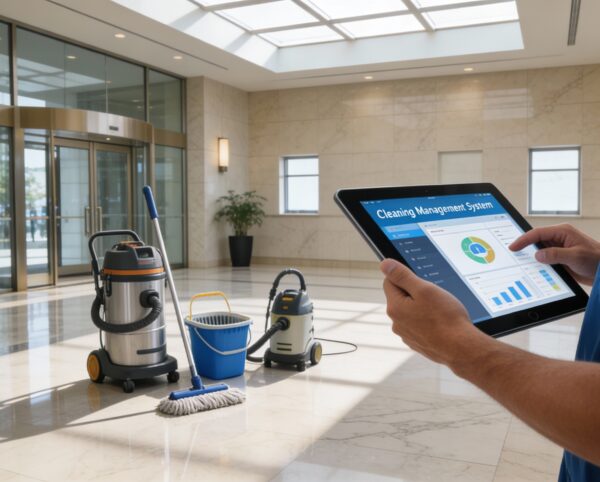
Unified Workflow Engine for Modern Cleaning Service Providers
Cleaning and facility service providers constantly struggle with scattered bookings, inconsistent team scheduling, manual inspections, delayed invoicing, unresolved complaints, and limited visibility over daily operations. These disconnected processes lead to miscommunication, service delays, revenue leakage, and poor customer satisfaction. Businesses need a smarter way to coordinate teams, track service quality, manage finances, and respond to customer issues, all in one streamlined platform.
Cleaning Management System

Booking Management
Learn moreTeam Scheduling
Learn moreInspection Logs
Learn moreInvoice System
Learn moreMaintenance Tracker
Learn moreComplaint Handling
Learn moreExpense Manager
Learn moreAdmin Dashboard
Learn moreUnified Cleaning Management
A single platform that streamlines bookings, scheduling, inspections, billing, maintenance, complaints, and expenses for smoother cleaning operations.
📆 1. Streamlined Booking System
A unified booking hub that lets admins manage client and walk-in appointments with complete clarity. It ensures every job is accurately scheduled, tracked, and linked to the right team in real time.
Key Capabilities:
- 📋 Capture customer and service details including location, time, and preferences
- 👥 Assign teams to jobs directly from the dashboard
- 📍 Track booking status and cleaning location progress
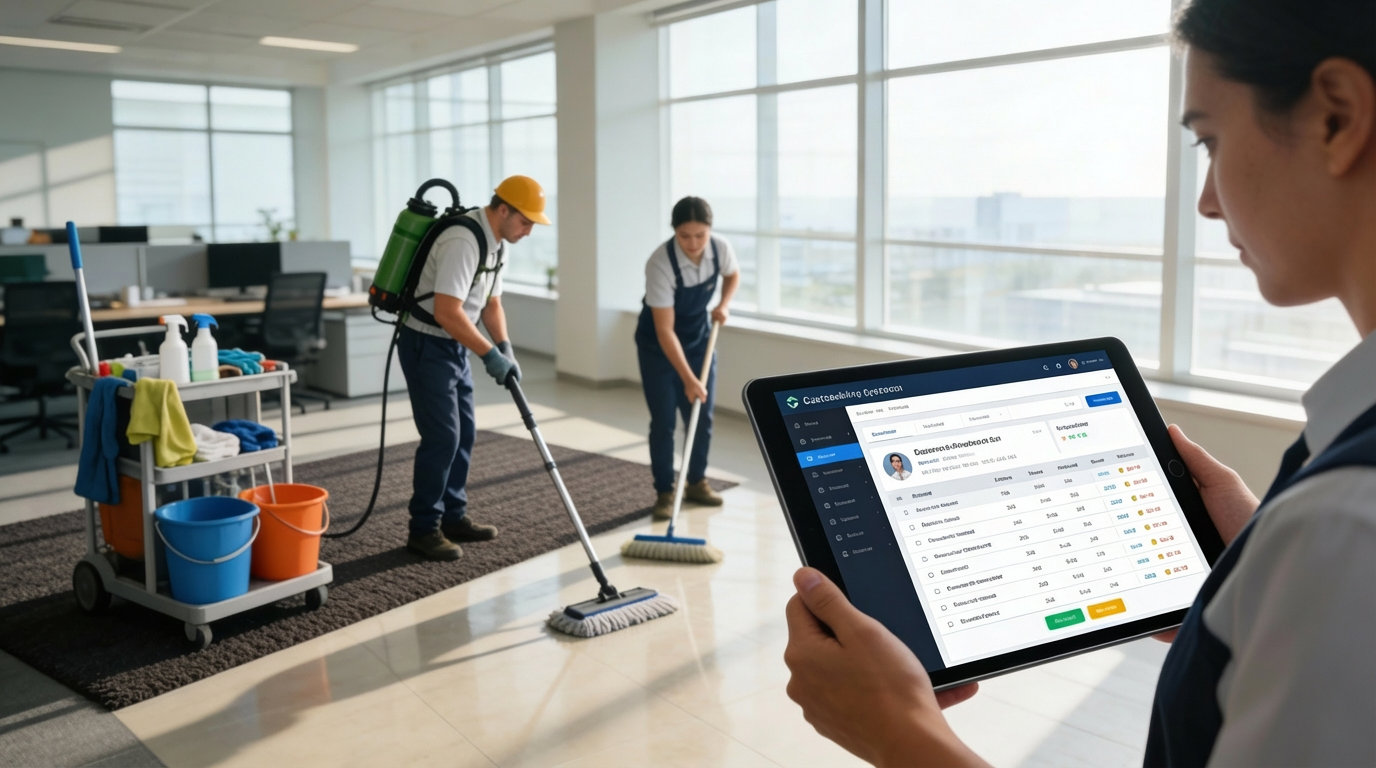
👷 2. Smart Team Management
Assign cleaning teams efficiently using structured shift scheduling and automated patterns. The system ensures the right staff are matched to the right jobs for consistent service quality.
Key Capabilities:
- 📅 Create and manage team schedules
- 🔁 Enable recurring shift patterns for regular jobs
- 🧾 Link team members to specific bookings for accountability
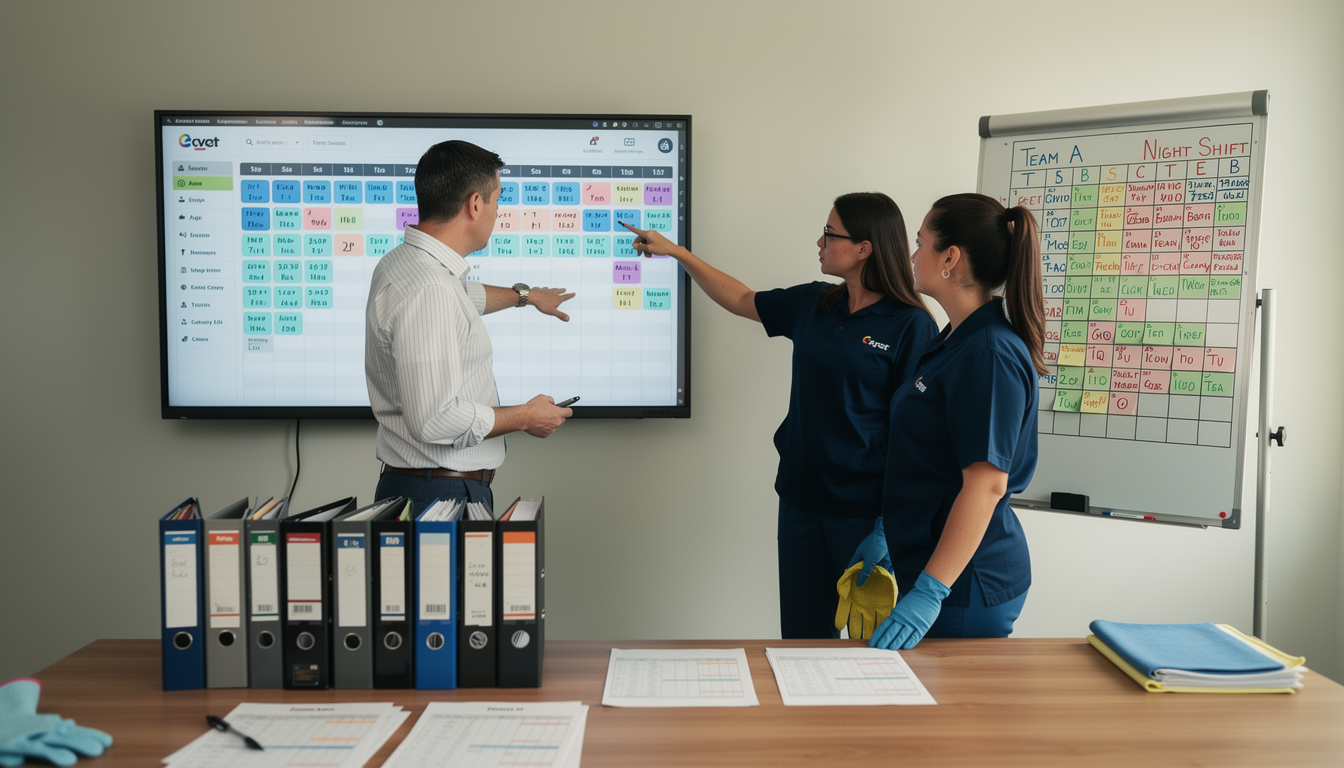
🧽 3. Quality Inspections
Maintain standards with inspection logs that capture cleaning outcomes, images, and timestamps. Each inspection automatically updates job status and triggers follow-up actions like invoicing.
Key Capabilities:
- 📸 Log inspection status (Cleaned/Dirty)
- 📌 Automate invoice creation after inspection completion
- 📊 Maintain historical quality logs for each workspace

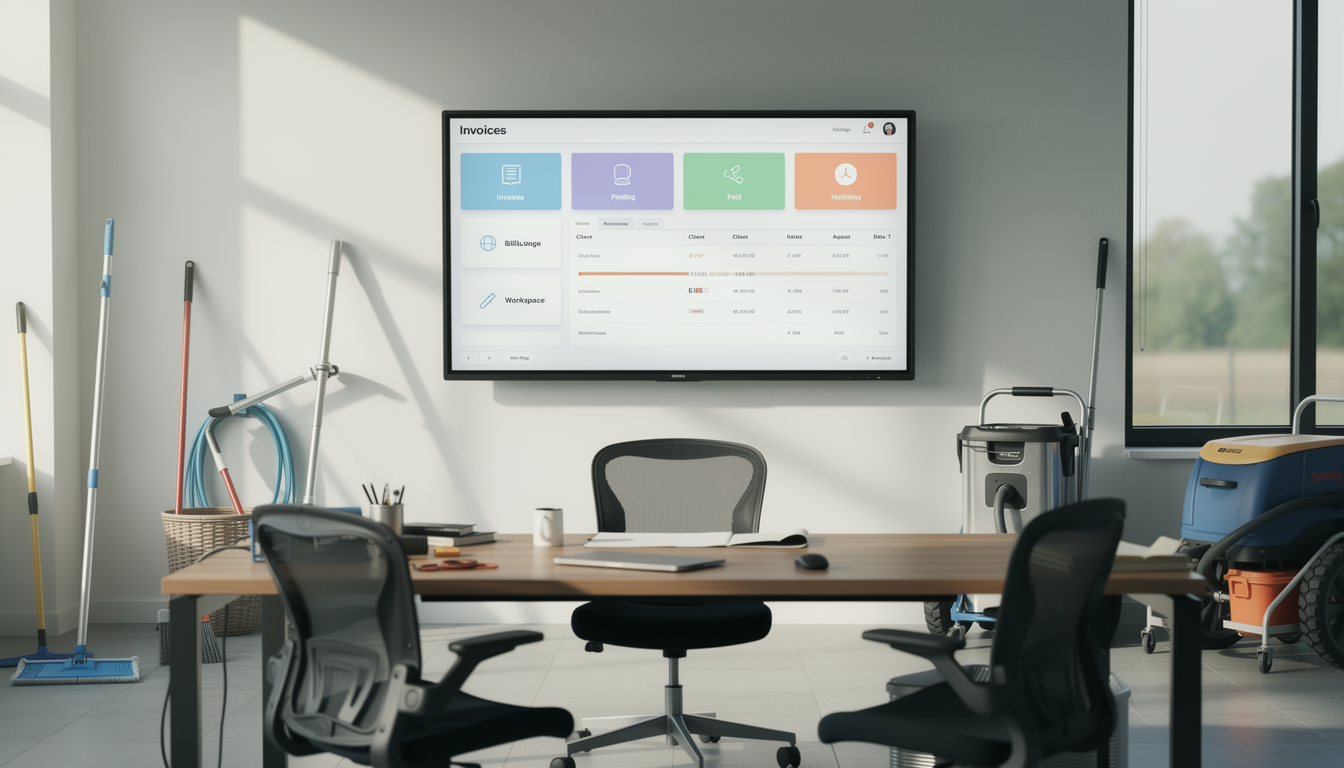
🧾 4. Invoice & Payment Automation
Generate accurate invoices instantly after job completion and track payments through a centralized dashboard. This reduces admin workload and keeps billing transparent for clients and management.
Key Capabilities:
- 💵 Auto-generate invoices after inspection
- 📂 Monitor payment statuses (Pending/Paid)
- 🧾 Filter invoices by client, workspace, or date range
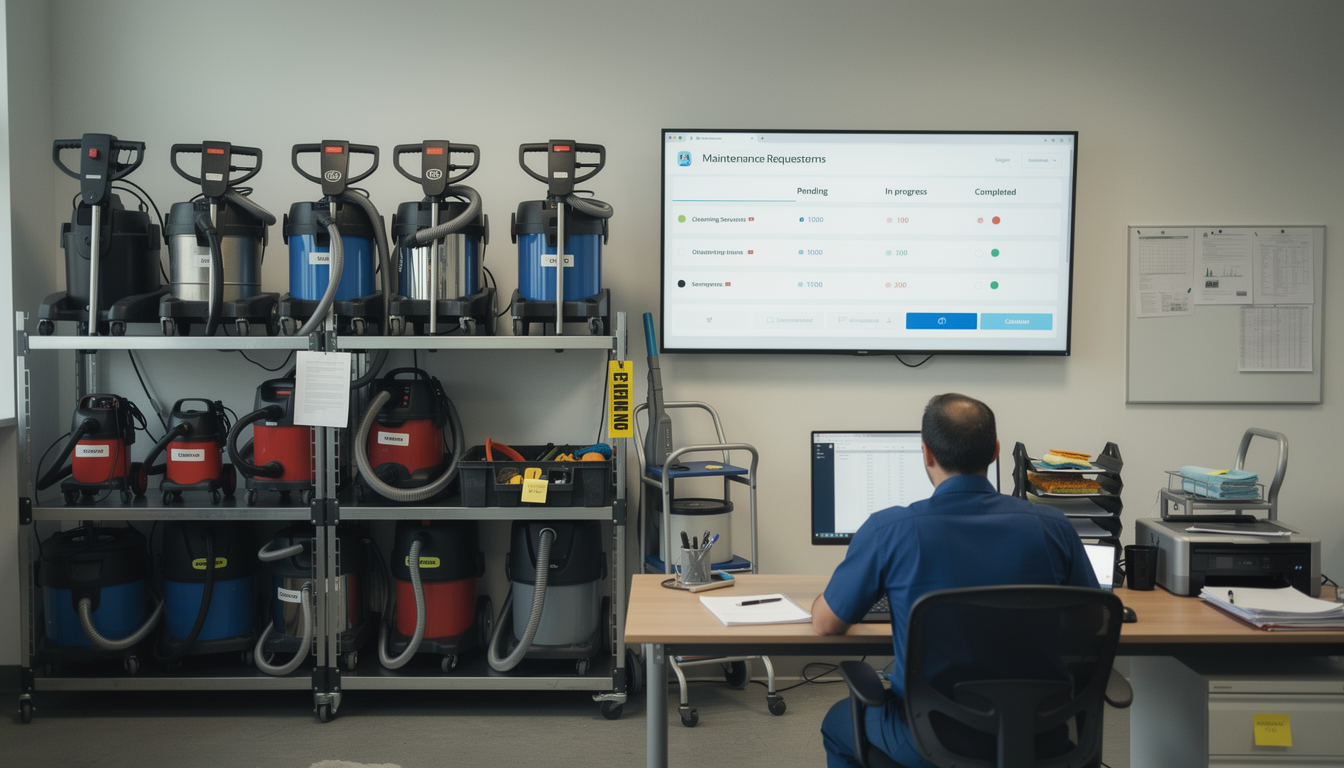
⚙️ 5. Maintenance Request Logging
Log and manage tool or equipment maintenance with detailed notes and assigned personnel. Track each request through its lifecycle to prevent downtime and service disruption.
Key Capabilities:
- 🔧 Submit requests for product/tool servicing
- 📋 Log detailed descriptions and assign responsible staff
- 📆 Track status from “Pending” to “Completed”
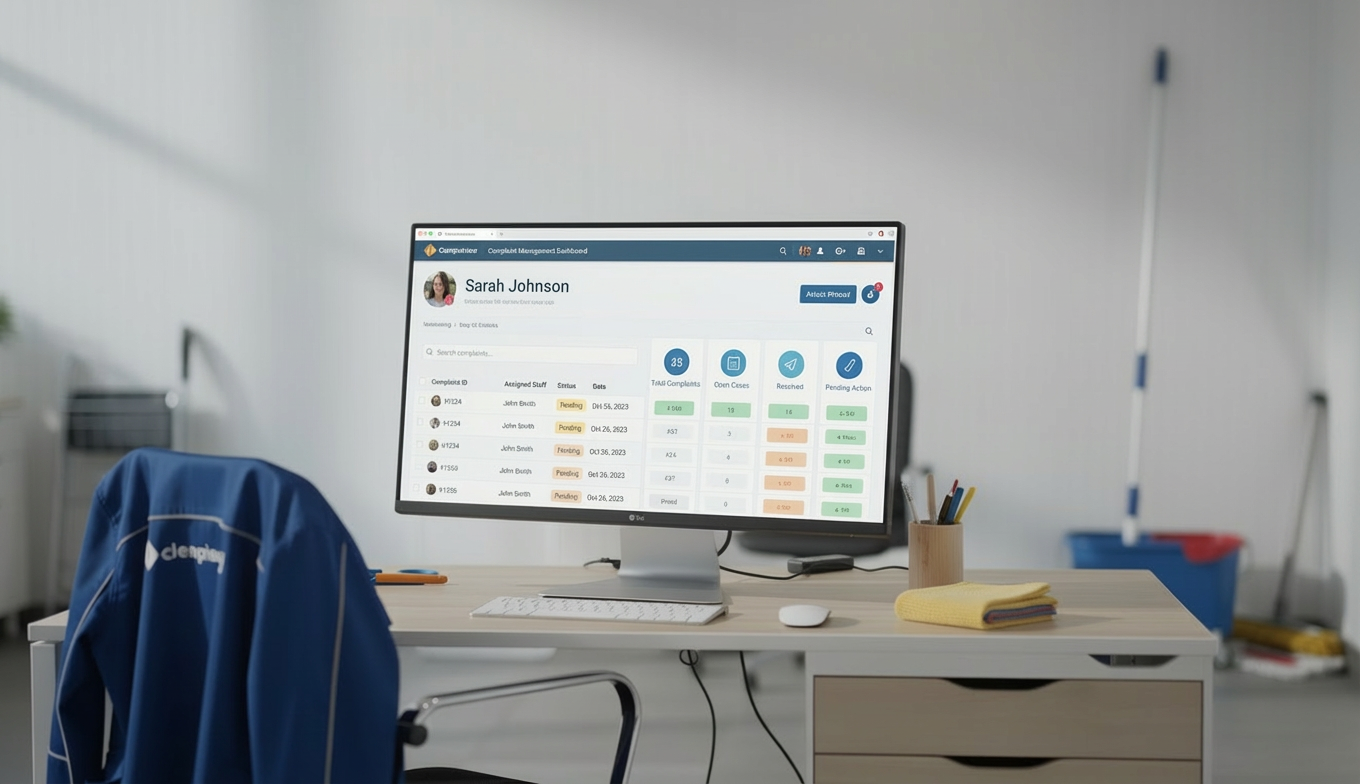
📢 6. Complaint Resolution System
Record, track, and resolve customer complaints with proper linking to bookings and staff. This ensures accountability while improving customer satisfaction.
Key Capabilities:
- 📎 Link complaints to specific bookings or team members
- 🕵️ Track issue type, resolution status, and dates
- 💬 Store resolution notes and attach proof of follow-up
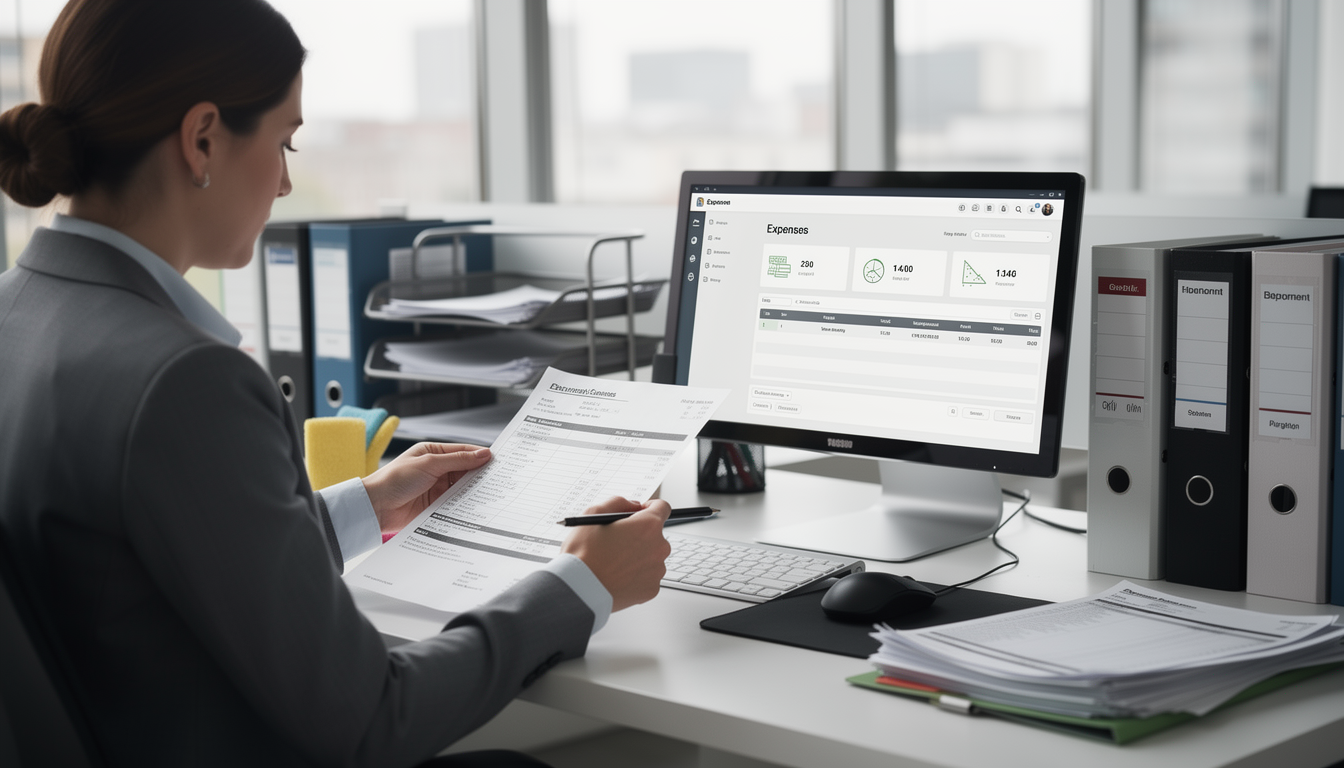
💰 7. Expense Tracking
Log all operational expenses with clear categorization and financial records. Admins gain immediate visibility into spending patterns for more accurate budgeting.
Key Capabilities:
- 💳 Record expense type, amount, and date
- 📂 Categorize and sort by department or location
- 📈 Generate reports for monthly/quarterly financial reviews
Who Can Benefit from the System?
🏢 Office Cleaning Providers
Designed for cleaning, facility, and housekeeping teams needing better coordination, consistent quality, and easier service management.
Overview:
Key Benefits:
🏗️ Cleaning Service Companies
Overview:
Key Benefits:
🧰 Maintenance Service Providers
Overview:
Key Benefits:
🏨 Housekeeping Departments
Overview:
Key Benefits:
🏥 Healthcare Cleaning Teams
Overview:
Key Benefits:
TRUSTED BY 100+ HAPPY CUSTOMERS






Item 1 of 6
Item 1 of 6
Item 1 of 6
Latest insights and updates on technology trends and innovations





Item 1 of 6
Ready To Transform Your Business? Book a Free Consultation
Leave your email below to start a new project journey with us. Let’s shape the future of your business together.