
Zoom Meeting
The Zoom Meeting Add-On is purpose-built to enhance collaboration by integrating virtual meeting capabilities into your ERP system. It enables users to schedule, manage, and join meetings seamlessly, ensuring that communication remains centralized and organized.
Its main purpose is to:
- Facilitate virtual meetings directly from the ERP platform
- Streamline communication between teams, clients, and stakeholders
- Automate meeting scheduling with calendar synchronization
- Reduce dependency on external platforms for meeting setup
- Improve productivity by unifying operations and conferencing tools

Seamless Virtual Collaboration Inside Your ERP
Organizations often struggle with fragmented meeting tools, manual scheduling, and disconnected communication workflows. The Zoom Meeting Add-On removes these inefficiencies by embedding Zoom directly into the ERP, enabling users to schedule, manage, and join meetings without leaving the system. This centralized approach improves coordination, reduces setup time, and delivers a more professional and productive virtual meeting experience.
Zoom Meeting
Each functional component of the system is modular and scalable for easy customization.
Zoom API Configuration
Connect securely using Zoom’s API Key and Secret Key.
Zoom API Configuration
Meeting Creation
Input meeting title, participants, duration, and time to generate Zoom links instantly.
Meeting Creation
Meeting Management
Start, view, or delete meetings directly from your ERP dashboard.
Meeting Management
Calendar Sync
Automatically reflect upcoming meetings in your connected calendar.
Calendar Sync
User Management
Assign hosts, invite participants, and track attendance details.
User Management
Meeting Logs
Maintain a history of all scheduled and completed meetings for reference.
Meeting Logs

Integrated Zoom Meeting Platform
Centralize Zoom scheduling, meeting management, and collaboration workflows directly inside your ERP environment.
🎥 1. Effortless Meeting Scheduling
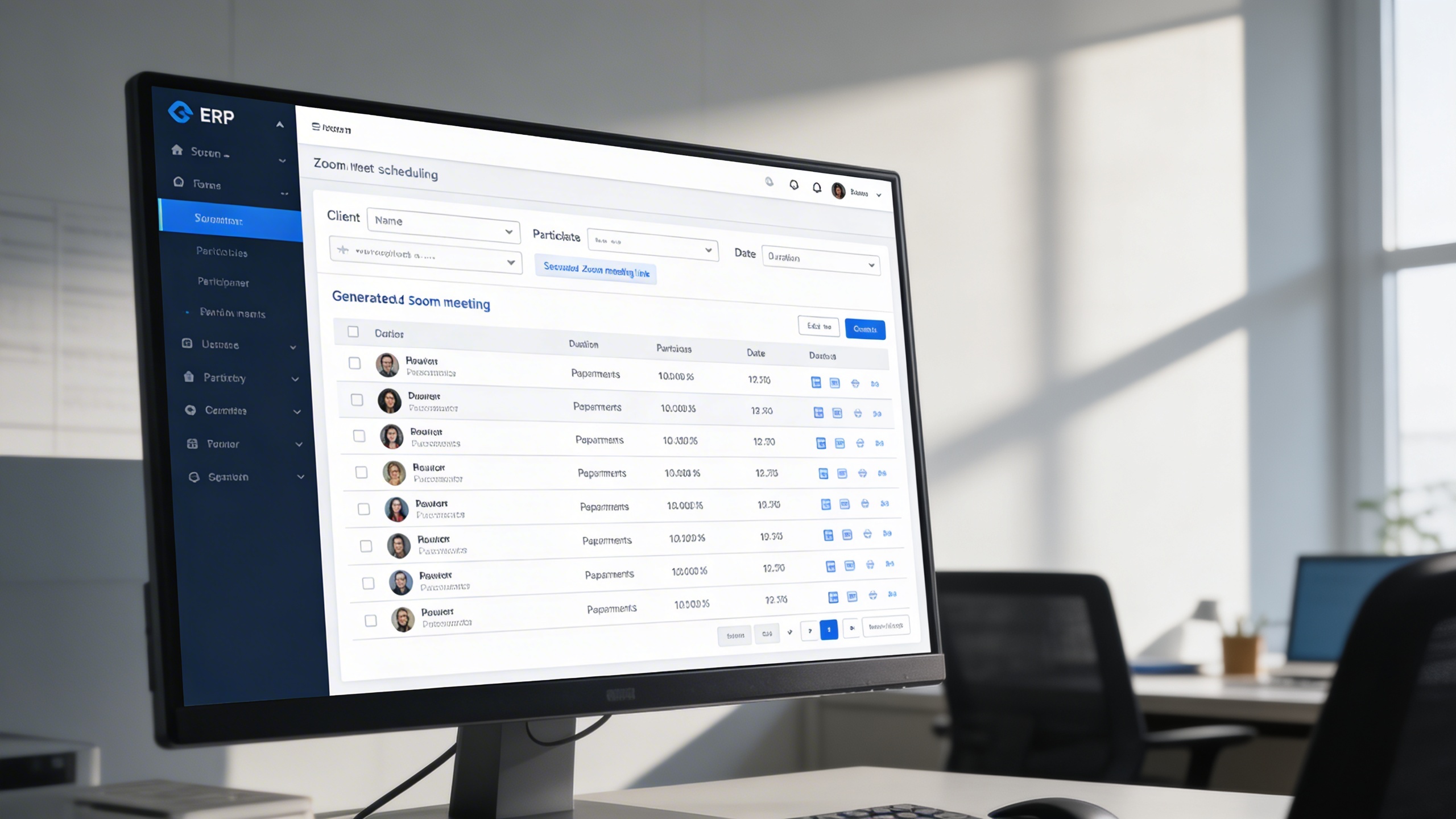
Users can create and schedule Zoom meetings directly from the ERP in seconds. Meeting links, participants, and details are generated automatically for instant sharing.
Key Capabilities:
- 🗓️ Schedule new meetings with client name, participants, date, and duration.
- 🔗 Automatically generate secure Zoom meeting links.
- 👥 Add multiple users or departments as participants.
- 📧 Share meeting details instantly across the system.
- ⚙️ Edit or cancel scheduled meetings with ease.
🔐 2. Quick & Secure Integration Setup
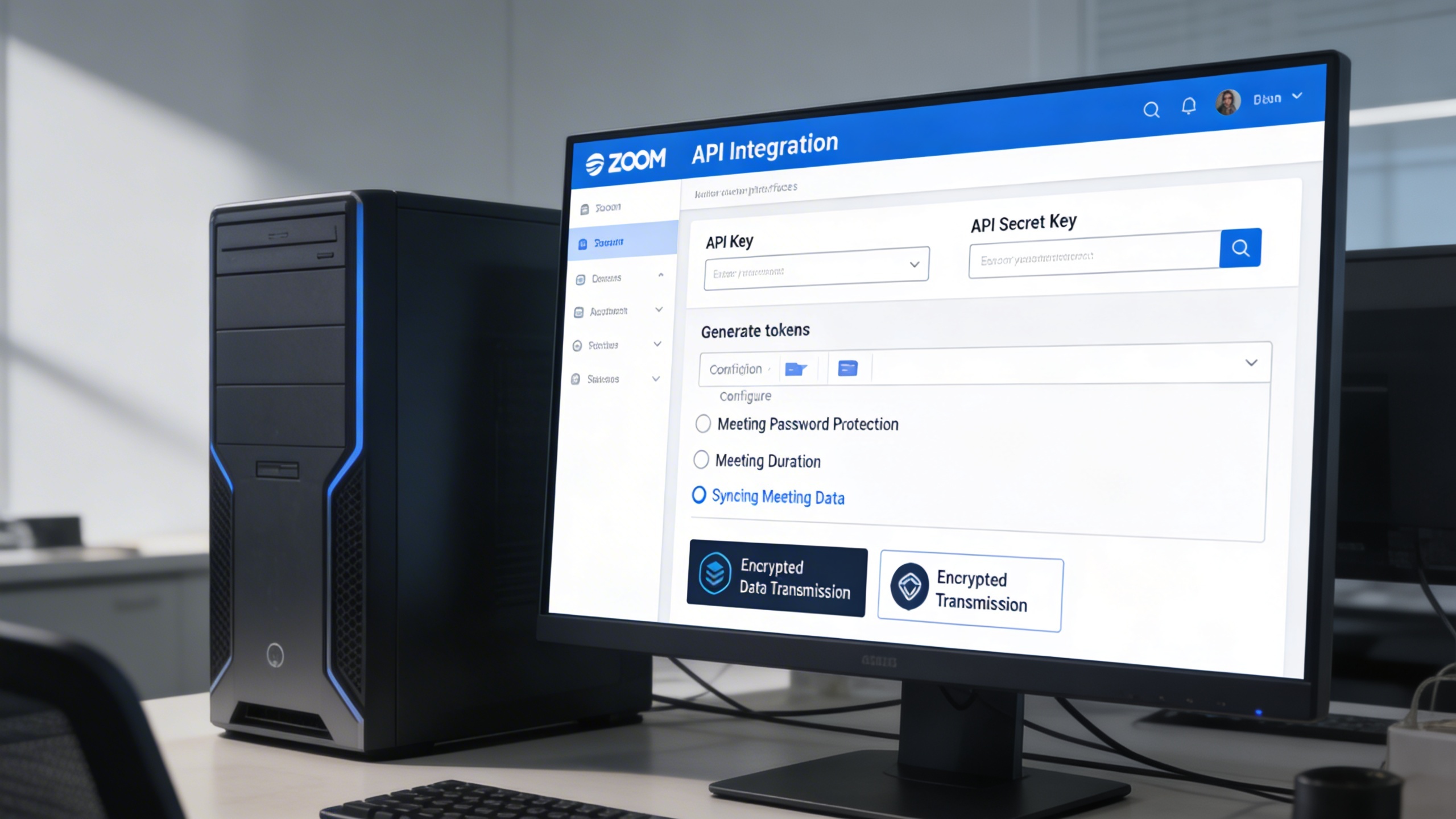
Zoom connects securely through API-based authentication using keys and tokens. This ensures encrypted data exchange and reliable synchronization between systems.
Key Capabilities:
- 🧩 Enter your Zoom API Key and API Secret Key in the system settings.
- 🔒 Generate tokens to enable secure communication between ERP and Zoom.
- ⚙️ Configure meeting defaults such as password protection and duration.
- 🚀 Instantly start syncing your meeting data post-setup.
- 📡 Maintain encrypted data transmission for all meeting-related operations.

👥 3. Streamlined Meeting Management
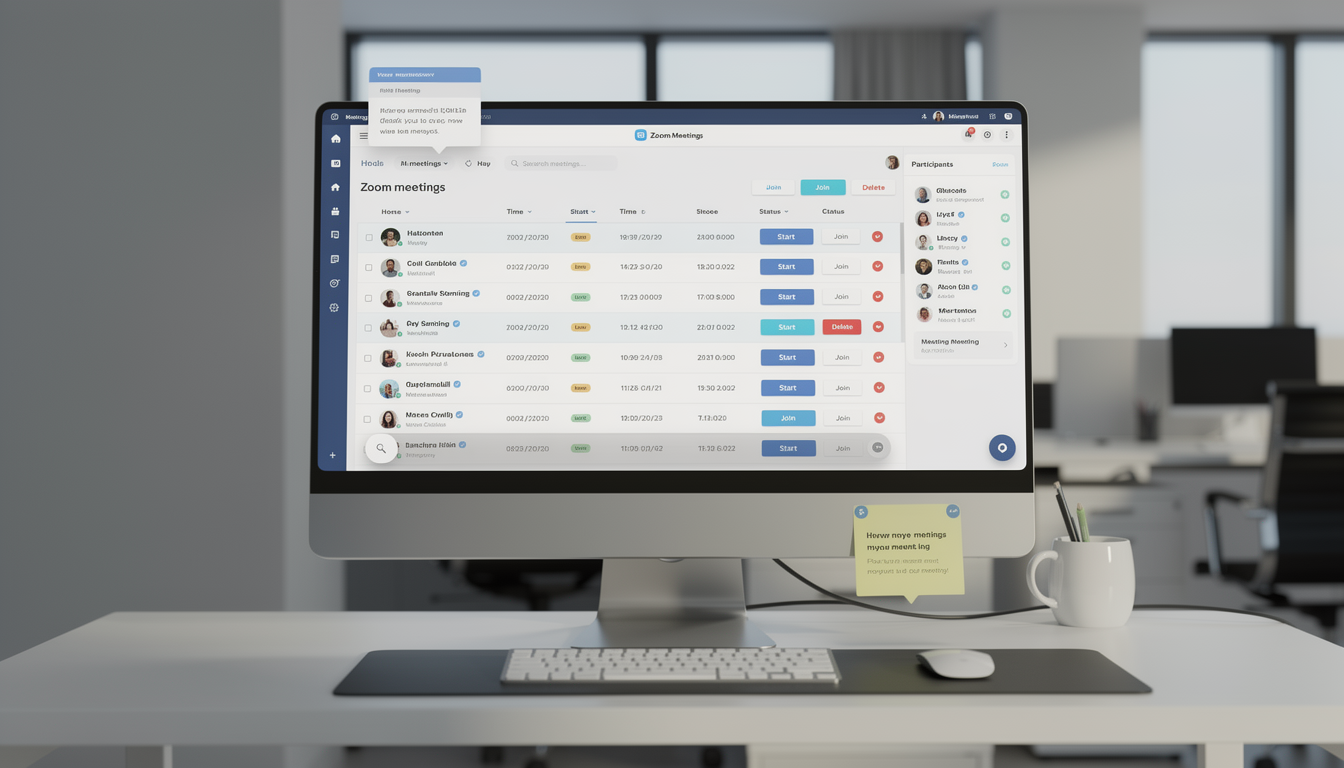
All meetings are visible in one centralized dashboard with full lifecycle control. Users can start, view, delete, and review meetings without switching platforms.
Key Capabilities:
- 🎯 View all upcoming and past meetings with details like host, time, and status.
- 📅 Start or join meetings directly via the embedded link.
- 🗑️ Delete outdated meetings to keep your workspace clean.
- 🔔 Get system notifications for upcoming or rescheduled meetings.
- 📋 Track participants and meeting notes for post-meeting reviews.
🔄 4. Seamless Cross-Module Integration
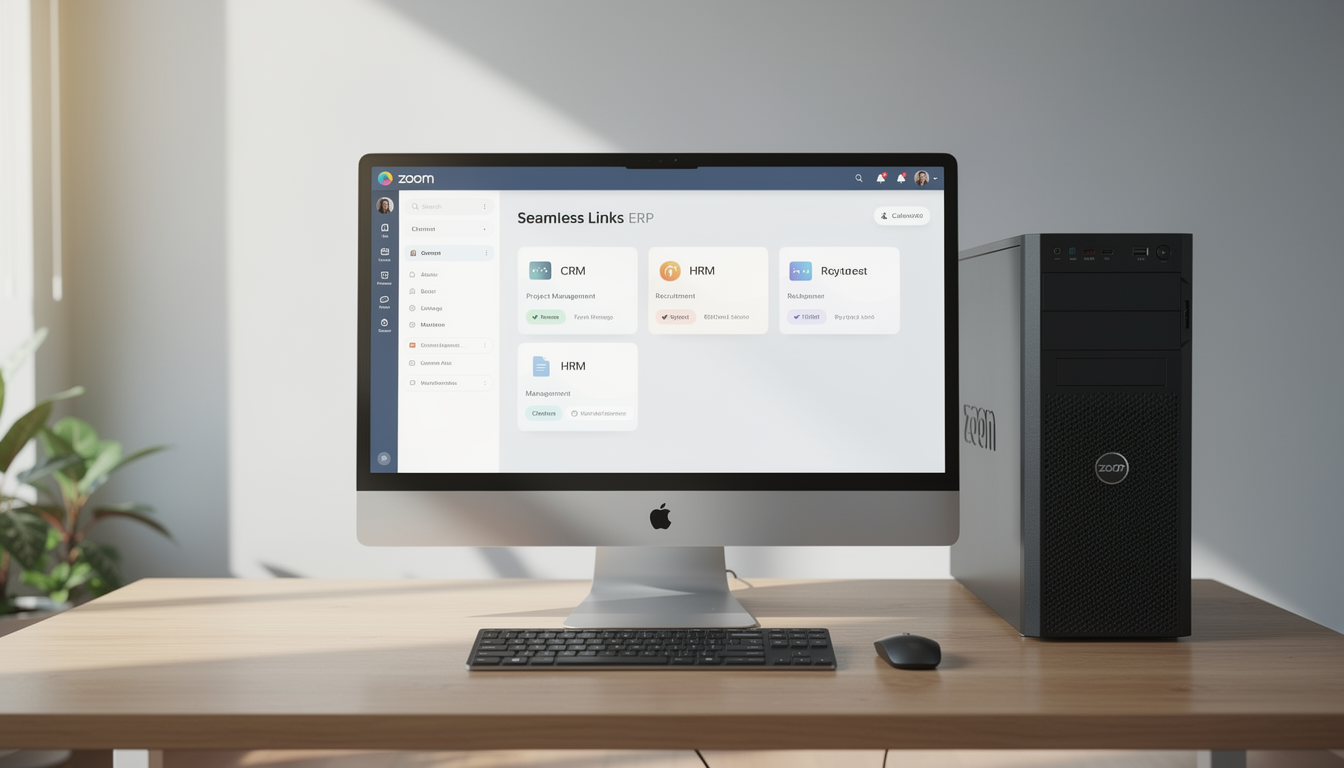
Meetings can be linked directly to CRM, HRM, Recruitment, and Project modules. This ensures every discussion stays contextual and operationally relevant.
Key Capabilities:
- 💼 Sync with CRM for client consultations and follow-ups.
- 🧑💼 Link with Recruitment for candidate interviews.
- 🏢 Integrate with HRM for team briefings and performance reviews.
- 📊 Connect with Project Management for progress meetings and milestone reviews.
- 📅 Automatically add meeting entries to your Outlook or Google Calendar (if enabled).
Who Can Benefit from the System?
Teams and organizations that rely on frequent virtual meetings and need centralized, secure, and automated scheduling within their ERP.
🏢 Corporate & Business Enterprises
Overview:
Key Benefits:
🧑💼 Human Resource & Recruitment Teams
Overview:
Key Benefits:
🏫 Educational Institutions
Overview:
Key Benefits:
🏥 Healthcare & Medical Facilities
Overview:
Key Benefits:
🏗️ Project Management Teams
Overview:
Key Benefits:
TRUSTED BY 100+ HAPPY CUSTOMERS






Latest insights and updates on technology trends and innovations
Cloud vs. On-Premise: Which Is Right for Your Business?
The Ultimate Guide to Cybersecurity for Small Businesses
How Automation is Revolutionizing Workplace Productivity
Optimizing Business Operations with Cloud Computing
Adopting Cloud Strategies for Scalable Growth
Harnessing Cloud Solutions to Drive Innovation
- AI for Business
- Marketing
- Cloud vs. On-Premise: Which Is Right for Your Business?
- AI for Business
- Marketing
- The Ultimate Guide to Cybersecurity for Small Businesses
- AI for Business
- Marketing
- How Automation is Revolutionizing Workplace Productivity
- Business Consulting
- Marketing
- Optimizing Business Operations with Cloud Computing
- Business Consulting
- IT Solutions
- Adopting Cloud Strategies for Scalable Growth
- Development
- Marketing
- Harnessing Cloud Solutions to Drive Innovation
Ready To Transform Your Business? Book a Free Consultation
Leave your email below to start a new project journey with us. Let’s shape the future of your business together.
S c h e d u l e N o w