
Zendesk
The Zendesk Add-On is built to centralize and enhance support workflows by bridging your ERP platform with Zendesk’s ticketing and knowledge base system. Instead of switching tools or duplicating work, your team can view, sync, and manage all support activities in one place.
Its main purpose is to:
- Unify Zendesk tickets and content with your platform for real-time collaboration
- Improve response speed and support accuracy
- Enable self-service through integrated knowledge base content
- Support ticket assignment, categorization, and escalation without external tools
- Provide full visibility of customer support operations for agents and administrators
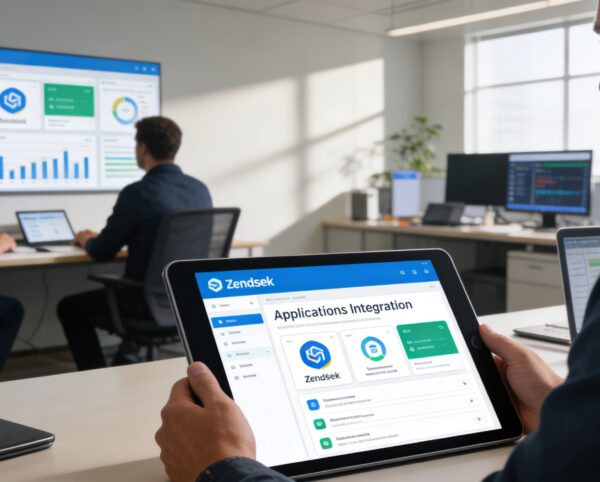
Centralizing Customer Support for Faster, Smarter Service
Support teams often struggle with fragmented tools, delayed responses, and limited visibility when managing tickets across multiple platforms. Switching between ERP systems and external support tools increases resolution time, agent fatigue, and operational inefficiencies. The Zendesk Add-On resolves these challenges by unifying ticket handling, knowledge access, and analytics directly within your platform for faster, more consistent customer support.
Zendesk
Each functional component of the system is modular and scalable for easy customization.
Zendesk Authentication
Securely connect using API key and credentials
Zendesk Authentication
Ticket Sync Dashboard
Real-time sync of inbound/outbound support tickets
Ticket Sync Dashboard
Knowledge Base Viewer
Search and access Zendesk articles in-app
Knowledge Base Viewer
Analytics View
See ticket status, agent activity, and resolution timelines
Analytics View
Category Management
Define FAQ types, filter articles, and control visibility
Category Management
Client Ticket Submission
Simplified form for users to report issues
Client Ticket Submission

Unified Zendesk Support Integration
Connect Zendesk tickets, knowledge base, and analytics into your ERP to streamline support workflows and improve customer satisfaction.
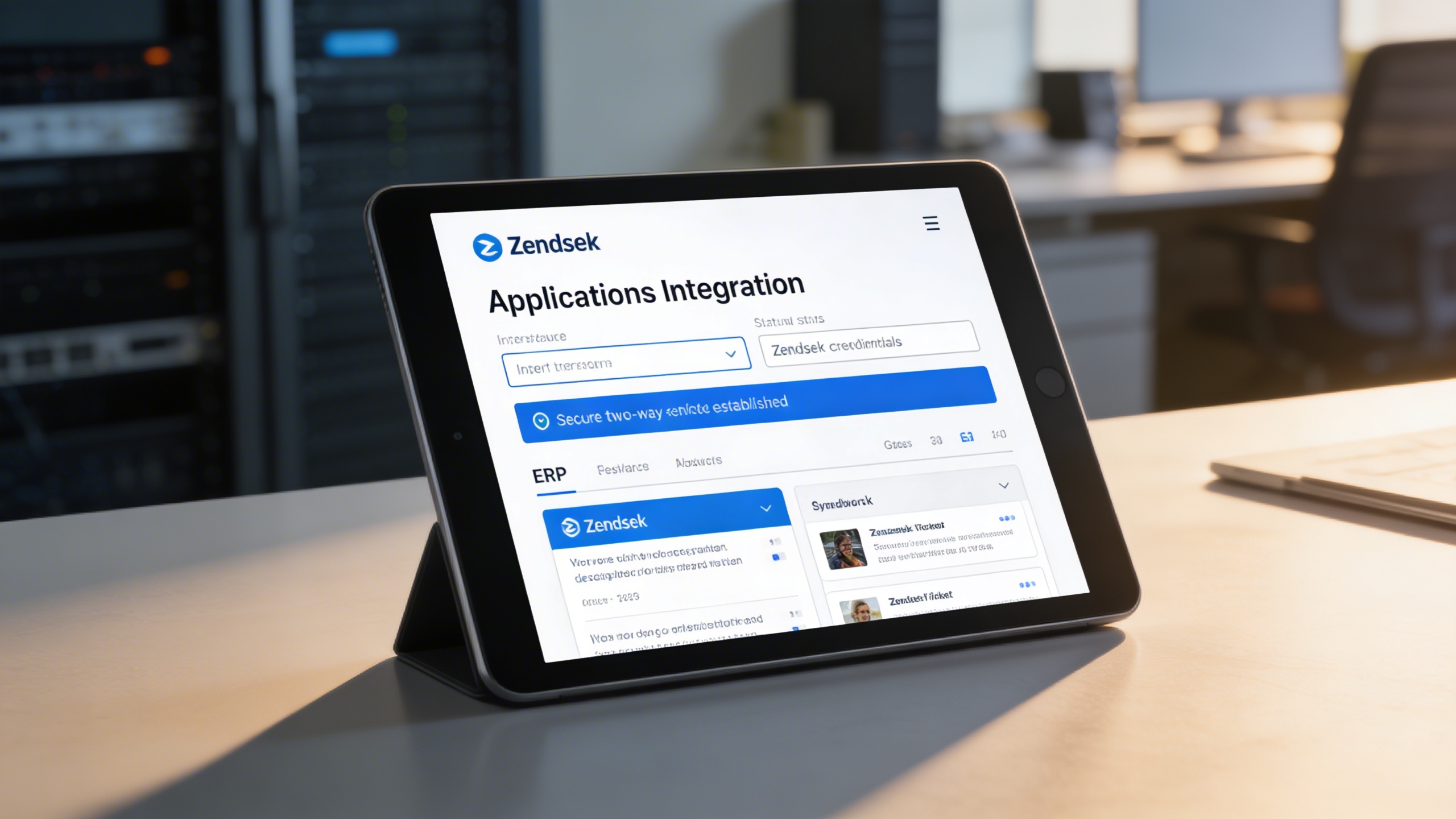
🔗 1. Full Zendesk Account Integration
Securely connect your Zendesk account directly to your ERP environment. Support agents can access tickets and content without switching platforms.
Key Capabilities:
- 🔐 Enter Zendesk credentials via your platform’s settings
- 📡 Establish a secure two-way sync between both systems
- 🔍 Access Zendesk data without leaving your ERP interface
📨 2. Seamless Ticket Synchronization
Tickets are synced in real time between Zendesk and your system. Agents can assign, update, and resolve issues faster from a centralized interface.
Key Capabilities:
- 🔄 Sync customer issues instantly from either Zendesk or your platform
- 🧑💼 Assign agents to handle, update, and close tickets within the ERP
- 📥 Use simplified submission forms to reduce friction for users

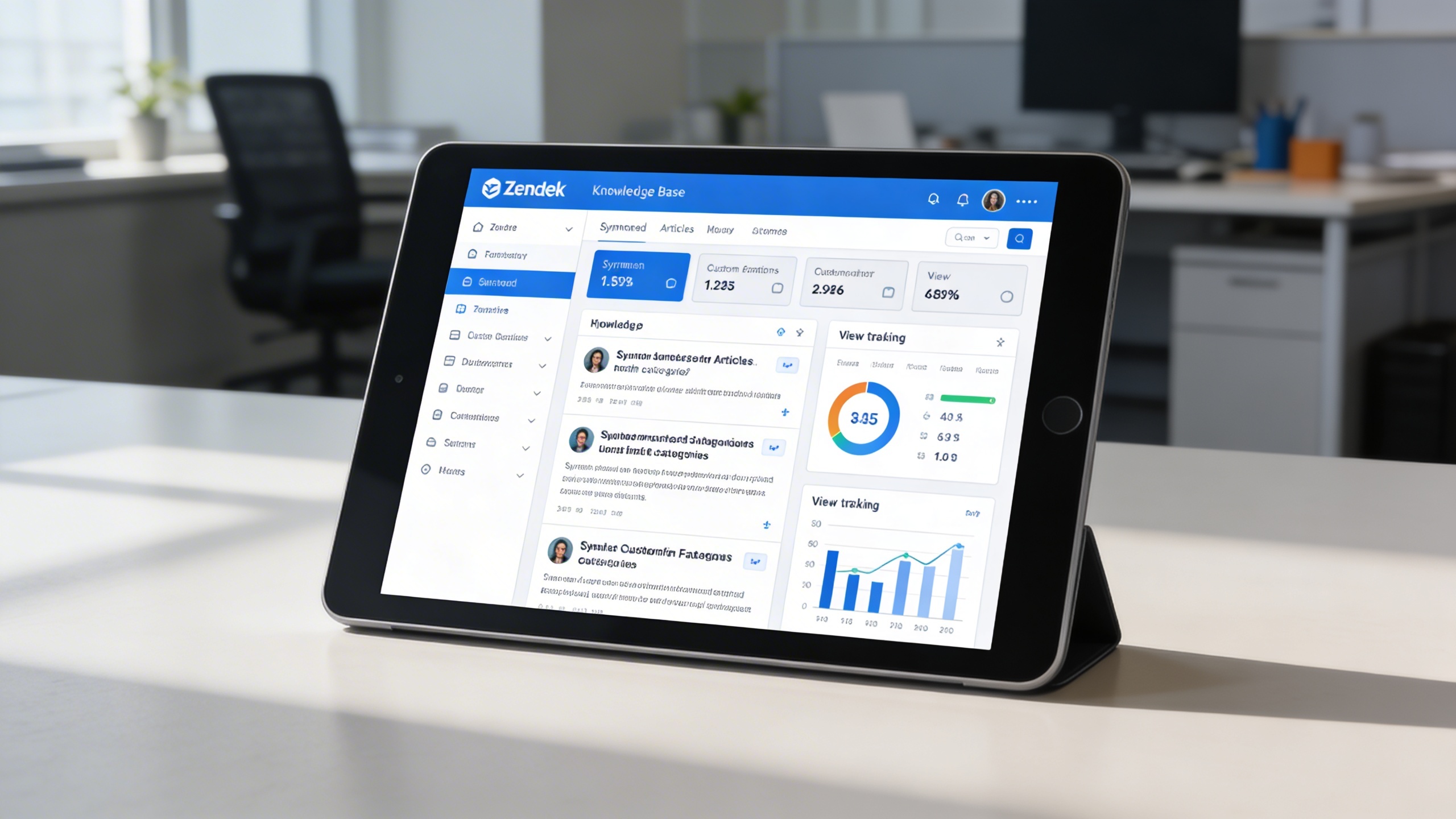
📚 3. Embedded Knowledge Base Access
Zendesk help articles are available directly inside your platform. This empowers users to self-serve and reduces incoming support requests.
Key Capabilities:
- 📁 Sync and organize Zendesk articles directly into your platform
- 📌 Customize FAQ categories for faster lookup
- 📊 Track article views and usage to improve help content
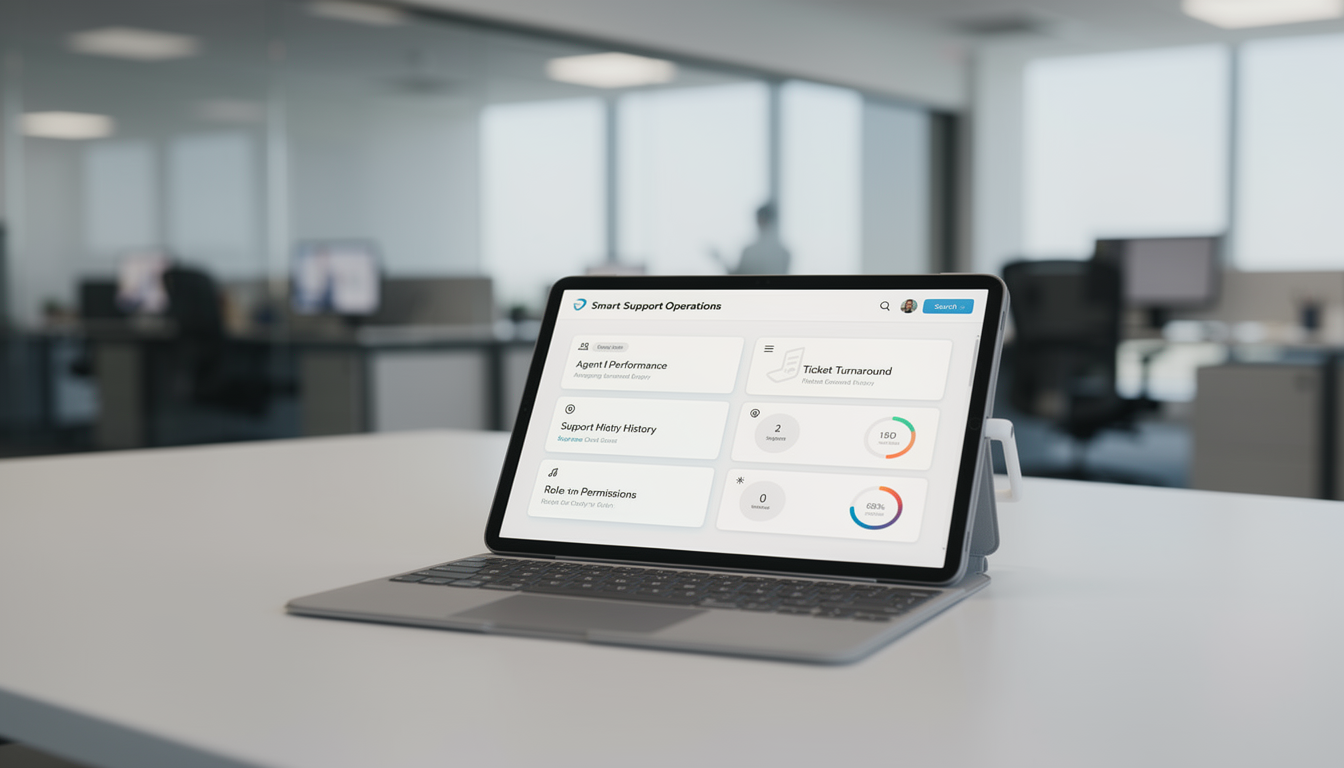
🧠 4. Smart Support Operations
Monitor ticket performance, agent productivity, and resolution timelines in one dashboard. Role-based permissions ensure secure and structured support management.
Key Capabilities:
- 📊 Monitor agent performance and ticket turnaround times
- 🧾 View complete support history for compliance and QA
- 🔧 Set permissions by role for admin, reviewer, and support staff
Who Can Benefit from the System?
Teams managing customer or internal support who need faster ticket resolution, centralized workflows, and scalable service operations.
💼 Customer Support Teams
Overview:
Key Benefits:
🏢 SaaS & Tech Product Providers
Overview:
Key Benefits:
🛠️ IT Helpdesks & Internal Support Units
Overview:
Key Benefits:
🌐 Digital Agencies & BPO Providers
Overview:
Key Benefits:
TRUSTED BY 100+ HAPPY CUSTOMERS






Latest insights and updates on technology trends and innovations
Cloud vs. On-Premise: Which Is Right for Your Business?
The Ultimate Guide to Cybersecurity for Small Businesses
How Automation is Revolutionizing Workplace Productivity
Optimizing Business Operations with Cloud Computing
Adopting Cloud Strategies for Scalable Growth
Harnessing Cloud Solutions to Drive Innovation
- AI for Business
- Marketing
- Cloud vs. On-Premise: Which Is Right for Your Business?
- AI for Business
- Marketing
- The Ultimate Guide to Cybersecurity for Small Businesses
- AI for Business
- Marketing
- How Automation is Revolutionizing Workplace Productivity
- Business Consulting
- Marketing
- Optimizing Business Operations with Cloud Computing
- Business Consulting
- IT Solutions
- Adopting Cloud Strategies for Scalable Growth
- Development
- Marketing
- Harnessing Cloud Solutions to Drive Innovation
Ready To Transform Your Business? Book a Free Consultation
Leave your email below to start a new project journey with us. Let’s shape the future of your business together.
S c h e d u l e N o w