
To Do
The To Do Add-On was built to optimize task tracking, coordination, and accountability throughout your organization. It provides teams with the structure and tools they need to prioritize, execute, and monitor tasks efficiently.
Its main purpose is to:
- Centralize all task management operations across modules and teams
- Improve time management through calendar-based scheduling
- Enhance team collaboration and performance tracking
- Provide real-time visibility into workload and task progress
- Enable workflow customization through task stages and priorities
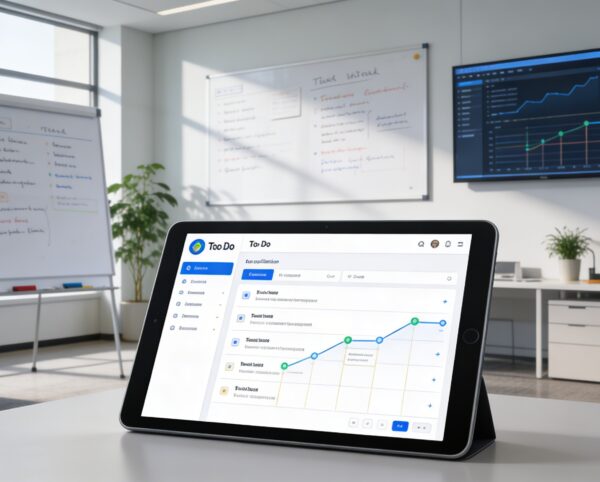
Centralized Task Management for High-Performance Teams
Organizations struggle with fragmented task tracking, unclear ownership, and missed deadlines across departments and projects. The To Do Add-On centralizes all activities into a structured system with calendar and board views, real-time updates, and ERP-wide integration. This enables teams to prioritize effectively, collaborate seamlessly, and execute work with clarity and accountability.
To Do
Each functional component of the system is modular and scalable for easy customization.
Task Creation & Assignment
Add tasks with title, assignee, duration, and linked modules.
Task Creation & Assignment
Calendar View
Schedule and visualize tasks by start and end times.
Calendar View
Board View
Manage progress through drag-and-drop stages.
Board View
Stage Configuration
Customize task stages, names, and colors to match your workflow.
Stage Configuration
Analytics Dashboard
Monitor task distribution, deadlines, and completion rates.
Analytics Dashboard

Unified Task Execution Platform
Plan, assign, track, and execute tasks across teams with real-time visibility and seamless ERP integration.
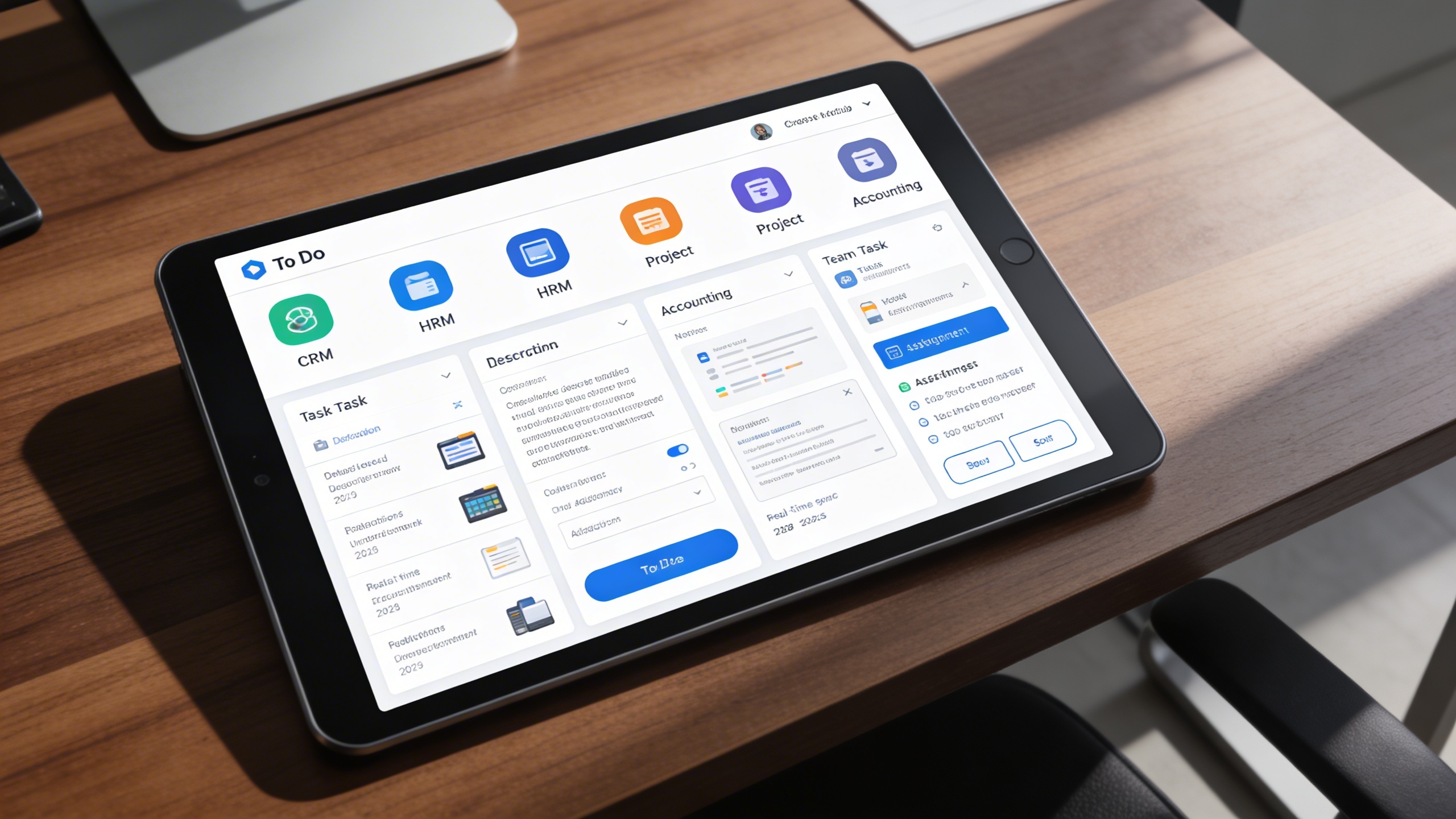
🗂️ 1. Seamless To Do Integration
Tasks are created, assigned, and tracked across multiple ERP modules from one centralized system. This ensures alignment between daily activities and organizational objectives.
Key Capabilities:
- 🧭 Cross-Module Integration: Link tasks to CRM, HRM, Project, or Accounting modules effortlessly.
- 👥 Team Collaboration: Assign multiple users to tasks and track accountability.
- 📌 Priority Management: Categorize tasks based on urgency and importance.
- 🗒️ Detailed Descriptions: Add notes, attachments, and contextual information.
- 🔄 Real-Time Sync: Reflect status updates instantly across the ERP system.
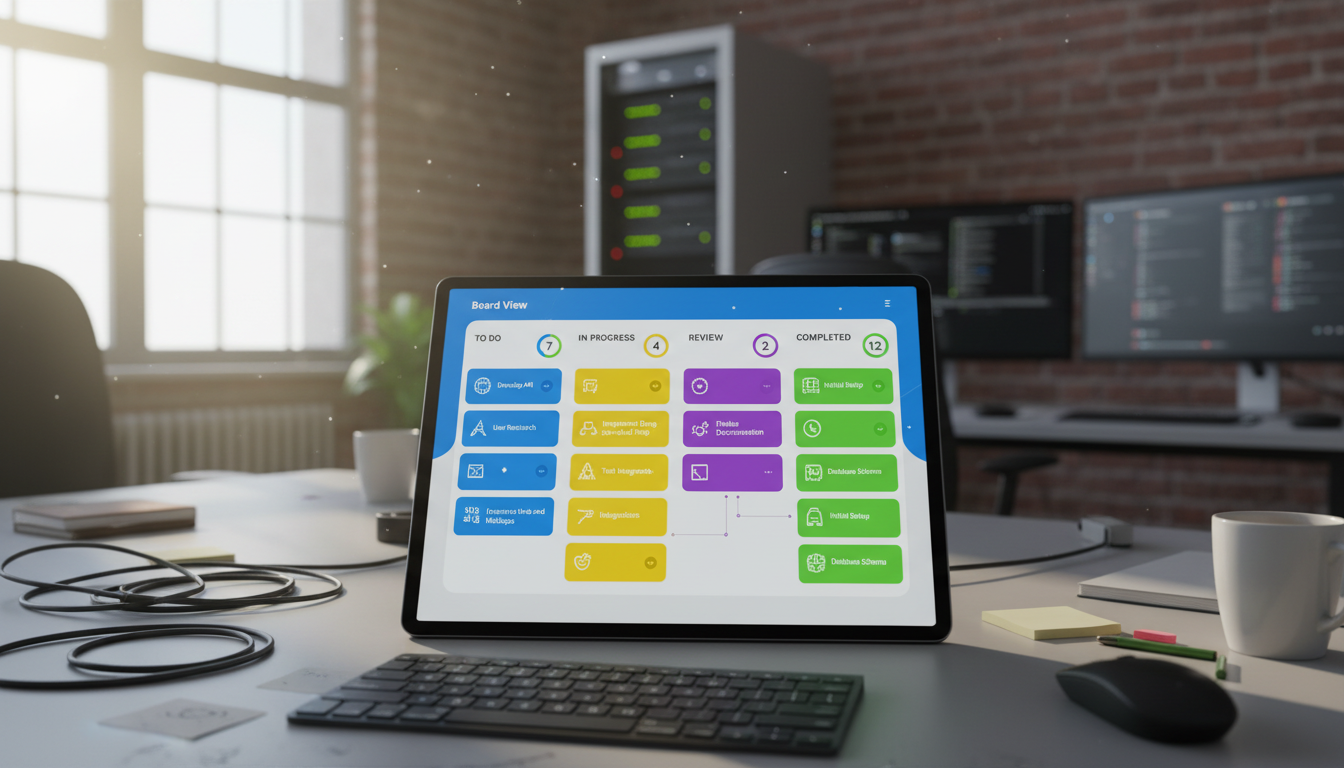
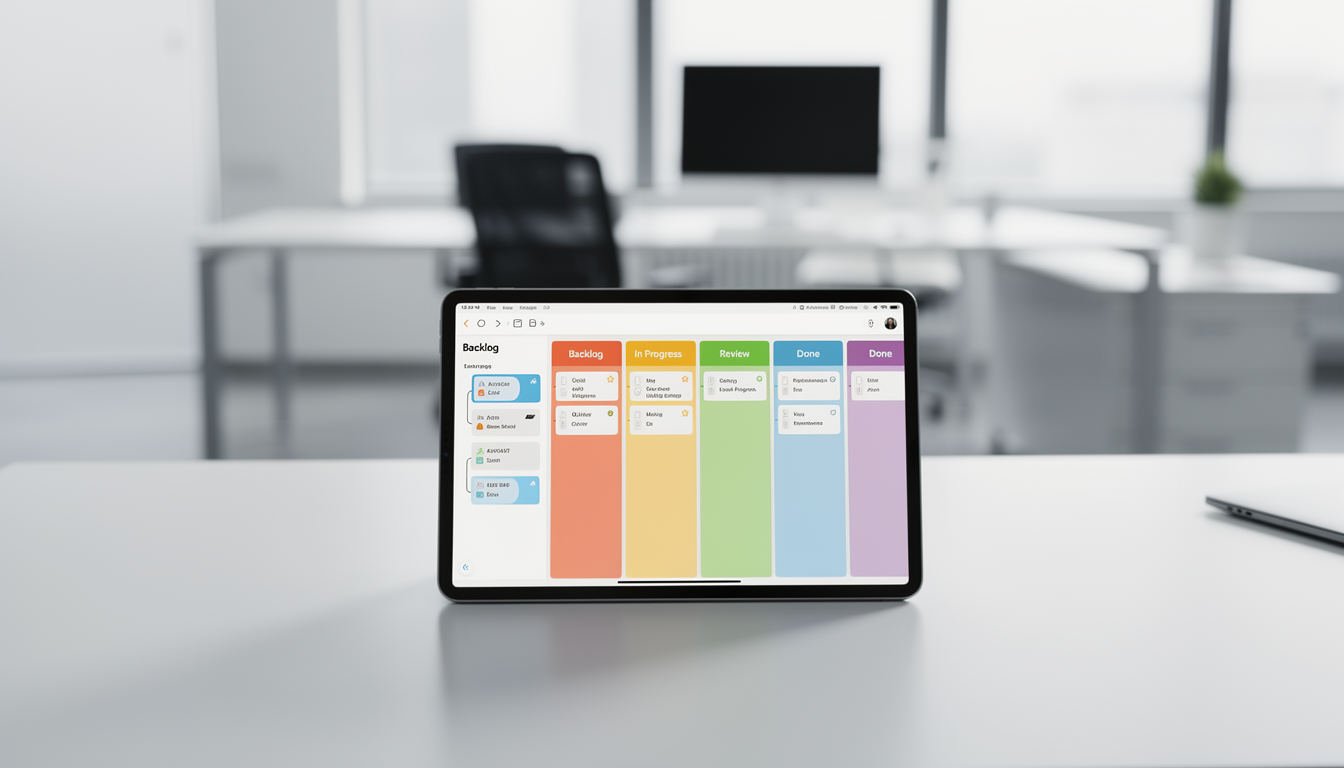
🧾 2. Board View Functionality
Tasks are visualized through intuitive, stage-based boards with drag-and-drop control. Teams can instantly update progress and stay aligned on execution status.
Key Capabilities:
- 📊 Visual Task Organization: View tasks grouped by status with color-coded labels.
- 🖱️ Drag & Drop Flexibility: Instantly move tasks between stages to update progress.
- ✅ Quick Actions: Mark as complete, view details, edit, or delete with one click.
- 🔢 Stage Counters: Display the total number of tasks in each stage.
- 🤝 Enhanced Collaboration: Keep teams synchronized on project milestones.
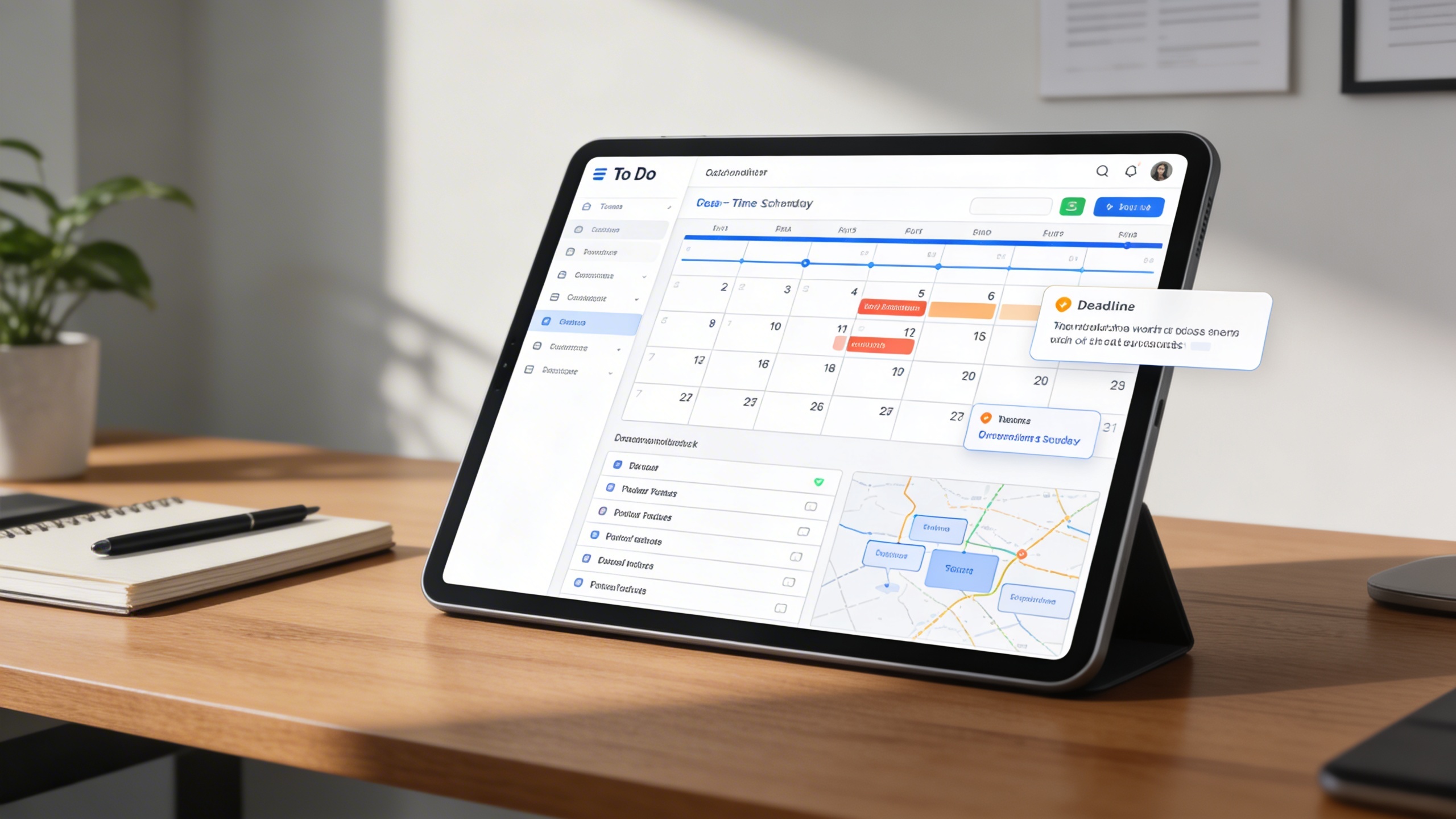
📅 3. Calendar View Functionality
All scheduled tasks are displayed across timelines to provide workload visibility. This helps teams plan efficiently and prevent deadline conflicts.
Key Capabilities:
- 🗓️ Real-Time Scheduling: Display tasks by start and end date-time.
- 📍 Workload Indicators: Highlight busy days with task counts for better planning.
- 📋 Date-Organized Task List: Show detailed information beneath the calendar.
- 🔔 Deadline Alerts: Prevent missed tasks with automatic reminders.
- 📆 Smooth Planning: Avoid overlapping schedules through visual mapping.
⚙️ 4. Task Stage Setup
Workflows are fully customizable to match organizational processes. Task stages can be configured, reordered, and optimized for consistency across departments.
Key Capabilities:
- 🎨 Custom Stage Creation: Define task stages with unique names and color codes.
- 🖱️ Drag-and-Drop Sequencing: Arrange stages according to your preferred workflow.
- 🧹 Stage Optimization: Delete unused or redundant stages to maintain clarity.
- 🔁 Instant Updates: Reflect configuration changes across all team views.
- 📈 Process Alignment: Ensure every department follows consistent task structures.
Who Can Benefit from the System?
Teams and organizations that require clear task ownership, real-time visibility, and structured execution across departments and projects.
🏢 Corporate Teams & Departments
Overview:
Key Benefits:
🧑💼 Project Management Offices (PMOs)
Overview:
Key Benefits:
🏫 Educational Institutions
Overview:
Key Benefits:
🏢 Service-Based Companies
Overview:
Key Benefits:
🏘️ Construction & Engineering Firms
Overview:
Key Benefits:
TRUSTED BY 100+ HAPPY CUSTOMERS






Latest insights and updates on technology trends and innovations
Cloud vs. On-Premise: Which Is Right for Your Business?
The Ultimate Guide to Cybersecurity for Small Businesses
How Automation is Revolutionizing Workplace Productivity
Optimizing Business Operations with Cloud Computing
Adopting Cloud Strategies for Scalable Growth
Harnessing Cloud Solutions to Drive Innovation
- AI for Business
- Marketing
- Cloud vs. On-Premise: Which Is Right for Your Business?
- AI for Business
- Marketing
- The Ultimate Guide to Cybersecurity for Small Businesses
- AI for Business
- Marketing
- How Automation is Revolutionizing Workplace Productivity
- Business Consulting
- Marketing
- Optimizing Business Operations with Cloud Computing
- Business Consulting
- IT Solutions
- Adopting Cloud Strategies for Scalable Growth
- Development
- Marketing
- Harnessing Cloud Solutions to Drive Innovation
Ready To Transform Your Business? Book a Free Consultation
Leave your email below to start a new project journey with us. Let’s shape the future of your business together.
S c h e d u l e N o w