
SWOT Analysis Model
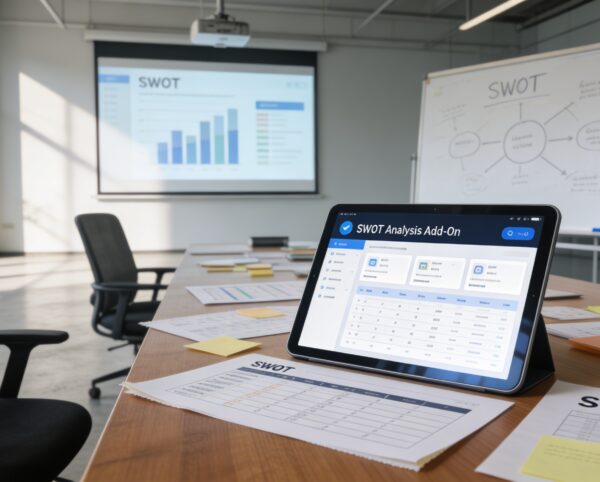
The SWOT Analysis Add-On is designed to give businesses a clear picture of their current strategic position by structuring the analysis of internal strengths and weaknesses, and external opportunities and threats.
Its main purpose is to:
- Standardize SWOT evaluation across departments and projects
- Facilitate informed decision-making through visual insights
- Encourage collaboration and discussion in strategic planning
- Link SWOT insights with business challenges for focused action
- Provide flexible visualization options for clear communication
Turn Insight Into Strategic Advantage
Organizations often struggle with scattered SWOT documents, inconsistent evaluation methods, and limited visibility into strategic risks and opportunities. Without a structured system, insights remain siloed, collaboration becomes inefficient, and decision-making lacks clarity and measurable direction. The SWOT Analysis Add-On centralizes Strengths, Weaknesses, Opportunities, and Threats into an interactive, multi-view platform that enhances collaboration, improves visibility, and converts strategic analysis into actionable outcomes.
SWOT Analysis Model
Each functional component of the system is modular and scalable for easy customization.
SWOT Configuration
Define key factors, Strengths, Weaknesses, Opportunities, and Threats under each challenge or project.
SWOT Configuration
Attachments & Notes
Upload supporting evidence, images, and documents with contextual notes.
Attachments & Notes
Review & Comment System
Facilitate internal reviews with rating and feedback mechanisms.
Review & Comment System
Visualization Engine
Toggle between Grid, Kanban, and Tree views for deeper insights.
Visualization Engine
Challenge Integration
Organize SWOT models based on active challenges and timelines.
Challenge Integration
Reporting Tools
Generate and print professional SWOT summaries for meetings or audits.
Reporting Tools

Strategic SWOT Intelligence Platform
Centralize SWOT insights with collaborative tools, visual dashboards, structured tracking, and professional reporting capabilities.
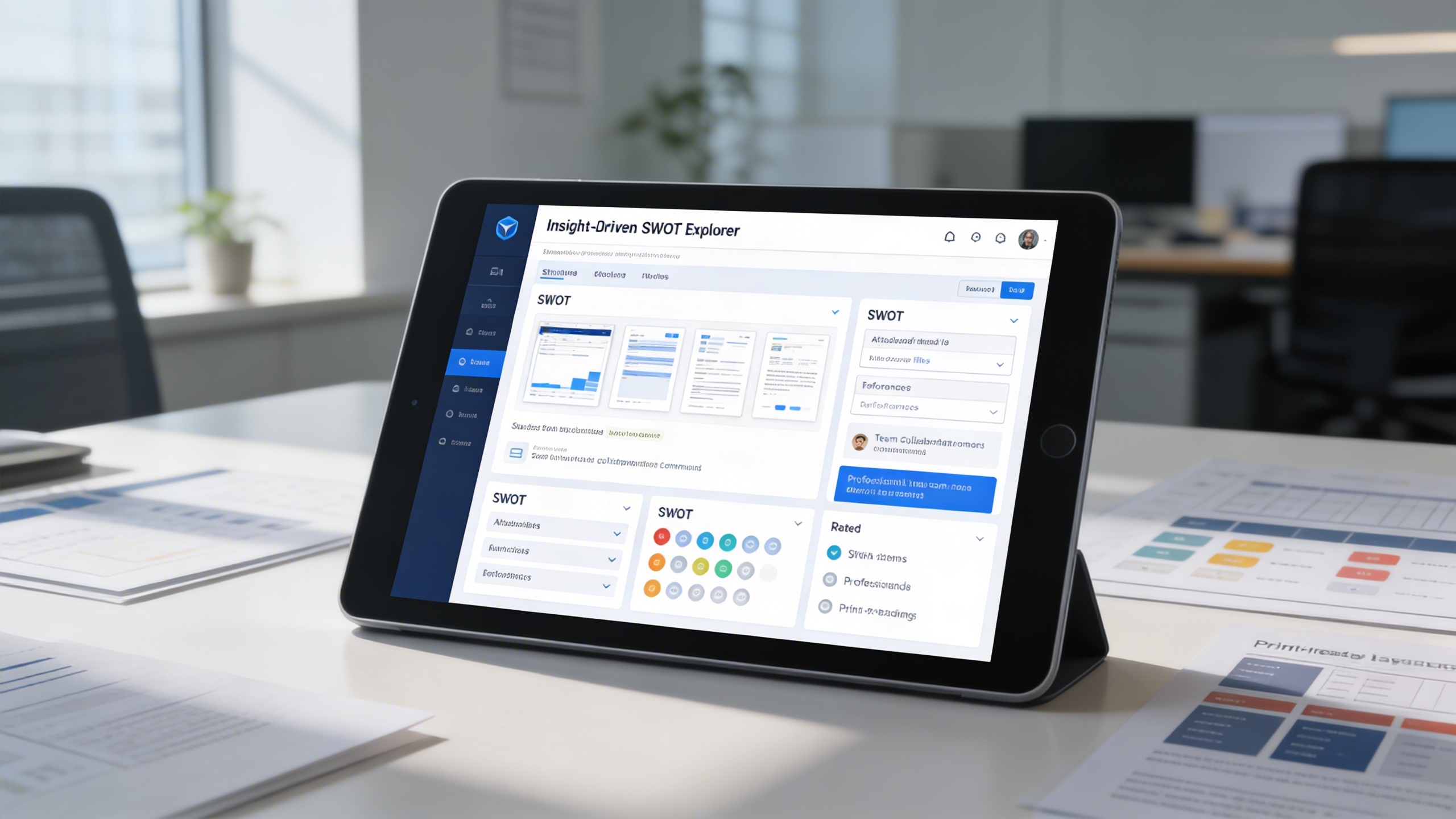
💼 1. Insight-Driven SWOT Explorer
Analyze your organization’s strategic environment with a comprehensive, all-in-one SWOT interface. Capture detailed inputs across all four pillars of SWOT Strengths, Weaknesses, Opportunities, and Threats.
Key Capabilities:
- 🧱 Create and manage structured SWOT entries with detailed descriptions
- 📎 Attach files, notes, or references for context-rich evaluations
- 💬 Collaborate with team members through comments and discussions
- ⭐ Rate and review SWOT items to prioritize key issues
- 📄 Generate professional, print-ready layouts for presentations or strategy meetings
📊 2. SWOT Analysis Overview Grid
Gain a consolidated view of all SWOT models in one intuitive Grid interface, ideal for managing multiple analyses efficiently.
Key Capabilities:
- 🗂️ Display essential details for each SWOT model factors, comments, and deadlines
- 👥 View assigned users and team ownership directly within the grid
- ⏱️ Track challenge end times with live countdown timers
- 🛠️ Edit, print, or delete SWOT models seamlessly from the grid
- 📈 Enable faster updates and comparisons for strategic sessions

🧩 3. Track and Manage Weaknesses in Kanban
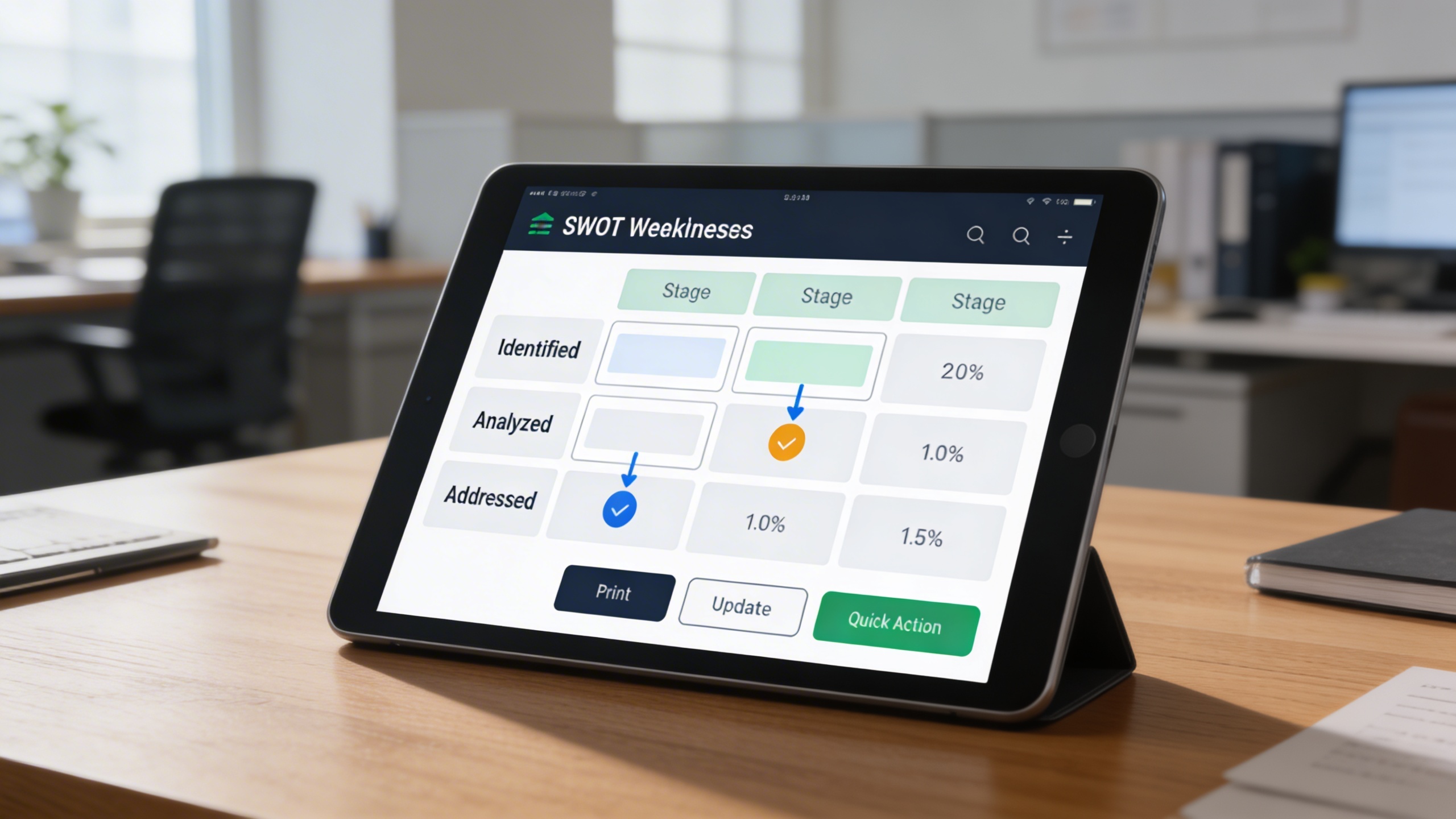
Visualize progress and manage weaknesses dynamically with the Kanban view, organizing SWOT items by stages for continuous improvement.
Key Capabilities:
- 🎯 Categorize SWOT models into distinct stages for tracking progress
- 🔁 Use drag-and-drop actions to update stages effortlessly
- 📦 View the total number of models in each stage for workload clarity
- 🛠️ Perform quick actions such as print, edit, or update directly on the board
- 🧠 Ensure weaknesses are addressed promptly for improved performance
🌳 4. Opportunity Mapping with Tree View
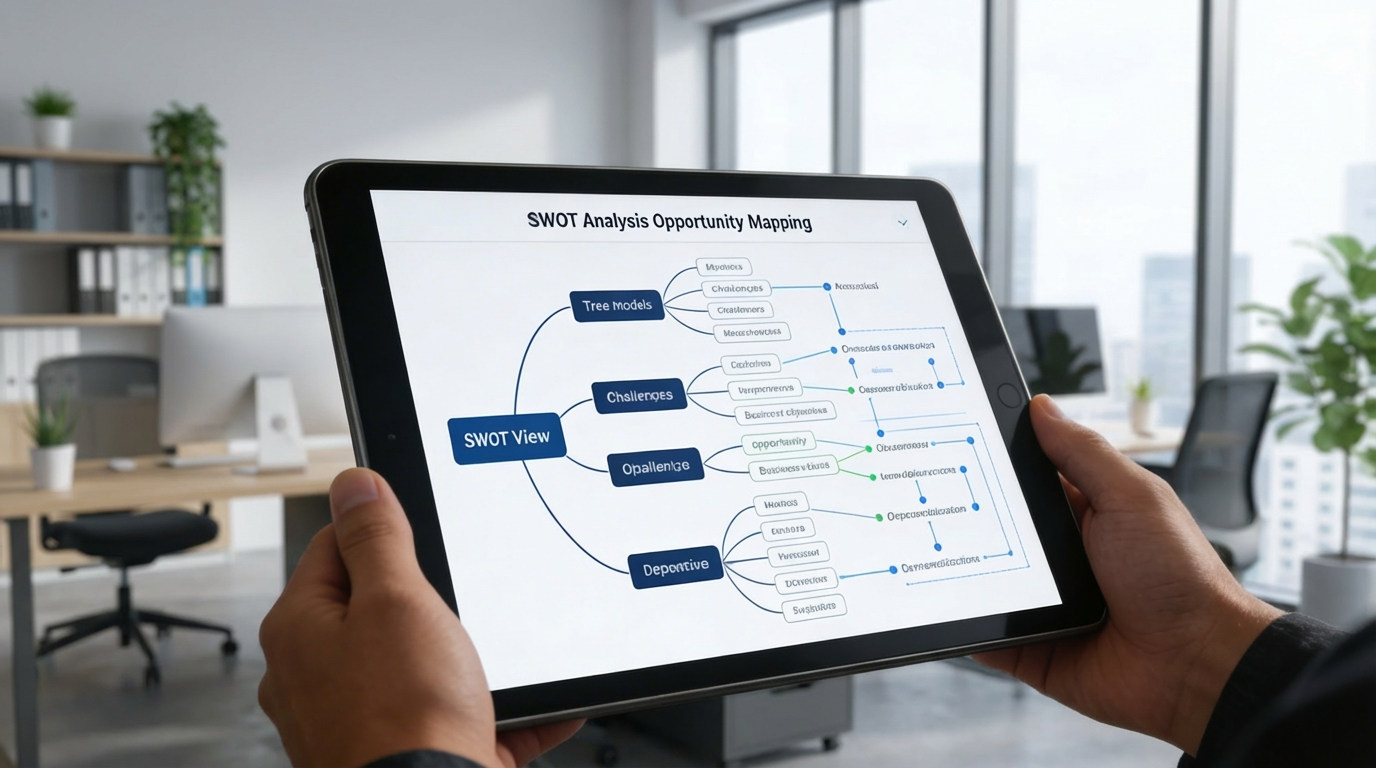
Visualize growth opportunities and align them with business challenges using an interactive Tree View. This view enables teams to see how opportunities interconnect with strategic goals and risks.
Key Capabilities:
- 🌲 Display hierarchical relationships between SWOT models and challenges
- 🎯 Identify how each opportunity supports specific business objectives
- 📈 Understand dependencies and strategic impact areas visually
- 🧭 Navigate complex SWOT structures with clarity and focus
- 📎 Support proactive planning by linking opportunities to future initiatives
Who Can Benefit from the System?
Organizations seeking structured, collaborative, and visual SWOT analysis to strengthen strategic decision-making.
🏢 Corporations & Enterprises
Overview:
Key Benefits:
🚀 Startups & Entrepreneurs
Overview:
Key Benefits:
🏫 Educational Institutions & Incubators
Overview:
Key Benefits:
🏭 Manufacturing & Industrial Firms
Overview:
Key Benefits:
💼 Consulting & Advisory Firms
Overview:
Key Benefits:
TRUSTED BY 100+ HAPPY CUSTOMERS






Latest insights and updates on technology trends and innovations
Cloud vs. On-Premise: Which Is Right for Your Business?
The Ultimate Guide to Cybersecurity for Small Businesses
How Automation is Revolutionizing Workplace Productivity
Optimizing Business Operations with Cloud Computing
Adopting Cloud Strategies for Scalable Growth
Harnessing Cloud Solutions to Drive Innovation
- AI for Business
- Marketing
- Cloud vs. On-Premise: Which Is Right for Your Business?
- AI for Business
- Marketing
- The Ultimate Guide to Cybersecurity for Small Businesses
- AI for Business
- Marketing
- How Automation is Revolutionizing Workplace Productivity
- Business Consulting
- Marketing
- Optimizing Business Operations with Cloud Computing
- Business Consulting
- IT Solutions
- Adopting Cloud Strategies for Scalable Growth
- Development
- Marketing
- Harnessing Cloud Solutions to Drive Innovation
Ready To Transform Your Business? Book a Free Consultation
Leave your email below to start a new project journey with us. Let’s shape the future of your business together.
S c h e d u l e N o w