
Support Ticket
The Support Ticket system is designed to centralize and simplify customer support and internal helpdesk operations. By digitizing the full lifecycle of ticket handling, it improves communication, enhances responsiveness, and ensures transparency for both customers and support agents.
Its main purpose is to:
- Centralize ticket creation, replies, and file attachments
- Simplify support communications with threaded replies and history
- Organize tickets by type, category, and priority for faster resolution
- Allow full customization of support forms and processes
- Provide visibility into support activity via dashboard and reports
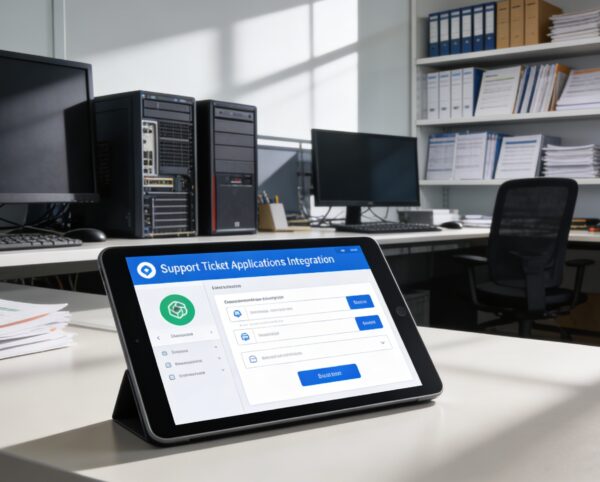
Powering Fast, Transparent, and Scalable Support Experiences
Organizations often struggle with scattered support requests, unclear communication, and slow response times that frustrate users and overload support teams. Without structured workflows, tracking issues, prioritizing requests, and maintaining accountability becomes inefficient and error-prone. The Support Ticket system resolves these challenges by centralizing requests, enabling threaded communication, organizing issues by category and priority, and delivering full visibility into support performance.
Support Ticket
Each functional component of the system is modular and scalable for easy customization.
Ticket Submission
Generate tickets with user details, descriptions, and file uploads
Ticket Submission
Reply Threads
Real-time conversation tracking between users and support teams
Reply Threads
Ticket Categorization
Group issues by type, assign colors and filters
Ticket Categorization
Form Builder
Customize fields and logic of ticket submission forms
Form Builder
FAQ Management
Host a library of common questions and answers
FAQ Management
Admin Dashboard
Monitor tickets, reply rates, and team activity
Admin Dashboard

Unified Support Ticket Platform
Centralize support requests, conversations, categorization, and tracking to deliver faster resolutions and consistent support experiences.
🧾 1. Ticket Submission System
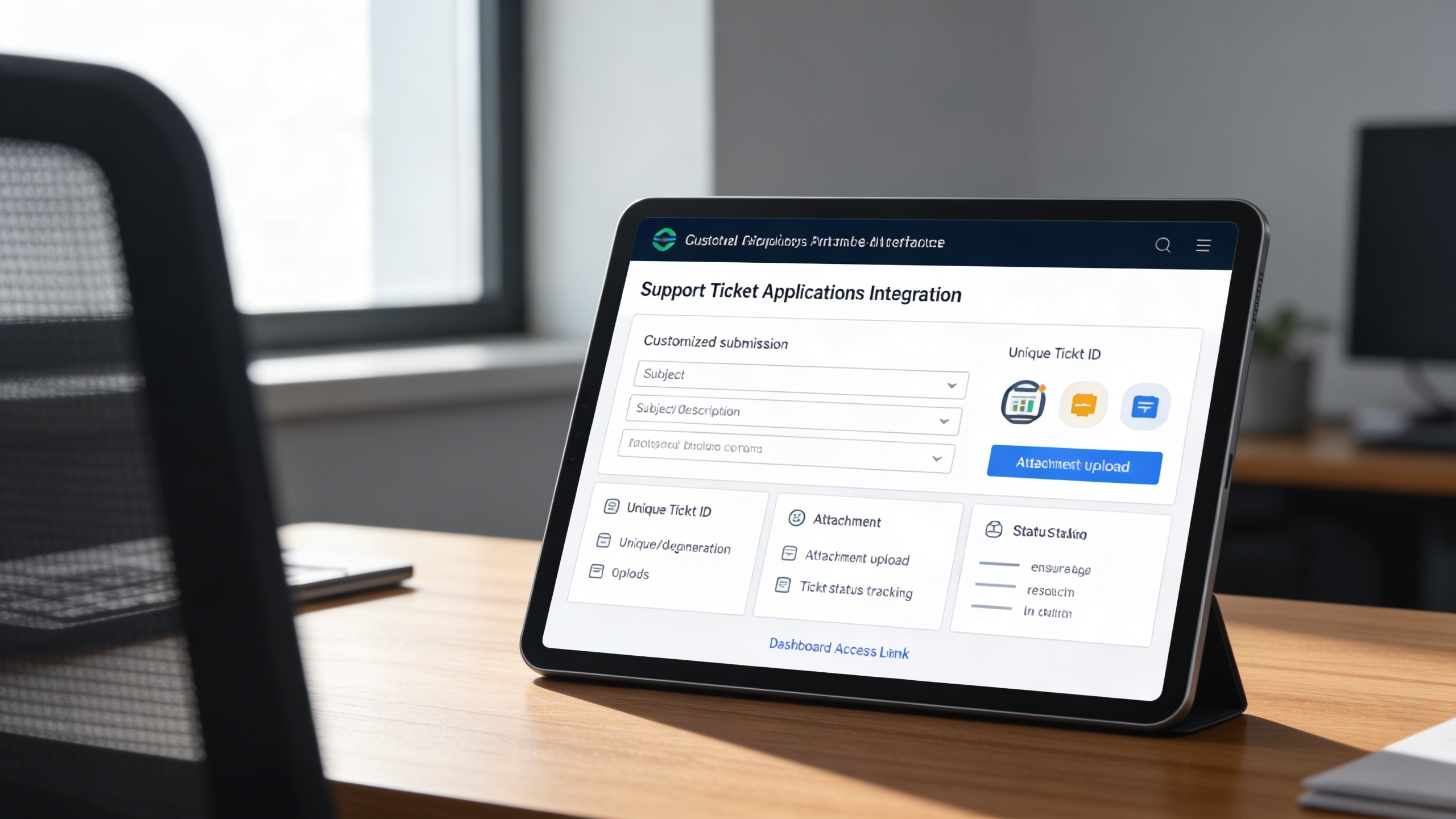
Enable users to submit clear, structured support requests using customizable forms with attachments. Each ticket is assigned a unique ID for accurate tracking and accountability.
Key Capabilities:
- 📝 Submit tickets with full descriptions and subject lines
- 🆔 Generate unique ticket IDs for traceability
- 📎 Upload attachments (documents, screenshots) for clarity
- 📊 Track ticket status (Open, Closed, Pending)
- 🌐 Access tickets via a public or dashboard link
🔁 2. Interactive Ticket Replies
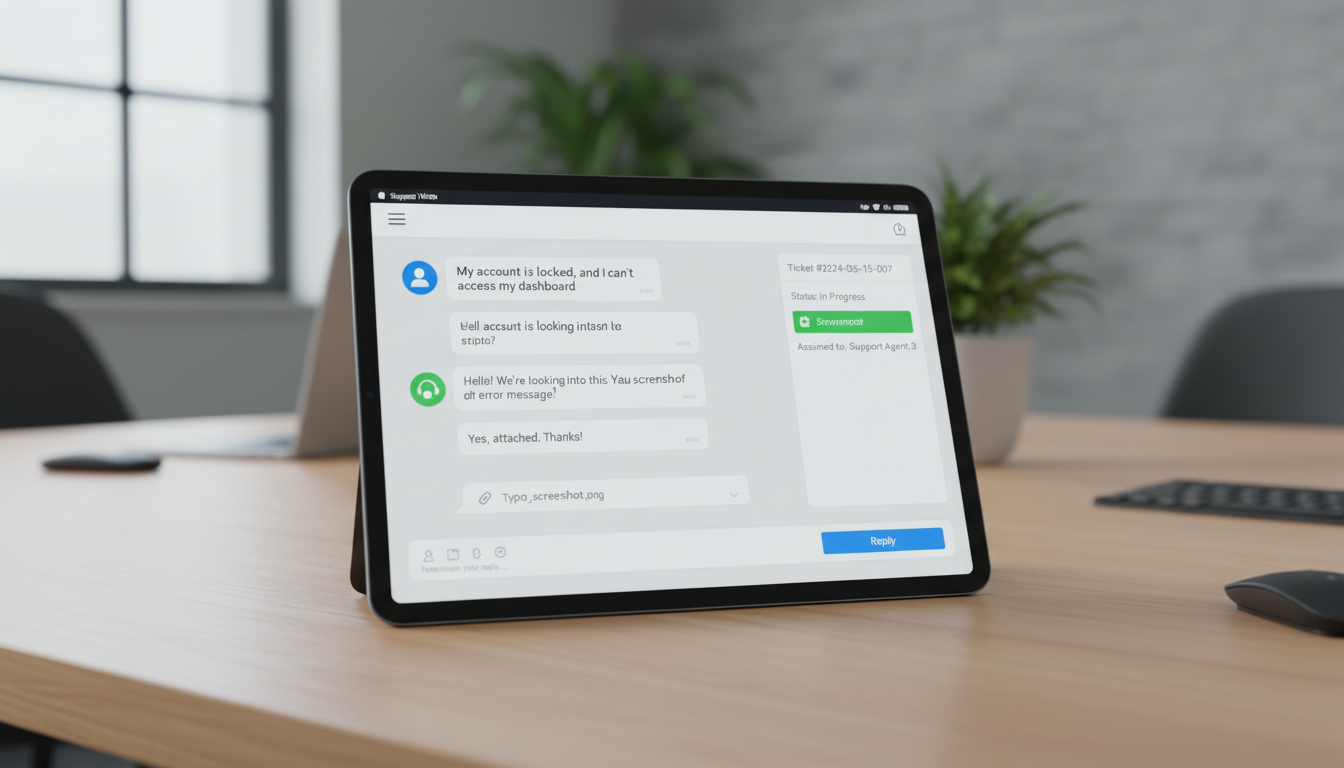
Maintain transparent communication through threaded conversations between users and support teams. Full reply history ensures context is preserved until resolution.
Key Capabilities:
- 💬 Reply to tickets within an organized conversation thread
- 👤 Differentiate messages by user or admin sender
- 📎 Attach additional files per reply for complete context
- 📌 Retain full history of issue resolution discussions
- 🌍 Users reply from front-end; staff reply via dashboard
🗂️ 3. Category-Based Management
Organize and prioritize tickets efficiently using configurable categories and visual tags. This improves routing accuracy and balances support team workloads.
Key Capabilities:
- 🎨 Use color-coded tags to classify ticket types
- 🔀 Route tickets automatically based on their selected category
- 📁 Filter and prioritize tickets by category in dashboards
- 🧭 Simplify workload distribution across team members

🧱 4. Dynamic Form Builder
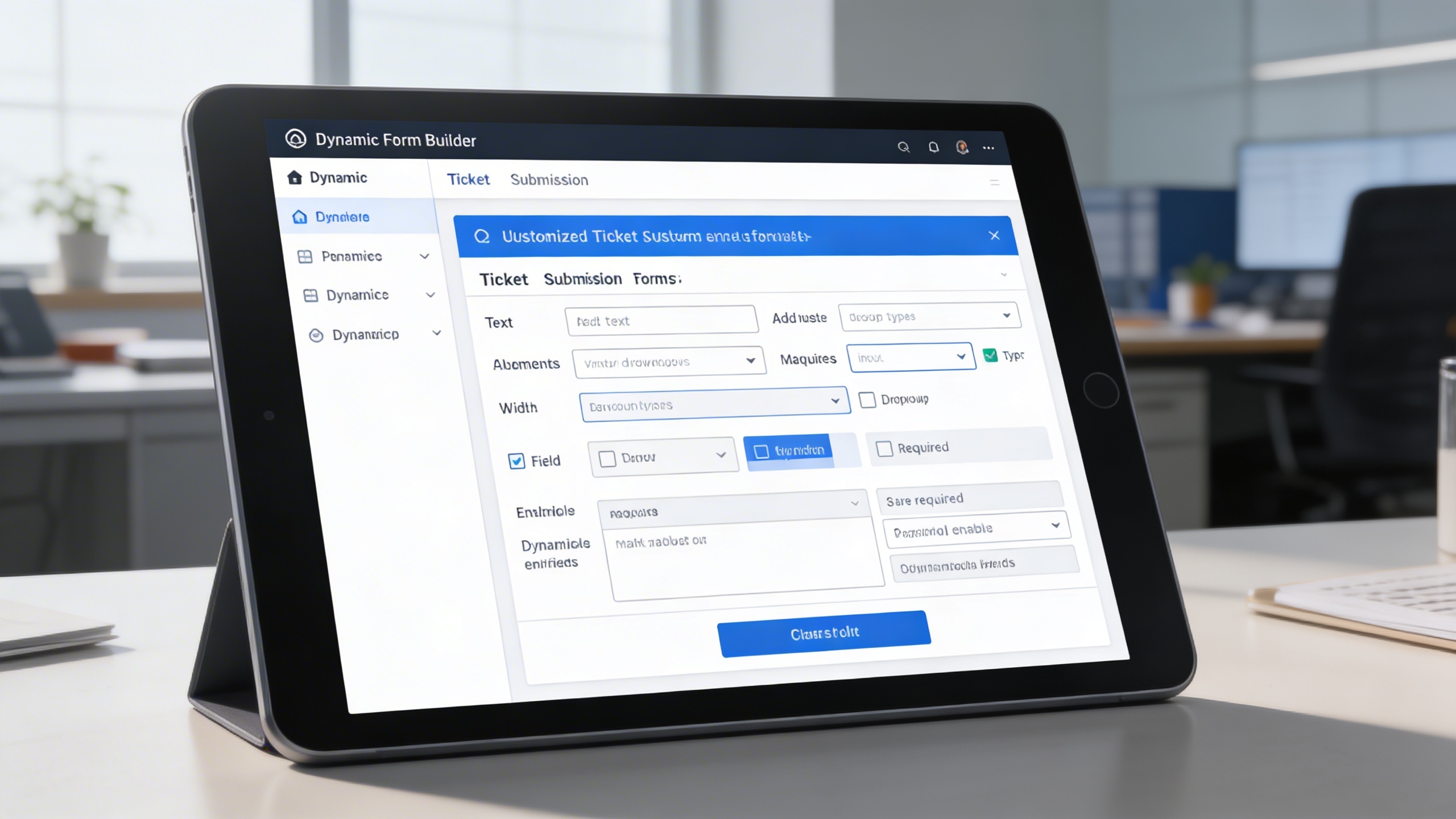
Customize ticket submission forms to match specific support workflows and requirements. Easily adjust fields, validation rules, and layouts without technical complexity.
Key Capabilities:
- 🛠️ Add various input types like text, dropdowns, or checkboxes
- ↔️ Adjust field widths for better layout structure
- 🔒 Mark essential fields as required
- 🗃️ Enable/disable fields dynamically without deleting them
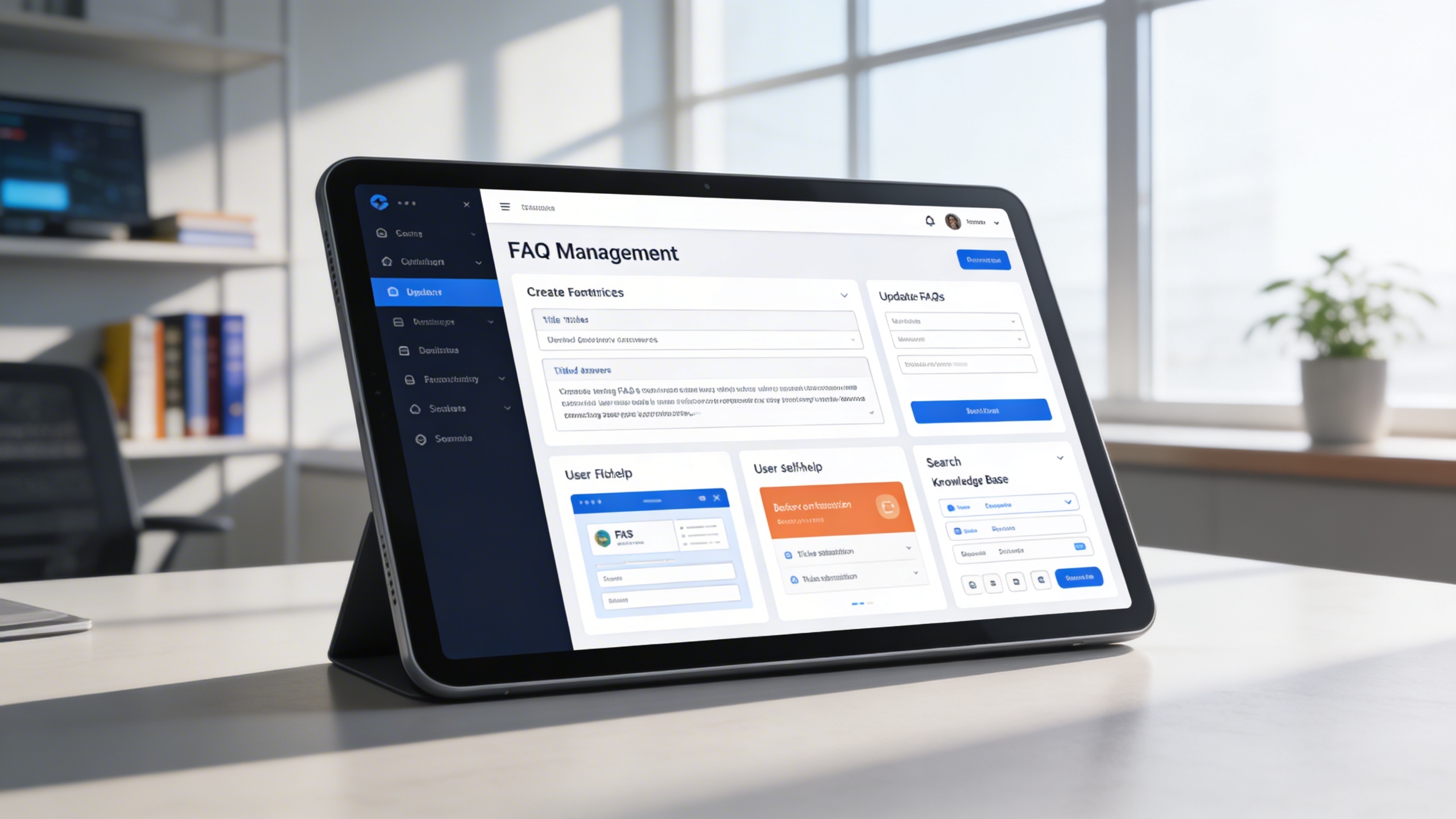
❓ 5. FAQ Management
Reduce incoming tickets by offering users instant answers through a searchable FAQ library. Keep knowledge content updated to reflect common issues and solutions.
Key Capabilities:
- 📚 Create FAQ entries with titles and detailed answers
- 🔄 Update FAQs anytime based on customer feedback
- 🧠 Provide self-help for users before ticket submission
- 📌 Maintain a searchable knowledge base for quick access
Who Can Benefit from the System?
Organizations managing customer inquiries or internal support requests that require structured workflows, transparency, and faster issue resolution.
🏢 SaaS Providers & Tech Companies
Overview:
Key Benefits:
🏛️ Government & Public Services
Overview:
Key Benefits:
🏫 Educational Institutions
Overview:
Key Benefits:
🏢 Internal IT Support Teams
Overview:
Key Benefits:
🏘️ Service-Based Businesses
Overview:
Key Benefits:
TRUSTED BY 100+ HAPPY CUSTOMERS






Latest insights and updates on technology trends and innovations
Cloud vs. On-Premise: Which Is Right for Your Business?
The Ultimate Guide to Cybersecurity for Small Businesses
How Automation is Revolutionizing Workplace Productivity
Optimizing Business Operations with Cloud Computing
Adopting Cloud Strategies for Scalable Growth
Harnessing Cloud Solutions to Drive Innovation
- AI for Business
- Marketing
- Cloud vs. On-Premise: Which Is Right for Your Business?
- AI for Business
- Marketing
- The Ultimate Guide to Cybersecurity for Small Businesses
- AI for Business
- Marketing
- How Automation is Revolutionizing Workplace Productivity
- Business Consulting
- Marketing
- Optimizing Business Operations with Cloud Computing
- Business Consulting
- IT Solutions
- Adopting Cloud Strategies for Scalable Growth
- Development
- Marketing
- Harnessing Cloud Solutions to Drive Innovation
Ready To Transform Your Business? Book a Free Consultation
Leave your email below to start a new project journey with us. Let’s shape the future of your business together.
S c h e d u l e N o w