
Support Ticket
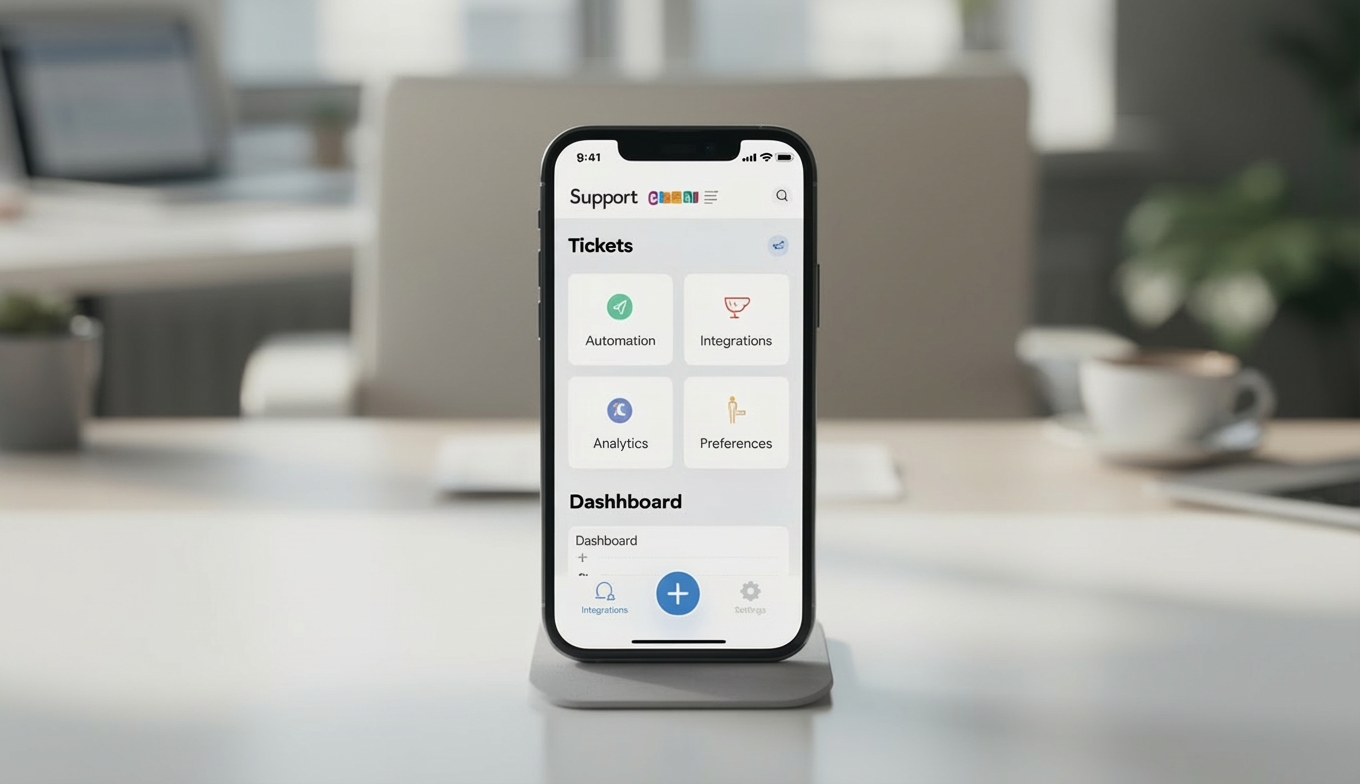
The Support Ticket Mobile Application is built to transform traditional support processes into a smart, digital, and transparent support ecosystem. By centralizing customer requests, knowledge resources, and FAQ management, it reduces response times, increases team productivity, and enhances the overall customer experience.
Its main purpose is to:
- Simplify the management of customer inquiries and support tickets
- Create a centralized knowledge base for faster issue resolution
- Manage FAQs efficiently to reduce repetitive queries
- Integrate support operations with popular platforms for better collaboration
- Deliver real-time visibility into support performance and ticket progress
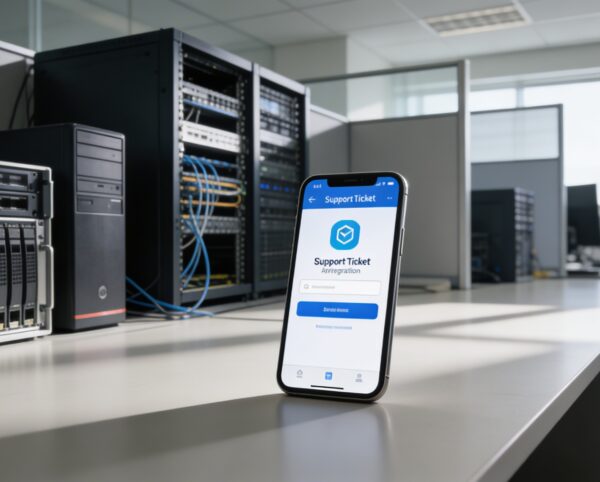
Delivering Faster, Smarter, and More Connected Customer Support
Customer support teams often face challenges such as scattered ticket channels, repetitive inquiries, and limited visibility into issue resolution. These inefficiencies lead to slower response times, inconsistent service quality, and reduced customer satisfaction. The Support Ticket Mobile Application resolves these issues by centralizing ticket management, empowering self-service through knowledge bases and FAQs, and delivering real-time insights that enable faster, more accountable support operations.
Support Ticket
Each functional component of the system is modular and scalable for easy customization.
Ticket Management
Create, view, update, and track all customer support tickets.
Ticket Management
Knowledge Base
Maintain an organized repository of support articles and troubleshooting guides.
Knowledge Base
FAQ Manager
Simplify FAQ creation and management for recurring customer queries.
FAQ Manager
Integration Hub
Sync data with Zendesk, Google Drive, and OneDrive.
Integration Hub
Support Analytics Dashboard
Track performance metrics and agent efficiency in real-time.
Support Analytics Dashboard

Unified Support Operations Platform
A centralized support solution combining ticketing, knowledge management, and integrations to accelerate resolutions and improve customer satisfaction.
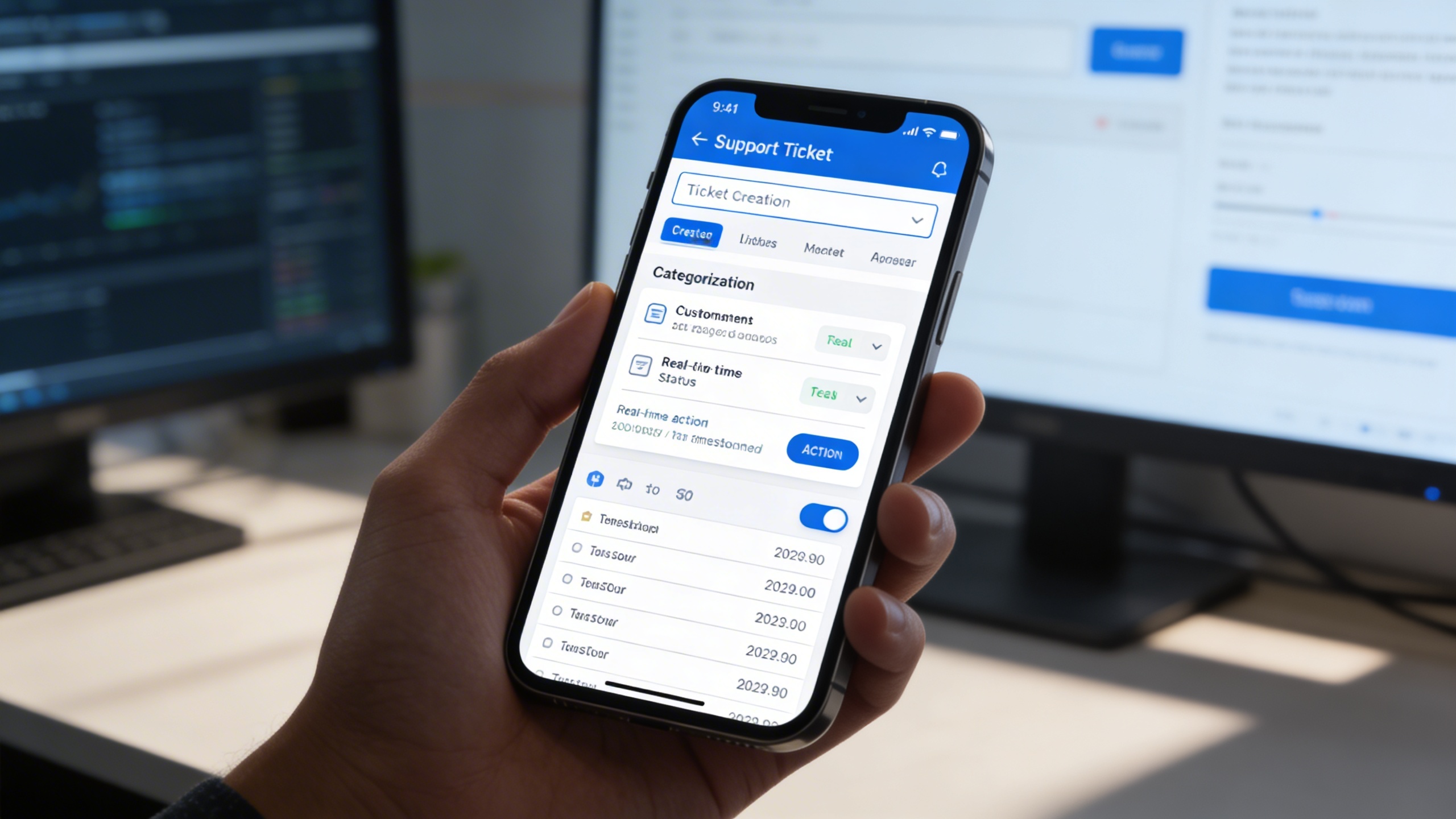
🎟️ 1. Managing Support Tickets
At the core of the Support Ticket Mobile Application lies its comprehensive ticket management system. From creation to resolution, each ticket is tracked meticulously, ensuring no issue is overlooked.
Key Capabilities:
- 🆔 Ticket Creation and Categorization (Support, Bug, New Installation)
- 👤 Customer Information Tracking (Name, Email, Account Type)
- 📅 Real-Time Ticket Status Updates (On Hold, In Progress, Completed)
- 💬 Direct Reply and Action Tools (Edit, View, Delete)
- 📂 Timestamped Ticket Logs for Historical Reference
📚 2. Knowledge Base Management
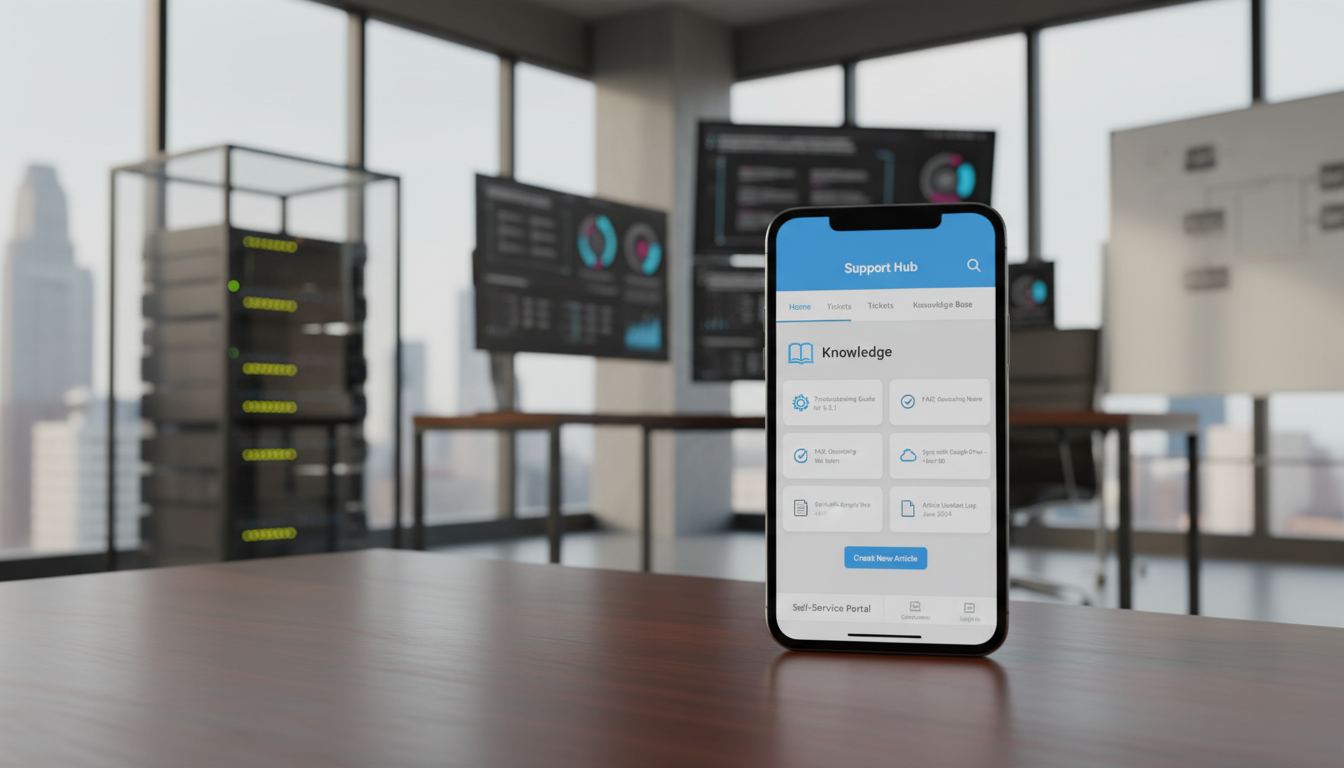
Empower your customers and support staff with an accessible knowledge base containing articles, troubleshooting steps, and guides. Keep your content synchronized and easily searchable for consistent service delivery.
Key Capabilities:
- 📝 Create, Edit, and Delete Knowledge Articles Effortlessly
- 📂 Categorize Articles for Quick Access
- 🔄 Sync with OneDrive, Google Drive, and Zendesk
- 📑 Maintain Version Control and Article Update Logs
- 💡 Enable Self-Service for Customers and Agents
❓ 3. Streamlining FAQ Management
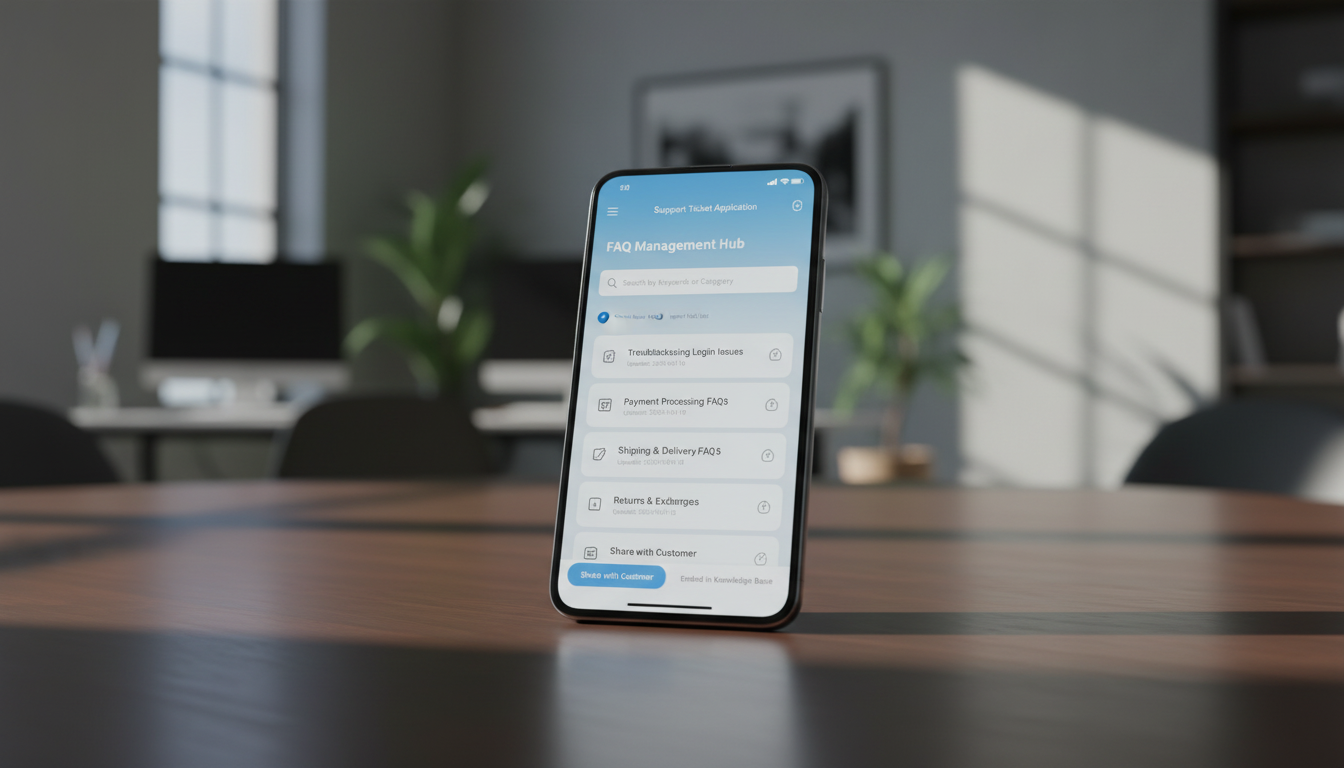
Simplify recurring customer queries by organizing all Frequently Asked Questions (FAQs) into one central hub. Enhance customer experience with quick, accurate answers available anytime.
Key Capabilities:
- ❓ Create, Edit, and Manage FAQ Entries
- 📅 Record Creation and Update Timestamps
- 🧩 Import Existing FAQ Lists for Quick Setup
- 🔍 Search and Filter FAQs by Keywords or Category
- 📤 Share FAQs Directly with Customers or Embed in Knowledge Base
⚡ 4. Enhancing Customer Support Efficiency
Deliver faster and more accurate support with intelligent automation and synchronization tools that keep your team connected and your customers satisfied.
Key Capabilities:
- ⚙️ Automate Ticket Assignments and Notifications
- 🔗 Integrate with Third-Party Tools for Streamlined Workflows
- 📊 Monitor Ticket Volume and Response Times via Dashboard
- 👥 Collaborate Seamlessly Across Teams and Departments
- 📈 Generate Performance Reports and Customer Feedback Summaries
Who Can Benefit from the System?
Organizations seeking faster issue resolution, improved support visibility, and scalable customer service operations across teams and platforms.
🏢 SaaS & Software Companies
Overview:
Key Benefits:
🏛️ Government & Public Service Agencies
Overview:
Key Benefits:
🏬 E-Commerce & Retail Businesses
Overview:
Key Benefits:
🧑💼 IT & Managed Service Providers (MSPs)
Overview:
Key Benefits:
🏫 Educational Institutions
Overview:
Key Benefits:
TRUSTED BY 100+ HAPPY CUSTOMERS






Latest insights and updates on technology trends and innovations
Cloud vs. On-Premise: Which Is Right for Your Business?
The Ultimate Guide to Cybersecurity for Small Businesses
How Automation is Revolutionizing Workplace Productivity
Optimizing Business Operations with Cloud Computing
Adopting Cloud Strategies for Scalable Growth
Harnessing Cloud Solutions to Drive Innovation
- AI for Business
- Marketing
- Cloud vs. On-Premise: Which Is Right for Your Business?
- AI for Business
- Marketing
- The Ultimate Guide to Cybersecurity for Small Businesses
- AI for Business
- Marketing
- How Automation is Revolutionizing Workplace Productivity
- Business Consulting
- Marketing
- Optimizing Business Operations with Cloud Computing
- Business Consulting
- IT Solutions
- Adopting Cloud Strategies for Scalable Growth
- Development
- Marketing
- Harnessing Cloud Solutions to Drive Innovation
Ready To Transform Your Business? Book a Free Consultation
Leave your email below to start a new project journey with us. Let’s shape the future of your business together.
S c h e d u l e N o w