
Spreadsheets
The Spreadsheets Module is built to empower users with a structured yet flexible platform for managing and analyzing organizational data. It bridges the gap between manual data handling and dynamic analytics, enabling informed decision-making and smoother operations.
Its main purpose is to:
- Simplify data entry, storage, and manipulation in a single platform
- Support complex calculations, summaries, and trend analysis
- Enable seamless linking with other ERP modules for contextual insights
- Enhance collaboration through shared spreadsheets and folders
- Facilitate real-time data visualization and reporting for quick decision-making

Unifying Business Data for Real-Time Intelligence
Many businesses struggle with fragmented data, manual reporting, and isolated spreadsheets that slow decision-making. The Spreadsheets Module resolves these limitations by centralizing structured information, enabling collaborative editing, integrating with Projects, CRM, and Finance, and supporting formula-driven analysis. The result is a unified, data-driven environment where organizations visualize performance, track progress, and execute decisions with confidence.
Spreadsheets
Each functional component of the system is modular and scalable for easy customization.
Folder Management
Create, organize, and manage multiple folders and subfolders for structured data storage.
Folder Management
Module Association
Link spreadsheets with other ERP modules such as Projects, Leads, and Contracts for contextual analysis.
Module Association
Data Management
Input, calculate, and manipulate numerical and textual data effortlessly.
Data Management
Visualization Tools
Generate charts and graphs to display trends and insights.
Visualization Tools
Collaboration Tools
Share spreadsheets and grant permissions to specific users or teams.
Collaboration Tools
Access & Version Control
Maintain document integrity with detailed version tracking and access restrictions.
Access & Version Control

Collaborative Data Intelligence
Unify data, collaborate instantly, visualize performance, and link business records for faster, smarter decision-making.
📁 1. Organized Data Management
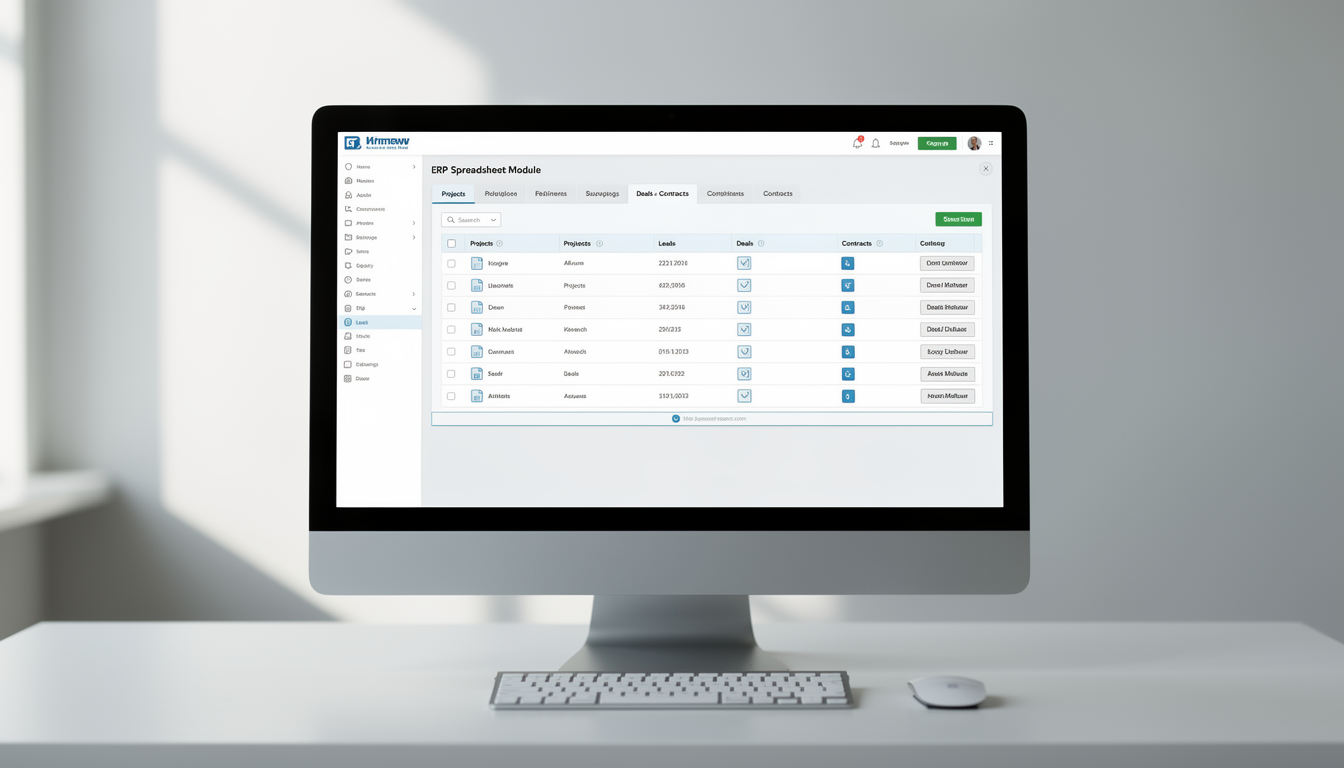
Experience effortless control over your business data with a centralized and structured folder system. The Spreadsheets Module allows users to create subfolders, manage categories, and link files directly to relevant ERP modules.
Key Capabilities:
- 🗂️ Create nested folders for department-wise or project-specific organization
- 🔗 Associate spreadsheets with Projects, Leads, Deals, and Contracts
- 📎 Share folders directly within modules for seamless collaboration
- 📁 Maintain clear visibility and reduce data duplication across teams
📊 2. How Spreadsheets Are Useful
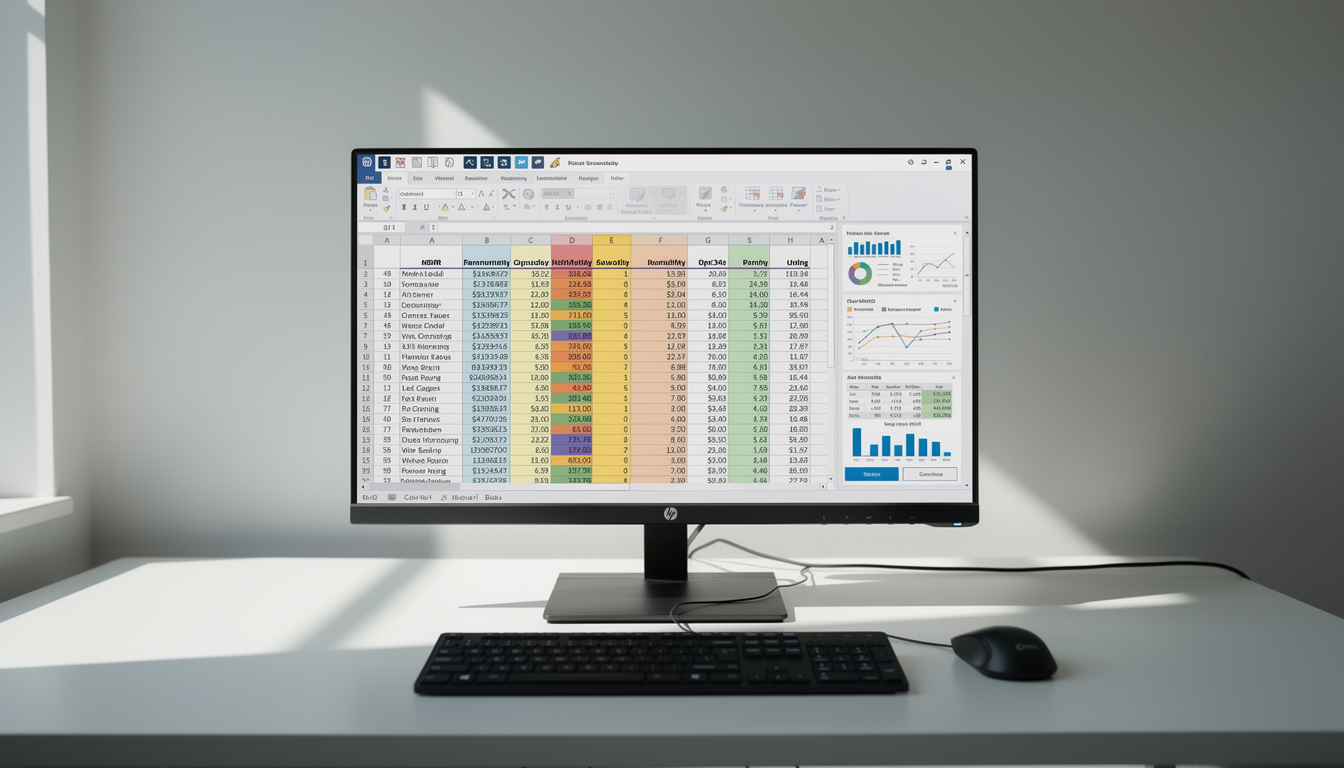
The Spreadsheets Module acts as a flexible workspace for financial, operational, and analytical data management. Ideal for teams that rely on structured information and precise reporting.
Key Capabilities:
- 📈 Perform calculations using formulas and functions
- 🧮 Analyze and manipulate data efficiently in real time
- 📉 Generate reports and dashboards for business insights
- 📊 Support structured and ad-hoc data analysis for better decisions
📈 3. Enhanced Collaboration & Integration
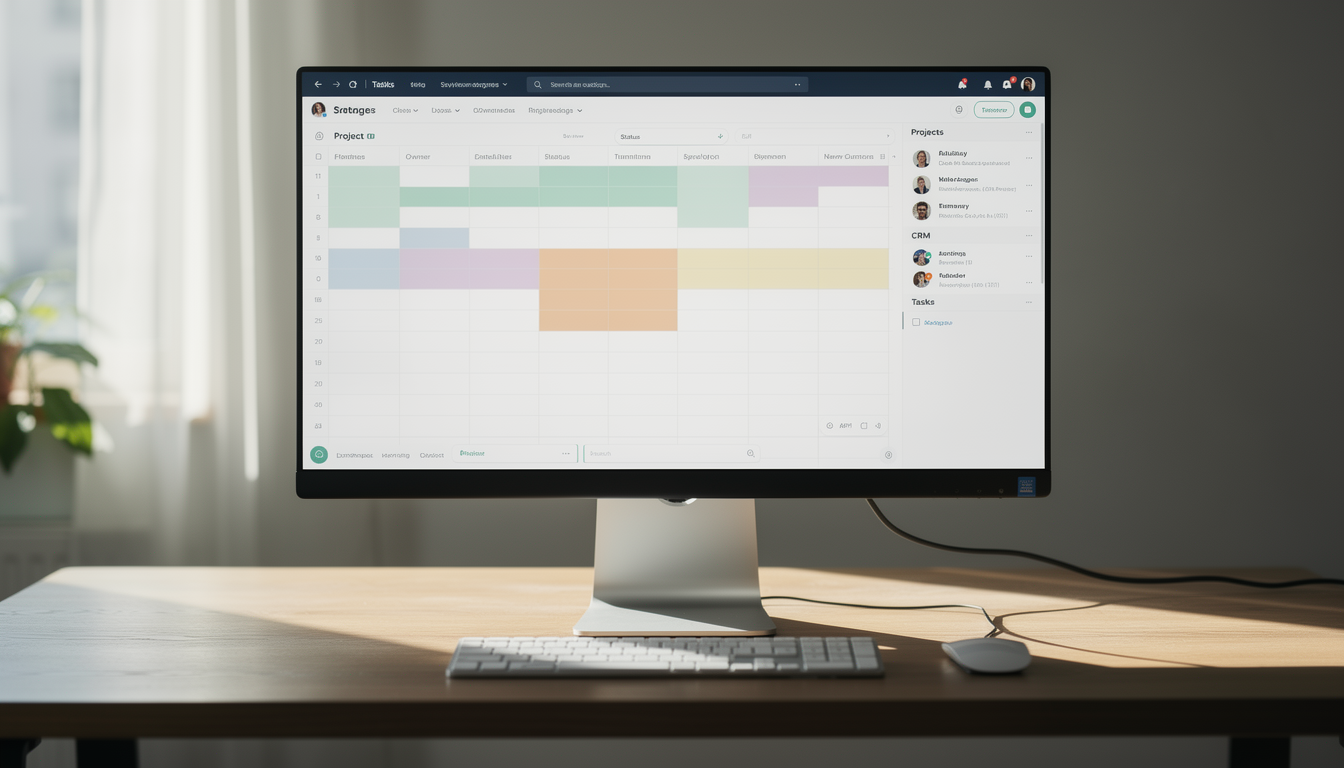
Collaboration lies at the core of the Spreadsheets Module. Users can share, co-edit, and discuss data directly within their workspace, ensuring aligned teamwork and timely updates.
Key Capabilities:
- 👥 Share spreadsheets with individuals or teams based on roles
- 💬 Enable real-time collaboration and editing
- 🔗 Integrate seamlessly with modules like Projects, CRM, and Tasks
- 📑 Maintain a centralized source of truth across departments
🧮 4. Some Benefits of Using Spreadsheets
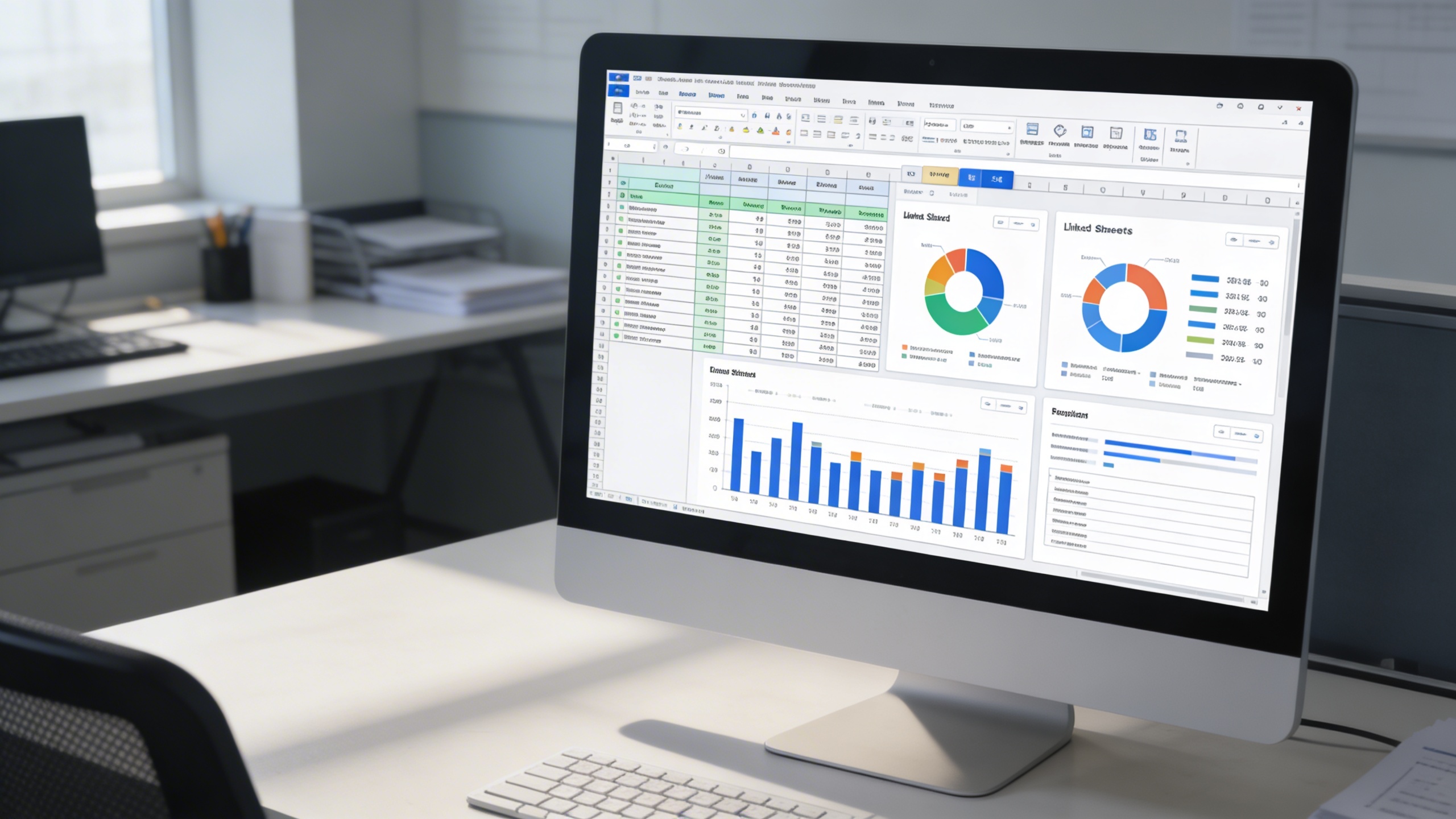
Harness the power of data-driven operations with the Spreadsheets Module’s analytical capabilities. From financial summaries to performance reports, users can gain valuable insights effortlessly.
Key Capabilities:
- 📊 Manipulate data for forecasts and planning
- 🧠 Visualize performance trends using charts and graphs
- 📎 Track project or financial progress through linked sheets
- 🧾 Create structured templates for recurring reporting needs
Who Can Benefit from the System?
Empower operational, financial, analytical, and academic teams with structured, collaborative data management across every business function.
💼 Finance & Accounting Teams
Overview:
Key Benefits:
🧠 Data Analysts & Business Strategists
Overview:
Key Benefits:
🧑💼 Project Management Teams
Overview:
Key Benefits:
🏢 Sales & Operations Departments
Overview:
Key Benefits:
🎓 Educational & Research Institutions
Overview:
Key Benefits:
🏛️ Corporate Enterprises
Overview:
Key Benefits:
TRUSTED BY 100+ HAPPY CUSTOMERS






Latest insights and updates on technology trends and innovations
Cloud vs. On-Premise: Which Is Right for Your Business?
The Ultimate Guide to Cybersecurity for Small Businesses
How Automation is Revolutionizing Workplace Productivity
Optimizing Business Operations with Cloud Computing
Adopting Cloud Strategies for Scalable Growth
Harnessing Cloud Solutions to Drive Innovation
- AI for Business
- Marketing
- Cloud vs. On-Premise: Which Is Right for Your Business?
- AI for Business
- Marketing
- The Ultimate Guide to Cybersecurity for Small Businesses
- AI for Business
- Marketing
- How Automation is Revolutionizing Workplace Productivity
- Business Consulting
- Marketing
- Optimizing Business Operations with Cloud Computing
- Business Consulting
- IT Solutions
- Adopting Cloud Strategies for Scalable Growth
- Development
- Marketing
- Harnessing Cloud Solutions to Drive Innovation
Ready To Transform Your Business? Book a Free Consultation
Leave your email below to start a new project journey with us. Let’s shape the future of your business together.
S c h e d u l e N o w