
Signature
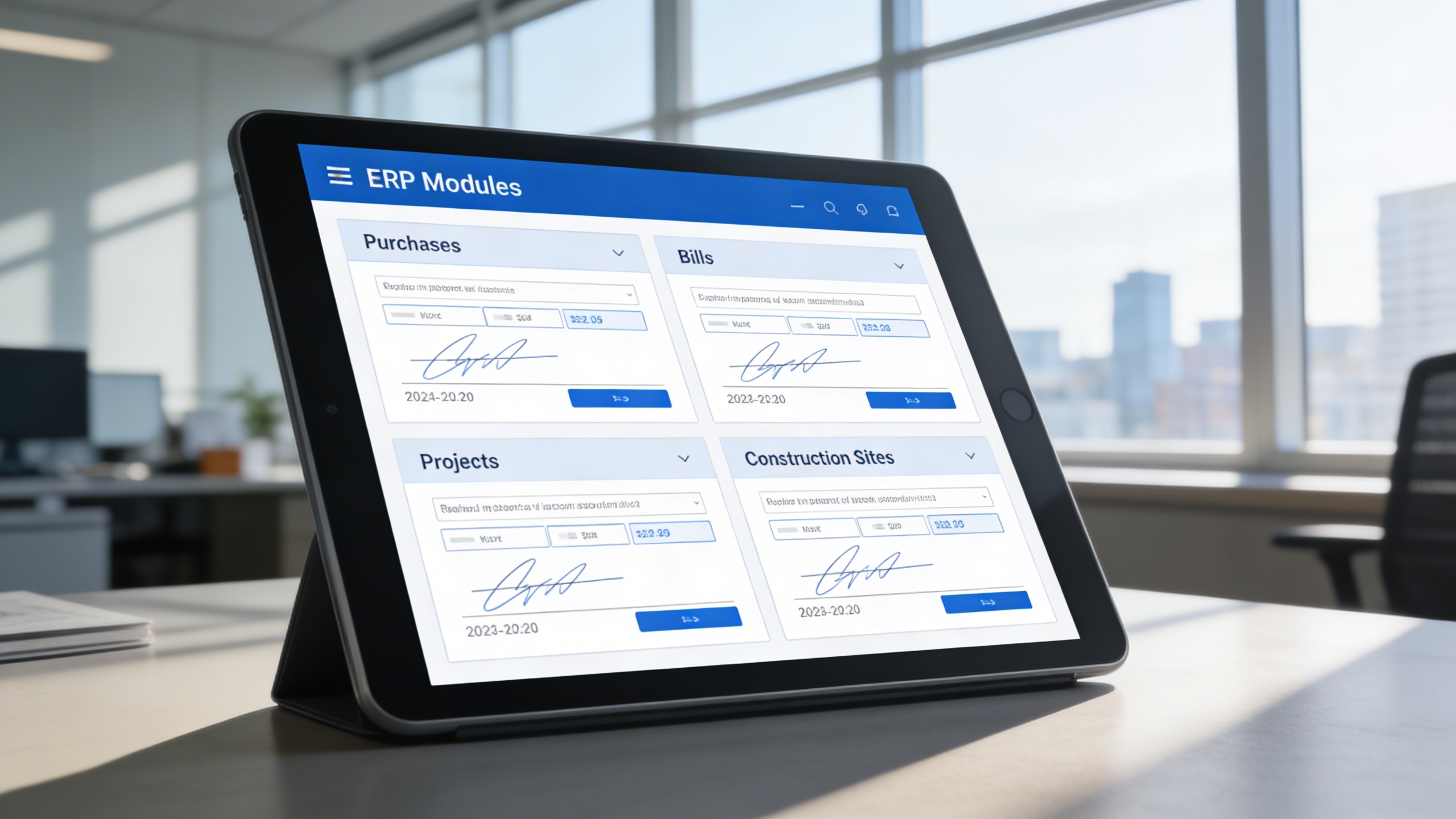
The Signature Add-On digitizes and streamlines document authentication within the ERP environment. By embedding signing capabilities into core business modules such as Purchases, Bills, Projects, and Construction Sites, it enables organizations to finalize and verify transactions without leaving the system.
Its main purpose is to:
- Eliminate the need for manual signatures or external signing tools
- Enhance document security and user authentication through role-based access
- Maintain a verifiable trail of approvals and acknowledgments
- Improve workflow efficiency by reducing turnaround time
- Ensure compliance with internal policies and external audit requirements
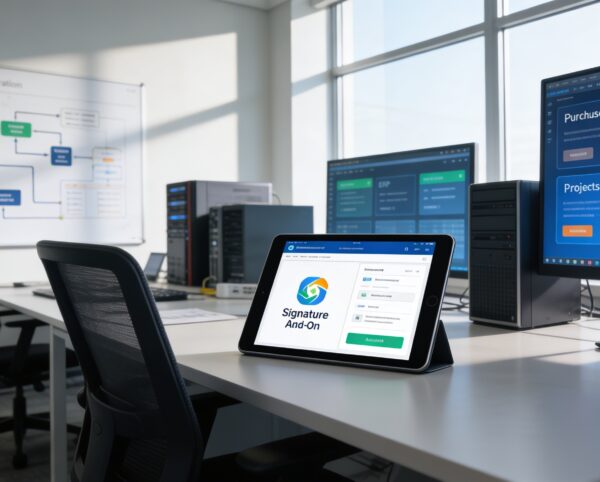
Secure Digital Signatures for Faster Business Approvals
Organizations often struggle with manual approvals, scattered signing tools, and limited visibility into document authorization, leading to delays and compliance risks. These inefficiencies create bottlenecks across purchasing, billing, projects, and partner workflows while increasing operational overhead. The Signature Add-On resolves these challenges by embedding secure, role-based digital signing directly into the ERP, ensuring traceable approvals, faster turnaround times, and audit-ready documentation.
Signature
Each functional component of the system is modular and scalable for easy customization.
Company Signatures
Default access for purchases, bills, and project tasks
Company Signatures
Vendor Signatures
Conditional access in purchases and bills, based on permissions
Vendor Signatures
Staff Signatures
Restricted to assigned project tasks
Staff Signatures
Construction Partner Signatures
Exclusive access for site documents
Construction Partner Signatures
Audit & Record Log
Tracks every signature action with timestamp and user ID
Audit & Record Log

Integrated Digital Signature Platform
Digitally sign, verify, and archive documents securely within the ERP using role-based permissions and full audit visibility.
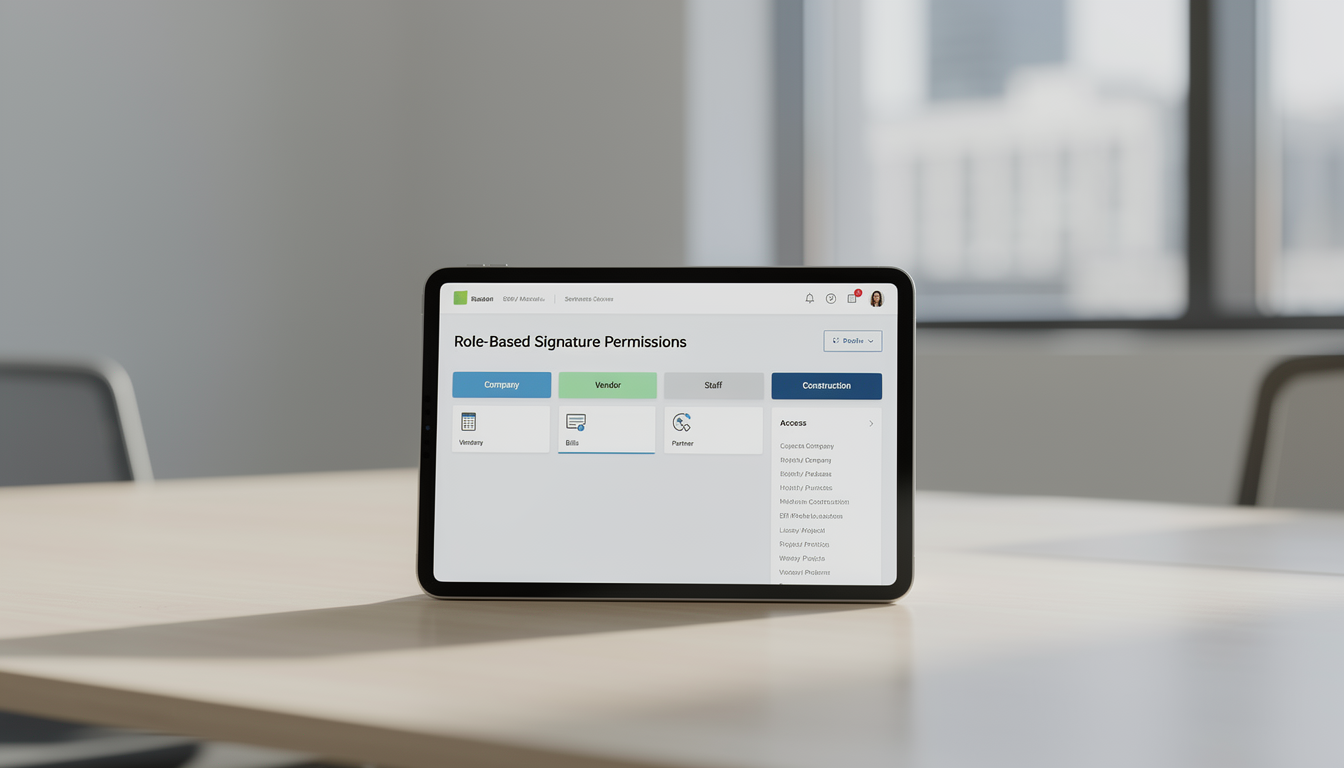
🧾 1. Role-Based Signature Permissions
Control exactly who can sign documents by assigning permissions based on company, vendor, staff, or partner roles. This ensures secure authorization and prevents unauthorized signing across all workflows.
Key Capabilities:
- 🔐 Controlled access for company, vendor, staff, and partner roles
- ⚙️ Configurable rights per module (Purchases, Bills, Projects, Construction)
- 👥 Prevents unauthorized signing actions
- 📊 Maintains full visibility through access logs
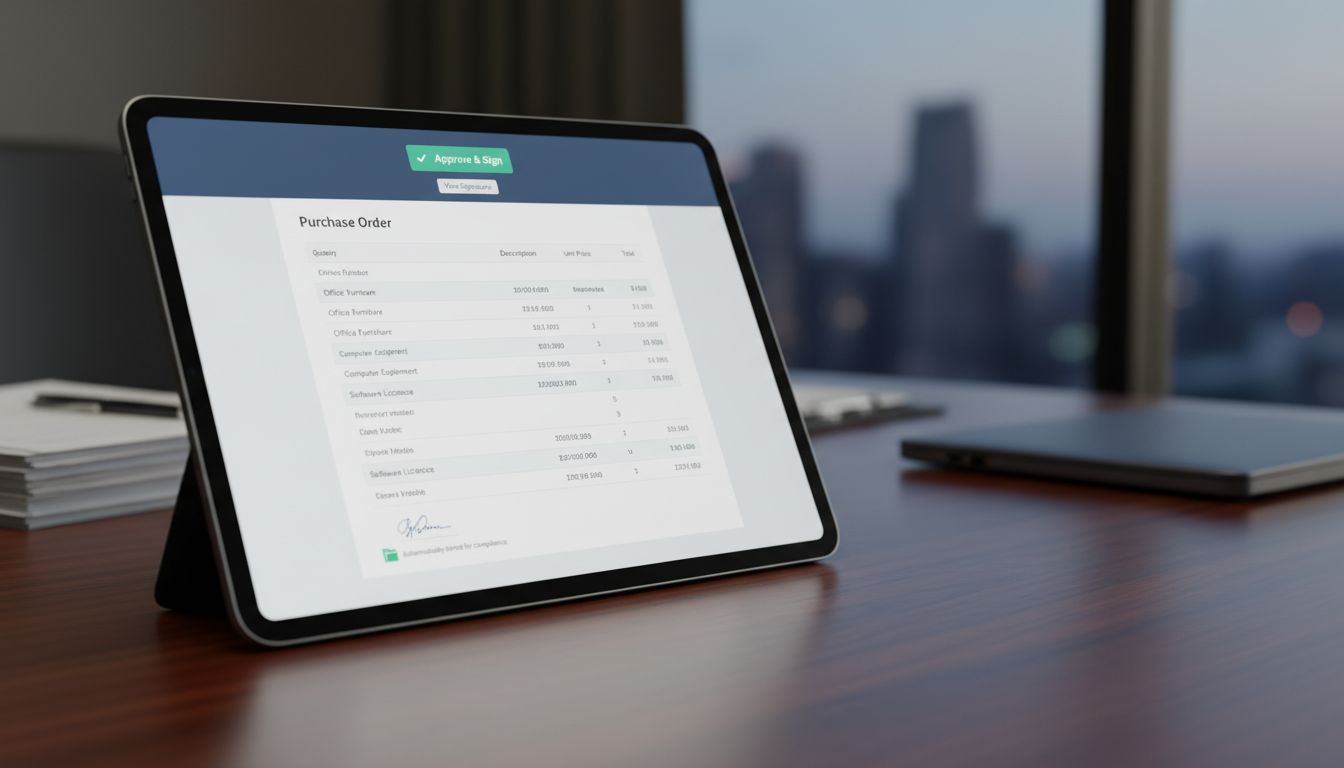
📦 2. Company Signatures in Purchases
Enable companies to approve purchase documents instantly without external tools or setup. Signed records are automatically stored for validation, compliance, and procurement transparency.
Key Capabilities:
- 🖋️ Default access to the signature button without extra setup
- 📄 Quick signing process to confirm official purchases
- 📁 Automatic storage of signed copies for internal and external validation
- 🧾 Streamlined approval for procurement records
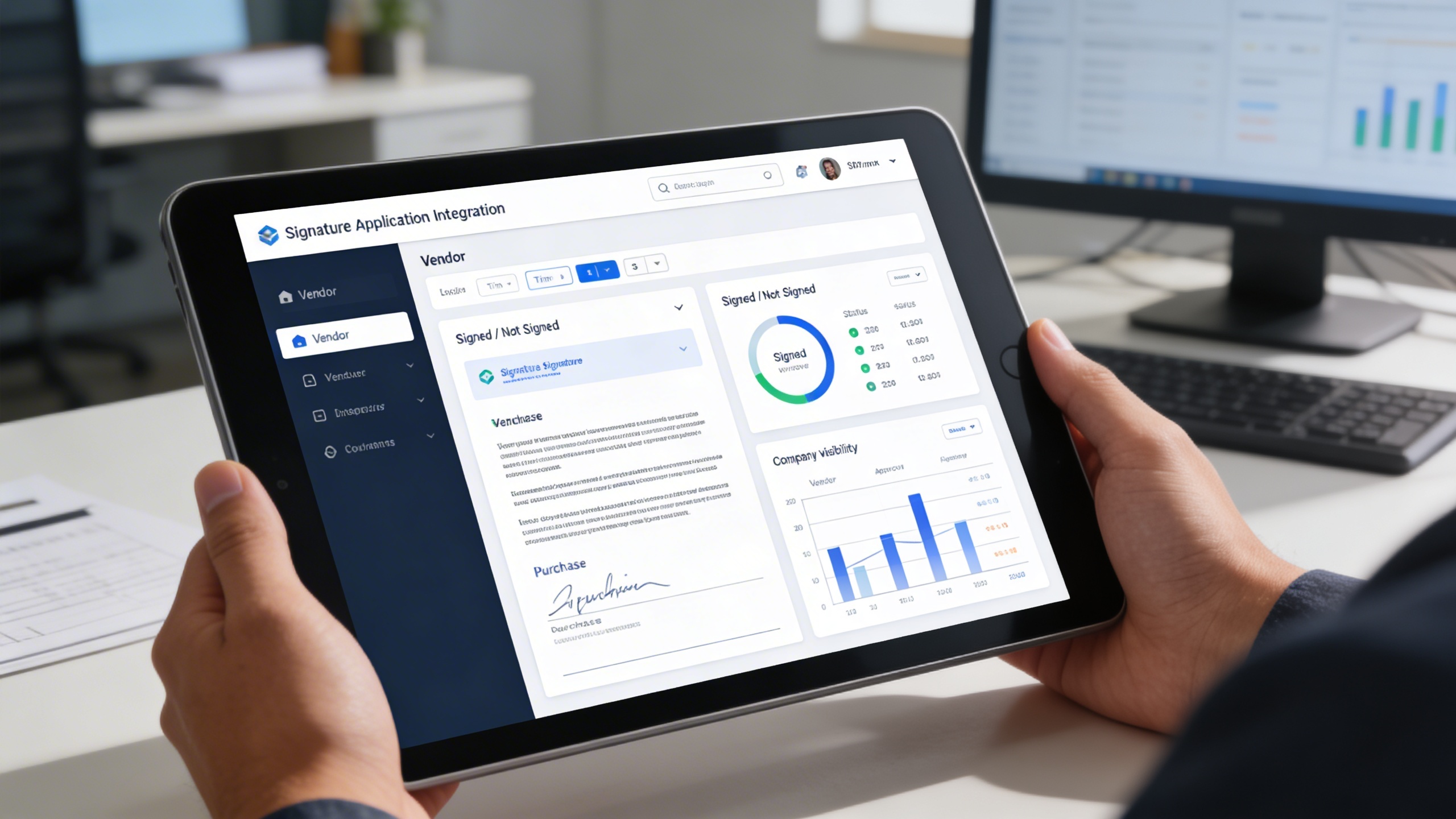
🧑💼 3. Vendor Signatures in Purchases & Bills
Allow vendors to digitally confirm purchases and bills directly within the system. Real-time status tracking ensures accountability and speeds up transaction completion.
Key Capabilities:
- 👤 Requires vendor login and signature permission assignment
- 📌 Real-time “Signed / Not Signed” status tracking
- 🧾 Confirmation of vendor approval on purchases or bills
- 📑 Visibility for the company to monitor completion and accountability
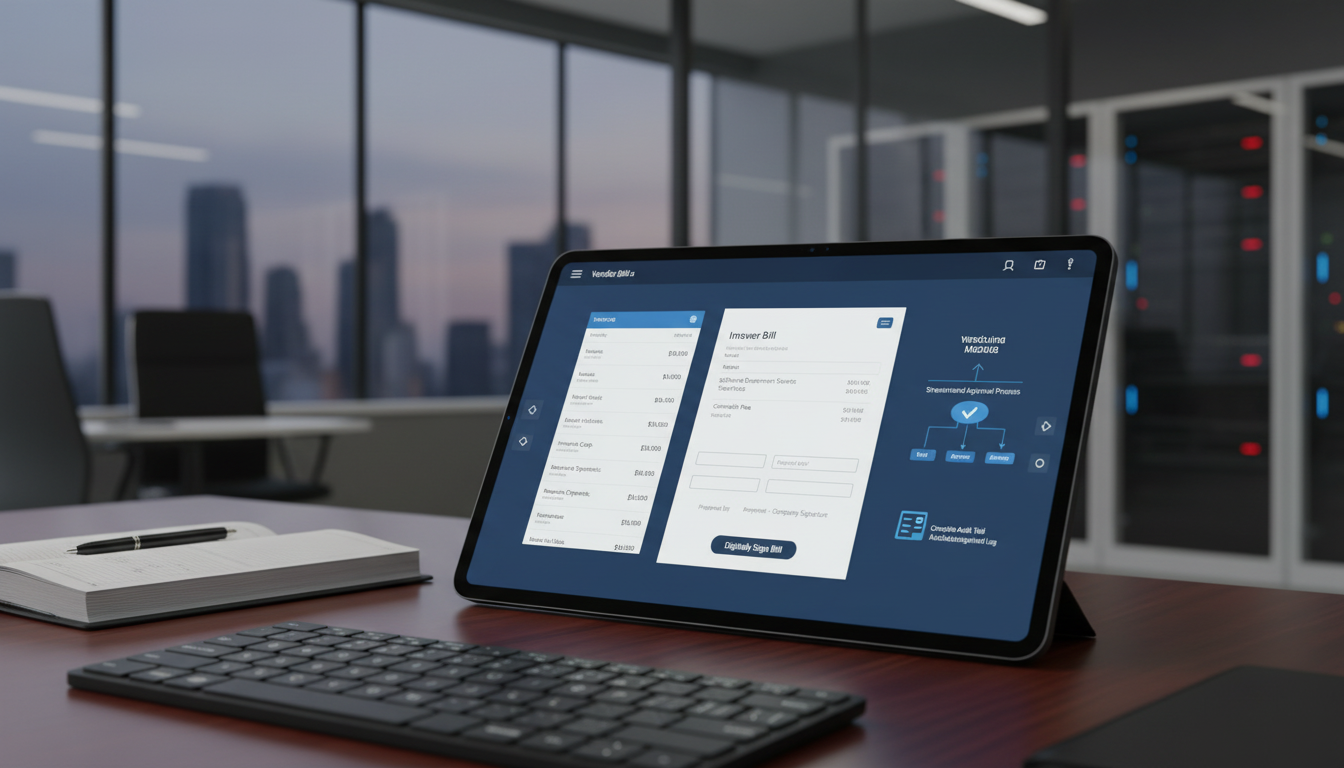
🏢 4. Company Signatures for Bills
Simplify internal financial approvals by signing bills directly inside the accounting module. Maintain a clear, traceable record of mutual acknowledgment between company and vendor.
Key Capabilities:
- 💰 Default company access without special setup
- 📝 Streamlined sign-off process for bill approval
- 📚 Complete record of mutual acknowledgment between company and vendor
- 📊 Transparent and traceable billing workflow
🧩 5. Project Task Signatures
Digitally validate project tasks and deliverables with role-controlled access for staff and company representatives. Every signed task creates a timestamped record for accountability and tracking.
Key Capabilities:
- 👥 Staff must log in with assigned signature permission
- 🧾 Company can sign without extra configuration
- 📅 Signed tasks provide accountability and completion records
- 📋 Clear traceability within the project management lifecycle
🏗️ 6. Construction Site Signatures
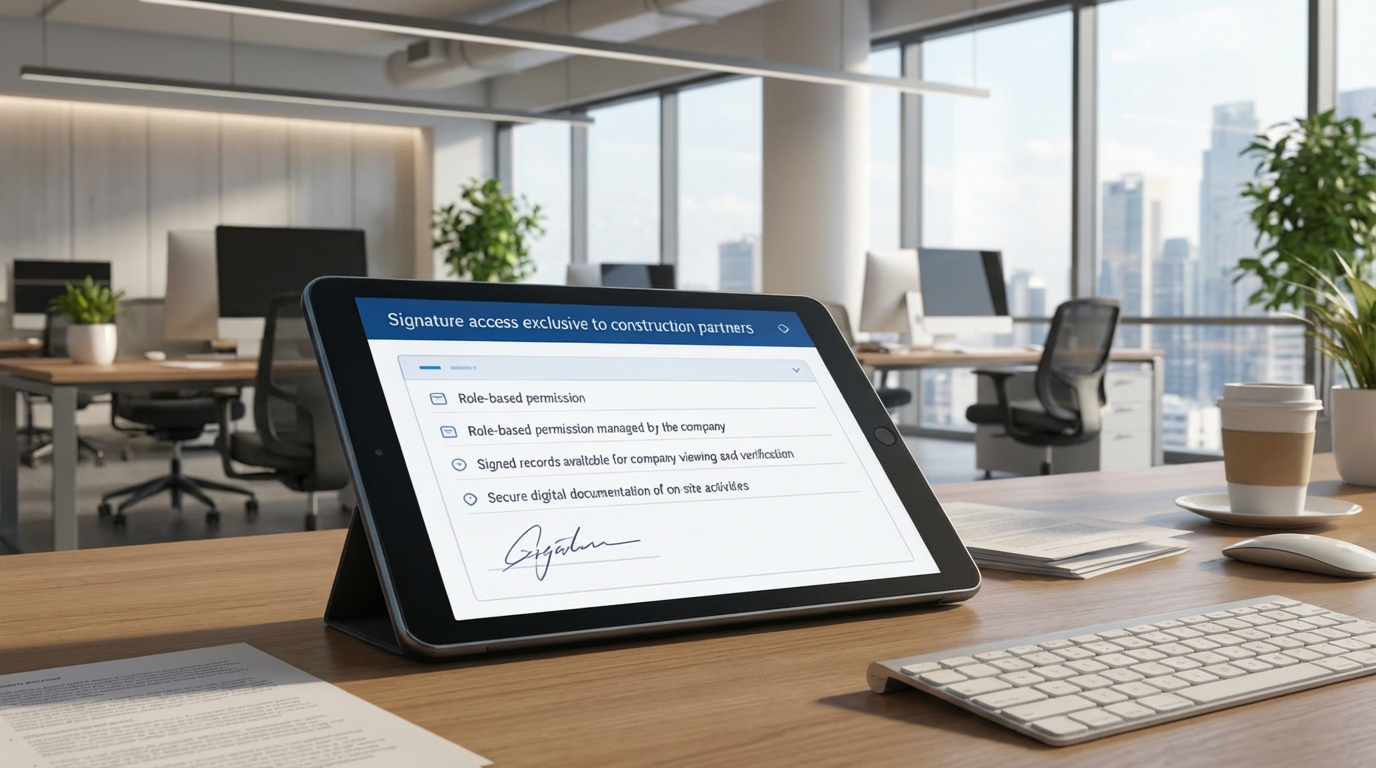
Securely authorize construction site documents with exclusive access for approved partners. All signed records remain visible to the company for verification and compliance.
Key Capabilities:
- 🏗️ Signature access exclusive to construction partners
- 🔑 Role-based permission managed by the company
- 📁 Signed records available for company viewing and verification
- 🛡️ Secure digital documentation of on-site activities
Who Can Benefit from the System?
Organizations requiring secure, auditable, and efficient document approvals across purchasing, billing, projects, and external partner workflows.
🏢 Corporate Organizations
Overview:
Key Benefits:
🤝 Vendors & Suppliers
Overview:
Key Benefits:
👷 Construction & Field Partners
Overview:
Key Benefits:
🧑💼 Project Teams & Staff
Overview:
Key Benefits:
🏦 Finance & Audit Departments
Overview:
Key Benefits:
TRUSTED BY 100+ HAPPY CUSTOMERS






Latest insights and updates on technology trends and innovations
Cloud vs. On-Premise: Which Is Right for Your Business?
The Ultimate Guide to Cybersecurity for Small Businesses
How Automation is Revolutionizing Workplace Productivity
Optimizing Business Operations with Cloud Computing
Adopting Cloud Strategies for Scalable Growth
Harnessing Cloud Solutions to Drive Innovation
- AI for Business
- Marketing
- Cloud vs. On-Premise: Which Is Right for Your Business?
- AI for Business
- Marketing
- The Ultimate Guide to Cybersecurity for Small Businesses
- AI for Business
- Marketing
- How Automation is Revolutionizing Workplace Productivity
- Business Consulting
- Marketing
- Optimizing Business Operations with Cloud Computing
- Business Consulting
- IT Solutions
- Adopting Cloud Strategies for Scalable Growth
- Development
- Marketing
- Harnessing Cloud Solutions to Drive Innovation
Ready To Transform Your Business? Book a Free Consultation
Leave your email below to start a new project journey with us. Let’s shape the future of your business together.
S c h e d u l e N o w