
Salesforce
The Salesforce Add-On Integration is purpose-built to streamline data flow between your ERP and Salesforce systems, allowing for unified sales management and real-time synchronization.
Its main purpose is to:
- Eliminate duplicate data entry through automated record synchronization
- Maintain real-time updates across leads, accounts, and opportunities
- Centralize all CRM information within your ERP interface
- Enable sales and support teams to collaborate using the latest information
- Enhance decision-making with consistent and synchronized data visibility

Unifying ERP and Salesforce for Smarter, Faster Sales Operations
Businesses often struggle with disconnected ERP and CRM systems, manual data entry, inconsistent records, and delayed visibility across sales and customer interactions. These challenges slow down deal progression, reduce collaboration between teams, and increase the risk of data errors. The Salesforce Add-On Integration resolves these issues by enabling secure, real-time synchronization of accounts, leads, opportunities, tasks, and cases, delivering a single source of truth for sales and support teams.
Salesforce
Each functional component of the system is modular and scalable for easy customization.
API Setup & Authentication
Connect to Salesforce securely using your Consumer Key and Consumer Secret credentials.
API Setup & Authentication
Accounts & Contacts Sync
Automatically sync account and contact details between ERP and Salesforce.
Accounts & Contacts Sync
Opportunities Management
Manage and track opportunities with real-time updates on deals and stages.
Opportunities Management
Leads Integration
Automatically import and sync leads with full visibility across platforms.
Leads Integration
Cases & Tasks Sync
Keep track of customer cases and assigned tasks in both systems simultaneously.
Cases & Tasks Sync
Activity Log & Dashboard
View synchronization history, timestamps, and performance metrics.
Activity Log & Dashboard

Unified ERP CRM Integration
Synchronize Salesforce and ERP data in real time to eliminate duplication, improve collaboration, and accelerate sales performance.
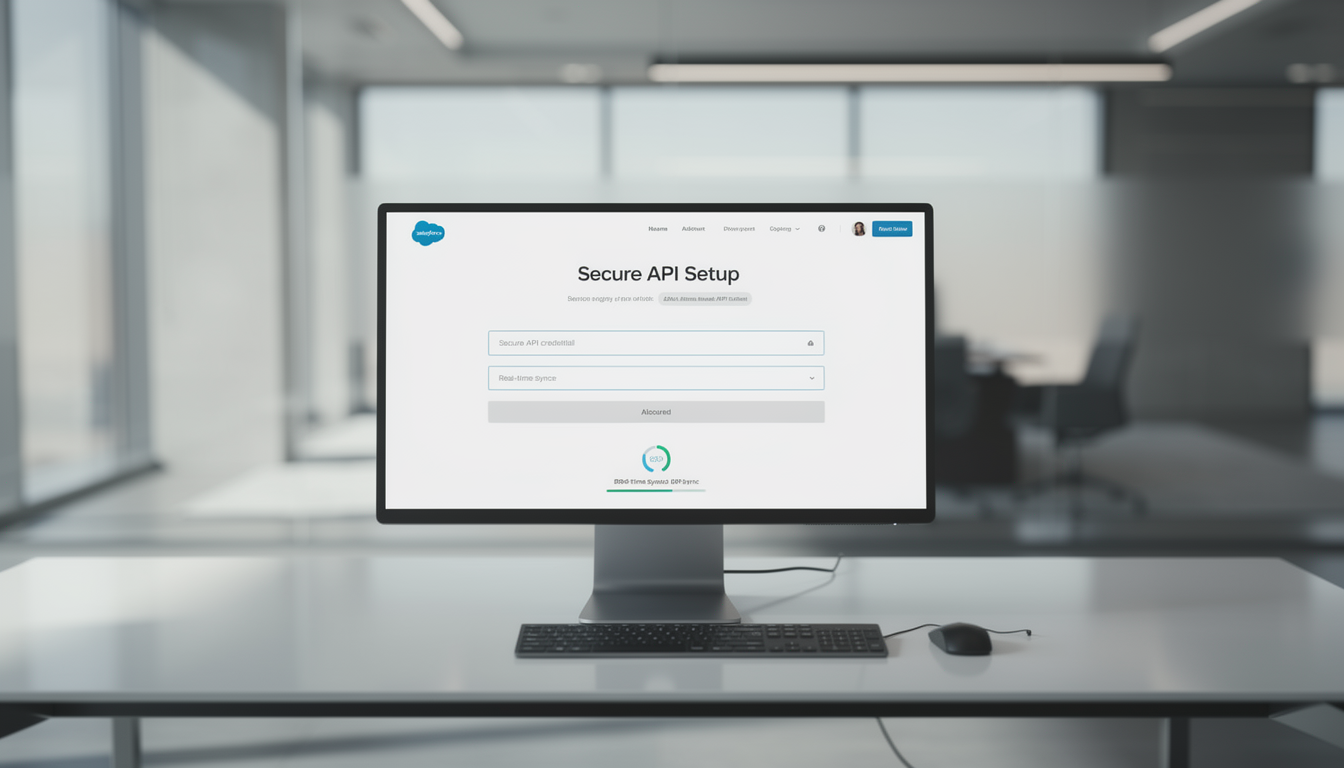
🔐 1. Secure API Credential Setup for Full Access
Establish a secure connection between your ERP and Salesforce using encrypted API credentials. With just your Consumer Key and Consumer Secret, your system gains direct, protected access to Salesforce data. No manual exports required.
Key Capabilities:
- 🔑 Enter and verify Salesforce API credentials securely
- ⚙️ Enable one-time setup for continuous data access
- 🔄 Sync accounts, contacts, leads, and opportunities automatically
- 🧭 Maintain real-time synchronization across both platforms
⚡ 2. Built for Fast-Moving Sales Teams
Designed for agility, the Salesforce Add-On centralizes sales and support tools into one interface. Teams can manage leads, accounts, deals, and customer cases in one place. Helping them stay responsive and productive.
Key Capabilities:
- 👥 Access all accounts, contacts, and leads from a unified dashboard
- 🚀 Monitor opportunities and track progress in real time
- 📋 View and update tasks and customer cases instantly
- 💬 Improve collaboration between sales and support teams

📈 3. Real-Time Synchronization for Data Accuracy
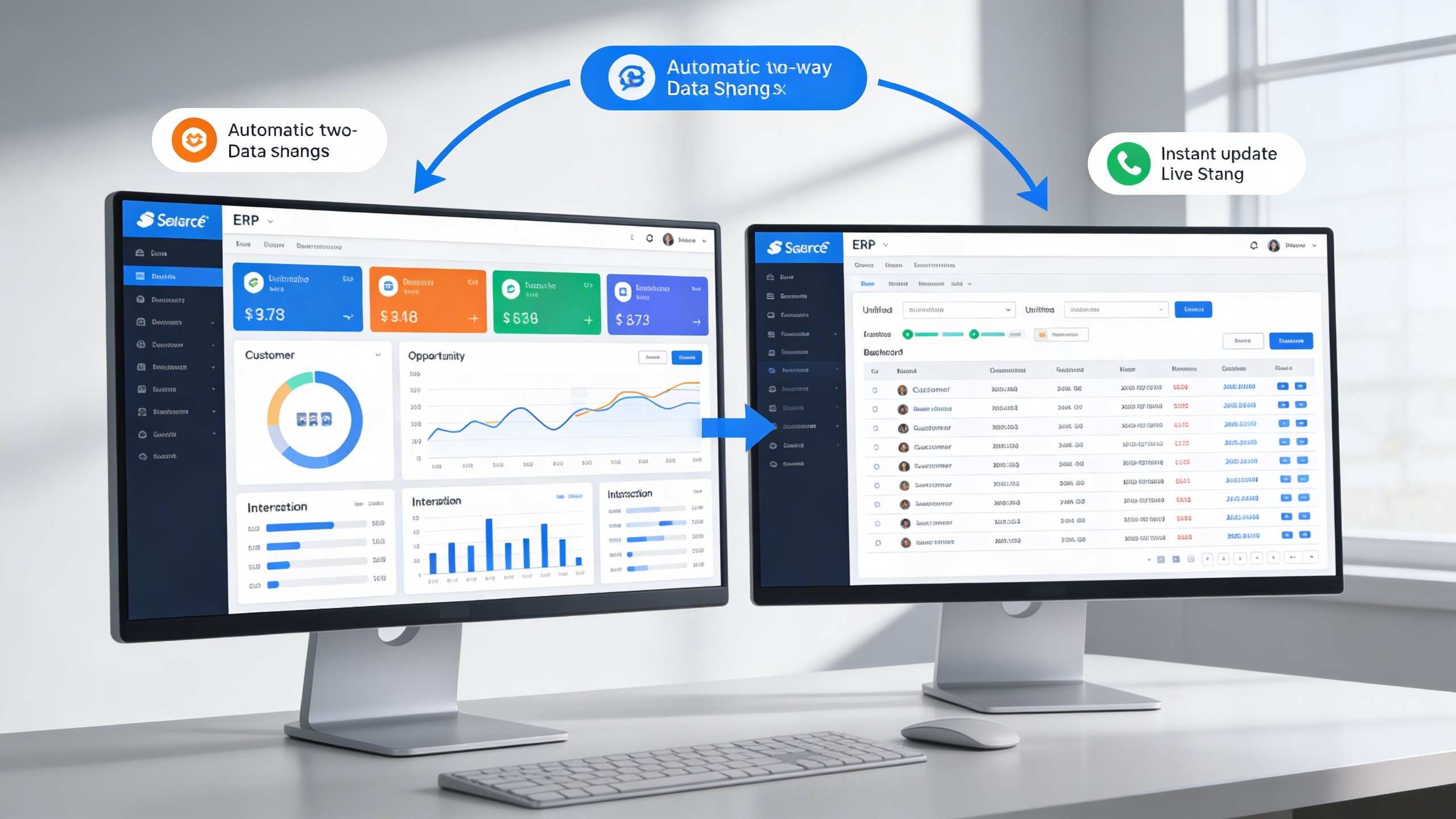
Ensure your entire team always works with the latest data. The Add-On synchronizes information continuously, so every update made in Salesforce or ERP is immediately reflected in both systems.
Key Capabilities:
- 🔄 Automatic two-way data sync for consistency
- 📅 Instant update reflection across modules
- 🗂️ Unified view of customers, opportunities, and interactions
- 📊 Eliminate manual data corrections and duplications
🧠 4. Intelligent Lead & Opportunity Management
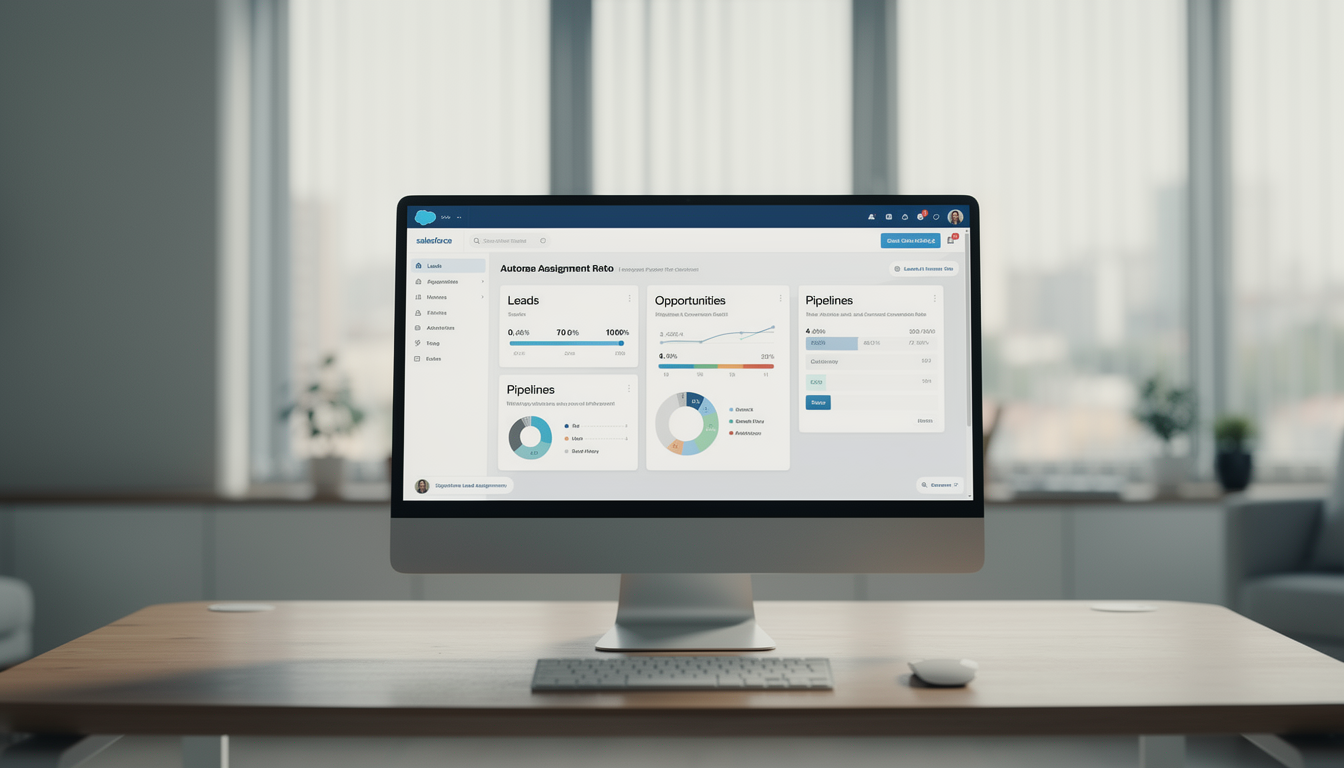
Simplify the journey from lead to deal with structured tracking and smart automation. Leads are automatically categorized, and opportunities progress through stages seamlessly.
Key Capabilities:
- 🎯 Auto-assign leads to pipelines based on source or region
- 📈 Manage deal stages directly within ERP
- 🧮 Gain visibility into conversion metrics and deal performance
- 📤 Share updates across departments instantly
Who Can Benefit from the System?
Organizations seeking clarity, compliance, and efficiency by visually documenting, standardizing, and continuously improving workflows across departments and operations.
💼 Sales Teams & Representatives
Overview:
Key Benefits:
🧑💼 Sales Managers & Executives
Overview:
Key Benefits:
🧰 IT & System Administrators
Overview:
Key Benefits:
🏢 Customer Support & Service Teams
Overview:
Key Benefits:
🌐 Business Development & Strategy Teams
Overview:
Key Benefits:
TRUSTED BY 100+ HAPPY CUSTOMERS






Latest insights and updates on technology trends and innovations
Cloud vs. On-Premise: Which Is Right for Your Business?
The Ultimate Guide to Cybersecurity for Small Businesses
How Automation is Revolutionizing Workplace Productivity
Optimizing Business Operations with Cloud Computing
Adopting Cloud Strategies for Scalable Growth
Harnessing Cloud Solutions to Drive Innovation
- AI for Business
- Marketing
- Cloud vs. On-Premise: Which Is Right for Your Business?
- AI for Business
- Marketing
- The Ultimate Guide to Cybersecurity for Small Businesses
- AI for Business
- Marketing
- How Automation is Revolutionizing Workplace Productivity
- Business Consulting
- Marketing
- Optimizing Business Operations with Cloud Computing
- Business Consulting
- IT Solutions
- Adopting Cloud Strategies for Scalable Growth
- Development
- Marketing
- Harnessing Cloud Solutions to Drive Innovation
Ready To Transform Your Business? Book a Free Consultation
Leave your email below to start a new project journey with us. Let’s shape the future of your business together.
S c h e d u l e N o w