
Rotas
The Rotas Add-On is purpose-built to digitalize and automate staff scheduling, ensuring that every department has the right people in the right place at the right time.
Its main purpose is to:
- Eliminate manual scheduling errors and inconsistencies
- Streamline shift creation, modification, and publishing
- Improve workforce visibility through real-time calendar tracking
- Support employee flexibility with availability preferences
- Provide accurate reporting for labor cost and shift allocation
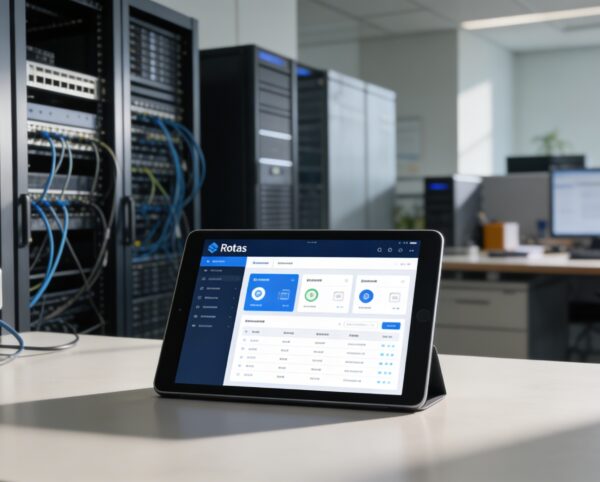
Smarter Workforce Scheduling for Modern Organizations
Organizations frequently face scheduling inefficiencies caused by manual processes, fragmented availability data, and limited visibility into workforce allocation and costs. These challenges result in shift conflicts, poor coverage, employee dissatisfaction, and increased operational overhead. The Rotas Management Add-On addresses these issues by centralizing scheduling, automating availability tracking, improving transparency, and enabling accurate, flexible, and cost-aware workforce planning.
Rotas
Each functional component of the system is modular and scalable for easy customization.
Dashboard & Reports
Centralized view of schedules, assigned users, and incurred costs per designation.
Dashboard & Reports
Employee Availability
Define, store, and manage employee availability preferences.
Employee Availability
Flexible Scheduling
Create weekly or bi-weekly custom work schedules per employee.
Flexible Scheduling
Rota Sharing & Notifications
Generate shareable links and send rota updates via email.
Rota Sharing & Notifications
Designation Filtering
View rotas per role or department for targeted workforce planning.
Designation Filtering
Shift Publishing
Control visibility by marking shifts as published or unpublished.
Shift Publishing

Intelligent Workforce Scheduling Platform
Centralize rotas, automate availability, visualize workforce coverage, and control labor costs with a flexible, data-driven scheduling solution.
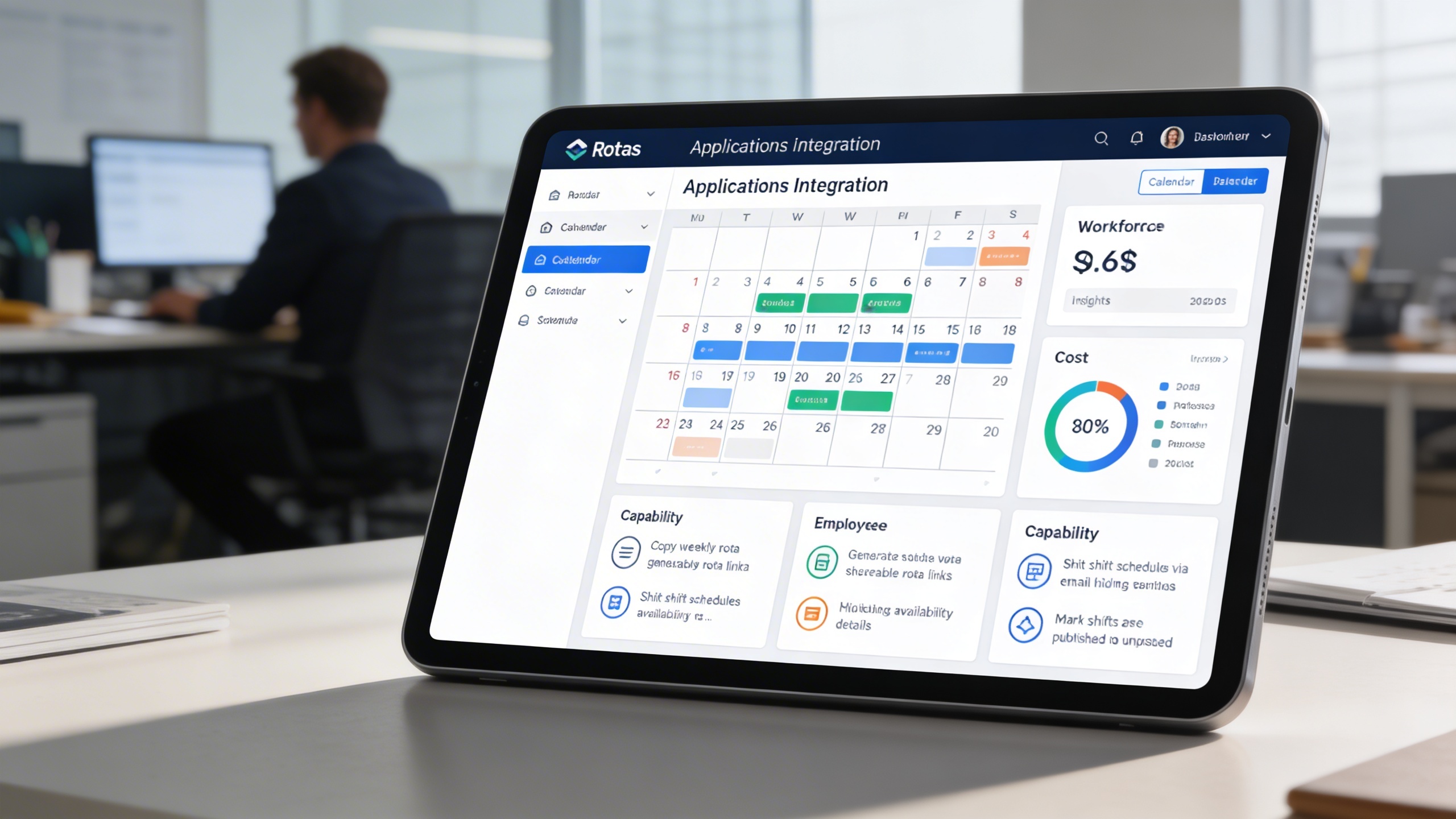
📊 1. Comprehensive Dashboard
Gain a complete overview of workforce scheduling with an intuitive, calendar-based dashboard. The monthly calendar provides visibility of all assigned employees, their respective shifts, and related cost insights. Managers can filter by designation, copy weekly schedules, and share rotas easily.
Key Capabilities:
- 🗓️ Copy the full weekly rota to the next week in one click
- 🔗 Generate shareable rota links for employees to view online
- 📧 Send shift schedules via email to multiple employees
- 🙈 Hide availability details to focus on assigned shifts
- 📢 Mark shifts as published or unpublished for visibility control
👥 2. Employee Availability Tracking
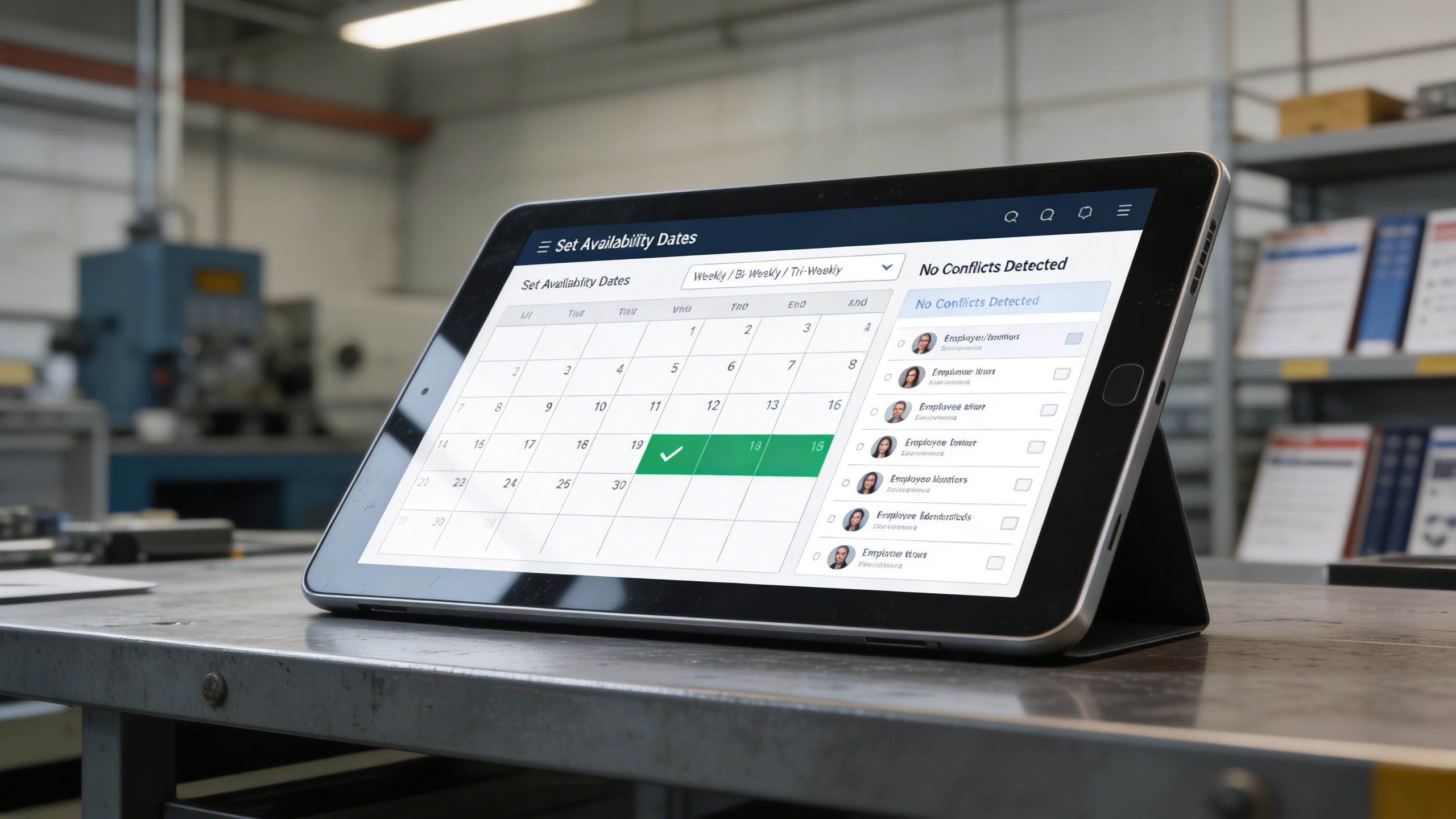
Empower employees to set their preferred working days and times. The system records availability for specific date ranges and allows recurring weekly or bi-weekly patterns. Managers can then build rotas based on pre-defined availability to reduce conflicts and improve shift coverage.
Key Capabilities:
- 📅 Set employee availability with defined start and end dates
- 🔁 Repeat availability weekly, bi-weekly, or tri-weekly
- ⚙️ Automatically prevent scheduling conflicts using stored preferences
- 👤 Link employee identifiers to their availability records

🕐 3. Flexible Work Schedules
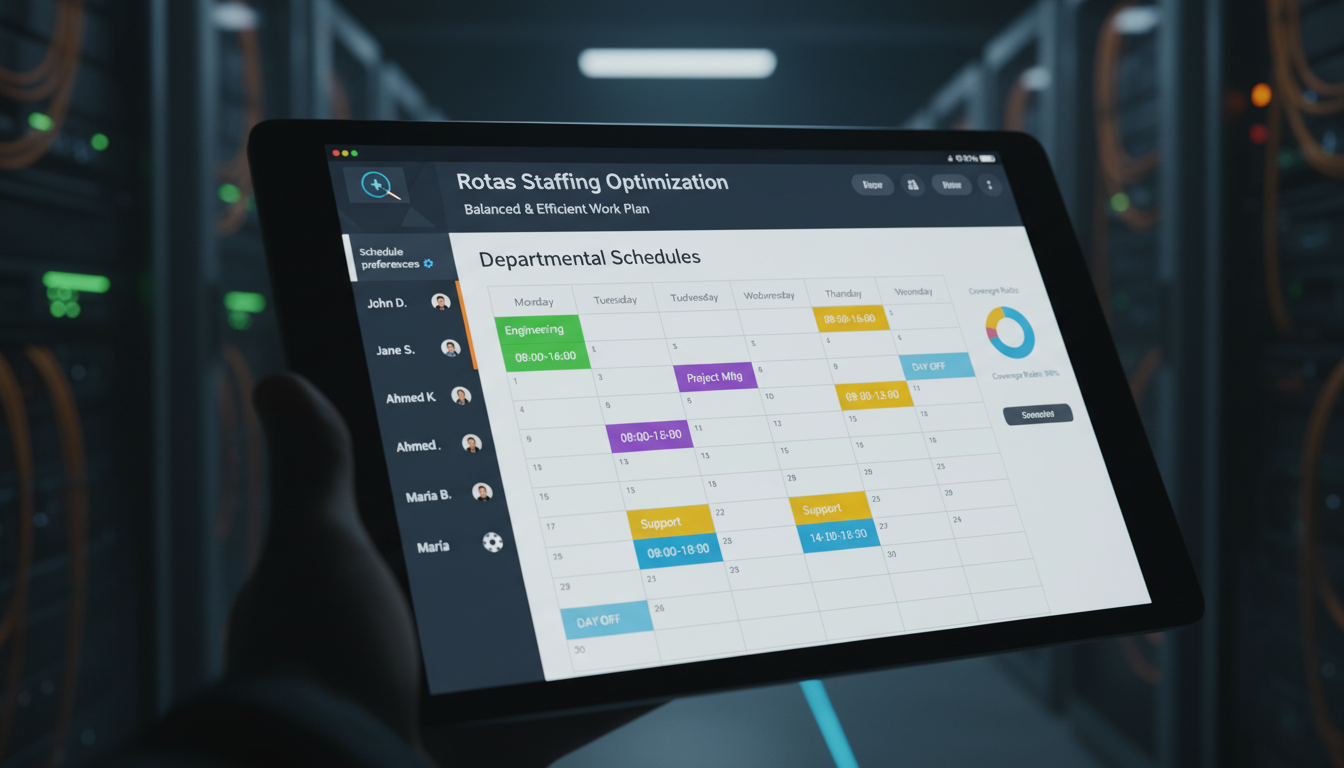
Support personalized work routines by allowing employees to have unique weekly schedules and customized days off. Managers can assign shifts according to departmental needs while respecting employee flexibility, ensuring a balanced and efficient work plan.
Key Capabilities:
- 🗂️ Define detailed weekly schedules for each employee
- 🌴 Assign custom days off per individual
- ✏️ Store schedule preferences in editable formats for easy updates
- 👥 Link schedule details directly to employee profiles
- ⚖️ Maintain work-life balance while ensuring business coverage
Who Can Benefit from the System?
Organizations managing dynamic teams that require accurate scheduling, flexible shifts, transparent communication, and cost-controlled workforce planning.
🏢 Corporate Offices & Administrative Teams
Overview:
Key Benefits:
🏥 Healthcare & Wellness Centers
Overview:
Key Benefits:
🏨 Hospitality & Service Industry
Overview:
Key Benefits:
🏭 Manufacturing & Production Plants
Overview:
Key Benefits:
🏫 Educational Institutions
Overview:
Key Benefits:
TRUSTED BY 100+ HAPPY CUSTOMERS






Latest insights and updates on technology trends and innovations
Cloud vs. On-Premise: Which Is Right for Your Business?
The Ultimate Guide to Cybersecurity for Small Businesses
How Automation is Revolutionizing Workplace Productivity
Optimizing Business Operations with Cloud Computing
Adopting Cloud Strategies for Scalable Growth
Harnessing Cloud Solutions to Drive Innovation
- AI for Business
- Marketing
- Cloud vs. On-Premise: Which Is Right for Your Business?
- AI for Business
- Marketing
- The Ultimate Guide to Cybersecurity for Small Businesses
- AI for Business
- Marketing
- How Automation is Revolutionizing Workplace Productivity
- Business Consulting
- Marketing
- Optimizing Business Operations with Cloud Computing
- Business Consulting
- IT Solutions
- Adopting Cloud Strategies for Scalable Growth
- Development
- Marketing
- Harnessing Cloud Solutions to Drive Innovation
Ready To Transform Your Business? Book a Free Consultation
Leave your email below to start a new project journey with us. Let’s shape the future of your business together.
S c h e d u l e N o w