
Reminder
The Reminder Module is purpose-built to enhance personal and organizational efficiency through structured time and task management. It automates the process of remembering key events, deadlines, and follow-ups, ensuring users remain proactive rather than reactive.
Its main purpose is to:
- Enable users to set, manage, and track reminders across projects, invoices, deals, or custom entities
- Support recurring alerts for repetitive or long-term activities
- Provide flexible delivery methods (email, SMS, or integration-based) for maximum convenience
- Enhance accountability by assigning reminders to team members or departments
- Improve workflow continuity and reduce operational delays caused by missed deadlines
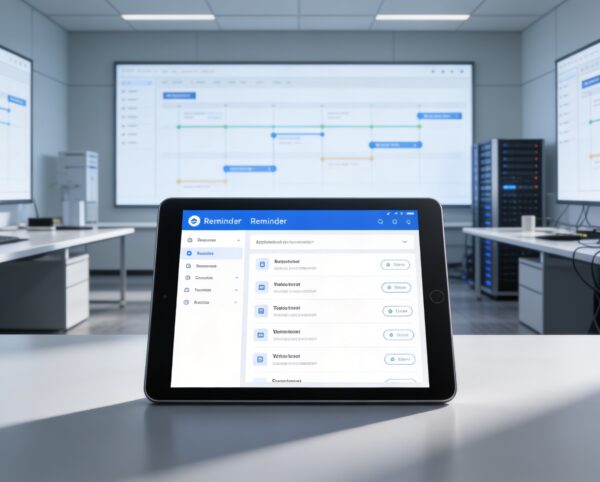
Proactive Time and Task Management for High-Performance Teams
Organizations frequently struggle with missed deadlines, delayed follow-ups, and fragmented task tracking across teams and systems. Manual reminders and disconnected tools lead to inefficiencies, accountability gaps, and operational delays. The Reminder Module solves these challenges by centralizing scheduling, automating notifications, and ensuring every critical task, event, and milestone is addressed on time.
Reminder
Each functional component of the system is modular and scalable for easy customization.
Reminder Creation
Define reminder details, set timing, assign actions or linked entities.
Reminder Creation
Notification Channels
Select and manage preferred delivery platforms like WhatsApp, Slack, Twilio, or email.
Notification Channels
Recurring Alerts
Configure reminders for daily, weekly, monthly, or custom intervals.
Recurring Alerts
Task & Event Linking
Attach reminders to specific projects, invoices, bills, or leads.
Task & Event Linking
Reminder Logs
Track history, notification success, and completion status.
Reminder Logs

Intelligent Reminder Automation Platform
Automate reminders, trigger notifications across channels, and keep teams aligned on every task, deadline, and follow-up.
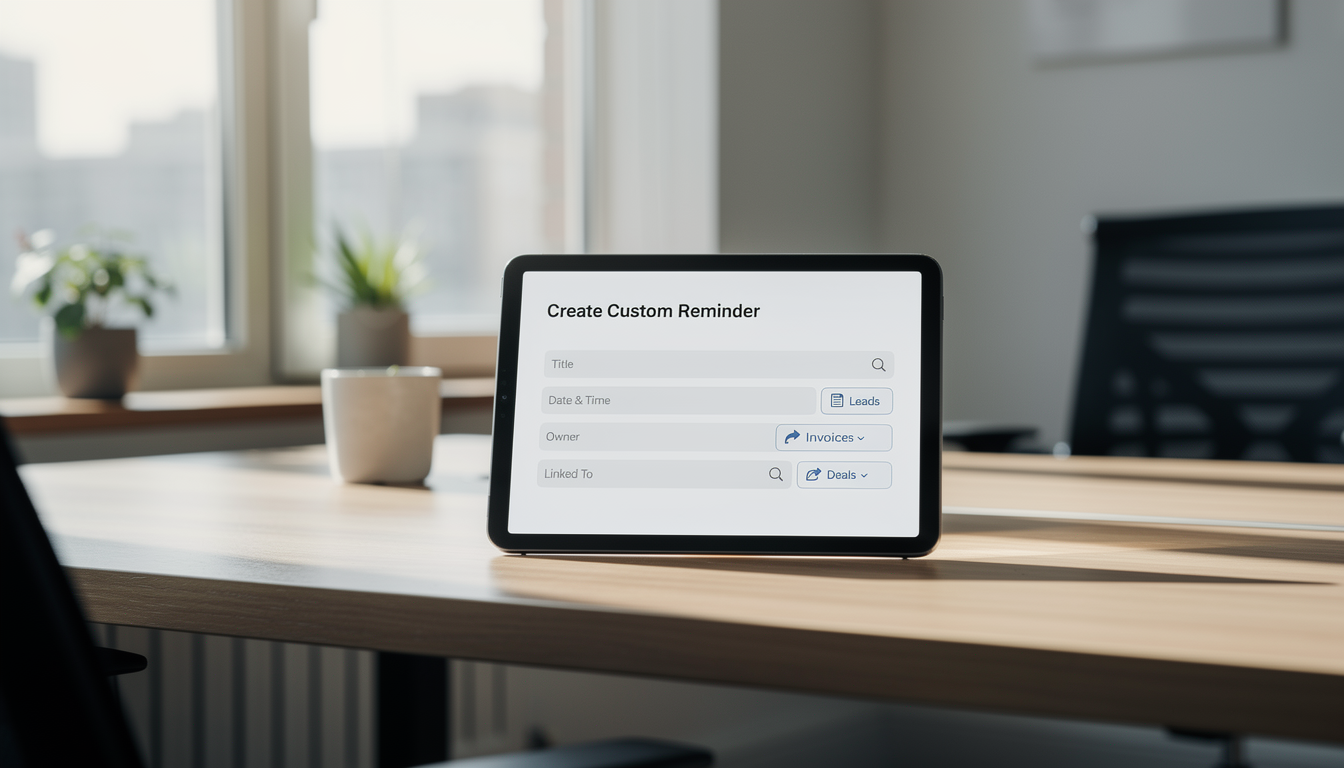
⏰ 1. Create Custom Reminders
Create detailed reminders tailored to specific tasks, events, or operational needs. Assign ownership, define schedules, and link reminders directly to workflows for full accountability.
Key Capabilities:
- 📝 Add detailed information including title, description, and associated actions
- 📅 Set reminder dates and times based on project or workflow needs
- 🎯 Link reminders to leads, invoices, bills, or deals for contextual tracking
- 🔔 Configure one-time or recurring notifications for routine events
- 👤 Assign reminders to individuals or teams for shared accountability
💬 2. Select Reminder Sources
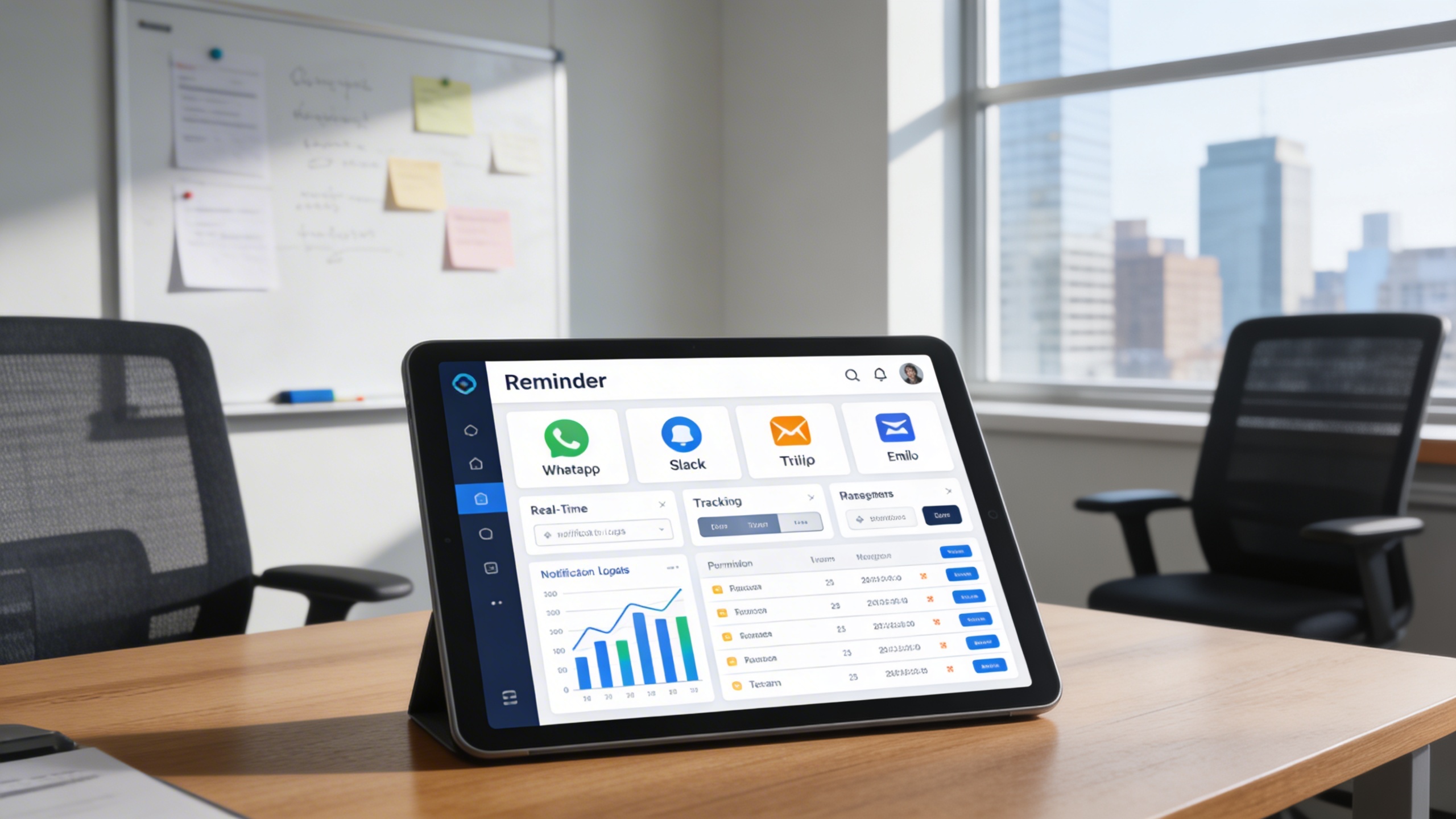
Deliver reminders through WhatsApp, Slack, Twilio, or email based on user preference. This ensures critical notifications are received instantly without reliance on ERP logins.
Key Capabilities:
- ⚙️ Choose from WhatsApp, Slack, Twilio, or email for flexible notifications
- 📱 Integrate reminders with your preferred messaging platforms
- 🧭 Receive updates in real time—no need to log into the ERP dashboard
- 📊 Track sent notifications and ensure no alert is ever missed
- 🔐 Manage platform permissions and ensure secure notification handling
🔁 3. Recurring and Automated Alerts
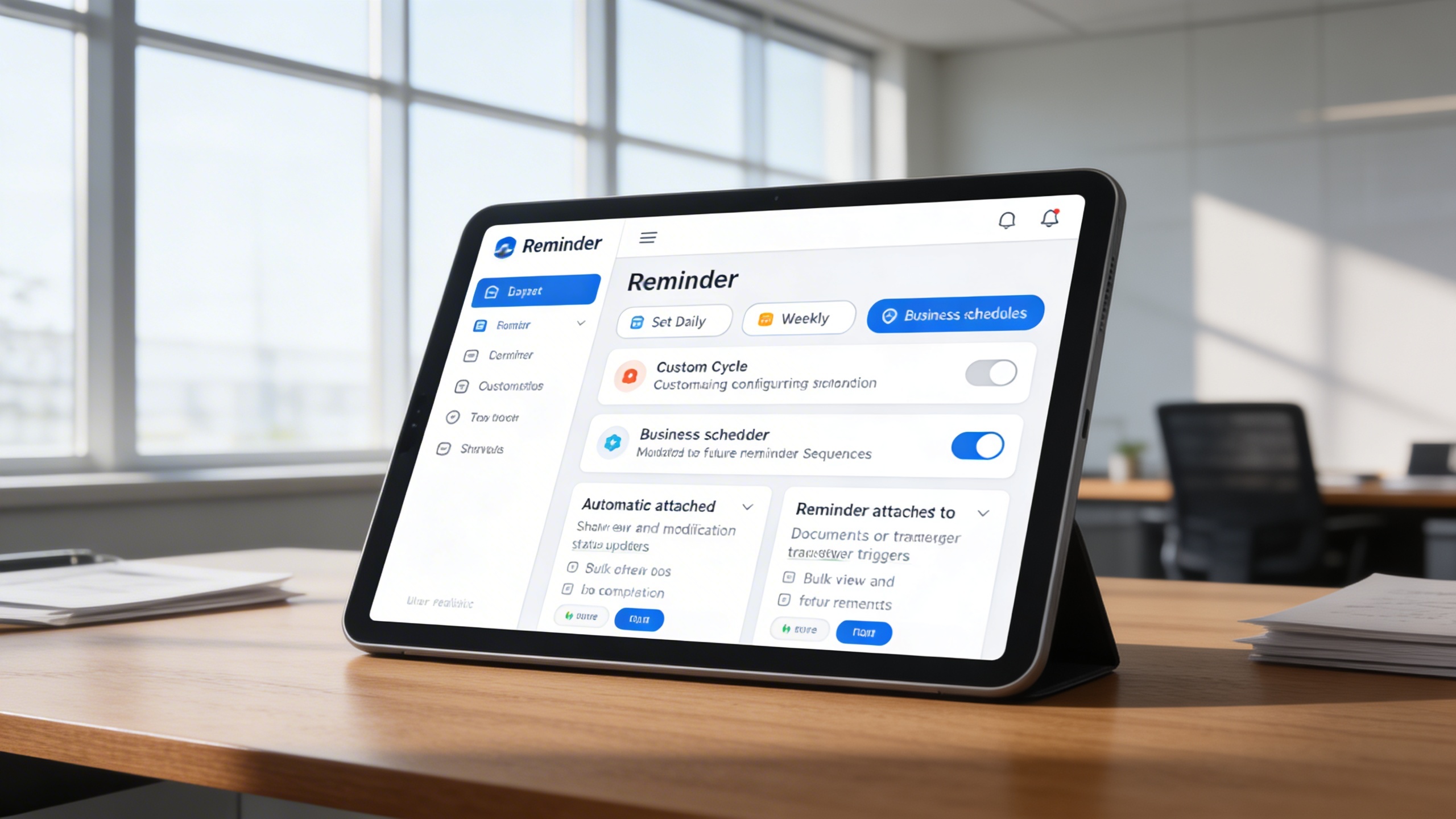
Automate repetitive reminders to eliminate manual tracking of ongoing activities. Recurring alerts ensure long-term tasks and compliance deadlines are never forgotten.
Key Capabilities:
- 🔄 Set reminders to repeat daily, weekly, or monthly
- 📆 Configure custom cycles based on business schedules
- 🧠 Automatically update reminder status once completed
- 📋 View and modify future reminder sequences in bulk
- 📎 Attach reminders to documents or workflow triggers
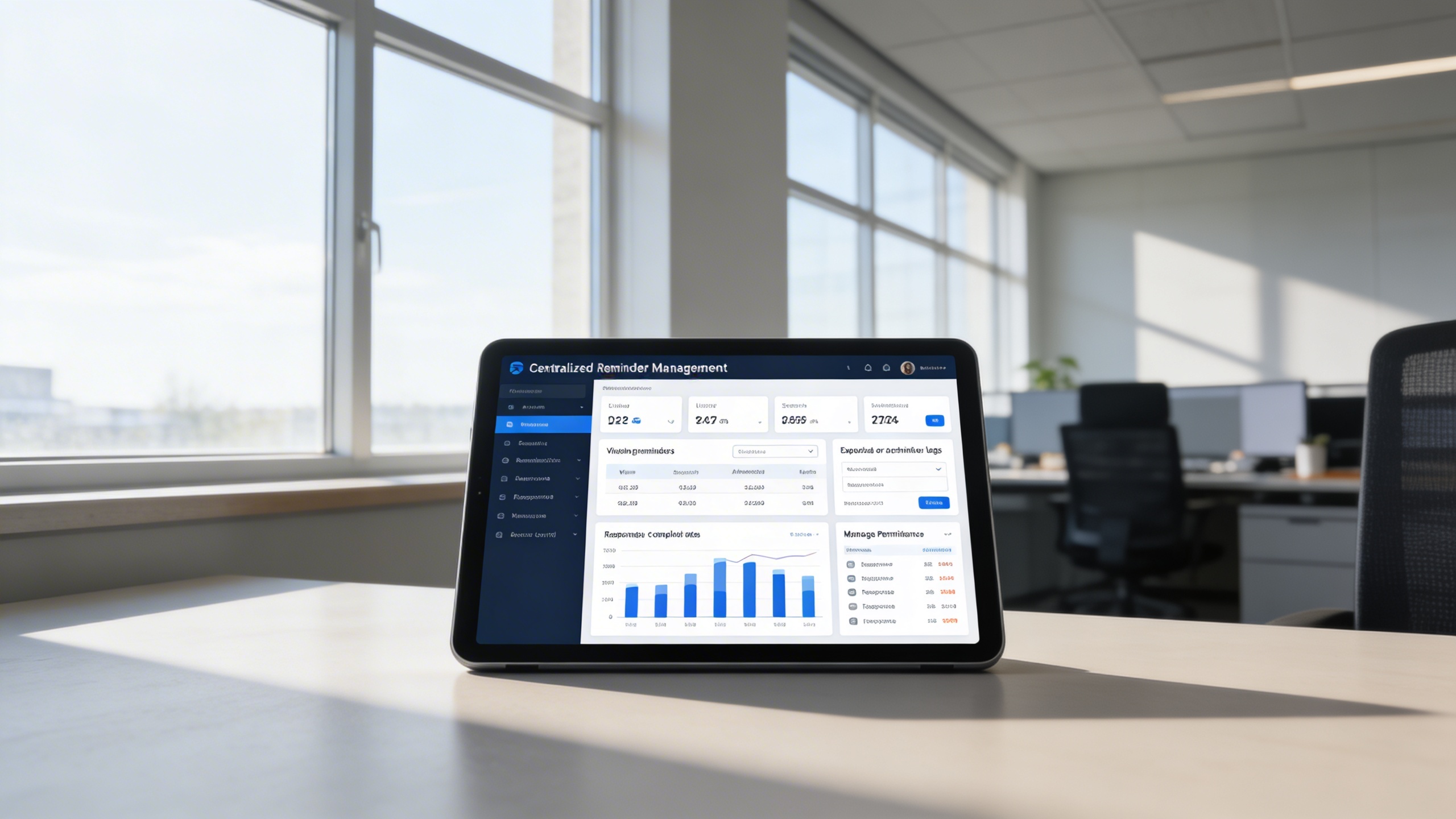
📊 4. Centralized Reminder Management Dashboard
Manage all reminders from a single, unified dashboard across teams and departments. Gain visibility into completion rates, response performance, and reminder history.
Key Capabilities:
- 📊 View reminders by date, user, or category
- 🔍 Filter and search reminders with advanced criteria
- 🗂️ Export or archive reminder logs for audit purposes
- 📈 Analyze reminder completion rates and response performance
- 👥 Manage permissions for team-based access and control
Who Can Benefit from the System?
Teams and leaders who rely on timely follow-ups, recurring tasks, and deadline-driven execution across departments.
🏢 Project Management Teams
Overview:
Key Benefits:
💼 Sales & CRM Teams
Overview:
Key Benefits:
💰 Finance & Accounting Departments
Overview:
Key Benefits:
🧑💼 HR & Administrative Teams
Overview:
Key Benefits:
🌐 Executives & Leadership
Overview:
Key Benefits:
TRUSTED BY 100+ HAPPY CUSTOMERS






Latest insights and updates on technology trends and innovations
Cloud vs. On-Premise: Which Is Right for Your Business?
The Ultimate Guide to Cybersecurity for Small Businesses
How Automation is Revolutionizing Workplace Productivity
Optimizing Business Operations with Cloud Computing
Adopting Cloud Strategies for Scalable Growth
Harnessing Cloud Solutions to Drive Innovation
- AI for Business
- Marketing
- Cloud vs. On-Premise: Which Is Right for Your Business?
- AI for Business
- Marketing
- The Ultimate Guide to Cybersecurity for Small Businesses
- AI for Business
- Marketing
- How Automation is Revolutionizing Workplace Productivity
- Business Consulting
- Marketing
- Optimizing Business Operations with Cloud Computing
- Business Consulting
- IT Solutions
- Adopting Cloud Strategies for Scalable Growth
- Development
- Marketing
- Harnessing Cloud Solutions to Drive Innovation
Ready To Transform Your Business? Book a Free Consultation
Leave your email below to start a new project journey with us. Let’s shape the future of your business together.
S c h e d u l e N o w