
Quick Books
The QuickBooks Integration Module simplifies financial operations by synchronizing accounting data between your ERP system and QuickBooks. It ensures smooth, accurate, and automated data exchange, providing a unified source of financial truth across all departments.
Its main purpose is to:
- Automate invoice and account synchronization between ERP and QuickBooks
- Reduce manual data entry and eliminate duplicate financial records
- Provide real-time insights into cash flow, payments, and financial performance
- Improve decision-making through accurate, up-to-date financial data
- Enhance productivity by centralizing all financial activities in one platform
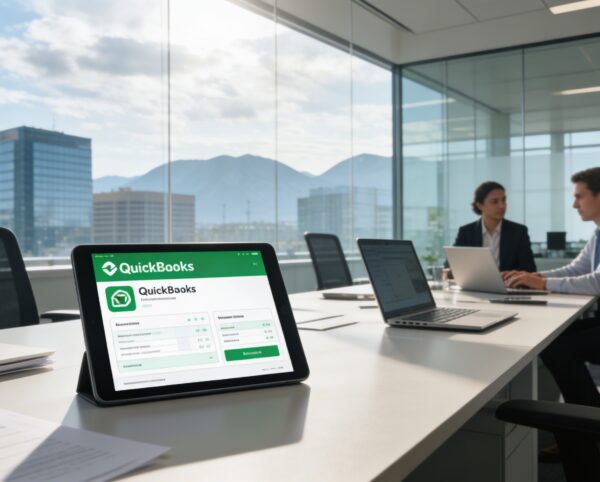
Connecting ERP Operations with Intelligent Financial Control
Businesses often struggle with disconnected accounting systems, duplicated financial records, and delayed visibility into cash flow and performance. Manual reconciliation between ERP platforms and QuickBooks increases errors, slows reporting, and limits financial control across departments. Our solution resolves these challenges by automating synchronization, centralizing financial data, and delivering real-time insights that support faster, more confident business decisions.
Quick Books
Each functional component of the system is modular and scalable for easy customization.
API Credential Setup
Link QuickBooks securely with your ERP using API keys and authentication protocols.
API Credential Setup
Invoice Synchronization
Automatically sync created or updated invoices between ERP and QuickBooks.
Invoice Synchronization
Payment Tracking
Record payments in real-time, ensuring accurate cash flow monitoring.
Payment Tracking
Account Mapping
Align your ERP chart of accounts with QuickBooks’ accounting structure.
Account Mapping
Financial Dashboard
Gain a unified view of key financial metrics such as income, expenses, and outstanding invoices.
Financial Dashboard
Audit Log & Error Tracking
Maintain transparency with activity logs for all data transfers and sync operations.
Audit Log & Error Tracking

Automated Financial Integration Platform
Seamlessly synchronize ERP and QuickBooks data to automate accounting workflows, ensure accuracy, and gain real-time financial visibility.
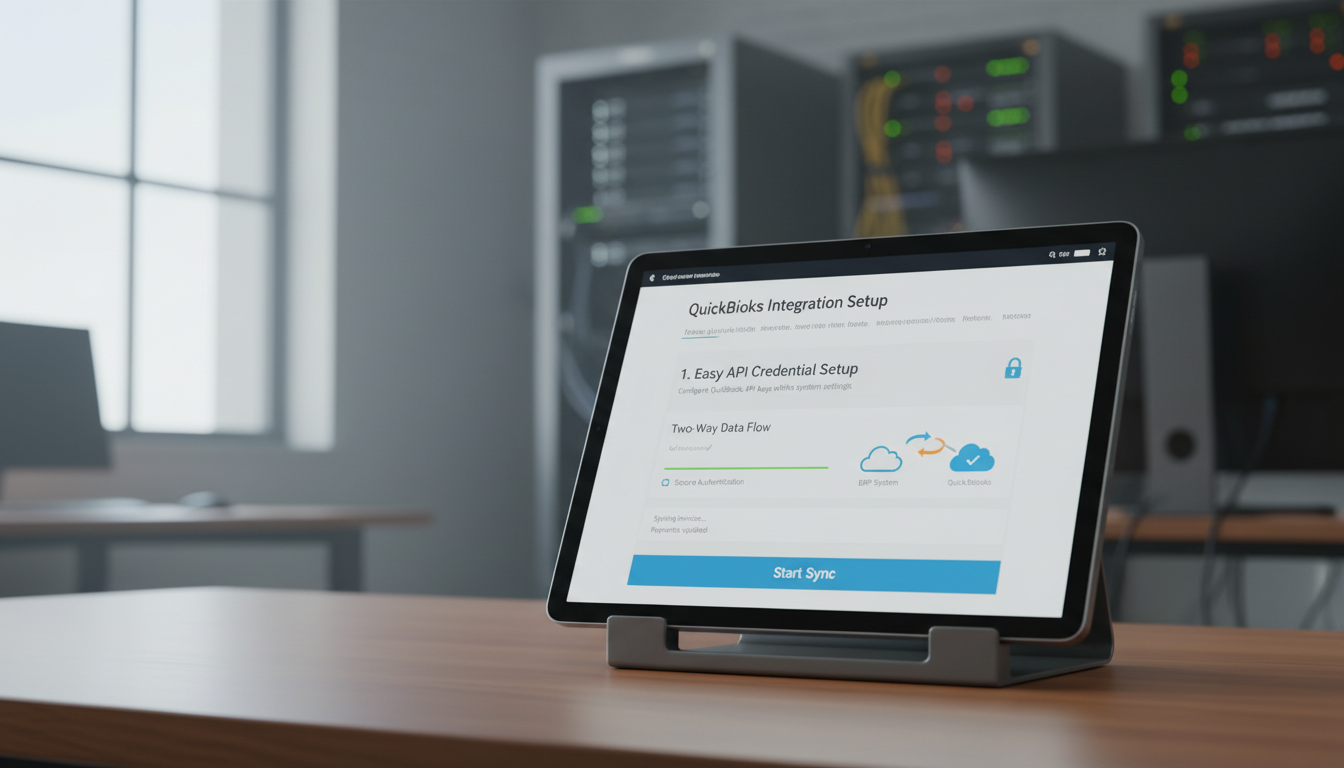
🔗 1. Easy API Credential Setup for Integration
This feature enables fast and secure connection between your ERP system and QuickBooks using authenticated API credentials. It establishes a reliable, two-way data flow without requiring manual configuration or ongoing intervention.
Key Capabilities:
- ⚙️ Configure QuickBooks API keys within system settings
- 🔒 Ensure data protection through secure authentication
- 🔄 Establish a two-way connection for live data updates
- 📡 Begin syncing invoices, payments, and accounts instantly
🧾 2. Simple Sync for Invoices and Accounts
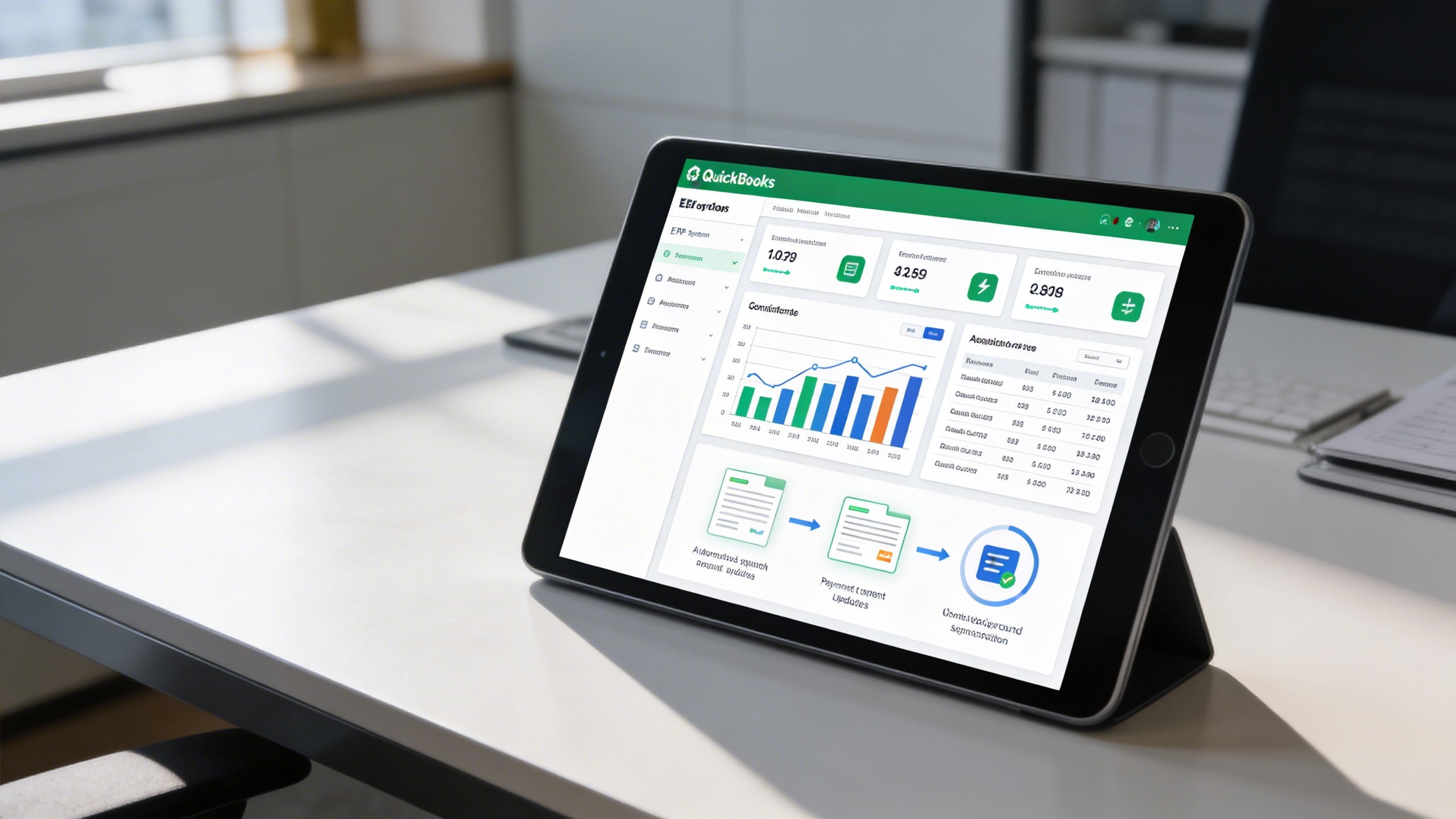
Invoices and chart of accounts remain continuously aligned across both systems to prevent discrepancies. Automated background synchronization ensures financial records stay accurate and up to date at all times.
Key Capabilities:
- 📋 Sync new and existing invoices from ERP to QuickBooks
- 📚 Maintain a consistent and up-to-date chart of accounts
- 📤 Automate invoice submissions and payment updates
- 🔁 Enable continuous, background synchronization for accuracy
📊 3. Real-Time Financial Insights
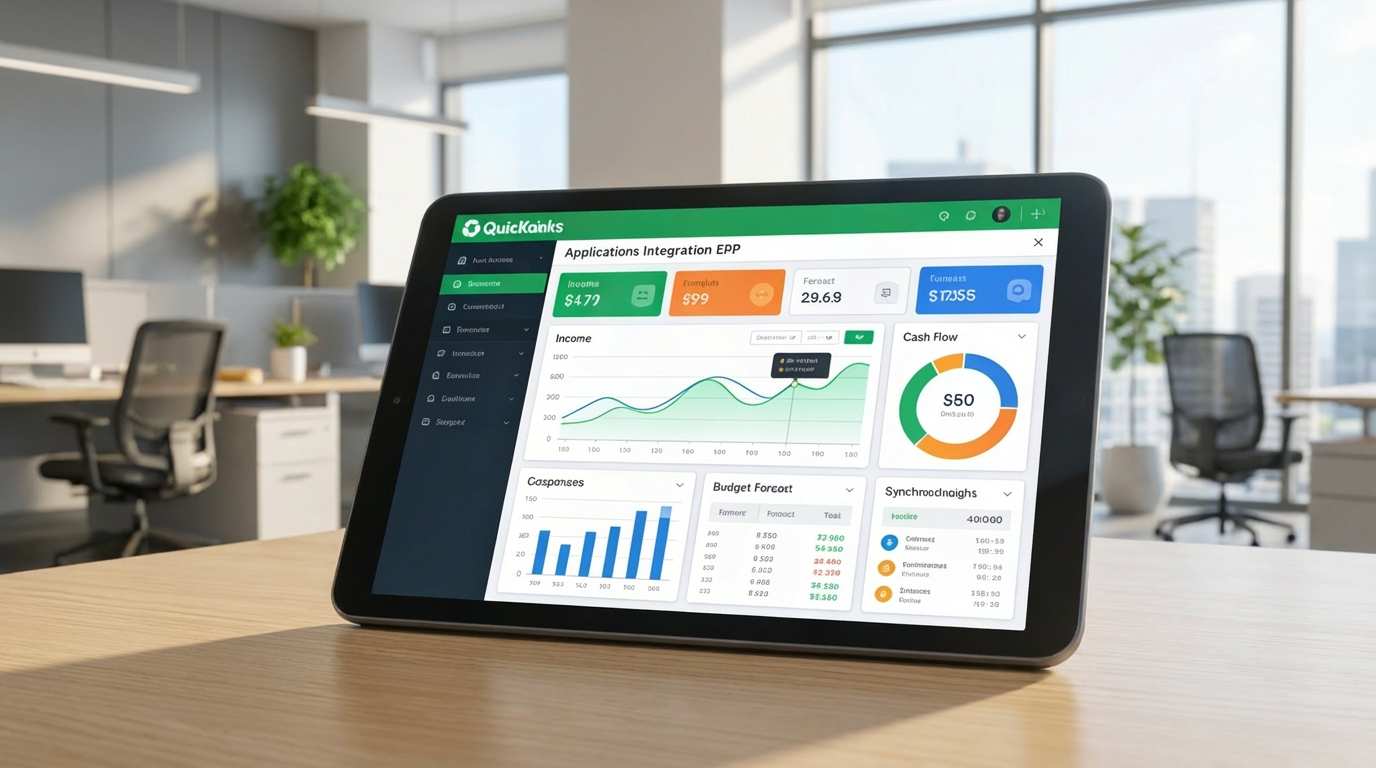
Live financial data is consolidated into a single ERP dashboard for immediate visibility. Businesses can monitor cash flow, performance, and trends to support proactive financial planning.
Key Capabilities:
- 📈 Monitor income, expenses, and cash flow instantly
- 📊 View consolidated reports directly from your ERP dashboard
- 📅 Plan budgets and forecasts based on live data
- 🧠 Make informed financial decisions using synchronized insights
💳 4. Secure and Reliable Data Management
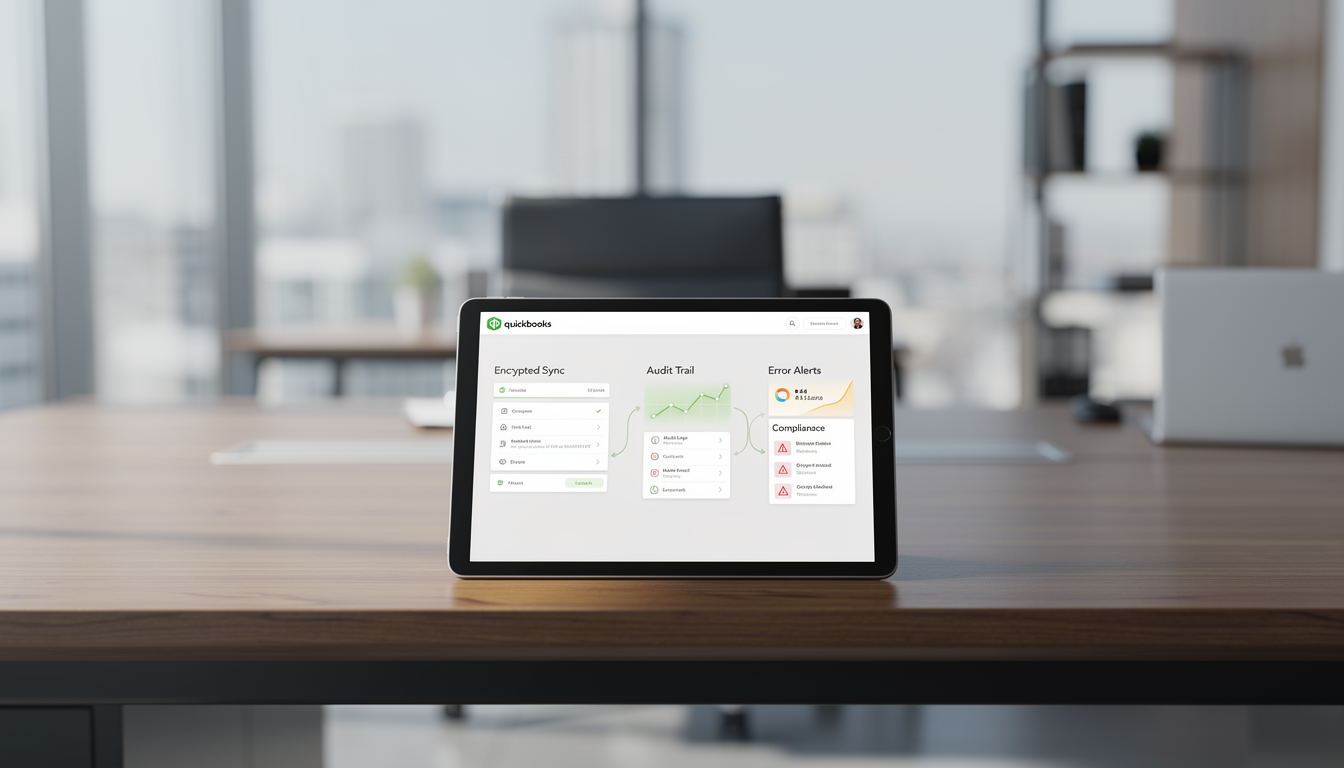
Advanced encryption and audit tracking protect sensitive financial information throughout every synchronization. Built-in error detection ensures transparency, compliance, and operational confidence.
Key Capabilities:
- 🔒 Encrypt all transmitted data during synchronization
- 📑 Keep an audit trail for every transaction and data sync
- ⚠️ Get notified instantly in case of sync errors or mismatches
- 🧾 Maintain compliance with financial data security standards
⚙️ 5. Seamless ERP QuickBooks Connectivity
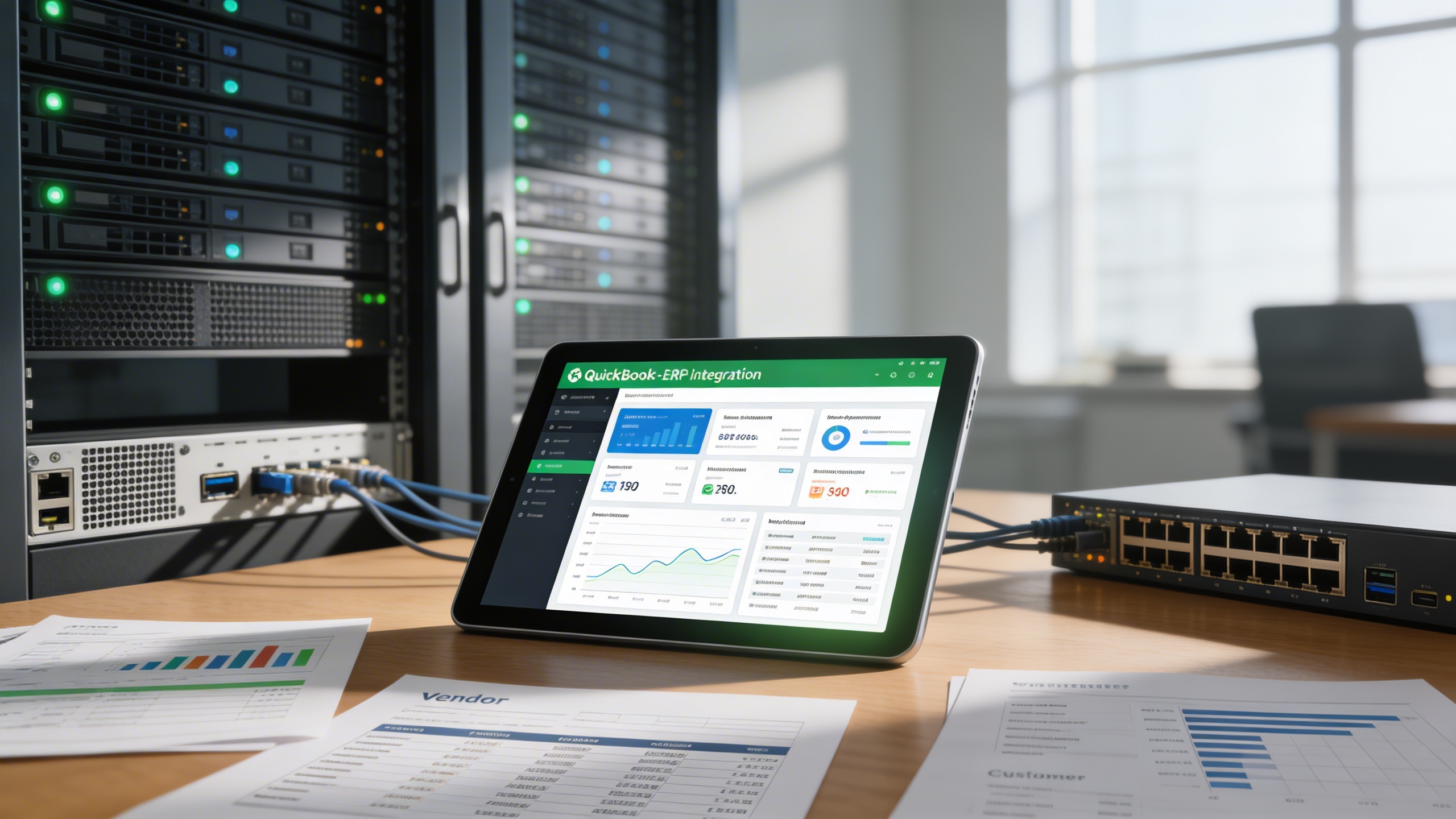
This feature unifies operational and accounting workflows into one connected ecosystem. Financial reports, vendor data, and customer records stay synchronized to improve efficiency across teams.
Key Capabilities:
- 📡 Enable bidirectional data sharing between systems
- 🧮 Keep financial reports, invoices, and ledgers aligned
- 🧾 Sync vendor and customer data automatically
- 🚀 Improve efficiency by managing accounting directly from ERP
Who Can Benefit from the System?
Organizations seeking accurate, automated, and centralized financial management across ERP and QuickBooks environments.
🏢 Small & Medium Enterprises (SMEs)
Overview:
Key Benefits:
🏦 Accounting Firms
Overview:
Key Benefits:
🏬 Retail & E-Commerce Businesses
Overview:
Key Benefits:
🏛️ Enterprises with Multi-Department Operations
Overview:
Key Benefits:
💼 Service-Based Organizations
Overview:
Key Benefits:
TRUSTED BY 100+ HAPPY CUSTOMERS






Latest insights and updates on technology trends and innovations
Cloud vs. On-Premise: Which Is Right for Your Business?
The Ultimate Guide to Cybersecurity for Small Businesses
How Automation is Revolutionizing Workplace Productivity
Optimizing Business Operations with Cloud Computing
Adopting Cloud Strategies for Scalable Growth
Harnessing Cloud Solutions to Drive Innovation
- AI for Business
- Marketing
- Cloud vs. On-Premise: Which Is Right for Your Business?
- AI for Business
- Marketing
- The Ultimate Guide to Cybersecurity for Small Businesses
- AI for Business
- Marketing
- How Automation is Revolutionizing Workplace Productivity
- Business Consulting
- Marketing
- Optimizing Business Operations with Cloud Computing
- Business Consulting
- IT Solutions
- Adopting Cloud Strategies for Scalable Growth
- Development
- Marketing
- Harnessing Cloud Solutions to Drive Innovation
Ready To Transform Your Business? Book a Free Consultation
Leave your email below to start a new project journey with us. Let’s shape the future of your business together.
S c h e d u l e N o w