
Outlook Calendar
The Outlook Calendar Add-On is built to unify scheduling across your organization by integrating Outlook’s powerful calendar system with your ERP modules. It provides a central hub for managing all events, eliminating confusion caused by scattered schedules or overlapping meetings.
Its main purpose is to:
- Ensure real-time synchronization of all ERP and Outlook events
- Improve time management and reduce scheduling conflicts
- Enable organization-wide visibility of meetings, deadlines, and appointments
- Streamline coordination between departments and teams
- Provide quick setup and secure authentication for easy integration
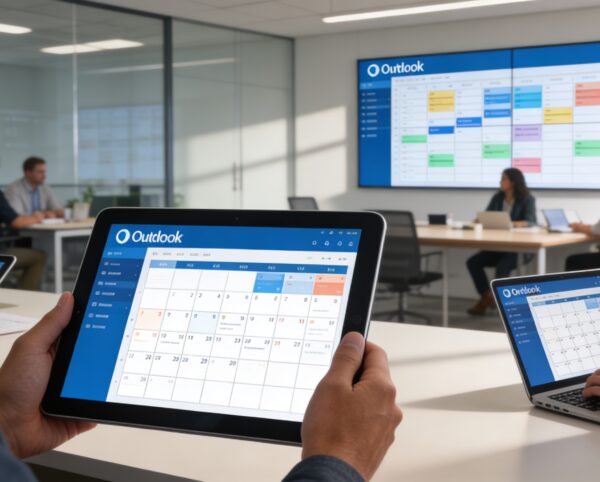
Unifying Enterprise Scheduling with Outlook-Powered Intelligence
Organizations struggle with disconnected calendars, missed updates, and scheduling conflicts caused by siloed tools and manual coordination. The Outlook Calendar Add-On resolves these challenges by synchronizing ERP events with Outlook in real time, ensuring every meeting, deadline, and appointment stays aligned. This creates a single source of truth for scheduling that improves productivity, collaboration, and operational clarity.
Outlook Calendar
Each functional component of the system is modular and scalable for easy customization.
Integration Settings
Enter and verify Outlook Client ID and Secret ID, and generate secure authentication tokens.
Integration Settings
Sync Engine
Automates bi-directional event updates between the ERP and Outlook Calendar.
Sync Engine
Calendar Dashboard
Displays all synchronized events with filtering by date, module, or department.
Calendar Dashboard
Team Calendar View
Allows users to view team schedules and shared calendars in one unified view.
Team Calendar View
Notification Center
Alerts users on newly added, updated, or cancelled events.
Notification Center
Audit Log
Tracks all synchronization activities for transparency and troubleshooting.
Audit Log

Unified Outlook Calendar Integration
A centralized, bi-directional calendar system that synchronizes ERP events with Outlook for seamless scheduling and organization-wide visibility.
📅 1. Compatible with Add-Ons for Full Event Coverage
All critical ERP events flow directly into Outlook, creating a complete scheduling ecosystem across departments. This ensures no meetings, deadlines, or follow-ups are missed or duplicated.
Key Capabilities:
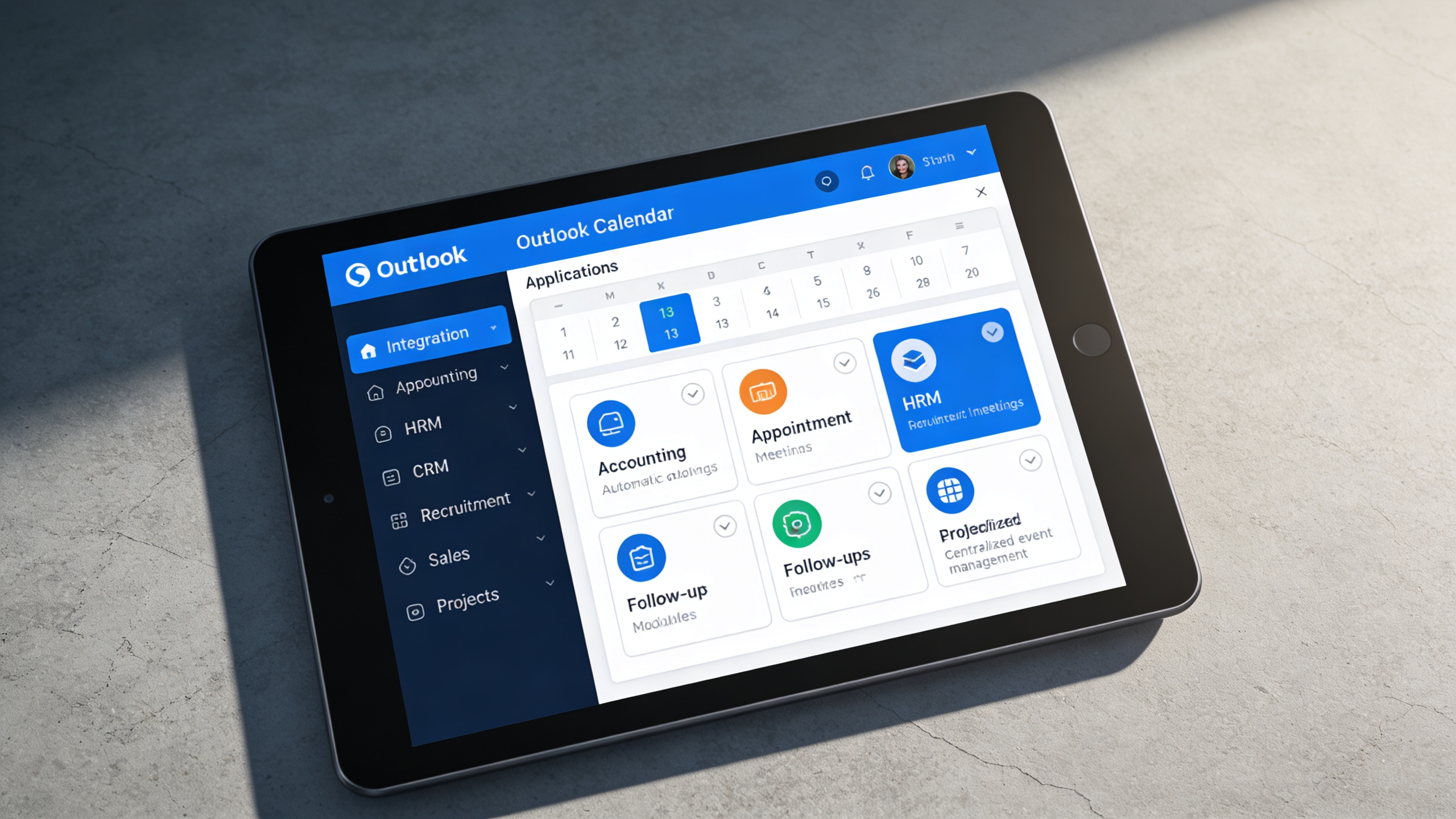
- 🔗 Integrate with modules like Accounting, Appointment, HRM, CRM, Recruitment, Sales, and Projects.
- 📆 Sync meetings, interviews, deadlines, and follow-ups automatically.
- 👥 Centralize event management across departments.
- ⚡ Eliminate duplicate scheduling and overlapping meetings.
- 📈 Improve organization-wide time coordination.
⚙️ 2. Easy Setup for Quick Connection
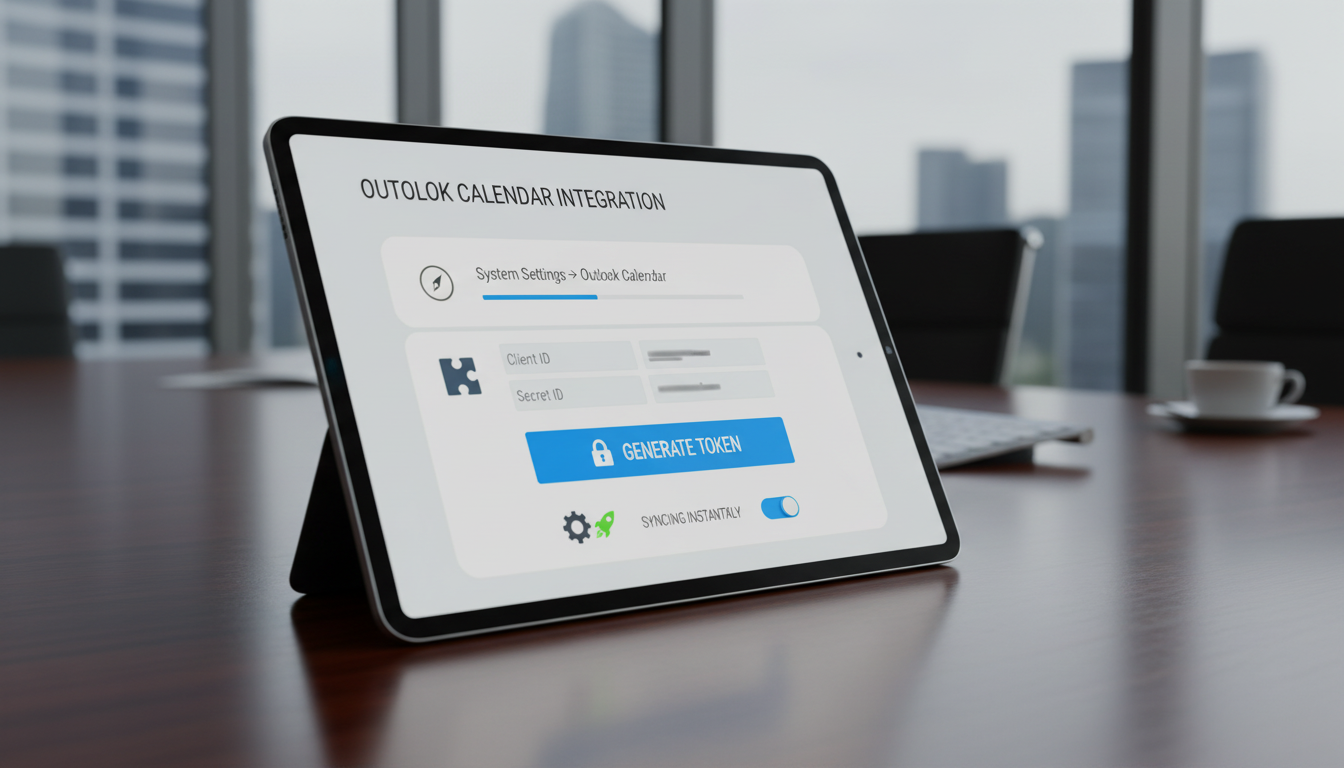
The integration is designed for fast deployment without technical complexity. Secure authentication and guided setup allow teams to start syncing instantly.
Key Capabilities:
- 🧭 Navigate to System Settings → Outlook Calendar to begin setup.
- 🧩 Enter Client ID and Secret ID from your Outlook account.
- 🔐 Click Generate Token for secure API authentication.
- ⚙️ Enable “Sync” while creating or approving events for automatic updates.
- 🚀 Start syncing Outlook events instantly, no coding required.
👥 3. Stay Coordinated Across Teams and Projects
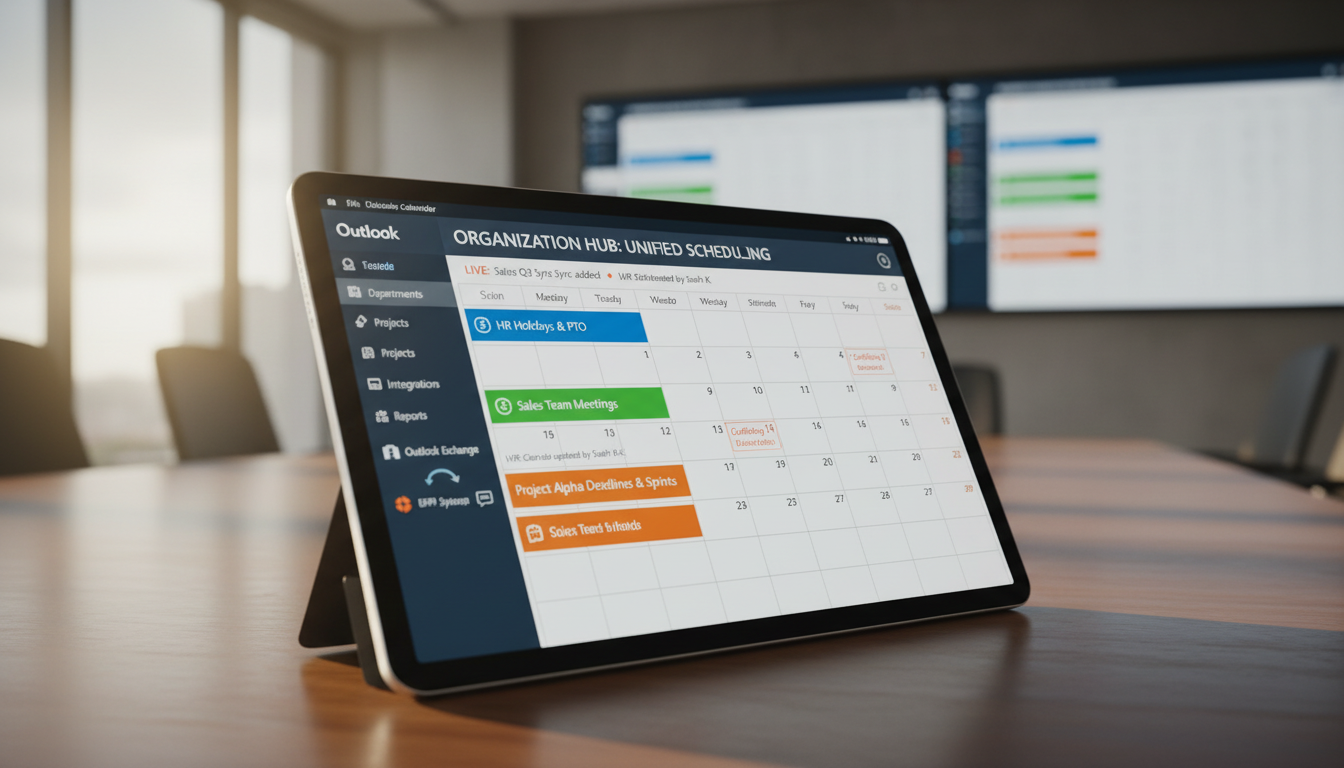
Shared calendar visibility keeps departments aligned and prevents scheduling conflicts. Real-time updates ensure everyone works with the latest event information.
Key Capabilities:
- 🧭 Sync department-wide calendars for unified visibility.
- 📅 Track HR holidays, sales meetings, and project deadlines in one view.
- 💬 Improve inter-team communication through shared calendar access.
- 🔄 Real-time updates ensure all users see the latest event data.
- 📊 Enhance collaboration by integrating Outlook with ERP workflows.
Who Can Benefit from the System?
Organizations that rely on Outlook and ERP workflows to manage meetings, deadlines, appointments, and cross-team scheduling with accuracy and visibility.
🏢 Corporate Offices & Enterprises
Overview:
Key Benefits:
🏥 Healthcare & Hospital Management
Overview:
Key Benefits:
🏬 Retail & Sales Organizations
Overview:
Key Benefits:
🏫 Educational Institutions
Overview:
Key Benefits:
💼 Recruitment & HR Departments
Overview:
Key Benefits:
TRUSTED BY 100+ HAPPY CUSTOMERS






Latest insights and updates on technology trends and innovations
Cloud vs. On-Premise: Which Is Right for Your Business?
The Ultimate Guide to Cybersecurity for Small Businesses
How Automation is Revolutionizing Workplace Productivity
Optimizing Business Operations with Cloud Computing
Adopting Cloud Strategies for Scalable Growth
Harnessing Cloud Solutions to Drive Innovation
- AI for Business
- Marketing
- Cloud vs. On-Premise: Which Is Right for Your Business?
- AI for Business
- Marketing
- The Ultimate Guide to Cybersecurity for Small Businesses
- AI for Business
- Marketing
- How Automation is Revolutionizing Workplace Productivity
- Business Consulting
- Marketing
- Optimizing Business Operations with Cloud Computing
- Business Consulting
- IT Solutions
- Adopting Cloud Strategies for Scalable Growth
- Development
- Marketing
- Harnessing Cloud Solutions to Drive Innovation
Ready To Transform Your Business? Book a Free Consultation
Leave your email below to start a new project journey with us. Let’s shape the future of your business together.
S c h e d u l e N o w