
One Drive
The OneDrive Integration Module is designed to provide organizations with direct, secure, and efficient access to their OneDrive resources from within Sophistec Optima Solutions.
Its main purpose is to:
- Streamline file access and eliminate the need for external downloads
- Enable real-time file editing and preview across multiple formats
- Facilitate collaboration between departments using shared OneDrive folders
- Strengthen data security through authenticated OneDrive connectivity
- Enhance productivity by integrating cloud storage into everyday workflows
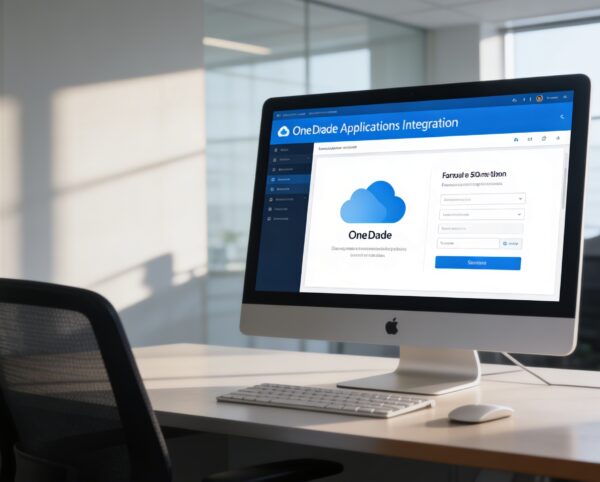
Seamless OneDrive Connectivity for Cloud-Powered Collaboration
Organizations struggle with scattered cloud storage, constant application switching, unsecured file exchanges, and slow collaboration cycles. Our solution eliminates these barriers by embedding OneDrive directly into ERP workflows with secure authentication, real-time editing, visual navigation, folder linking, and cloud-based activity tracking. The result is faster productivity, centralized file governance, and a unified collaboration experience across teams, departments, and devices.
One Drive
Each functional component of the system is modular and scalable for easy customization.
Integration Settings
Configure and authenticate OneDrive accounts within Sophistec Optima Solutions.
Integration Settings
File Explorer
Navigate, preview, and manage files with a responsive interface.
File Explorer
Document Viewer/Editor
Open and edit documents directly, Word, Excel, text files, and more.
Document Viewer/Editor
Folder Linking
Connect OneDrive folders to specific ERP submodules or workflows.
Folder Linking
Add-On Extensions
Expand functionality for industry-specific needs (trainers, doctors, tenants, etc.).
Add-On Extensions
Activity Log
Track file access, modifications, and sharing history for security and auditing.
Activity Log

Unified Cloud Productivity
Empower teams with secure OneDrive access, real-time editing, visual navigation, folder linking, and advanced collaboration controls.
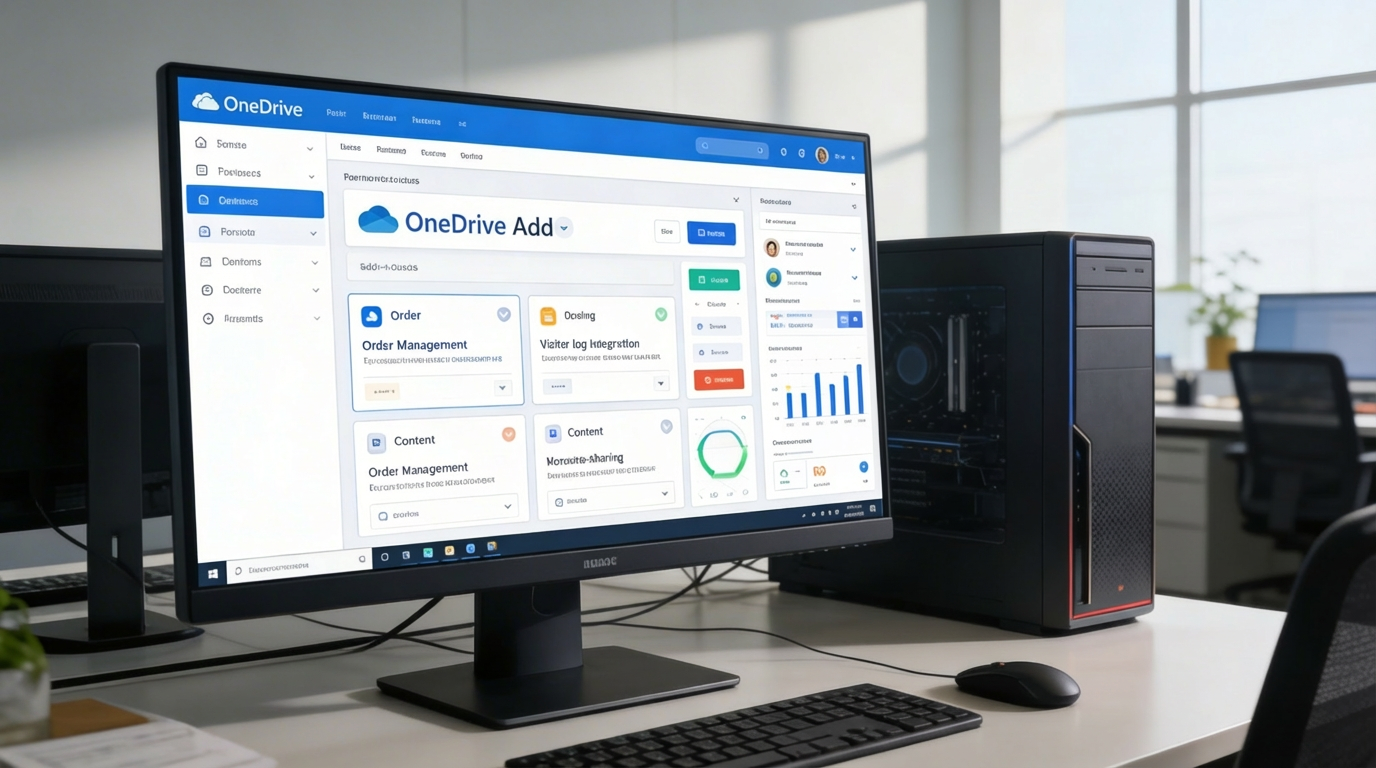
☁️ 1. Extend OneDrive with Powerful Add-Ons
Unlock the full potential of OneDrive with specialized add-ons tailored for various professional contexts, training management, medical record handling, tenant documentation, and more.
Key Capabilities:
- 🧩 Manage orders, bookings, or service files directly within OneDrive folders
- 📦 Integrate visitor logs, scheduling tools, or resource tracking seamlessly
- 🧾 Use blogging or content-sharing add-ons to publish and organize digital materials
- 🚀 Expand use cases without leaving your cloud workspace
⚙️ 2. Settings Page for OneDrive Integration
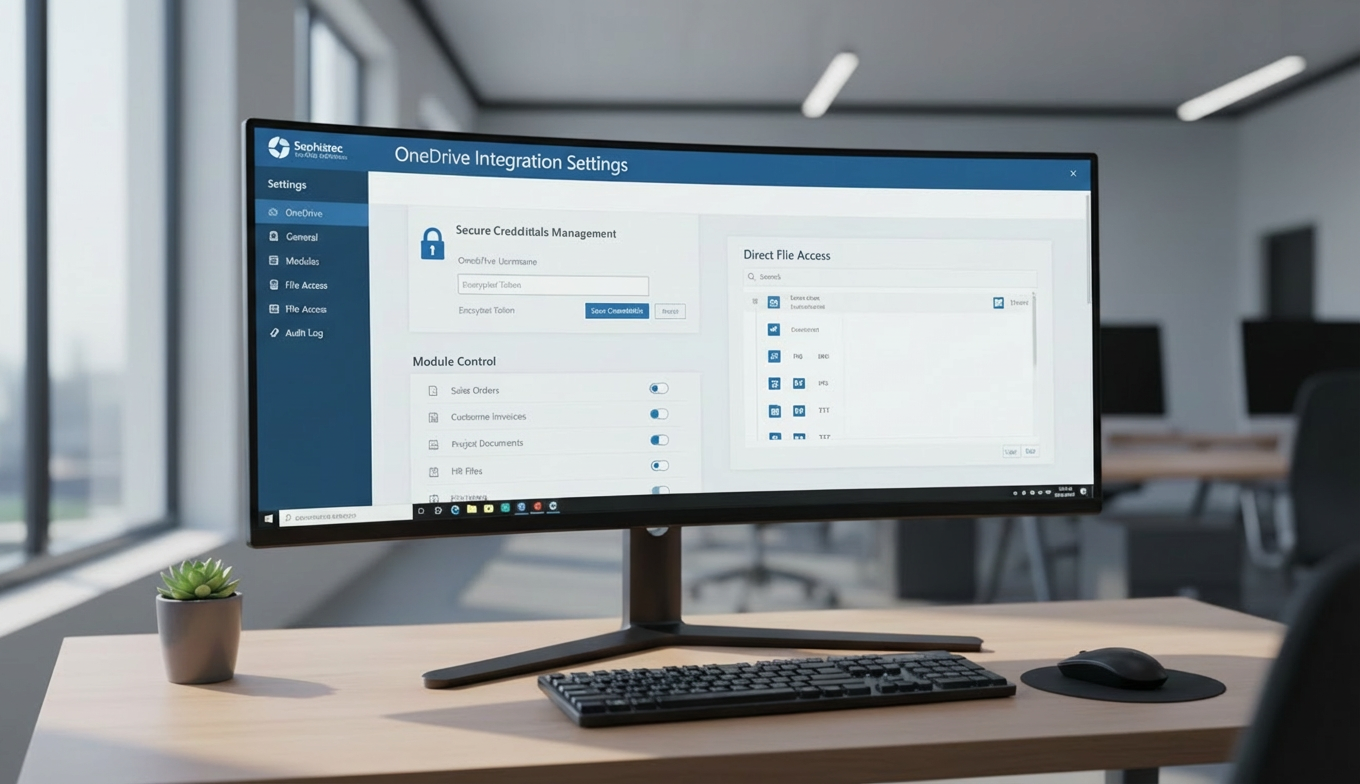
Simplify setup and maintain complete control over how OneDrive connects to your ERP platform.
Key Capabilities:
- 🔑 Save and manage OneDrive credentials securely
- 📁 Enable or disable submodules for targeted integration
- 🧠 Access files and documents directly without switching applications
- 📄 View and edit various file types, from Word and Excel to images and text files instantly
📂 3. Elevate Your OneDrive Experience
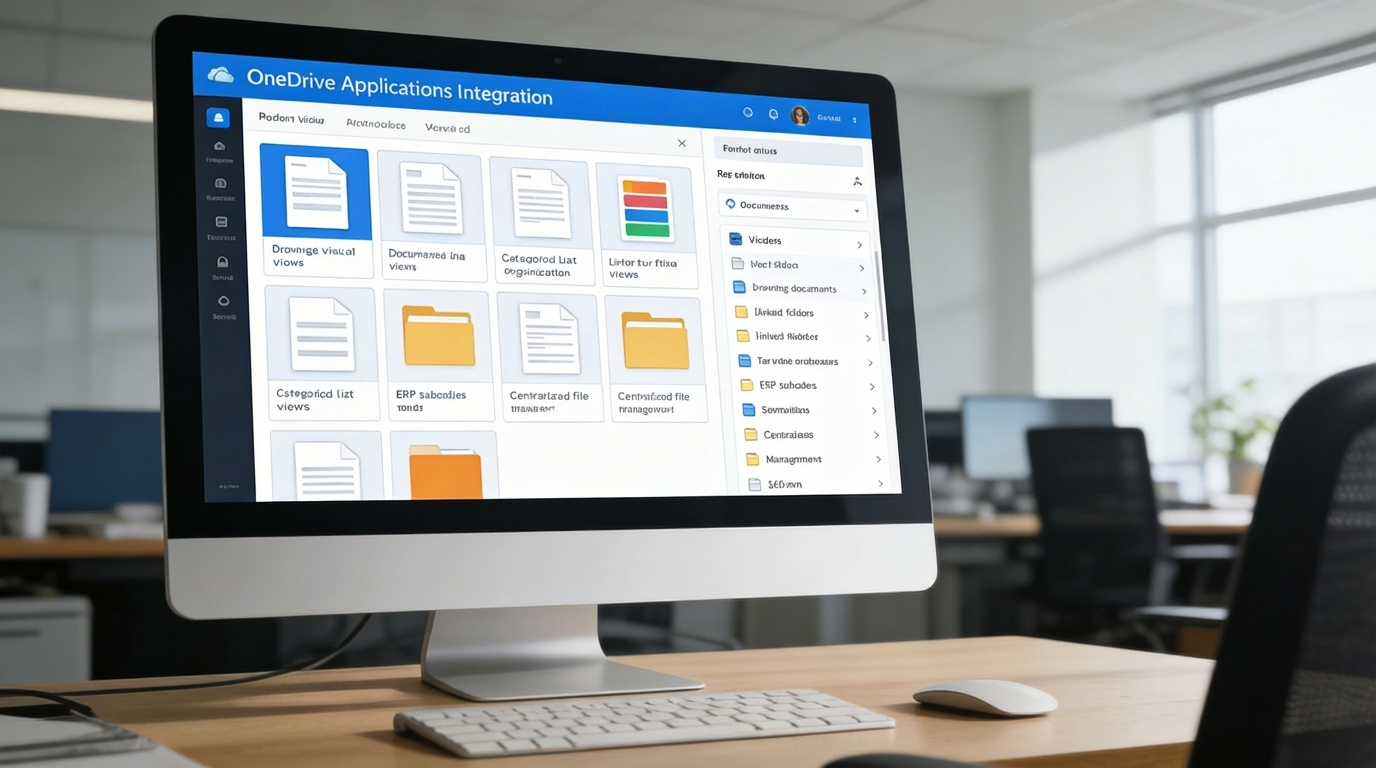
Transform how your organization collaborates and manages content through advanced file visualization and navigation tools.
Key Capabilities:
- 🖼️ Browse documents and media through a modern visual grid interface
- 📋 Organize and navigate files with categorized list views
- 🔗 Link folders to ERP submodules for contextual access and collaboration
- 📈 Enhance productivity through centralized and intuitive file management
Who Can Benefit from the System?
Enable secure collaboration, faster workflows, and centralized cloud file governance across corporate departments, education, healthcare, property, and service delivery.
🏢 Corporate Teams & Enterprises
Overview:
Key Benefits:
🏫 Educational Institutions
Overview:
Key Benefits:
🏥 Healthcare & Clinics
Overview:
Key Benefits:
🏘️ Property & Facility Management
Overview:
Key Benefits:
💼 Service-Based SMEs & Freelancers
Overview:
Key Benefits:
TRUSTED BY 100+ HAPPY CUSTOMERS






Latest insights and updates on technology trends and innovations
Cloud vs. On-Premise: Which Is Right for Your Business?
The Ultimate Guide to Cybersecurity for Small Businesses
How Automation is Revolutionizing Workplace Productivity
Optimizing Business Operations with Cloud Computing
Adopting Cloud Strategies for Scalable Growth
Harnessing Cloud Solutions to Drive Innovation
- AI for Business
- Marketing
- Cloud vs. On-Premise: Which Is Right for Your Business?
- AI for Business
- Marketing
- The Ultimate Guide to Cybersecurity for Small Businesses
- AI for Business
- Marketing
- How Automation is Revolutionizing Workplace Productivity
- Business Consulting
- Marketing
- Optimizing Business Operations with Cloud Computing
- Business Consulting
- IT Solutions
- Adopting Cloud Strategies for Scalable Growth
- Development
- Marketing
- Harnessing Cloud Solutions to Drive Innovation
Ready To Transform Your Business? Book a Free Consultation
Leave your email below to start a new project journey with us. Let’s shape the future of your business together.
S c h e d u l e N o w