
Notes
The Notes Module serves as a digital workspace for managing written information efficiently and securely. It eliminates the need for physical notebooks or scattered documents by offering a clean, accessible, and collaborative platform.
Its main purpose is to:
- Provide a unified space for personal and shared note management
- Enable quick note creation with customizable formatting options
- Allow seamless organization and categorization of notes for easy retrieval
- Support collaboration through shared access and updates
- Improve task tracking and knowledge retention across teams or individuals

Transforming Everyday Notes into Organized Knowledge
Individuals and teams often struggle with fragmented notes, lost information, and unstructured documentation spread across notebooks, files, and tools. This leads to missed tasks, reduced collaboration, and wasted time searching for critical information. The Notes Module solves these challenges by providing a centralized, secure, and collaborative note-taking system that keeps ideas organized, accessible, and actionable.
Notes
Each functional component of the system is modular and scalable for easy customization.
Note Composer
Create, edit, and format text with rich content tools
Note Composer
Category Manager
Organize notes under custom labels and tags
Category Manager
Shared Notes
Collaborate with others in real time
Shared Notes
Reminders & Tasks
Add due dates or reminders to important notes
Reminders & Tasks
Search & Filter
Instantly find notes using keywords, categories, or tags
Search & Filter
Export Tools
Download notes as PDF or share links for quick access
Export Tools

Smart Digital Notes Workspace
Capture, organize, and collaborate on notes effortlessly with a secure, structured, and searchable digital workspace.
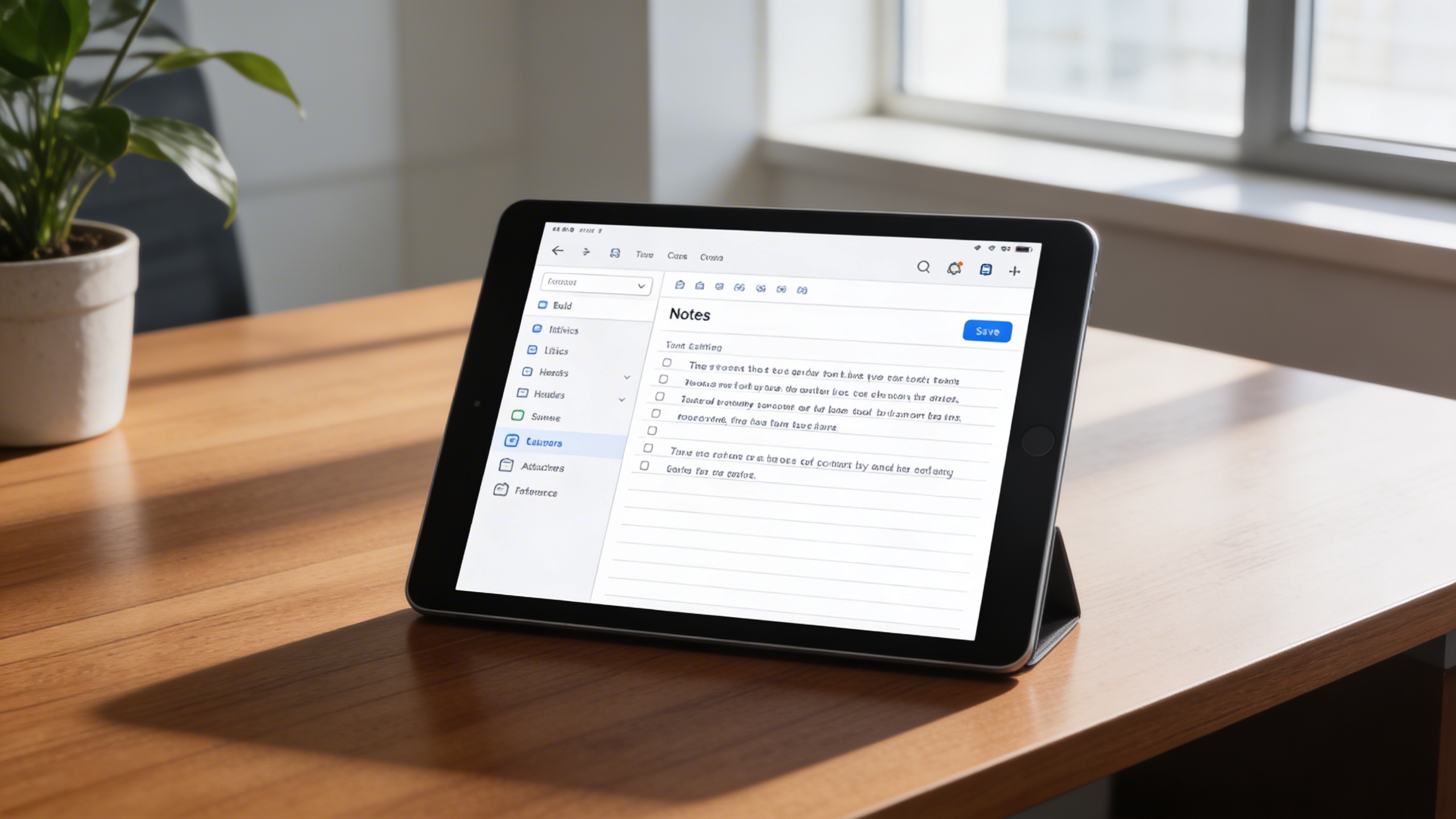
🧾 1. Simple & Intuitive Note Creation
Create new notes effortlessly through a clean and responsive interface. The “New Note” button allows you to input, format, and save your ideas with ease, keeping your notes accessible at all times.
Key Capabilities:
- 🖋️ Edit and format text (bold, italics, lists, headers)
- 💾 Save notes automatically or manually
- 🗃️ Categorize notes by topic or project
- 📎 Attach references or links to each note
📁 2. Organized Note Management
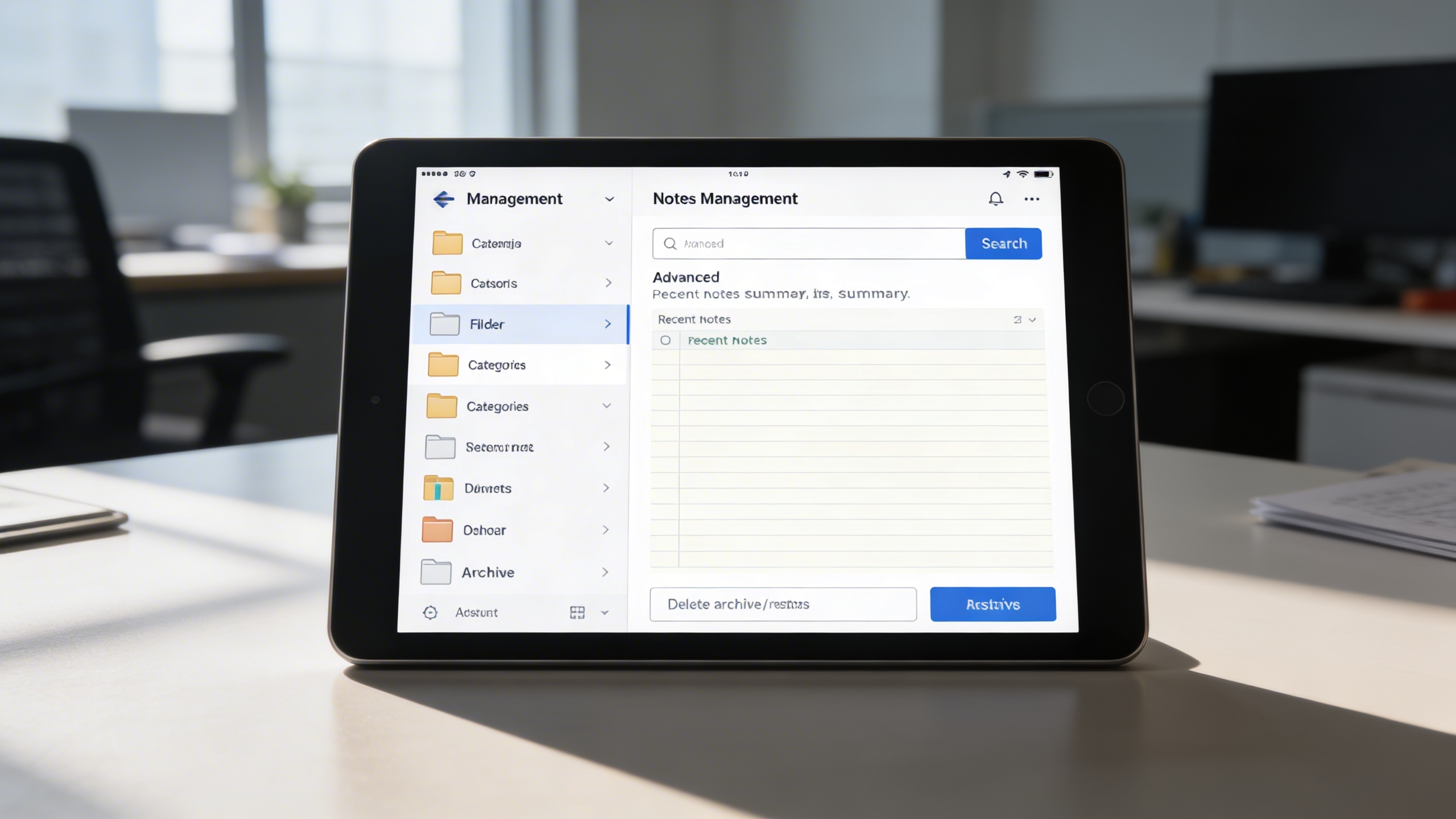
Keep your workspace clutter-free with smart organization tools that make it easy to store and retrieve information. Whether you’re tracking projects or personal goals, structured management ensures you never lose track.
Key Capabilities:
- 📂 Create and manage note folders or categories
- 🔍 Use advanced search and filtering to find notes instantly
- 📋 View summaries of recently updated or created notes
- 🗑️ Delete, archive, or restore notes as needed
👥 3. Collaborative Note Sharing
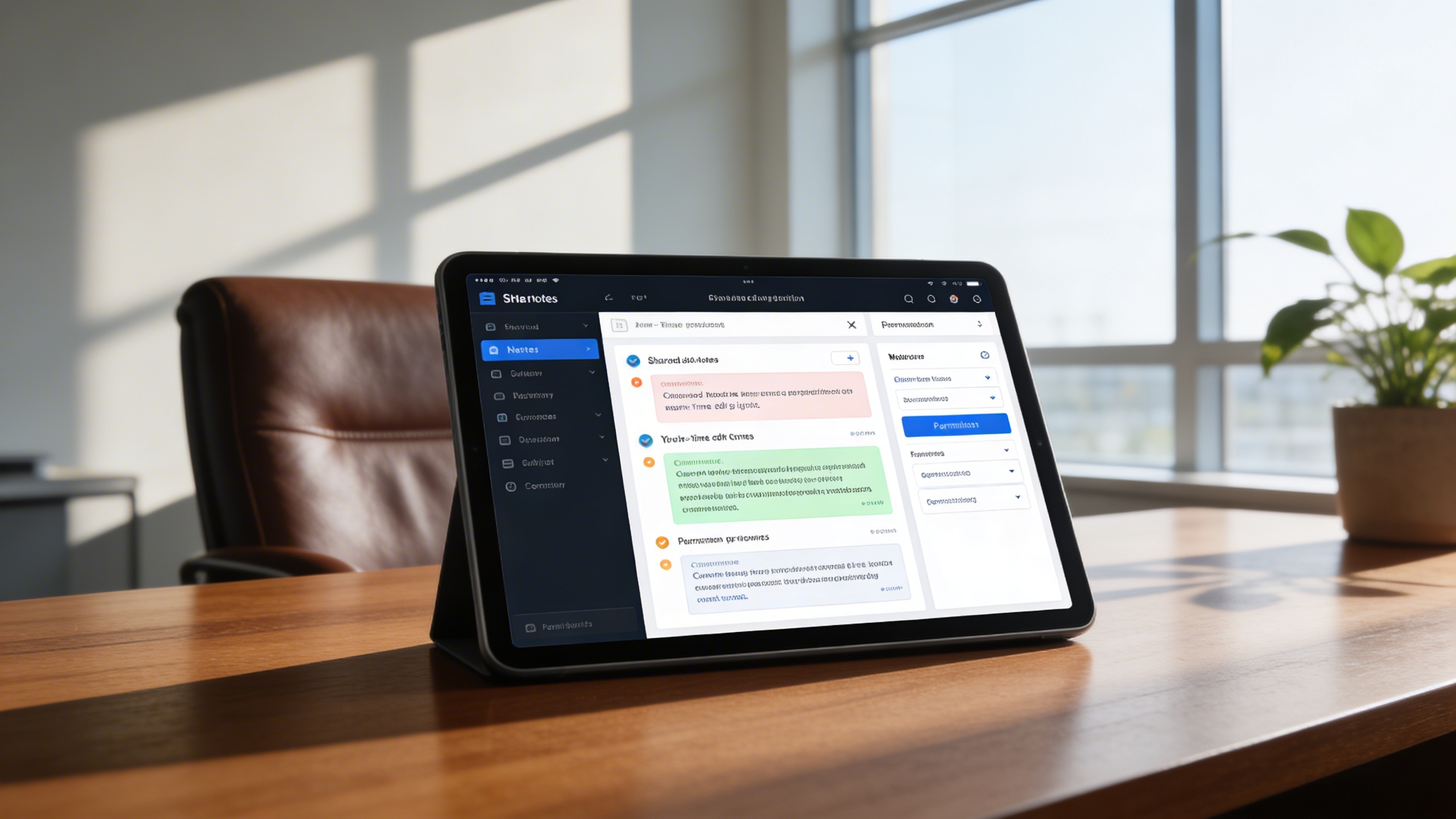
Empower teams and departments to collaborate effectively through shared notes and real-time updates. Perfect for meetings, project documentation, or collective brainstorming.
Key Capabilities:
- 🤝 Share notes securely with team members
- 🔄 Sync edits instantly across devices
- 🗣️ Leave comments or updates in shared spaces
- 🔒 Manage access permissions (view, edit, or comment)
🔔 4. Reminders & Task Integration
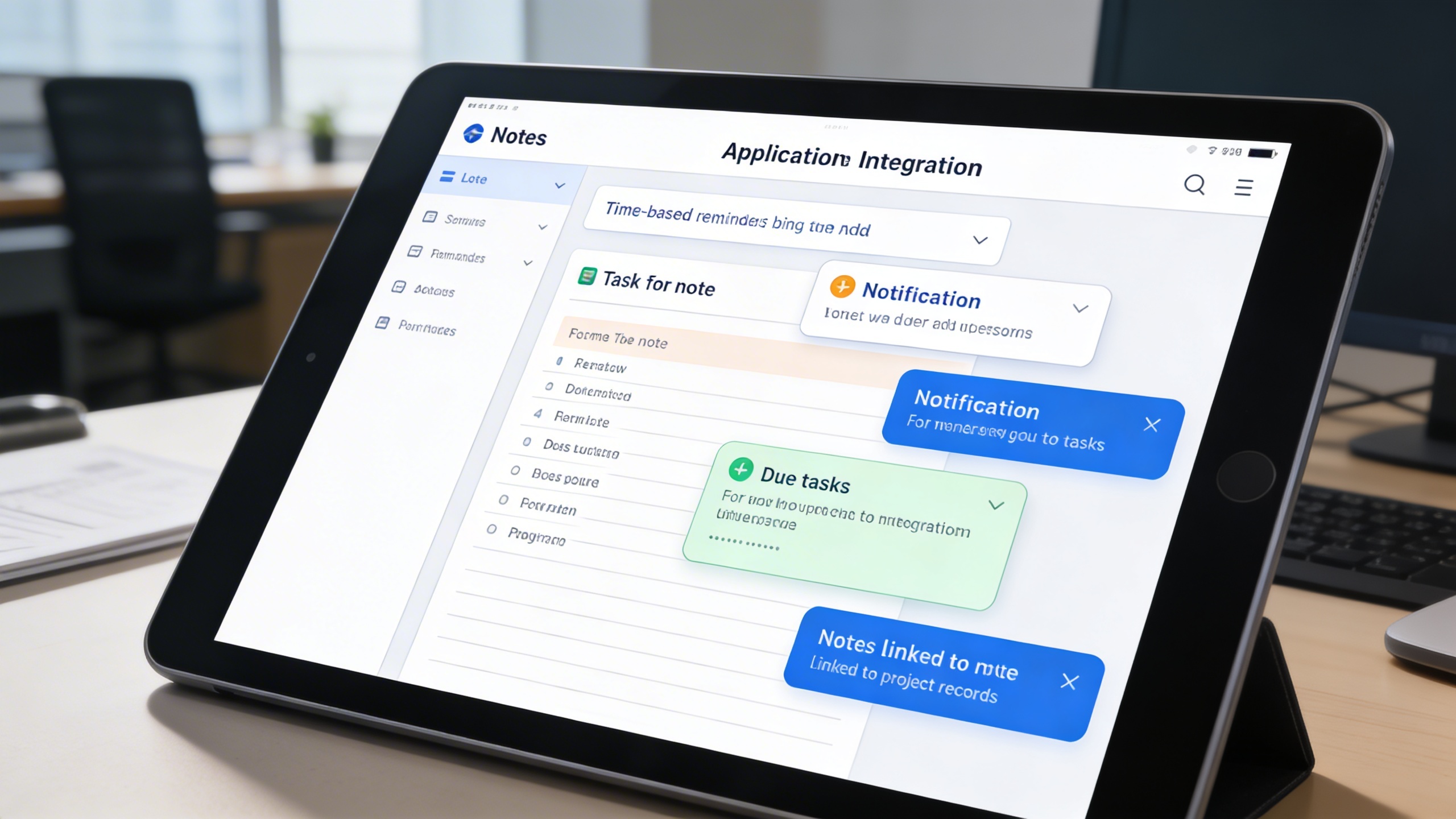
Turn your notes into actionable plans by integrating reminders and to-do tracking features. Stay organized and never miss important deadlines or tasks.
Key Capabilities:
- 📅 Add time-based reminders to critical notes
- ✅ Create task lists within notes
- 📨 Receive notifications for due tasks
- 🧩 Link notes to relevant projects or records
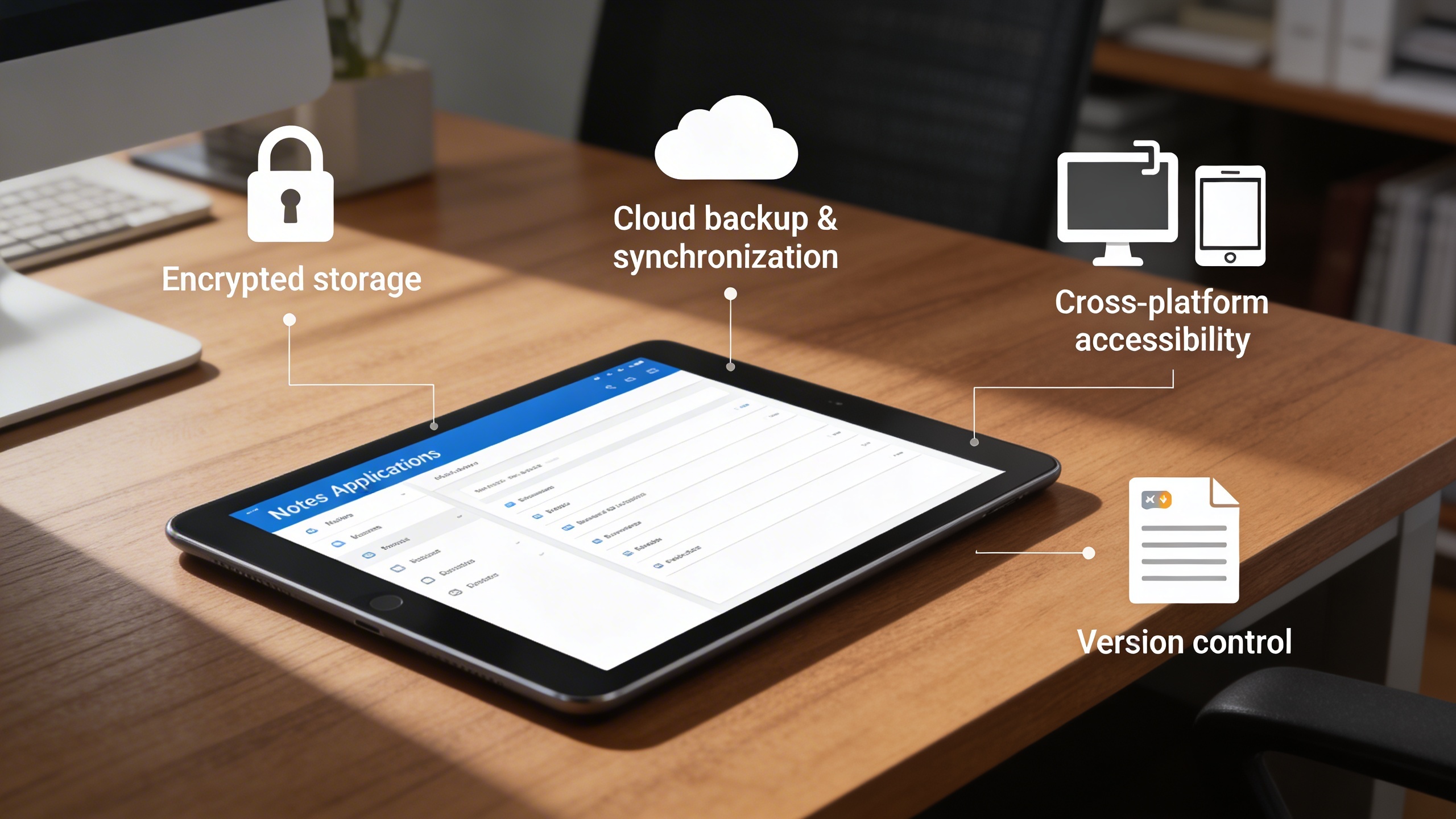
📤 5. Safe & Accessible Storage
All notes are stored securely and can be accessed anytime, anywhere. With reliable data protection and backup features, your valuable content remains safe and retrievable.
Key Capabilities:
- 🔐 Encrypted storage to protect sensitive data
- ☁️ Cloud backup and synchronization
- 📲 Cross-platform accessibility (mobile, web, desktop)
- 📚 Version control for note revisions
Who Can Benefit from the System?
Individuals and teams seeking organized, secure, and collaborative note-taking for productivity, knowledge sharing, and task tracking.
🏢 Corporate Teams
Overview:
Key Benefits:
🎓 Students & Educators
Overview:
Key Benefits:
💼 Professionals & Freelancers
Overview:
Key Benefits:
🏘️ Organizations & Teams
Overview:
Key Benefits:
🌐 Creative & Research Teams
Overview:
Key Benefits:
TRUSTED BY 100+ HAPPY CUSTOMERS






Latest insights and updates on technology trends and innovations
Cloud vs. On-Premise: Which Is Right for Your Business?
The Ultimate Guide to Cybersecurity for Small Businesses
How Automation is Revolutionizing Workplace Productivity
Optimizing Business Operations with Cloud Computing
Adopting Cloud Strategies for Scalable Growth
Harnessing Cloud Solutions to Drive Innovation
- AI for Business
- Marketing
- Cloud vs. On-Premise: Which Is Right for Your Business?
- AI for Business
- Marketing
- The Ultimate Guide to Cybersecurity for Small Businesses
- AI for Business
- Marketing
- How Automation is Revolutionizing Workplace Productivity
- Business Consulting
- Marketing
- Optimizing Business Operations with Cloud Computing
- Business Consulting
- IT Solutions
- Adopting Cloud Strategies for Scalable Growth
- Development
- Marketing
- Harnessing Cloud Solutions to Drive Innovation
Ready To Transform Your Business? Book a Free Consultation
Leave your email below to start a new project journey with us. Let’s shape the future of your business together.
S c h e d u l e N o w