
Meeting Hub
The Meeting Hub module aims to transform the way organizations plan, document, and review meetings by providing an all-in-one solution for meeting management. By digitizing and automating meeting processes, it ensures that every discussion, decision, and action item is captured and accessible. Promoting transparency and follow-through.
Its main purpose is to:
- Provide a centralized repository for all meeting-related information
- Enable efficient management of minutes and reports
- Support accountability by tracking action items and follow-ups
- Allow custom classification of meeting types for better organization
- Enhance collaboration and reduce manual tracking burdens
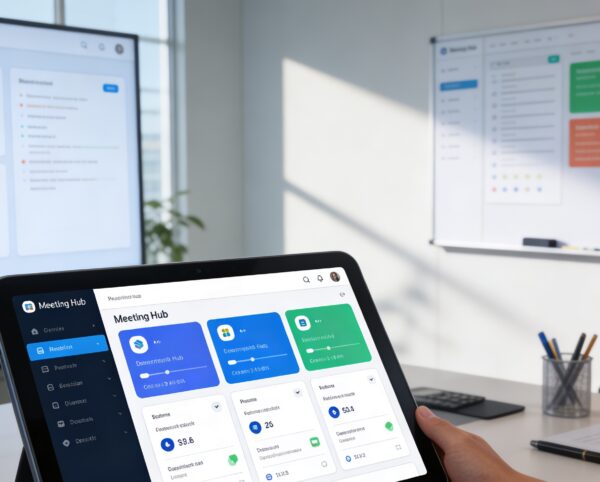
Transforming Meetings into Structured Decisions
Organizations struggle with fragmented meeting notes, lost decisions, and poor follow-through caused by manual documentation and scattered tools. The Meeting Hub addresses these challenges by digitizing scheduling, minutes, reporting, and action tracking within a single ERP-integrated system. This ensures every discussion is documented, every decision is traceable, and every action item is accountable.
Meeting Hub
Each functional component of the system is modular and scalable for easy customization.
Meeting Scheduling & Lists
Centralized record of meeting schedules, attendees, and agenda items.
Meeting Scheduling & Lists
Minutes Management
Accurate and structured documentation of discussions, decisions, and action items.
Minutes Management
Reports Generator
Automated generation of meeting summaries and insights for stakeholders.
Reports Generator
Meeting Type Configuration
Define, categorize, and manage meeting types based on organizational needs.
Meeting Type Configuration

Centralized Meeting Intelligence Platform
A unified system that captures, documents, tracks, and reports every meeting outcome with full visibility and accountability.
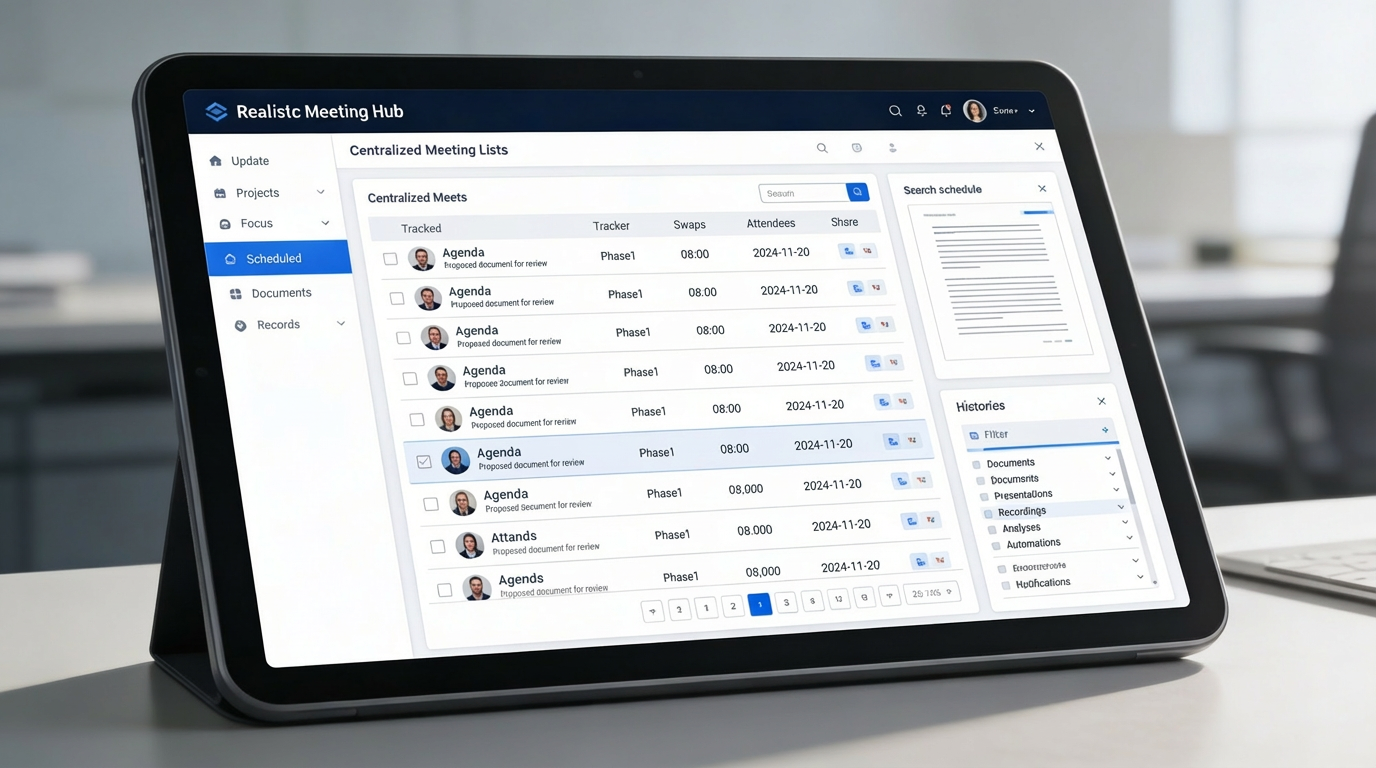
🗂️ 1. Centralized Meeting Lists Repository
All meetings are organized in a single repository, providing full visibility into schedules, agendas, and participants. This creates a reliable historical record that supports transparency and compliance.
Key Capabilities:
- 📅 Track meeting schedules, agendas, and attendees in one place
- 📎 Attach related documents and references to each meeting
- 🔍 Quickly search and filter meetings by date, team, or category
- 📚 Maintain historical records for compliance and transparency
📝 2. Efficient Meeting Minutes Management
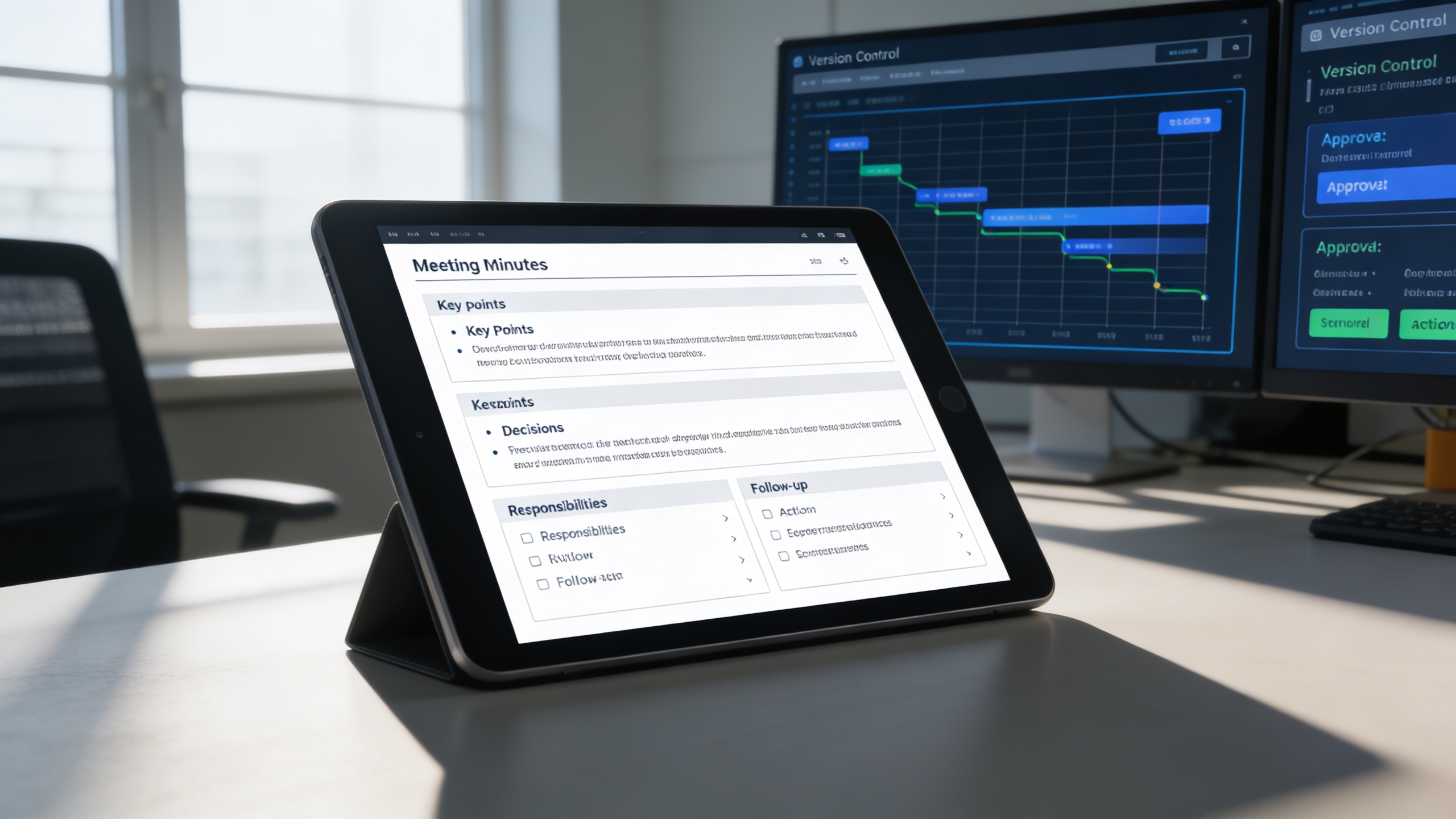
Meeting discussions, decisions, and responsibilities are captured in a structured and editable format. This ensures clarity, ownership, and seamless follow-up after every meeting.
Key Capabilities:
- 🧾 Record key points, decisions, and responsibilities
- ✅ Assign and track follow-up actions directly from minutes
- 🔄 Maintain version control for minute revisions and approvals
- 📤 Share finalized minutes instantly with relevant stakeholders
📊 3. Insightful Meeting Reports Generation
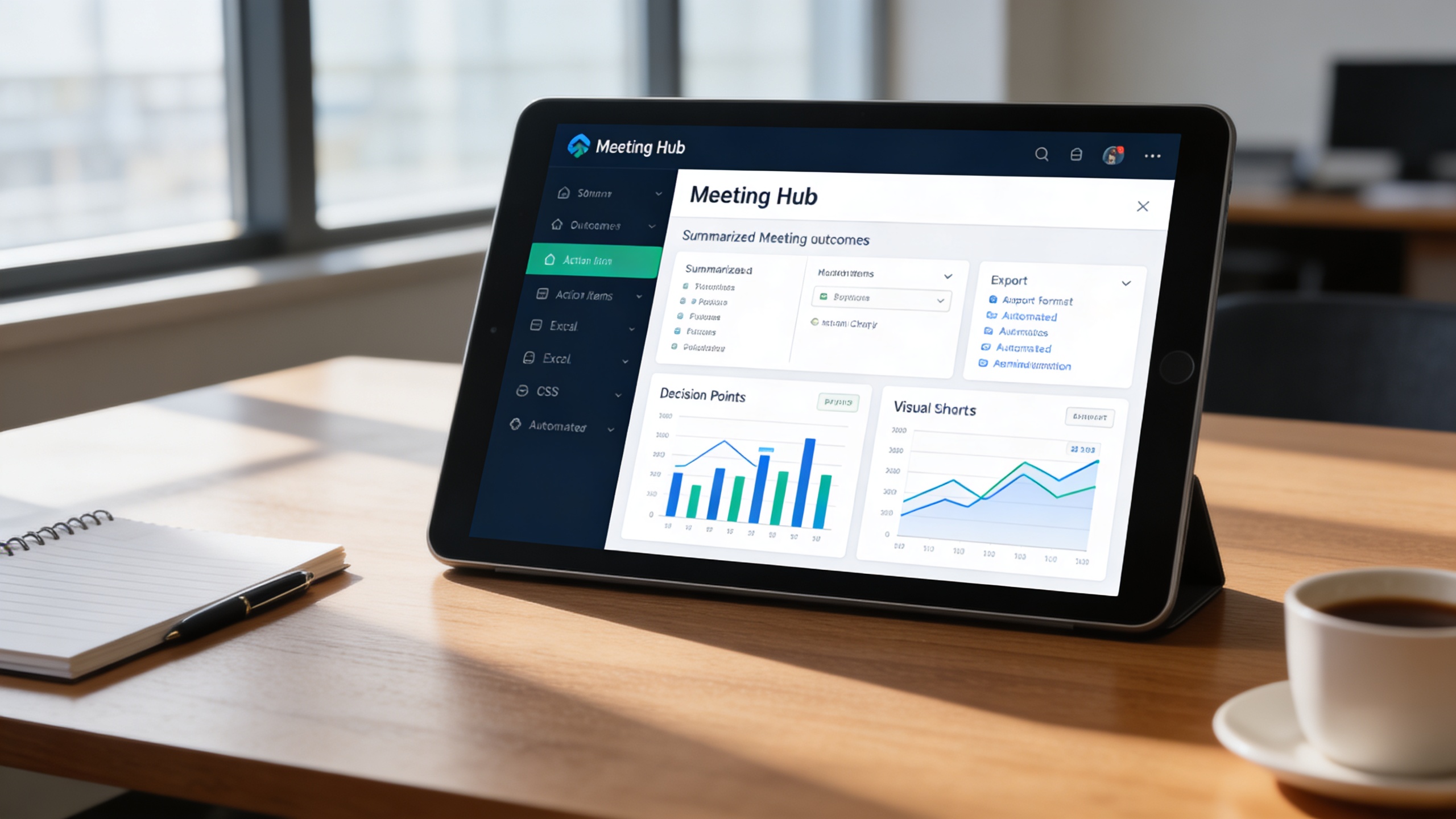
Automatically convert meeting data into actionable summaries and management-ready reports. Stakeholders gain clear insights without manual consolidation or interpretation.
Key Capabilities:
- 📈 Summarize outcomes, action items, and decision points
- 📊 Generate visual summaries for management reporting
- 📥 Export reports in multiple formats (PDF, Excel, CSV)
- 🔔 Set automated reminders for report submissions and follow-ups
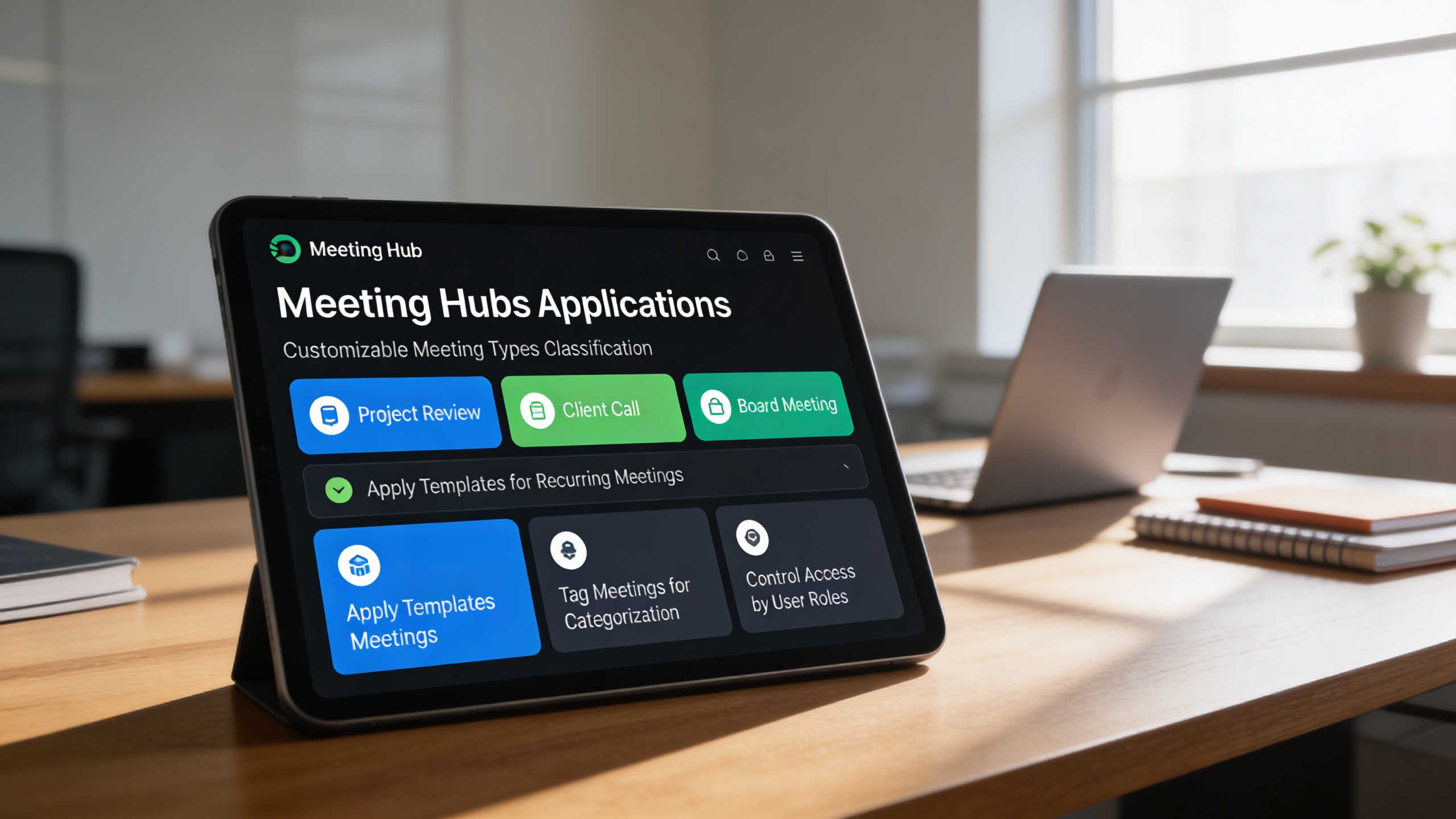
⚙️ 4. Customizable Meeting Types Classification
Meetings are classified by purpose, structure, and access level to maintain organizational clarity. This enables consistency across recurring meetings while supporting diverse workflows.
Key Capabilities:
- 📌 Create and customize meeting types (e.g., Project Review, Client Call, Board Meeting)
- 🧩 Apply templates for recurring meeting structures
- 🗂️ Tag meetings for easier categorization and reporting
- 🔐 Control access to meeting types based on user roles
Who Can Benefit from the System?
Organizations that require structured meetings, clear documentation, and accountable follow-ups to support governance, projects, and collaborative decision-making.
🏛️ Corporate Offices & Enterprises
Overview:
Key Benefits:
🎓 Educational Institutions
Overview:
Key Benefits:
🏢 Project-Based Organizations
Overview:
Key Benefits:
💼 Government & Public Sector Institutions
Overview:
Key Benefits:
🏘️ Non-Profit & NGO Organizations
Overview:
Key Benefits:
TRUSTED BY 100+ HAPPY CUSTOMERS






Latest insights and updates on technology trends and innovations
Cloud vs. On-Premise: Which Is Right for Your Business?
The Ultimate Guide to Cybersecurity for Small Businesses
How Automation is Revolutionizing Workplace Productivity
Optimizing Business Operations with Cloud Computing
Adopting Cloud Strategies for Scalable Growth
Harnessing Cloud Solutions to Drive Innovation
- AI for Business
- Marketing
- Cloud vs. On-Premise: Which Is Right for Your Business?
- AI for Business
- Marketing
- The Ultimate Guide to Cybersecurity for Small Businesses
- AI for Business
- Marketing
- How Automation is Revolutionizing Workplace Productivity
- Business Consulting
- Marketing
- Optimizing Business Operations with Cloud Computing
- Business Consulting
- IT Solutions
- Adopting Cloud Strategies for Scalable Growth
- Development
- Marketing
- Harnessing Cloud Solutions to Drive Innovation
Ready To Transform Your Business? Book a Free Consultation
Leave your email below to start a new project journey with us. Let’s shape the future of your business together.
S c h e d u l e N o w