
Inventory
The core purpose of Inventory is to automate inventory tracking, reduce human error, and centralize stock visibility across business functions. It empowers teams to make data-driven restocking decisions, validate item movements, and ensure accountability in every transaction.
Its main purpose is to:
- Ensure real-time stock updates across all transaction types
- Improve inventory accuracy and eliminate manual entry errors
- Provide full visibility into stock history and quantities
- Strengthen auditability and transaction traceability
- Support smarter purchasing and warehouse planning
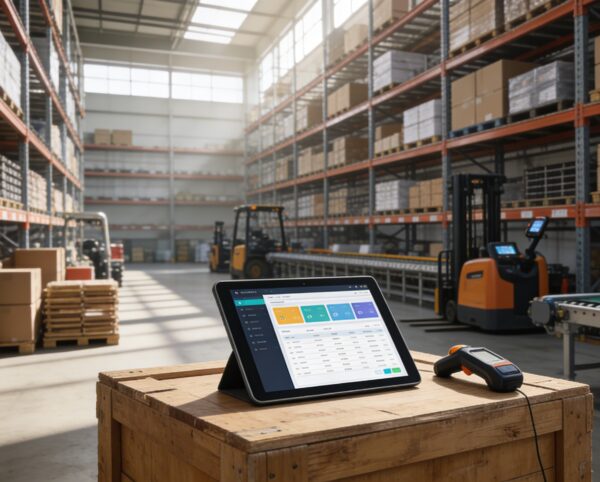
Powering Real-Time Inventory Accuracy for Scalable Growth
Fast-moving commerce environments struggle with stock inaccuracy, manual recordkeeping, and poor visibility across sales, returns, and procurement. This solution consolidates every stock movement into a unified, real-time system that auto-updates inventory from invoices, POS, purchases, and fulfillment. The result is a transparent, error-free operational flow that strengthens auditability, accelerates replenishment decisions, and protects revenue from costly stock discrepancies.
Inventory
Each functional component of the system is modular and scalable for easy customization.
Stock Monitoring
Auto-tracks item quantities across sales, purchases, and returns
Stock Monitoring
Transaction Mapping
Connects stock entries to their original transaction (invoice, POS, etc.)
Transaction Mapping
Inventory Dashboard
Summarizes live stock status, stock value, and recent activity
Inventory Dashboard
Batch-Level Control
Supports tracking by batch, lot, or expiration-sensitive groupings
Batch-Level Control
Reporting Center
Provides history of stock movement, adjustments, and current availability
Reporting Center
Settings & Configuration
Enables item group management, reorder levels, and warning thresholds
Settings & Configuration

Automated Stock Intelligence
Automate stock updates, improve visibility, and drive smarter purchasing decisions with synchronized, traceable, real-time inventory management.
📦 1. Real-Time Inventory Tracking
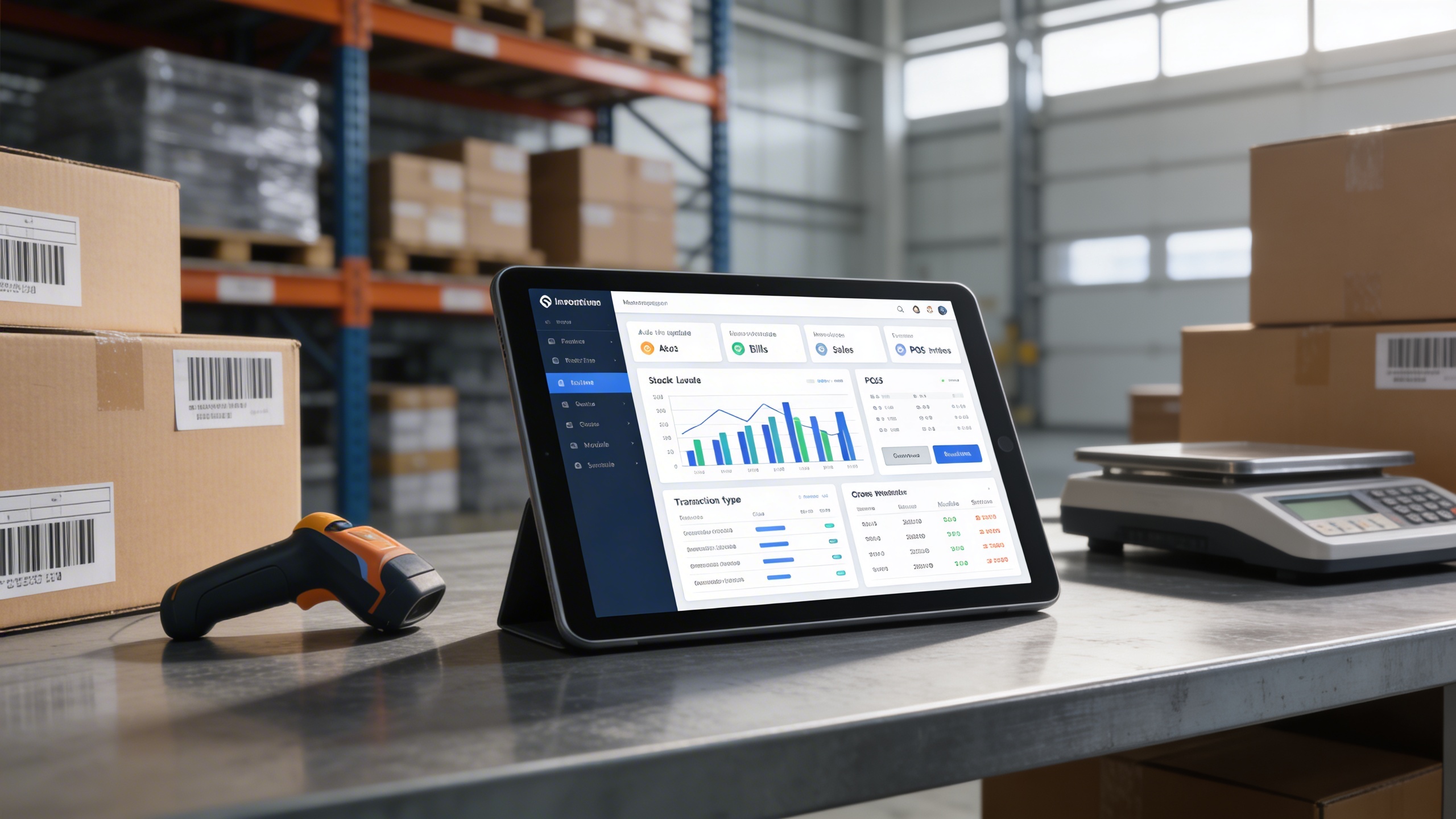
This capability ensures stock is automatically updated at the exact moment transactions occur, eliminating manual entry gaps. It prevents stockouts, overselling, and valuation errors across every operational touchpoint.
Key Capabilities:
- 🧾 Auto-update stock with every invoice, bill, sale, or POS entry
- 📊 Track quantities added by each transaction type
- 🔄 Sync stock levels across all modules without delays
- ⛔ Eliminate risks from manual inventory handling
🔍 2. Linked Transaction Visibility
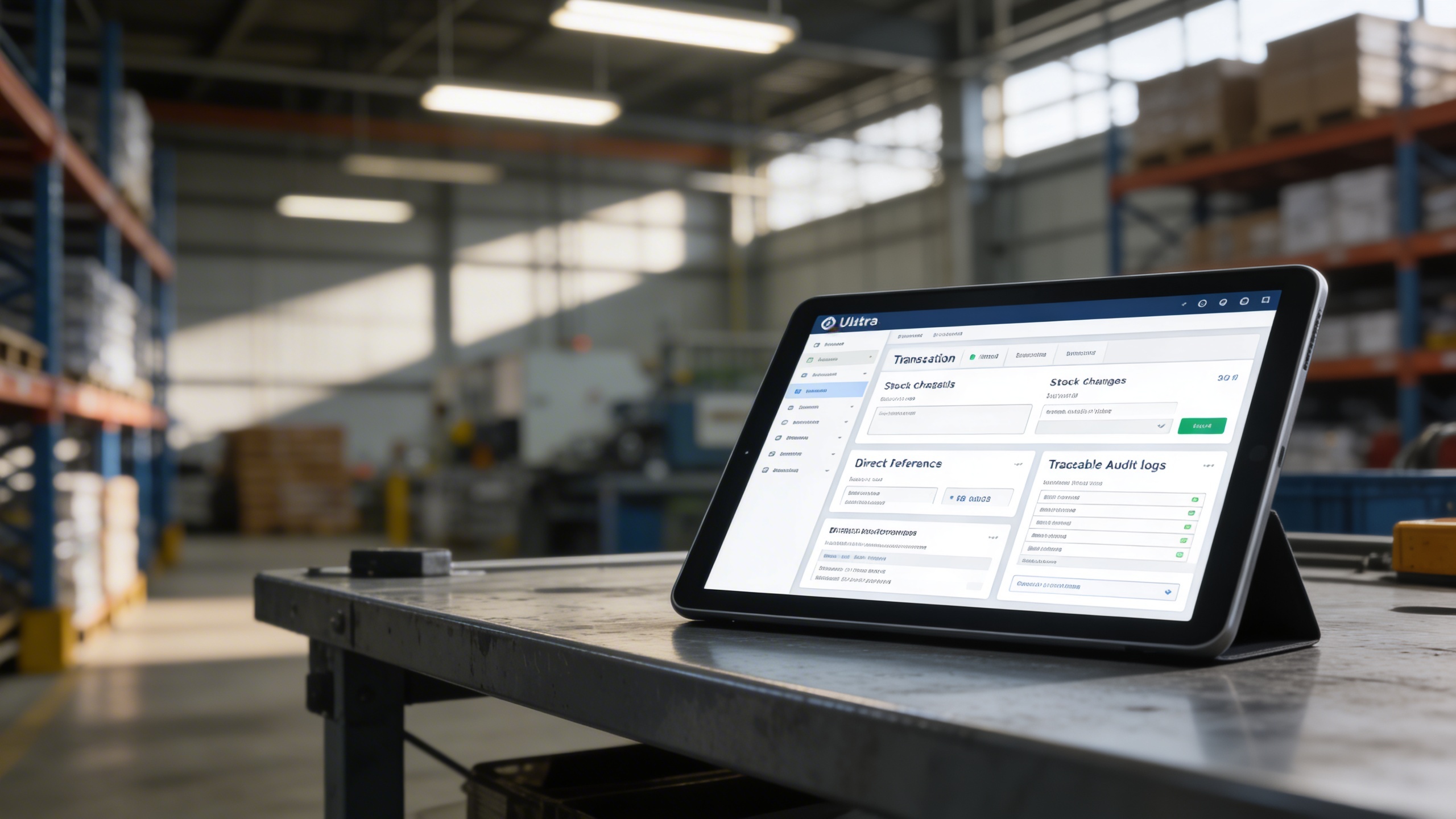
This functionality maps every stock change directly to its originating document, creating a verifiable audit trail. It enhances transparency for finance, warehouse, and compliance stakeholders.
Key Capabilities:
- 👁️ View transaction details linked to each stock change
- 📎 Instantly verify entries via direct document references
- 📚 Maintain traceable logs for audit and verification
- 🔗 Build trust with transparent stock tracking
📁 3. Centralized Stock Dashboard
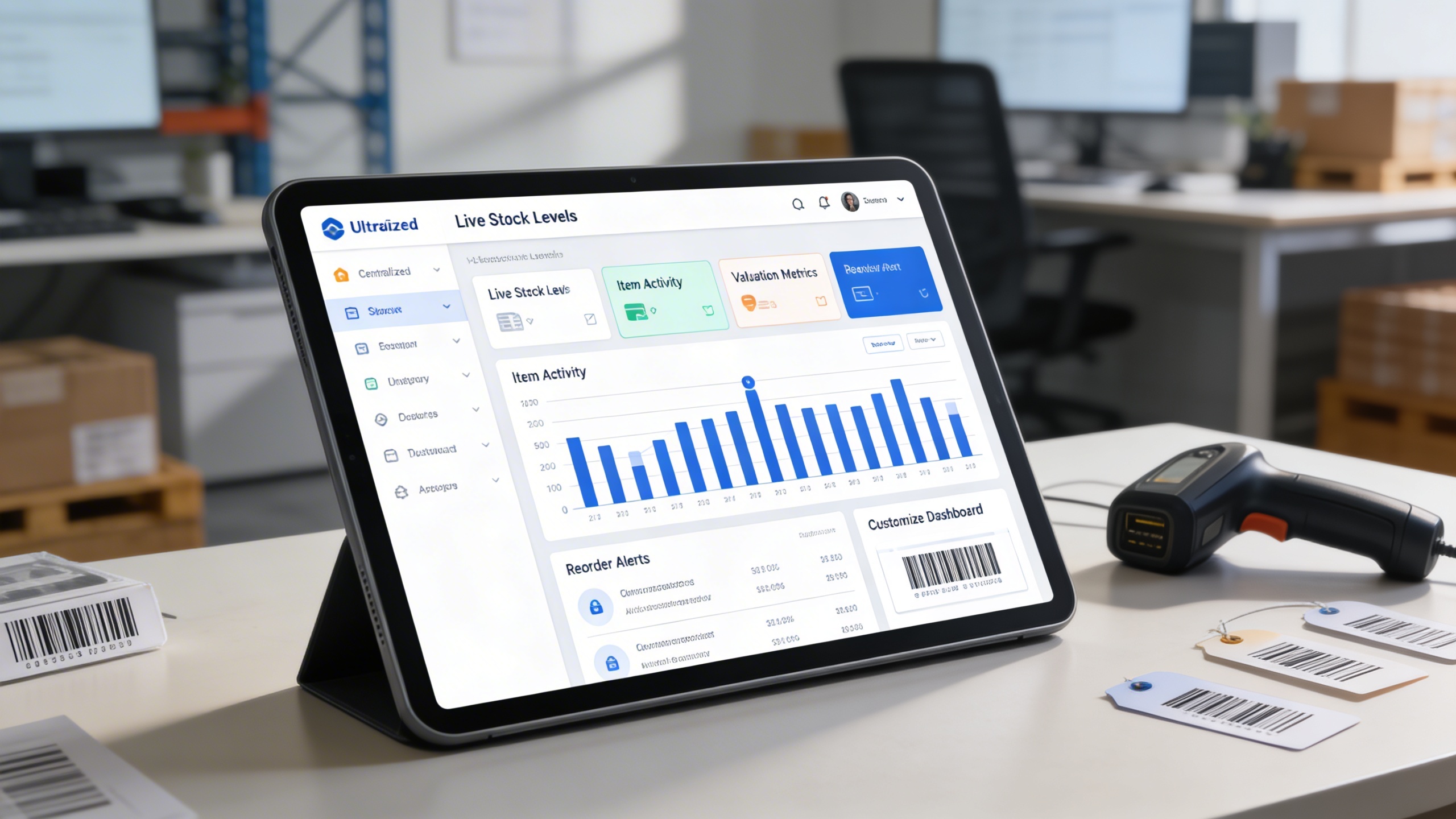
This dashboard consolidates live quantity levels, item activity, and valuation metrics into a single operational command center. It empowers teams to recognize usage trends, reorder requirements, and performance variances instantly.
Key Capabilities:
- 📊 Monitor overall stock levels and item availability
- 📈 Visualize changes in stock over time
- 📄 View item valuation and reorder alerts in one glance
- 🔧 Customize dashboards based on your workflow
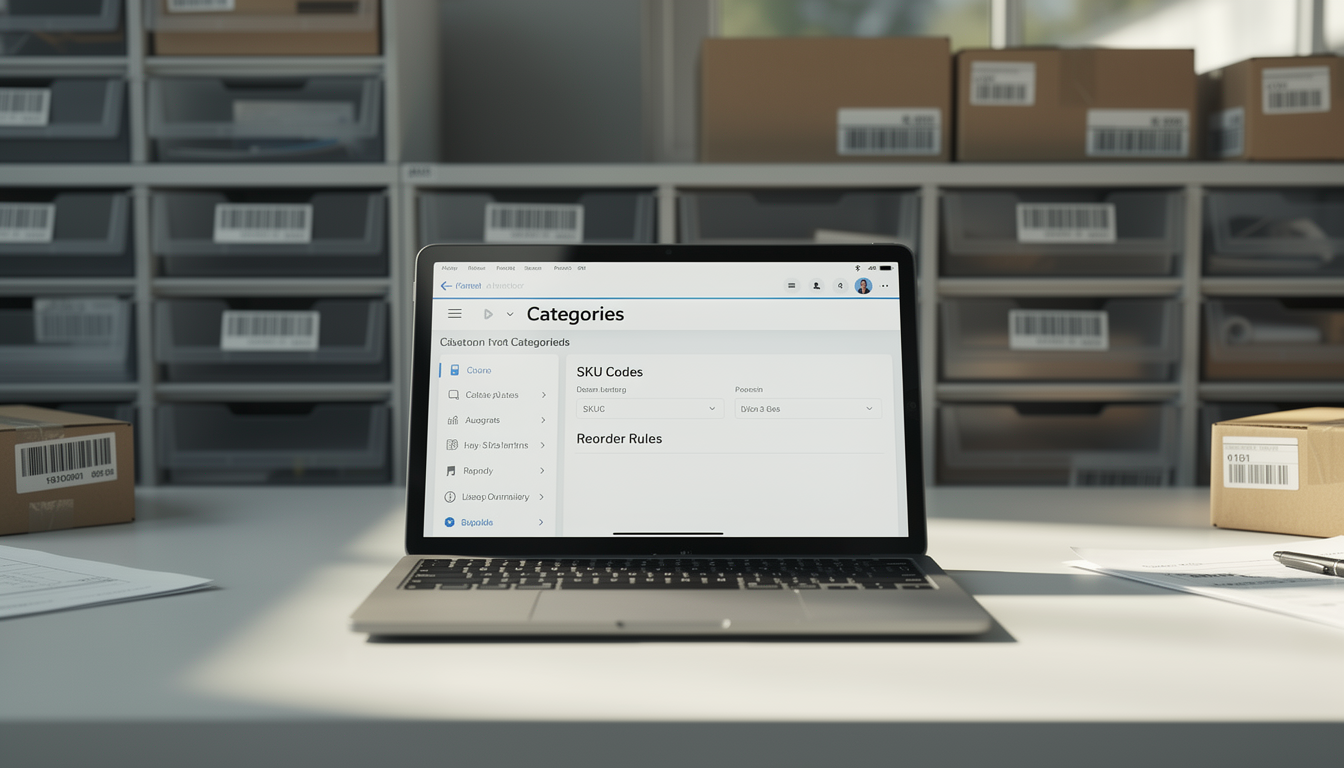
⚙️ 4. Custom Item & Category Configuration
This allows organizations to engineer their own structural hierarchy across items, categories, SKU sets, reorder parameters, and batch attributes. It supports tailored replenishment rules and operational organization.
Key Capabilities:
- 🏷️ Assign custom categories, types, and SKU codes
- 📌 Set reorder levels, minimum thresholds, and restocking rules
- 🗂️ Group items based on storage, supplier, or usage
- 📦 Enable priority-based inventory workflows
📑 5. Intelligent Reporting & Control
This offers a full reporting corpus covering stock movement, availability, lifecycle events, and historical consumption. It strengthens forecasting accuracy and ensures management can allocate budgets with confidence.
Key Capabilities:
- 📄 Generate stock history and movement reports
- 📅 Track purchase-to-sale stock lifecycle
- 🔐 Control report access based on user roles
- 📈 Forecast demand based on past inventory usage

Who Can Benefit from the System?
Inventory-dependent organizations requiring automated stock accuracy, transaction transparency, and synchronized warehouse-to-sales operations.
🛒 E-Commerce Businesses
Overview:
Key Benefits:
🏬 Retail Stores & Chain Outlets
Overview:
Key Benefits:
🏢 Wholesalers & Distributors
Overview:
Key Benefits:
🏭 Manufacturing Units
Overview:
Key Benefits:
📦 Third-Party Logistics Providers (3PL)
Overview:
Key Benefits:
TRUSTED BY 100+ HAPPY CUSTOMERS






Latest insights and updates on technology trends and innovations
Cloud vs. On-Premise: Which Is Right for Your Business?
The Ultimate Guide to Cybersecurity for Small Businesses
How Automation is Revolutionizing Workplace Productivity
Optimizing Business Operations with Cloud Computing
Adopting Cloud Strategies for Scalable Growth
Harnessing Cloud Solutions to Drive Innovation
- AI for Business
- Marketing
- Cloud vs. On-Premise: Which Is Right for Your Business?
- AI for Business
- Marketing
- The Ultimate Guide to Cybersecurity for Small Businesses
- AI for Business
- Marketing
- How Automation is Revolutionizing Workplace Productivity
- Business Consulting
- Marketing
- Optimizing Business Operations with Cloud Computing
- Business Consulting
- IT Solutions
- Adopting Cloud Strategies for Scalable Growth
- Development
- Marketing
- Harnessing Cloud Solutions to Drive Innovation
Ready To Transform Your Business? Book a Free Consultation
Leave your email below to start a new project journey with us. Let’s shape the future of your business together.
S c h e d u l e N o w