
Google Docs
The Google Docs Integration Module is designed to streamline document collaboration and management within your ERP ecosystem. It eliminates the need to switch between platforms, empowering users to work on Google Docs directly from within the system while maintaining complete data integrity and security.
Its main purpose is to:
- Enable in-platform creation and editing of Google Docs
- Ensure real-time synchronization with Google Drive
- Support secure OAuth-based authentication for account protection
- Simplify document organization, sharing, and version control
- Improve team collaboration through centralized access and control
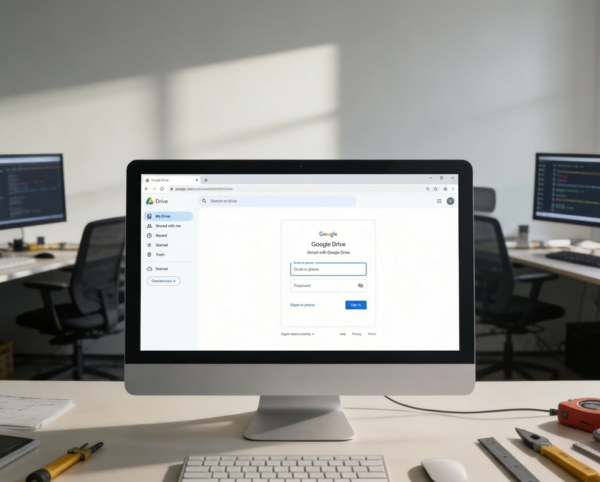
Unifying Document Productivity Inside Your ERP Workspace
Organizations struggle with fragmented documentation, constant platform switching, and uncontrolled file storage scattered across personal drives. This integration solves those challenges by allowing teams to create, edit, organize, and collaborate on Google Docs directly inside the ERP while maintaining synchronized version history, controlled access, and secure OAuth authentication. The result is a centralized, compliant, and productivity-driven document ecosystem built for fast collaboration and operational governance.
Google Docs
Each functional component of the system is modular and scalable for easy customization.
Google Docs Configuration
Upload and manage JSON credentials for secure Google account linking
Google Docs Configuration
OAuth Authorization
Authenticate and enable access for connected Google Workspace users
OAuth Authorization
Document Creation & Editing
Generate new documents directly within the ERP and open in Google Docs
Document Creation & Editing
Document Management
List, organize, rename, and delete documents from a centralized dashboard
Document Management
Access Control
Manage permissions for view, edit, or delete options per user role
Access Control

Integrated Cloud Documentation
Create, collaborate, and manage Google Docs inside ERP with centralized access, secure authentication, and real-time version syncing.
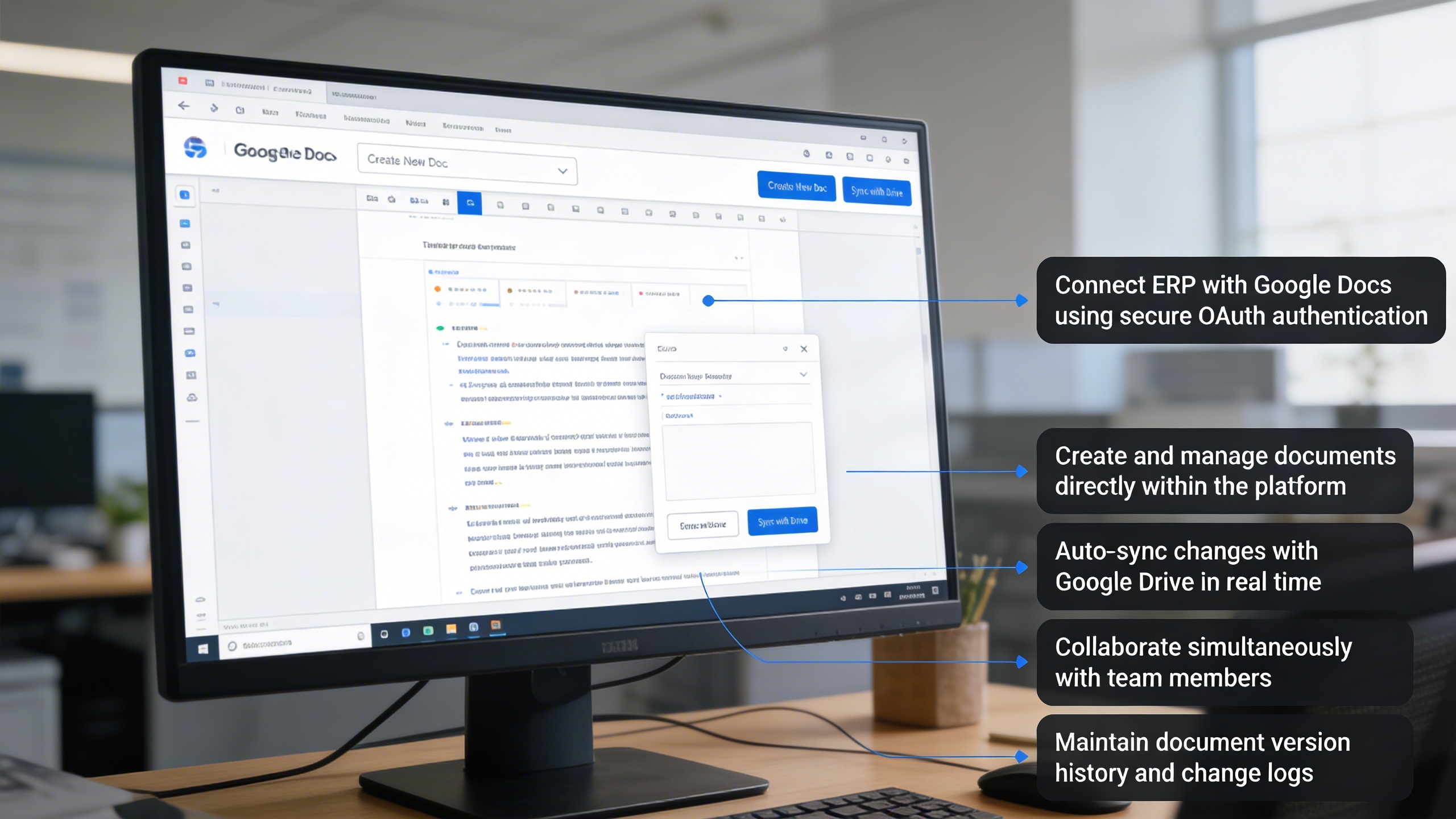
🧾 1. Seamless Google Docs Integration
Experience the power of real-time document collaboration without leaving your ERP. The integration allows you to create, manage, and edit Google Docs effortlessly, enhancing productivity and teamwork.
Key Capabilities:
- 🔗 Connect ERP with Google Docs using secure OAuth authentication
- 📄 Create and manage documents directly within the platform
- 💾 Auto-sync changes with Google Drive in real time
- 👥 Collaborate simultaneously with team members
- 🕒 Maintain document version history and change logs
⚙️ 2. Google Docs Integration Setup
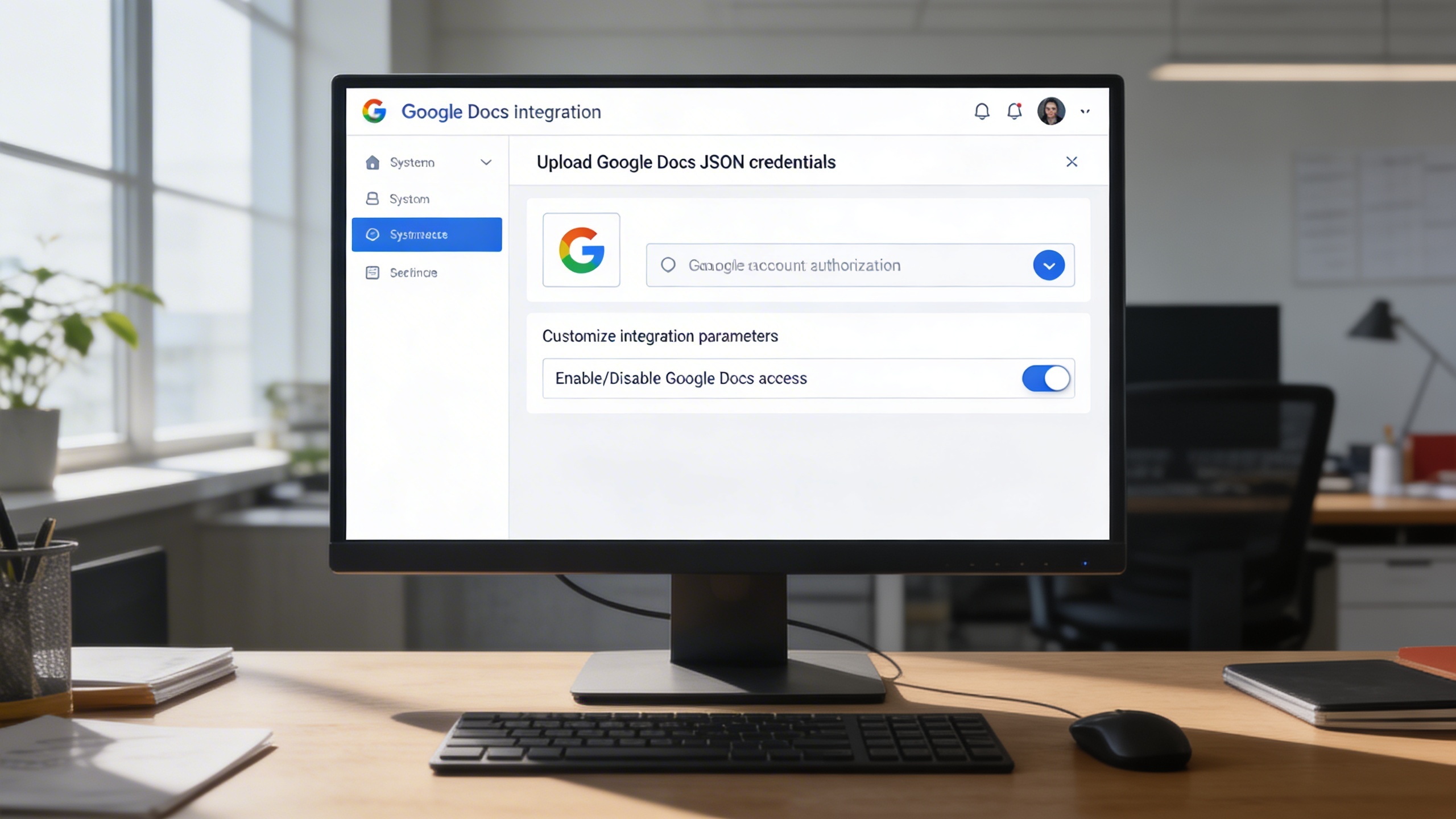
Easily configure the integration with just a few setup steps. Upload your Google Docs JSON file to establish a secure connection between your ERP system and Google Workspace.
Key Capabilities:
- 🧰 Upload Google Docs JSON credentials through system settings
- 🔐 Authorize and link your Google account securely
- ⚙️ Customize integration parameters for user or department access
- ✅ Enable or disable Google Docs access across ERP modules

🗂️ 3. Managing and Accessing Google Docs
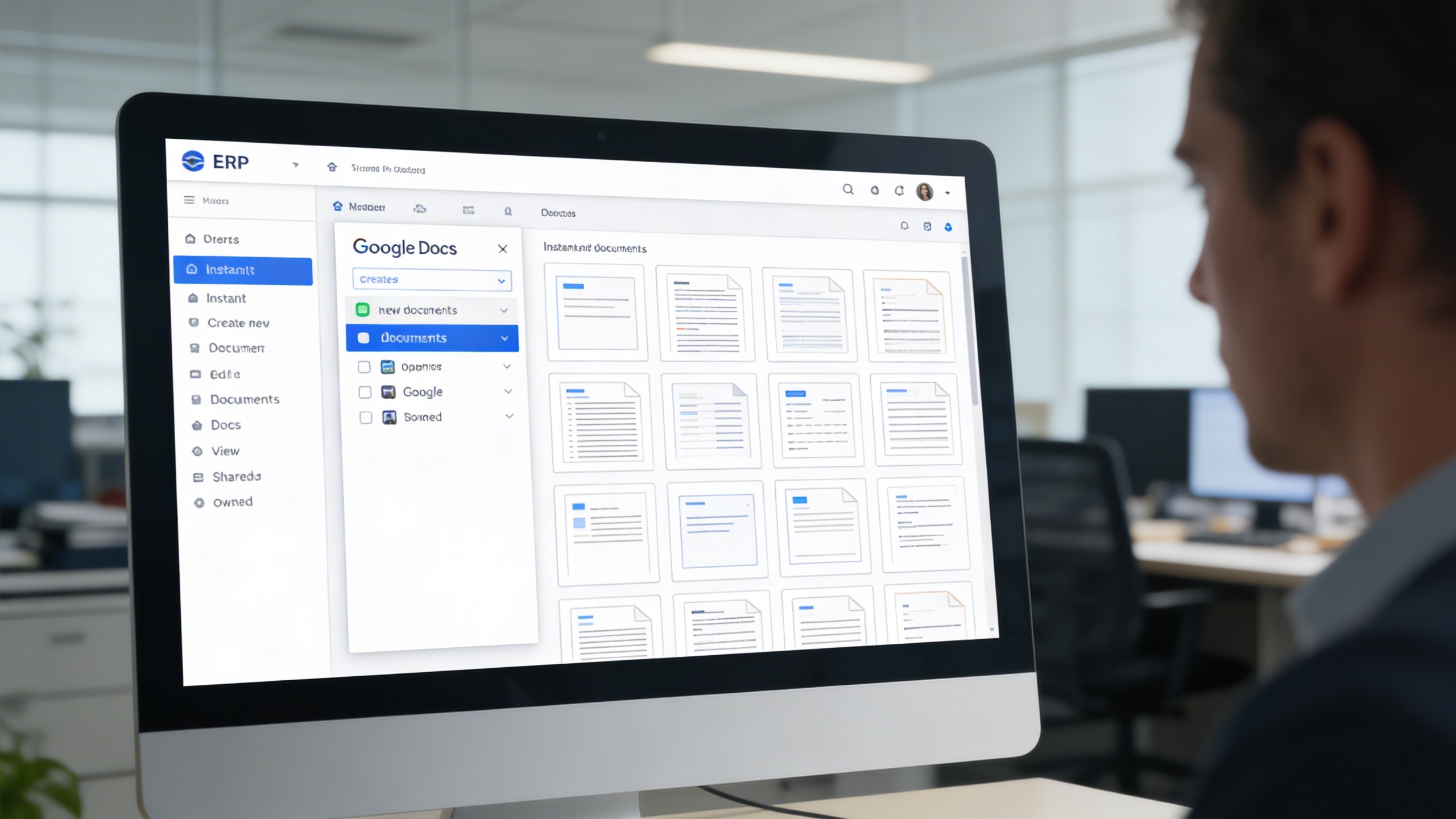
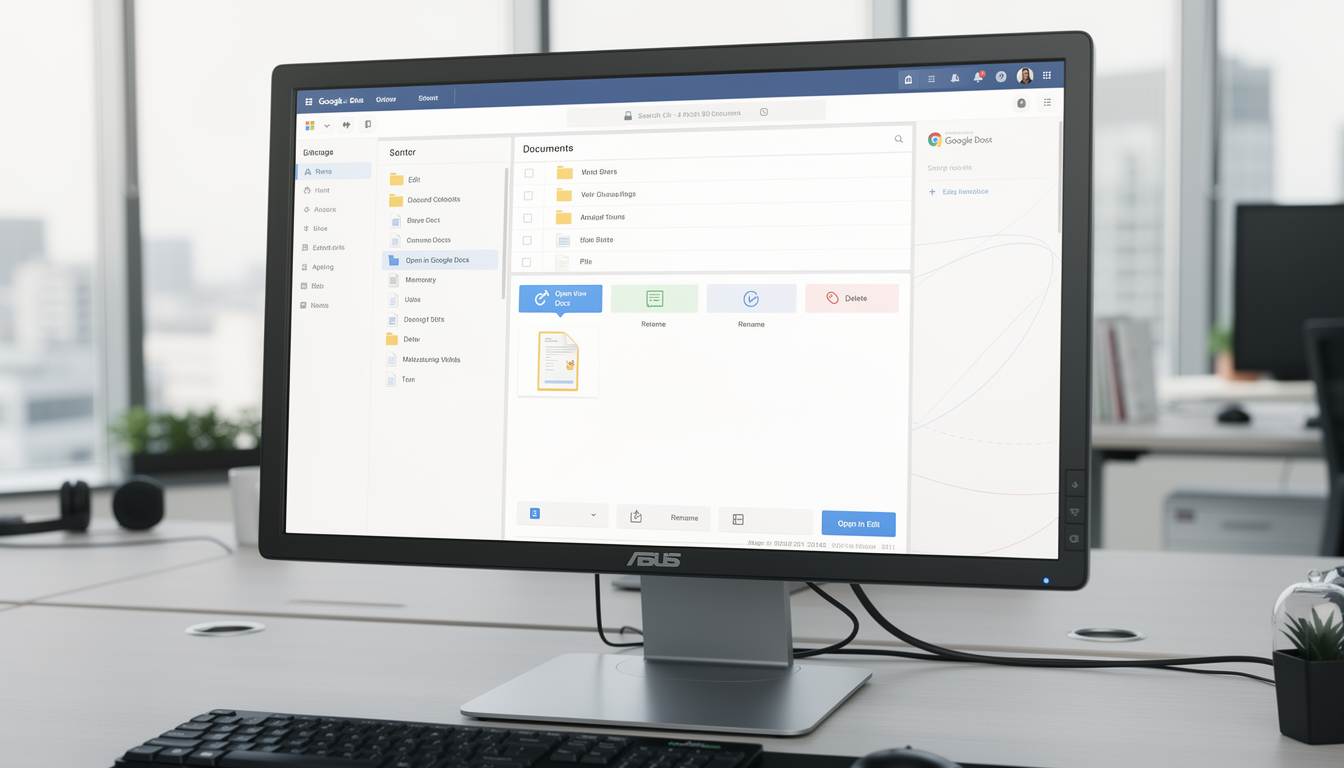
Once authorized, a Google Docs panel becomes available in your ERP sidebar for quick navigation. Users can instantly create, open, and manage documents without disrupting workflow.
Key Capabilities:
- 📁 Access Google Docs via a dedicated ERP sidebar menu
- ➕ Instantly create new documents within the system
- 🖋️ Open and edit documents directly in Google Docs
- 🧾 View shared and owned documents in a clean, organized layout
✏️ 4. Edit, View, and Delete with Ease
Maintain complete control over your document workspace. The system provides direct access to Google Docs editing, as well as quick actions for modification and removal.
Key Capabilities:
- 📄 Open documents directly in Google Docs for editing
- 🧹 Delete unnecessary or outdated files instantly
- 🪶 Rename or organize files based on workflow or department
- 🔍 Navigate easily through all stored and shared documents
Who Can Benefit from the System?
Ideal for organizations needing centralized, secure, and collaborative documentation directly tied to operational workflows.
🏢 Corporate Enterprises
Overview:
Key Benefits:
🏫 Educational & Research Institutions
Overview:
Key Benefits:
💼 Professional Service Providers
Overview:
Key Benefits:
🏗️ Project-Based Organizations
Overview:
Key Benefits:
🚀 Startups & SMEs
Overview:
Key Benefits:
TRUSTED BY 100+ HAPPY CUSTOMERS






Latest insights and updates on technology trends and innovations
Cloud vs. On-Premise: Which Is Right for Your Business?
The Ultimate Guide to Cybersecurity for Small Businesses
How Automation is Revolutionizing Workplace Productivity
Optimizing Business Operations with Cloud Computing
Adopting Cloud Strategies for Scalable Growth
Harnessing Cloud Solutions to Drive Innovation
- AI for Business
- Marketing
- Cloud vs. On-Premise: Which Is Right for Your Business?
- AI for Business
- Marketing
- The Ultimate Guide to Cybersecurity for Small Businesses
- AI for Business
- Marketing
- How Automation is Revolutionizing Workplace Productivity
- Business Consulting
- Marketing
- Optimizing Business Operations with Cloud Computing
- Business Consulting
- IT Solutions
- Adopting Cloud Strategies for Scalable Growth
- Development
- Marketing
- Harnessing Cloud Solutions to Drive Innovation
Ready To Transform Your Business? Book a Free Consultation
Leave your email below to start a new project journey with us. Let’s shape the future of your business together.
S c h e d u l e N o w