
Email Box
The Email Box module is purpose-built to centralize, streamline, and elevate your email communication within the ERP system. By syncing directly with your SMTP server, it transforms routine email access into an efficient and highly interactive experience.
Its main purpose is to:
- Enable full visibility into all mail folders in real time
- Support two-way interaction with your emails directly from ERP
- Enhance workflow through integrated email sending and drafting
- Improve data control and security via internal access and folder permissions
- Provide communication traceability across business modules
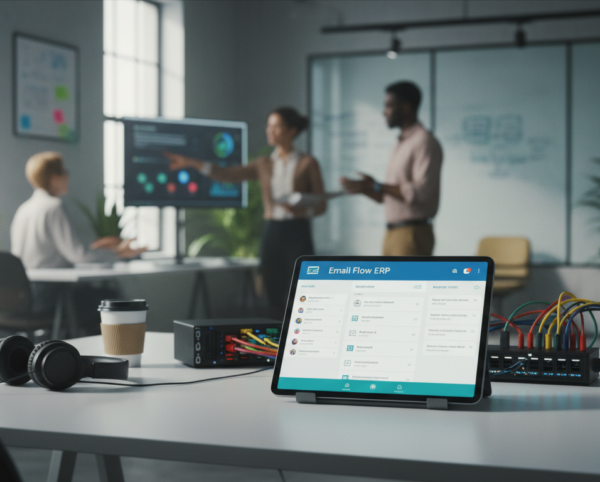
One Inbox. Total Business Control.
Organizations struggle with disconnected inboxes, lost conversations, and limited visibility across departments when email lives outside core systems. The Email Box module resolves these issues by bringing full email folder access, real-time interaction, and ERP-linked communication directly into one unified workspace. This enables faster responses, stronger accountability, and complete traceability across sales, support, projects, and administration.
Email Box
Each functional component of the system is modular and scalable for easy customization.
SMTP Configuration
Connect ERP with company email servers securely
SMTP Configuration
Folder Management
Access all standard folders (Inbox, Sent, etc.) in sync
Folder Management
Mail Composer
Compose, reply, forward with real-time message threading
Mail Composer
ERP Linking Tool
Link specific emails to projects, clients, or sales orders
ERP Linking Tool
Notification Engine
Get notified when new messages arrive or are flagged
Notification Engine
User Roles & Permissions
Role-based visibility and email access control
User Roles & Permissions

Unified ERP Email Workspace
Centralize all email folders, conversations, and ERP-linked communication into one secure, real-time, role-based workspace.
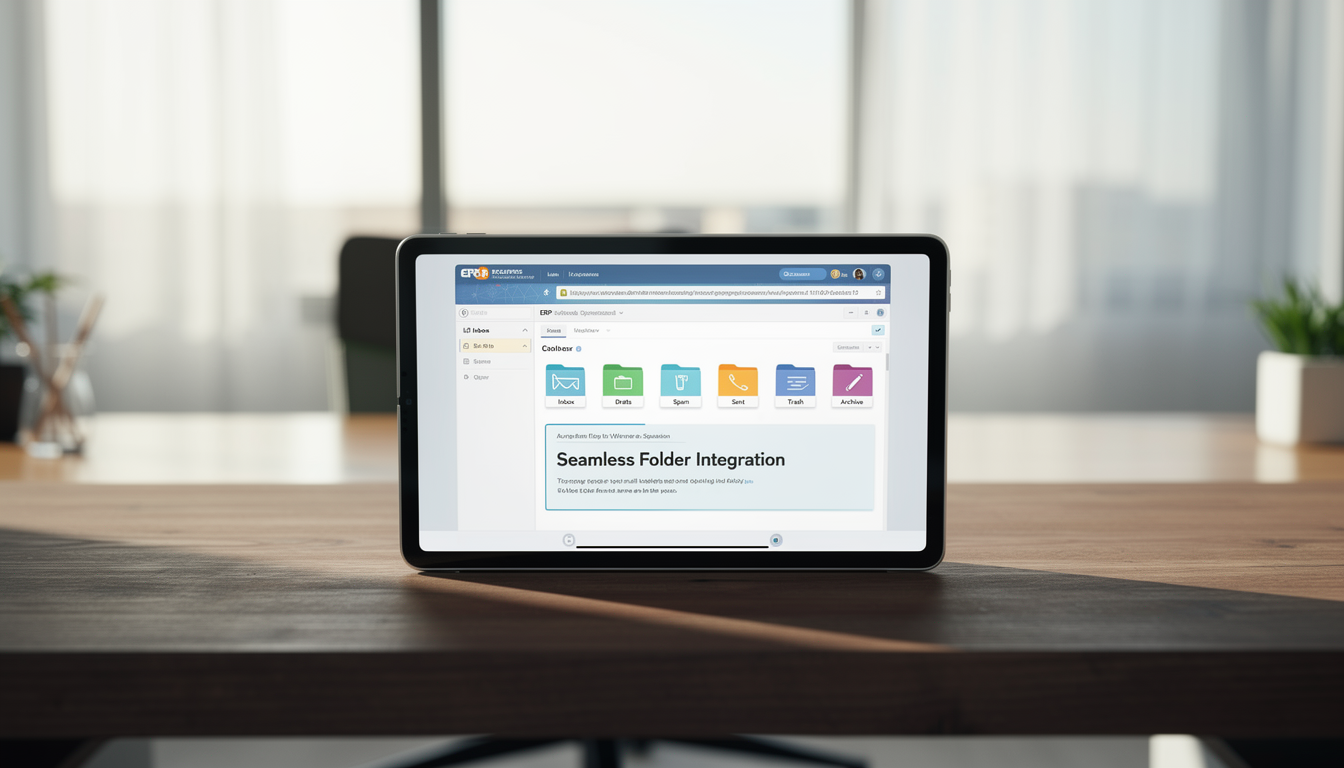
📥 1. Seamless Folder Integration
All standard email folders are synchronized directly inside the ERP interface. This eliminates inbox switching while ensuring real-time access and full message control.
Key Capabilities:
- 📂 View inbox, drafts, spam, sent, trash, and archive in real-time
- 🔄 Sync messages automatically across folders
- 🗂️ Archive or delete emails directly from ERP
- 🔍 Search emails across folders using keywords or filters
✉️ 2. Advanced Email Composer
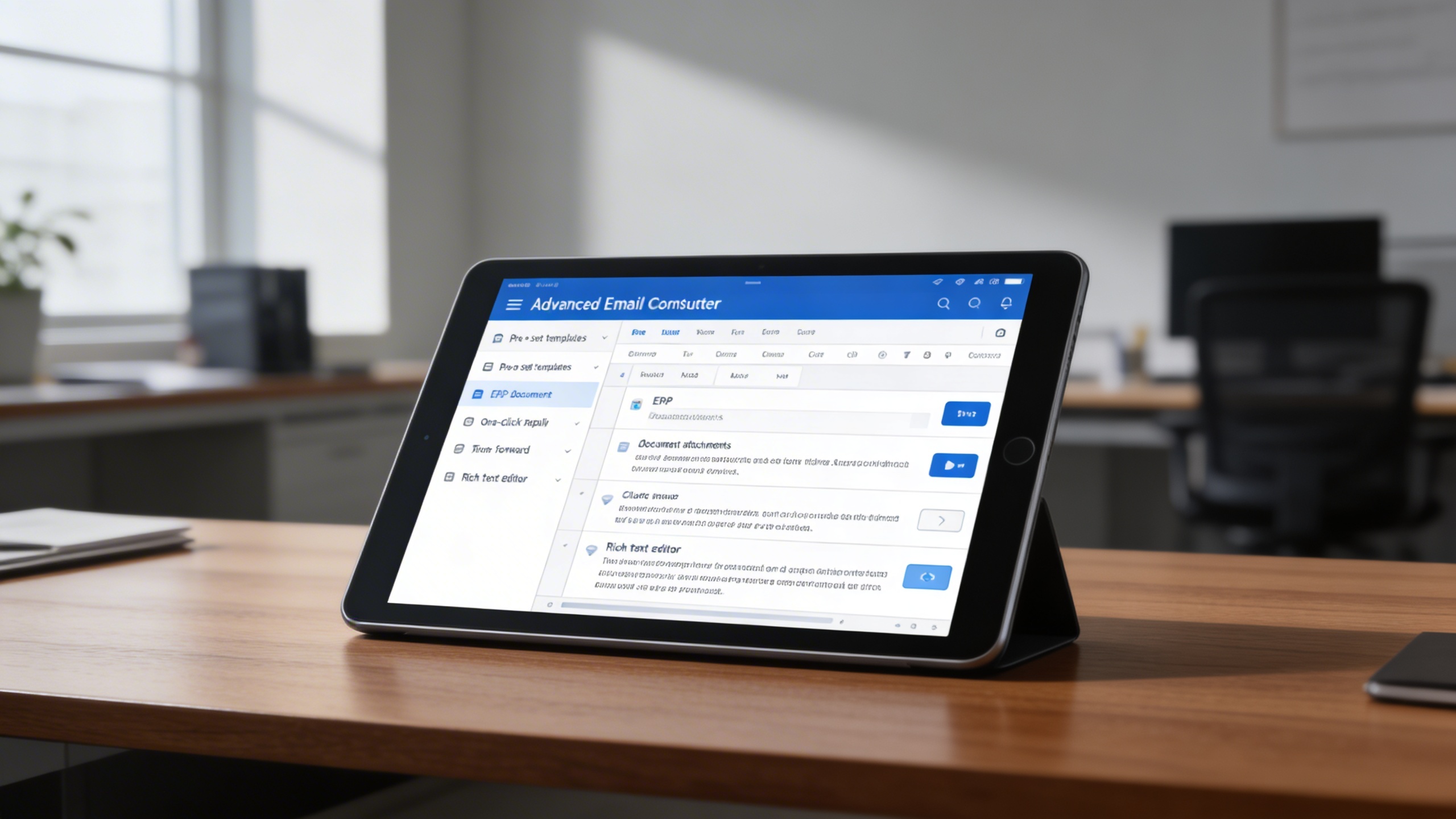
Users can compose, reply, and forward emails without leaving the ERP. Messages can be enriched with ERP documents and formatted professionally for consistent communication.
Key Capabilities:
- 📧 Compose new messages using pre-set templates or drafts
- 📎 Attach ERP documents directly (PDFs, invoices, reports)
- 📤 Reply and forward messages with one click
- 📝 Format content using built-in rich text editor
🔗 3. ERP-Linked Email Interaction
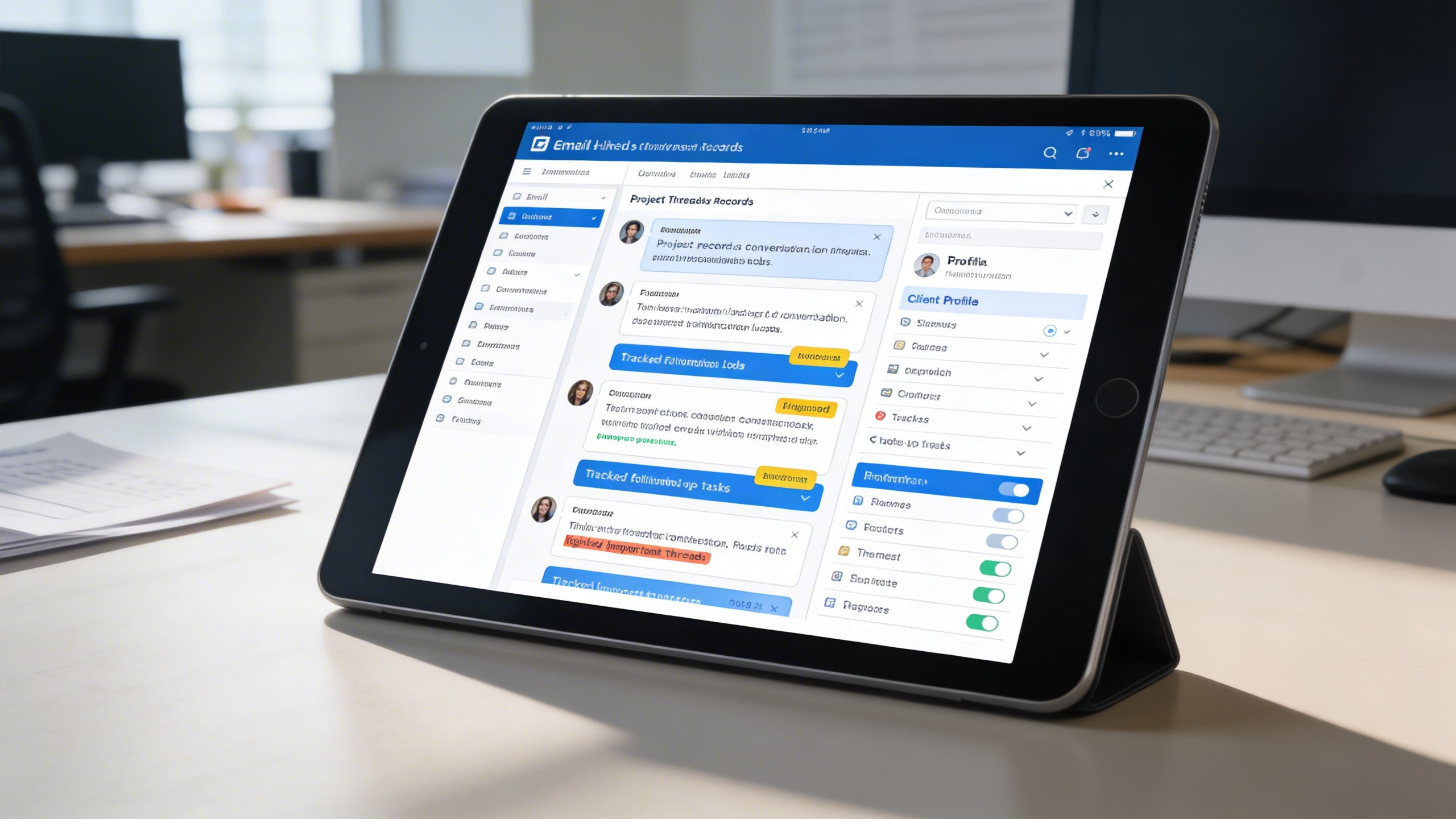
Emails become actionable business records when linked to projects, sales, or support cases. This creates full communication visibility within operational workflows.
Key Capabilities:
- 📌 Link emails to orders, tickets, or project records
- 📊 View conversation logs within client profiles
- 📋 Track follow-up tasks and message outcomes
- 📎 Flag important threads for team visibility
🔐 4. Secure & Role-Based Access
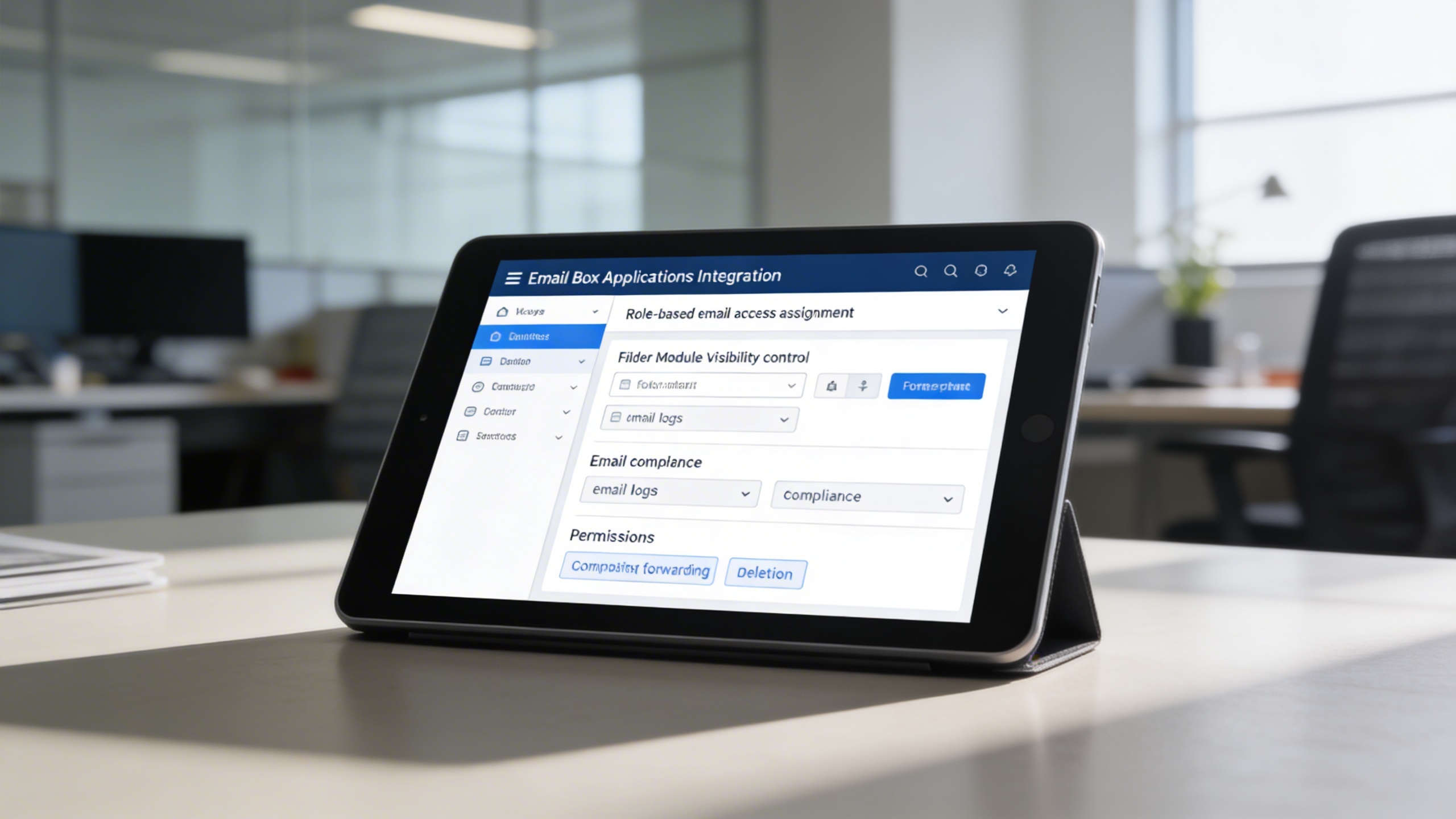
Email access is protected through granular role and folder permissions. This ensures compliance, confidentiality, and controlled communication handling.
Key Capabilities:
- 🧑🤝🧑 Assign email access based on user roles
- 🔐 Control visibility per folder or module integration
- 🧾 Maintain email logs for compliance and traceability
- 📍 Define permissions for composing, forwarding, and deletion
🔔 5. Smart Notification System
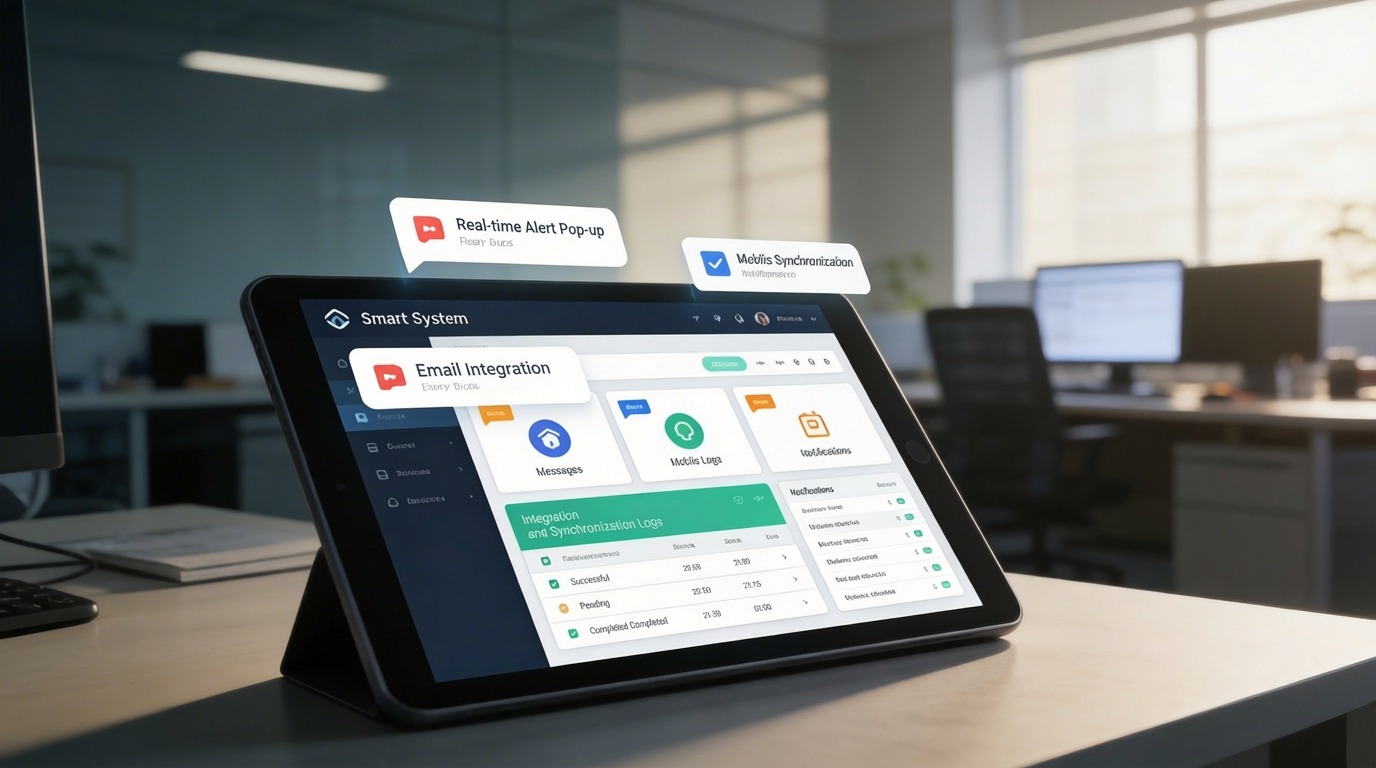
Real-time alerts ensure no critical message is missed. Notifications, reminders, and flags keep teams responsive and aligned with priorities.
Key Capabilities:
- 🔔 Receive real-time alerts for new or priority messages
- 📤 Set message flags or reminders
- 📲 Enable notification pop-ups or mobile sync
- 📊 Log notification history for auditing or SLA tracking
Who Can Benefit from the System?
Teams that rely on high-volume email communication and need centralized visibility, security, and ERP-linked correspondence management.
🏢 Sales & CRM Teams
Overview:
Key Benefits:
🧑💼 Customer Support Units
Overview:
Key Benefits:
🧠 Project Management Offices (PMOs)
Overview:
Key Benefits:
🏛️ Administrative & HR Departments
Overview:
Key Benefits:
🌐 Multi-Branch & Franchise Organizations
Overview:
Key Benefits:
TRUSTED BY 100+ HAPPY CUSTOMERS






Latest insights and updates on technology trends and innovations
Cloud vs. On-Premise: Which Is Right for Your Business?
The Ultimate Guide to Cybersecurity for Small Businesses
How Automation is Revolutionizing Workplace Productivity
Optimizing Business Operations with Cloud Computing
Adopting Cloud Strategies for Scalable Growth
Harnessing Cloud Solutions to Drive Innovation
- AI for Business
- Marketing
- Cloud vs. On-Premise: Which Is Right for Your Business?
- AI for Business
- Marketing
- The Ultimate Guide to Cybersecurity for Small Businesses
- AI for Business
- Marketing
- How Automation is Revolutionizing Workplace Productivity
- Business Consulting
- Marketing
- Optimizing Business Operations with Cloud Computing
- Business Consulting
- IT Solutions
- Adopting Cloud Strategies for Scalable Growth
- Development
- Marketing
- Harnessing Cloud Solutions to Drive Innovation
Ready To Transform Your Business? Book a Free Consultation
Leave your email below to start a new project journey with us. Let’s shape the future of your business together.
S c h e d u l e N o w