
Dropbox
The purpose of the Dropbox Integration Module is to enhance productivity and streamline digital collaboration by embedding Dropbox functionality directly into your ERP system.
Its main purpose is to:
- Access Dropbox files and folders without switching applications
- Edit and view multiple file formats in real time
- Maintain synchronized file versions between Dropbox and ERP
- Enhance inter-departmental collaboration through shared file access
- Reduce time spent on downloads and manual uploads

Unifying Cloud File Collaboration for High-Velocity Operations
Organizations waste time switching between applications, downloading files, sending attachments, and reconciling version conflicts across teams. The Dropbox Integration Module solves these challenges by embedding Dropbox directly in the ERP, enabling instant file access, editing, submodule linking, shared credential control, and synchronized version management. This empowers teams to accelerate workflows, eliminate storage fragmentation, and operate from a single source of truth.
Dropbox
Each functional component of the system is modular and scalable for easy customization.
Dropbox Configuration
Save credentials, enable or disable integration per submodule
Dropbox Configuration
File Management
Access, preview, and organize Dropbox files and folders
File Management
Document Viewer/Editor
Open, view, and edit supported file types directly within ERP
Document Viewer/Editor
Submodule Linking
Connect Dropbox folders to related modules like Tasks, Meetings, or Projects
Submodule Linking
File Synchronization
Automatic syncing between Dropbox and ERP to ensure data consistency
File Synchronization

Integrated Cloud Collaboration
Embed Dropbox into ERP workflows for centralized access, synchronized files, and collaborative editing across projects and departments.
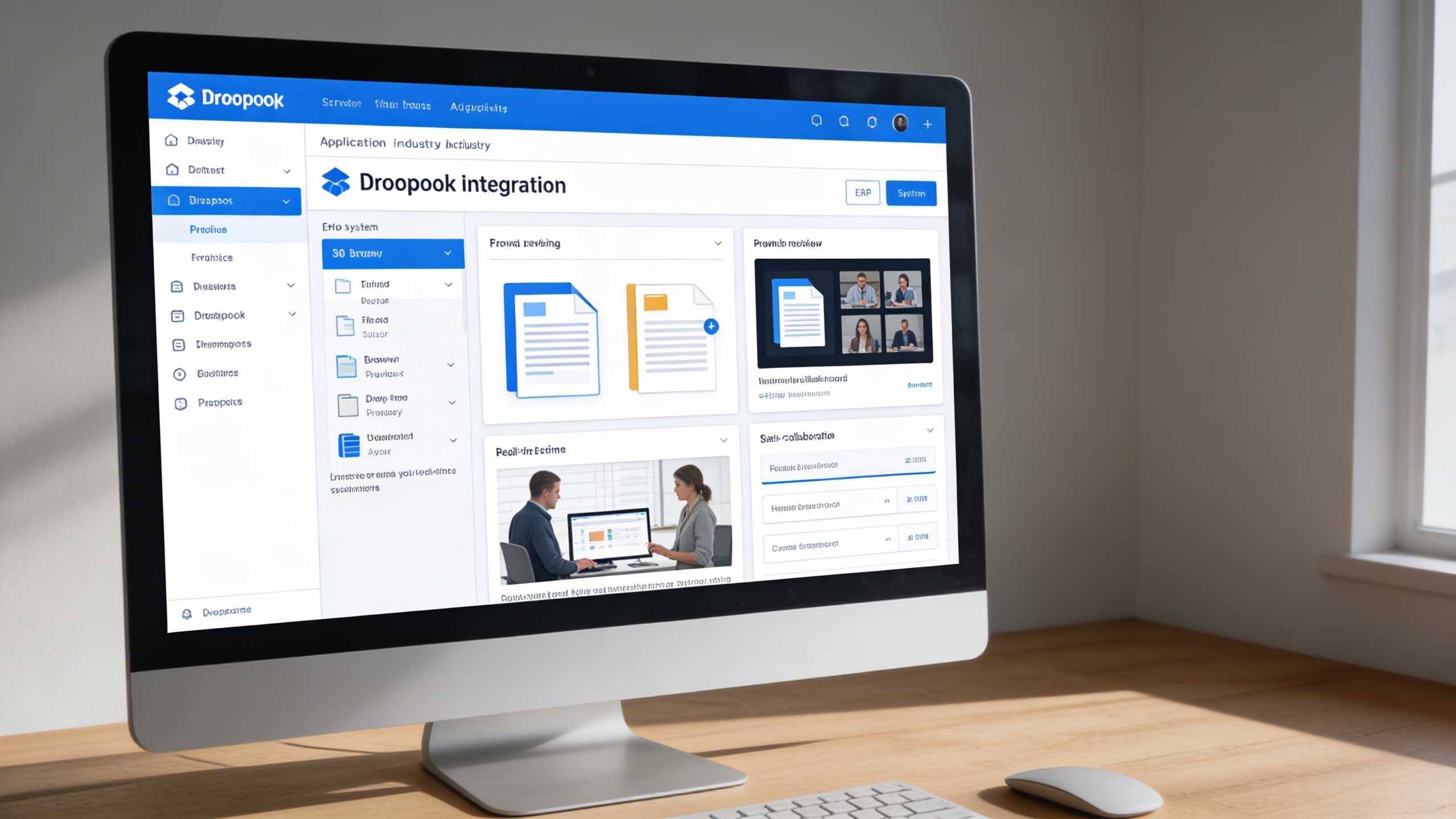
📦 1. Effortless Dropbox Integration
This feature connects Dropbox as a native resource inside the ERP, eliminating external switching and manual uploads. Users can browse, preview, edit, and collaborate on files from a centralized interface.
Key Capabilities:
- 🔗 Seamlessly link your Dropbox account to the ERP system
- 📁 Browse, preview, and edit files without external downloads
- 🧩 Integrate across multiple submodules including Tasks, Meetings, and Policies
- 💬 Collaborate on documents with real-time updates
⚙️ 2. Settings Page for Dropbox Integration
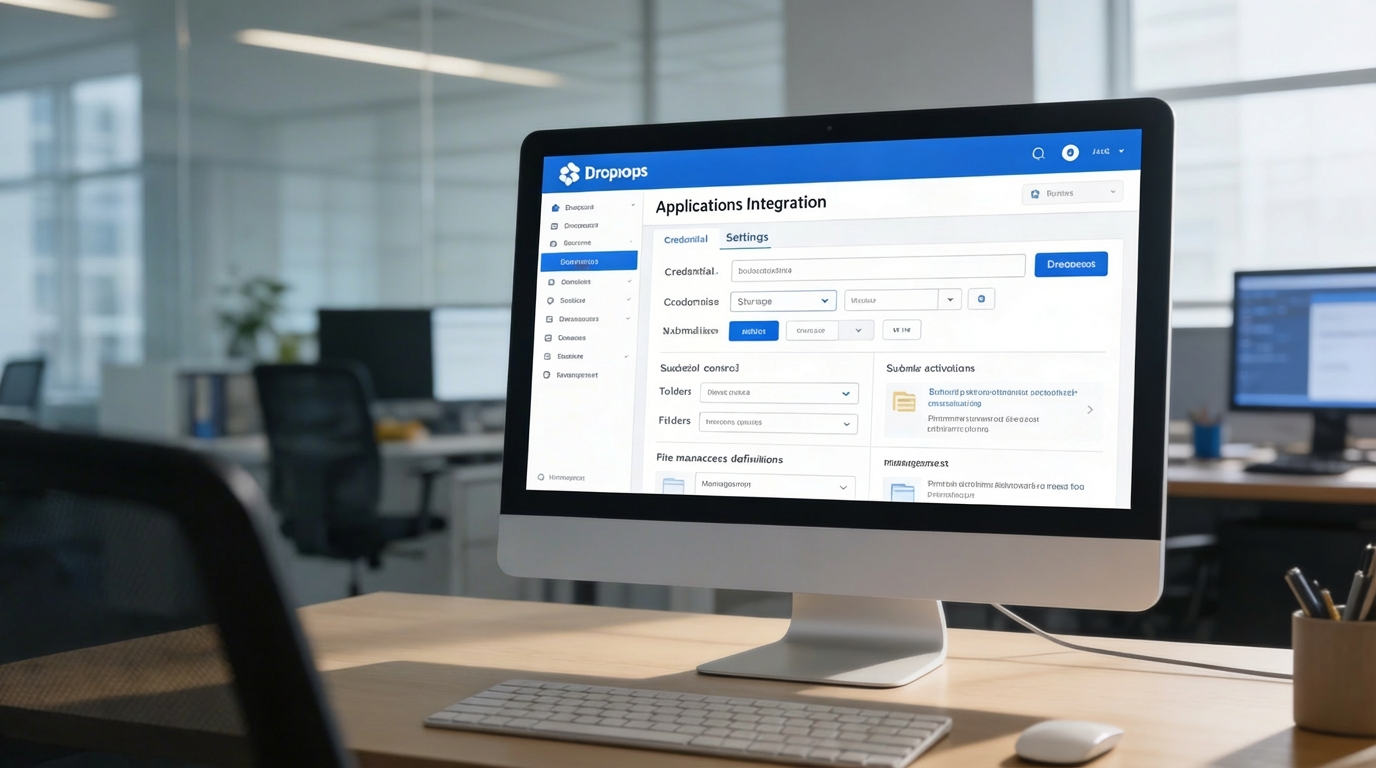
A centralized configuration panel stores credentials, controls permissions, and enables submodule activation by department or workflow. Administrators can govern folder access and enforce storage policies across teams.
Key Capabilities:
- 🔐 Save and manage Dropbox credentials securely
- 🧾 Enable or disable Dropbox integration for selected submodules
- 📂 Choose folders and define access preferences for specific departments
- ⚡ Simplify file management without the need for app switching

🌟 3. Elevate Your Dropbox Experience
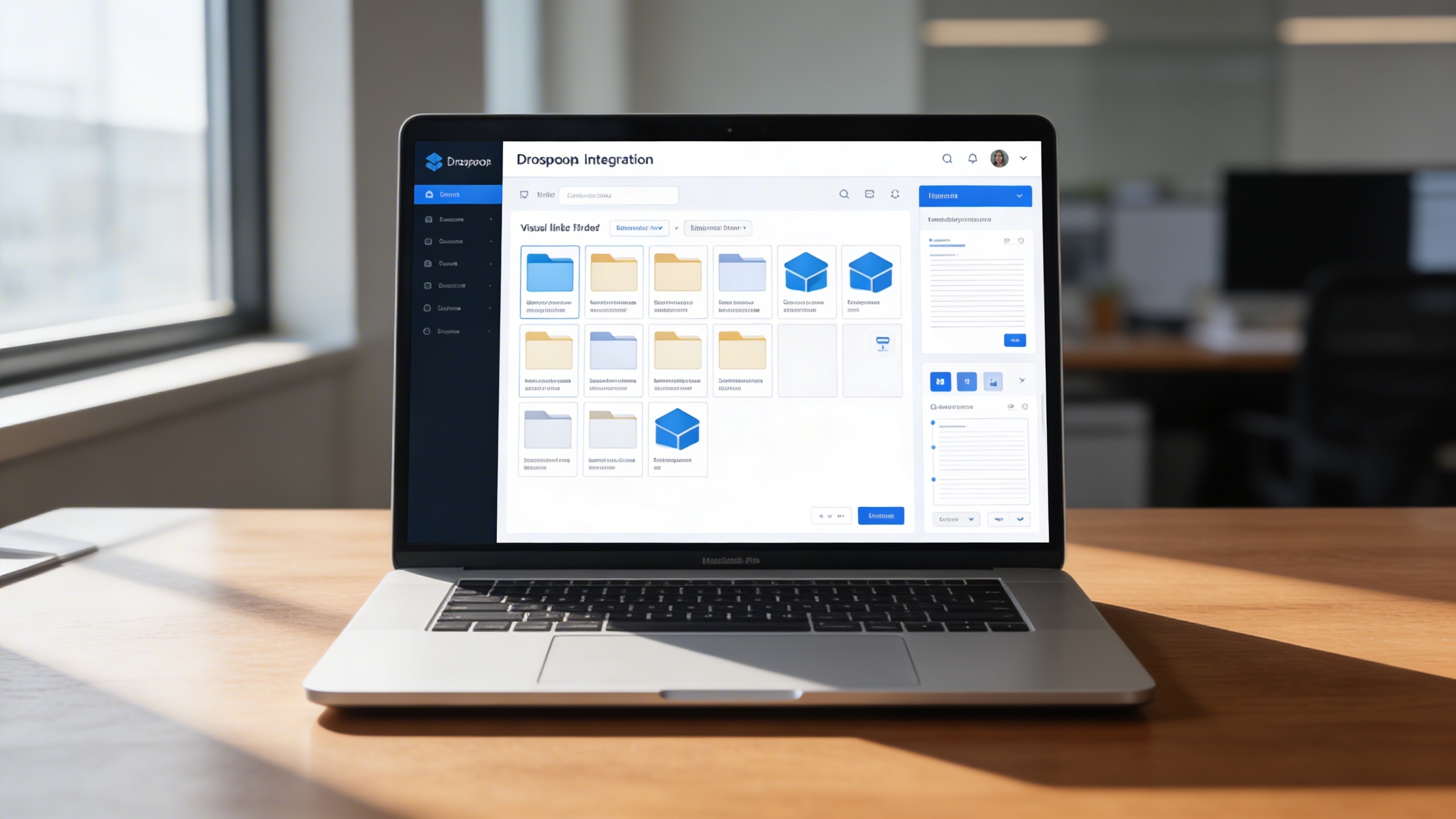
This optimization layer enhances Dropbox usability with structured navigation, linking, and editing capabilities tied to ERP records. Project stakeholders gain immediate access to synchronized files, keeping execution fast and coordinated.
Key Capabilities:
- 🖼️ Explore files using visual grids and list views for faster discovery
- 📎 Link Dropbox folders directly to projects, teams, or records
- 🧠 Maintain workflow continuity with instant access to linked files
- 🪶 Enjoy a smooth editing experience for text, spreadsheet, and document files
Who Can Benefit from the System?
Organizations needing centralized Dropbox access, synchronized project files, and multi-team collaboration inside a unified ERP workspace.
🏢 Corporate Offices
Overview:
Key Benefits:
🏫 Educational Institutions
Overview:
Key Benefits:
🏗️ Project-Based Organizations
Overview:
Key Benefits:
🌐 Service Providers & Agencies
Overview:
Key Benefits:
💼 Startups & SMEs
Overview:
Key Benefits:
TRUSTED BY 100+ HAPPY CUSTOMERS






Latest insights and updates on technology trends and innovations
Cloud vs. On-Premise: Which Is Right for Your Business?
The Ultimate Guide to Cybersecurity for Small Businesses
How Automation is Revolutionizing Workplace Productivity
Optimizing Business Operations with Cloud Computing
Adopting Cloud Strategies for Scalable Growth
Harnessing Cloud Solutions to Drive Innovation
- AI for Business
- Marketing
- Cloud vs. On-Premise: Which Is Right for Your Business?
- AI for Business
- Marketing
- The Ultimate Guide to Cybersecurity for Small Businesses
- AI for Business
- Marketing
- How Automation is Revolutionizing Workplace Productivity
- Business Consulting
- Marketing
- Optimizing Business Operations with Cloud Computing
- Business Consulting
- IT Solutions
- Adopting Cloud Strategies for Scalable Growth
- Development
- Marketing
- Harnessing Cloud Solutions to Drive Innovation
Ready To Transform Your Business? Book a Free Consultation
Leave your email below to start a new project journey with us. Let’s shape the future of your business together.
S c h e d u l e N o w