
Document Template
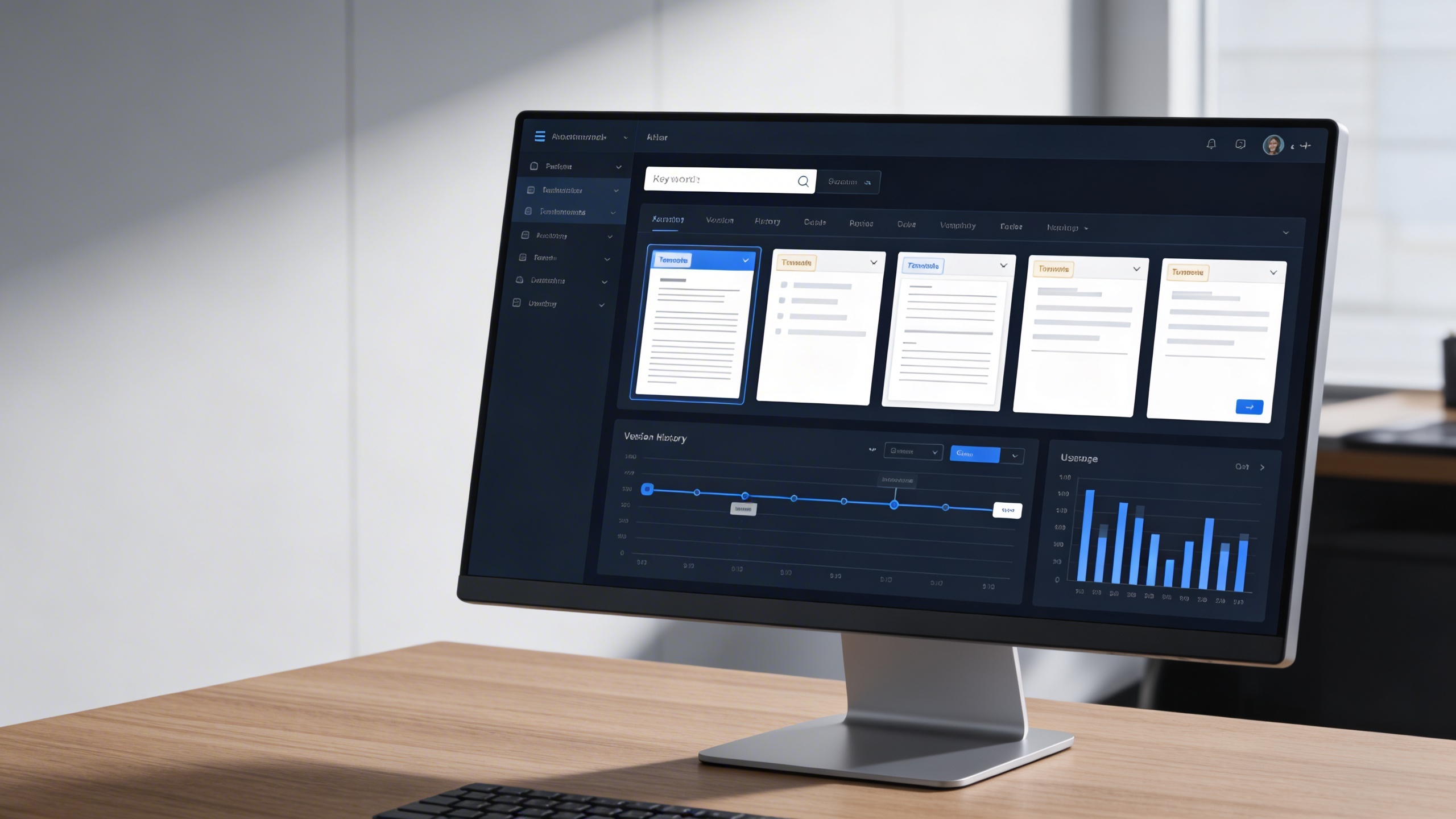
The Document Template Module is built to centralize and streamline document generation by offering reusable, easily customizable templates that align with organizational requirements.
Its main purpose is to:
- Standardize document formatting and structure across departments
- Simplify template creation with flexible configuration tools
- Accelerate document generation and reduce manual data entry
- Ensure accuracy, compliance, and brand consistency in documentation
- Empower teams to focus on value-added work by automating repetitive document tasks
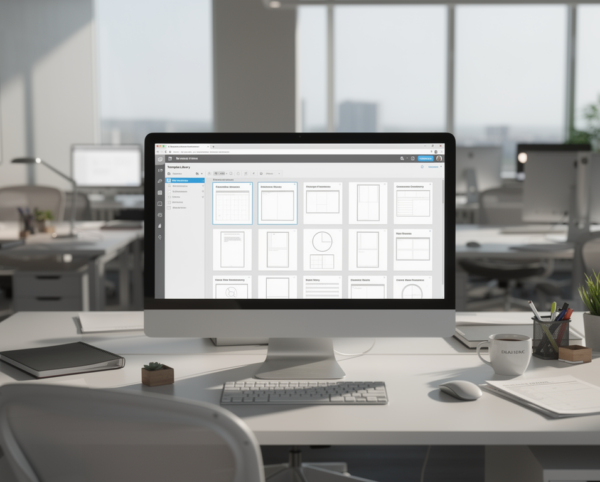
Automated Document Standardization
Organizations struggle with document inconsistency, formatting errors, and repetitive manual preparation. The Document Template Module resolves these issues by centralizing template creation, applying automation rules, and enforcing structural standards across departments. This allows teams to generate compliant, brand-aligned documents rapidly while focusing their effort on strategic output rather than formatting tasks.
Document Template
Each functional component of the system is modular and scalable for easy customization.
Template Builder
Define sections, placeholders, fields, and formatting.
Template Builder
Tag & Parameter Management
Add dynamic fields, data tags, and reusable parameters.
Tag & Parameter Management
Template Library
Store, organize, and retrieve templates efficiently.
Template Library
Template-to-Document Conversion
Generate active documents directly from templates.
Template-to-Document Conversion
Customization Editor
Modify headers, footers, and content elements easily.
Customization Editor
Template Analytics
Track usage frequency and optimization performance.
Template Analytics

Intelligent Template Automation
Automate document formatting, data inputs, approvals, and compliance using reusable, customizable templates.
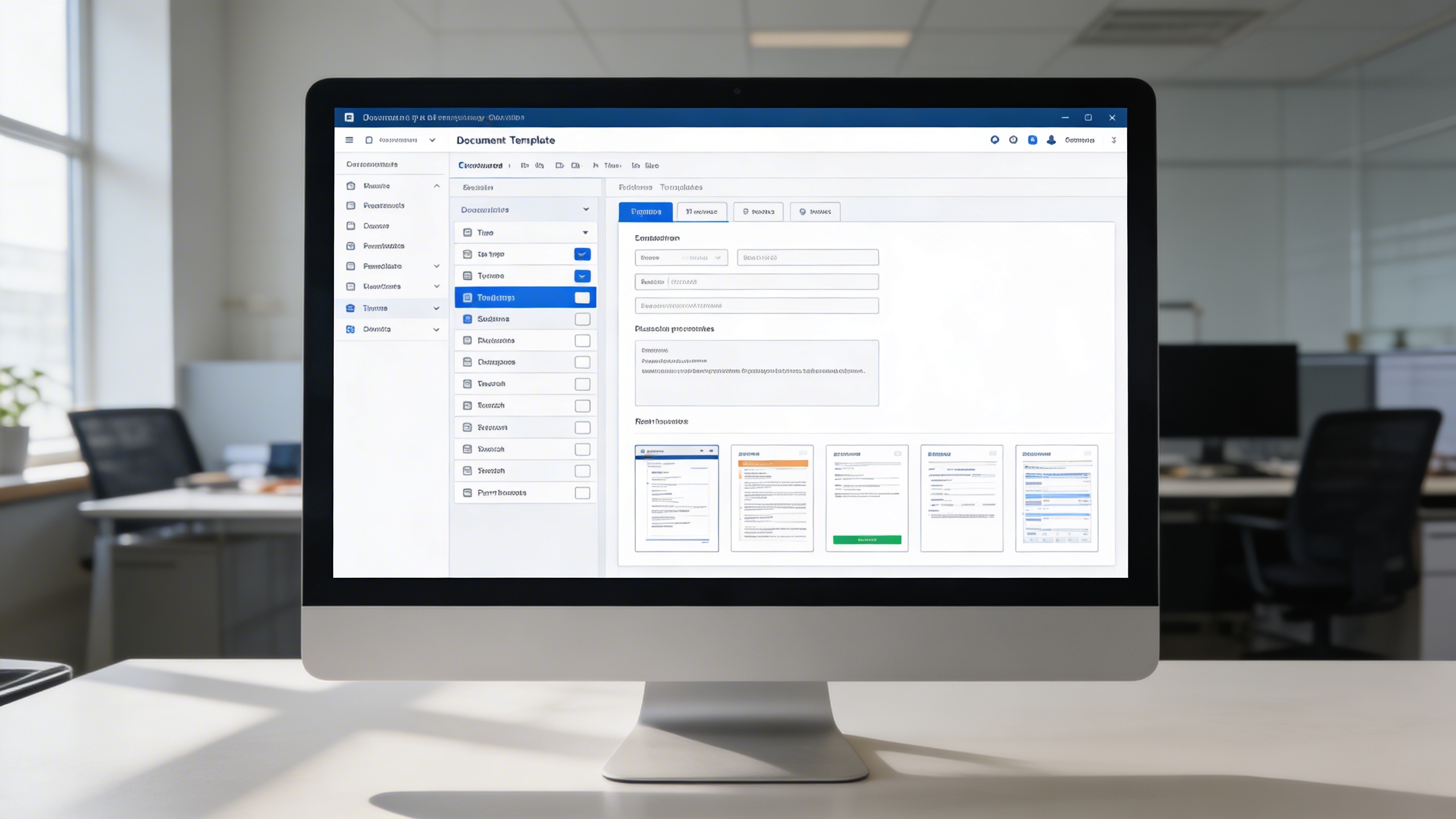
🧾 1. Effortless Document Template Creation
Users build standardized templates with editable fields, sections, placeholders, and visual elements. Real-time previews, permission rules, and categorization ensure consistency while minimizing setup time.
Key Capabilities:
- 🧩 Create new templates with adjustable fields, placeholders, and sections
- Automate document formatting, data inputs, approvals, and compliance using reusable, customizable templates.
- 📂 Save and categorize templates by type (contracts, proposals, reports, etc.)
- 🔐 Apply permission settings for specific users or departments
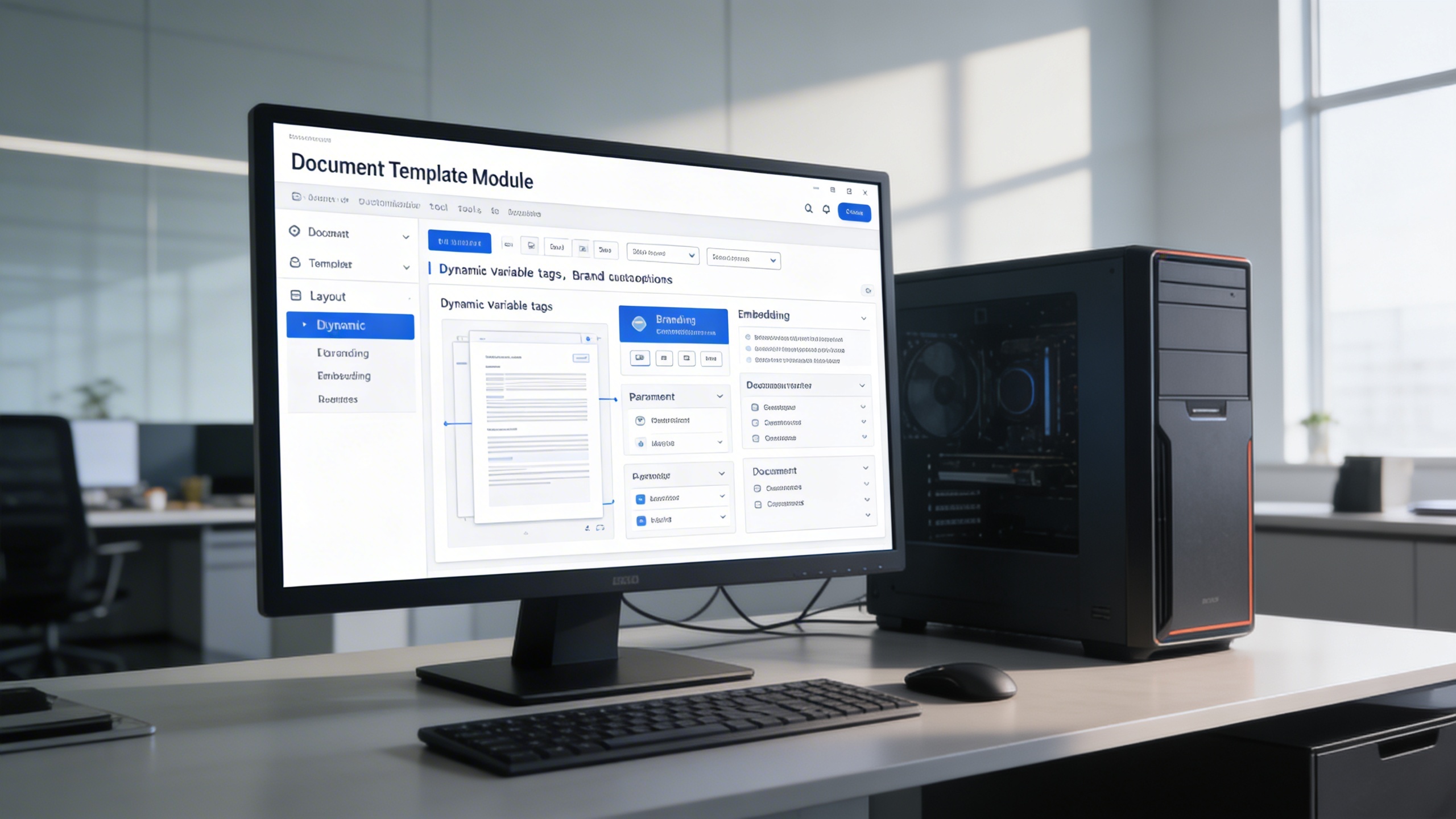
⚙️ 2. Precision Customization
Teams configure layouts, variables, branding elements, and approval components with granular control. Dynamic tags automate text population and enforce structure while reducing risk of formatting inconsistencies.
Key Capabilities:
- ✏️ Modify layout components and field arrangements effortlessly
- 🧠 Use dynamic variables and tags to automate content population
- 📎 Embed company branding, digital signatures, or approval sections
- 🧾 Set rules for required or optional document parameters

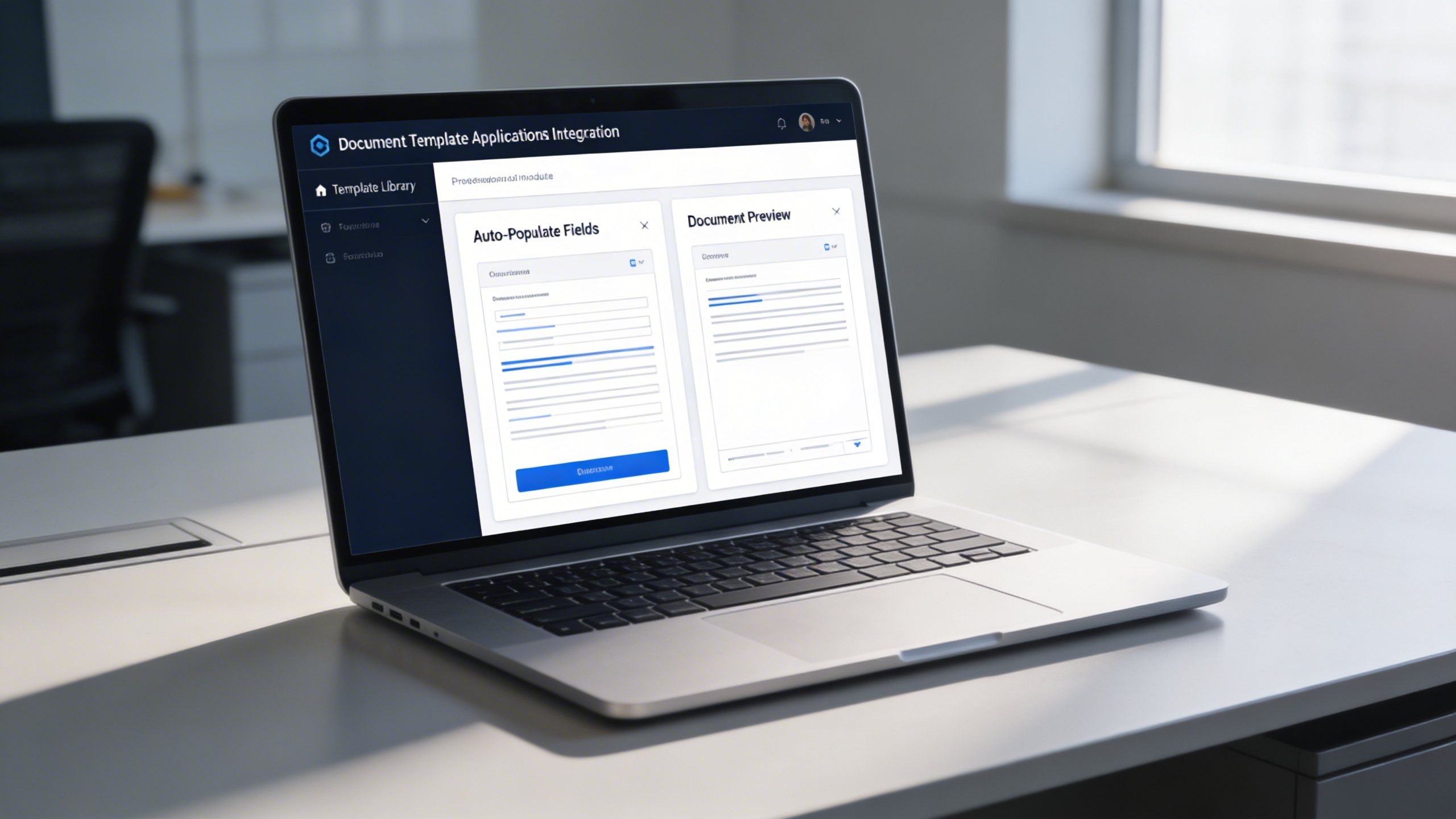
🔄 3. Seamless Conversion to Documents
Templates convert into finalized documents instantly with automated field population and formatting preservation. This reduces manual input, accelerates turnaround, and maintains policy-aligned accuracy every time.
Key Capabilities:
- 📑 Select a template from the library to auto-generate a document
- 💾 Automatically populate data fields based on template definitions
- ⏱️ Eliminate repetitive manual input, ensuring faster document turnaround
- 📋 Maintain formatting and compliance consistency across generated documents
🗂️ 4. Organized and Accessible Templates
All templates are indexed, categorized, version-controlled, and searchable for rapid retrieval. Usage analytics and version rollback provide control, governance, and flexibility for high-volume teams.
Key Capabilities:
- 🏷️ Assign tags and categories for easy sorting and retrieval
- 📚 Access version history to restore or review prior template iterations
- 🔍 Search templates using keywords, document types, or tags
- 📈 Monitor usage analytics to optimize frequently used templates
Who Can Benefit from the System?
Organizations generating recurring documents requiring speed, consistency, compliance, and automated formatting across teams.
🏢 Corporate Enterprises
Overview:
Key Benefits:
🏛️ Government Institutions
Overview:
Key Benefits:
💼 Professional Service Firms
Overview:
Key Benefits:
🏫 Educational Institutions
Overview:
Key Benefits:
🧰 SMEs & Startups
Overview:
Key Benefits:
TRUSTED BY 100+ HAPPY CUSTOMERS






Latest insights and updates on technology trends and innovations
Cloud vs. On-Premise: Which Is Right for Your Business?
The Ultimate Guide to Cybersecurity for Small Businesses
How Automation is Revolutionizing Workplace Productivity
Optimizing Business Operations with Cloud Computing
Adopting Cloud Strategies for Scalable Growth
Harnessing Cloud Solutions to Drive Innovation
- AI for Business
- Marketing
- Cloud vs. On-Premise: Which Is Right for Your Business?
- AI for Business
- Marketing
- The Ultimate Guide to Cybersecurity for Small Businesses
- AI for Business
- Marketing
- How Automation is Revolutionizing Workplace Productivity
- Business Consulting
- Marketing
- Optimizing Business Operations with Cloud Computing
- Business Consulting
- IT Solutions
- Adopting Cloud Strategies for Scalable Growth
- Development
- Marketing
- Harnessing Cloud Solutions to Drive Innovation
Ready To Transform Your Business? Book a Free Consultation
Leave your email below to start a new project journey with us. Let’s shape the future of your business together.
S c h e d u l e N o w